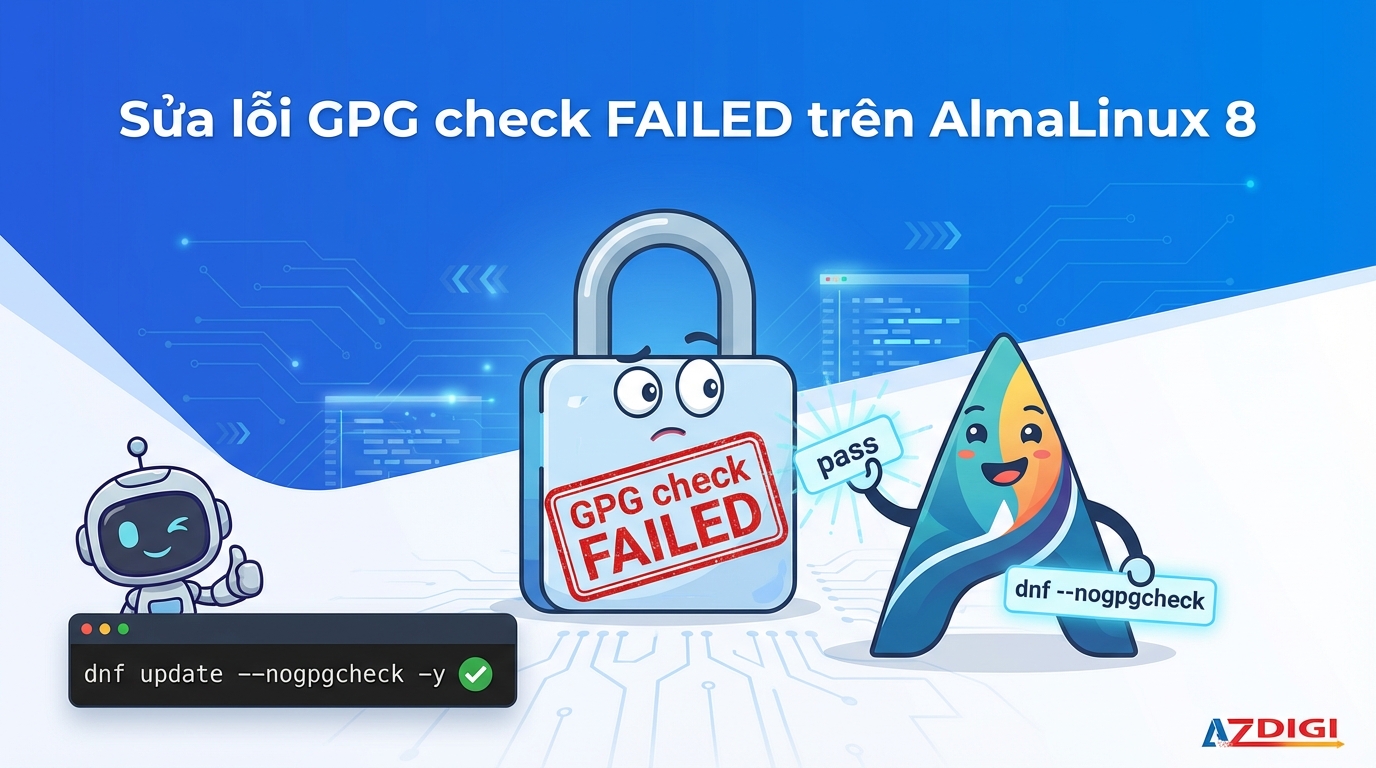
In some cases, a VPS/Server using the AlmaLinux 8 operating system when first created will encounter an error message “
Error: GPG check FAILED ” when updating software with commandyum update ordnf update as shown below.
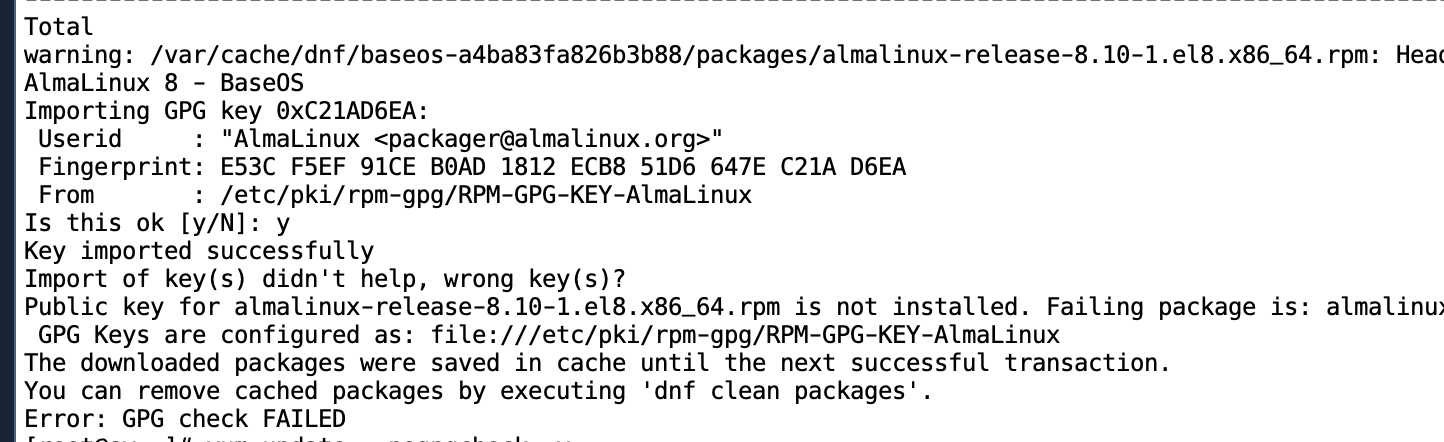
The cause occurs when AlmaLinux changes the GPG key so the GPG key stored in the operating system being used does not match.
To fix this error, you can execute the command update packagealmalinux-release There is no need to check the GPG key as follows:
dnf upgrade almalinux-release --nogpgcheck -yOr you can also update all packages installed on the server with the following command.
dnf update --nogpgcheck -yThis versionalmalinux-release will be updated and use the new GPG key.
Wishing you success!
You might also like
- Fix the error: YumRepo Error All mirror URLs are not using ftp http[s] or file
- Fix the "The repository no longer has a Release file" error on Ubuntu
- Convert CentOS 8 to AlmaLinux
- Fix the Login failed error when accessing Terminal on aaPanel
- Fixing the error of not posting posts when scheduling on WordPress
- Troubleshooting Linux VPS - How to Handle Common VPS Issues
About the author

Thạch Phạm
Đồng sáng lập và Giám đốc điều hành của AZDIGI. Có hơn 15 năm kinh nghiệm trong phổ biến kiến thức liên quan đến WordPress tại thachpham.com, phát triển website và phát triển hệ thống.