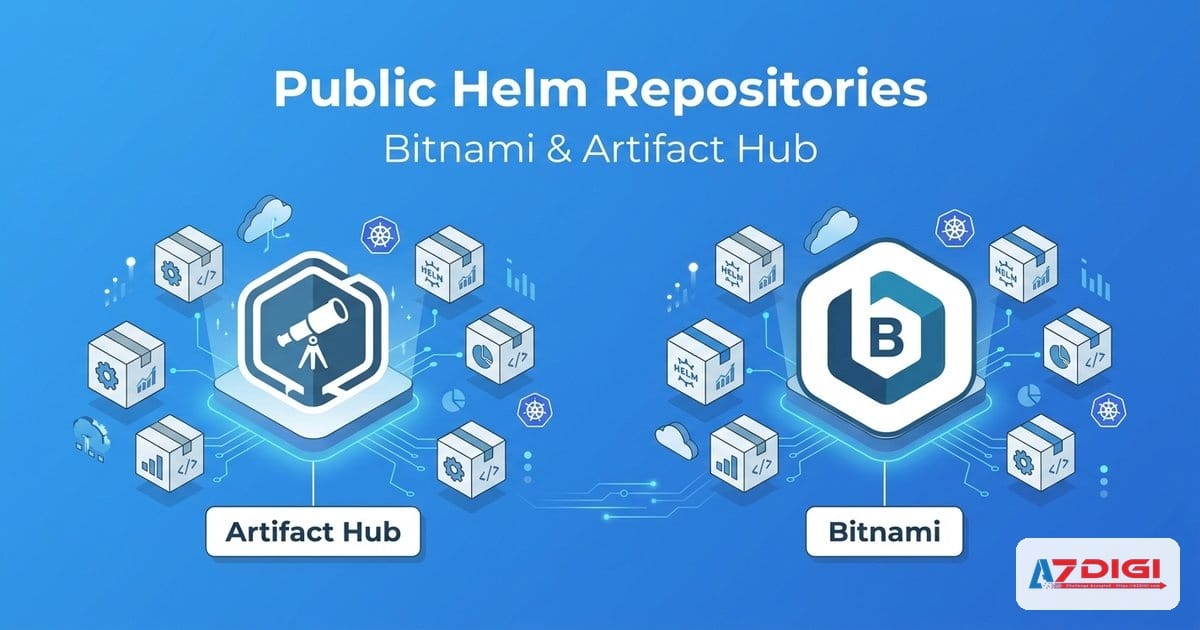
In part 4, we looked at Helm templates, helpers, and flow control. This part moves into the more practical side of daily work: taking a chart from a public repository, checking what it will do, and deploying it with enough guardrails for both labs and real environments. If you’re new to Helm, this is usually the easiest place to start because you don’t have to build a chart from scratch yet.
The lab examples in this article use Helm 4.1.3, the Bitnami repository, and local rendering with helm template. The commands and snippets below are based on actual output from Bitnami’s nginx, postgresql, and redis charts.
- Why public charts are the right place to start
- Artifact Hub as Helm’s app store
- Bitnami demo: nginx, PostgreSQL, Redis
- Full workflow: search, inspect, install, upgrade, rollback
- Best practices for public charts
- Troubleshooting public charts
- When to fork or customize
- FAQ
Why public charts are the right place to start
If your goal is to deploy a common stack such as Nginx, PostgreSQL, Redis, Prometheus, or Grafana, writing a chart from scratch is usually not the best first move. It takes time, and it’s easy to miss important details such as probes, ServiceAccounts, persistence, RBAC, resource presets, NetworkPolicy, and upgrade logic.
A public chart gives you that scaffolding up front. Then you can focus on three things: whether the chart is trustworthy, whether its defaults fit your cluster, and what values you need to override. For beginners, this is also one of the fastest ways to learn Helm because you can see how experienced maintainers structure values.yaml, define dependencies, and handle release lifecycle logic.
ℹ️ Public charts help you move faster, but that does not mean you should install a well-known chart straight into production without reviewing it first.
Another advantage is community usage. When something breaks, you are much more likely to find issues, changelogs, README notes, and real-world examples than with an internal chart that only your team has touched.
Artifact Hub, Helm’s app store
Artifact Hub collects packages from several ecosystems, and Helm charts are one of the most familiar categories for Kubernetes teams. In simple terms, it works like an app store for charts: you search by application name, see who publishes the chart, check available versions, read the README, inspect metadata and dependencies, and review links back to the source repository.
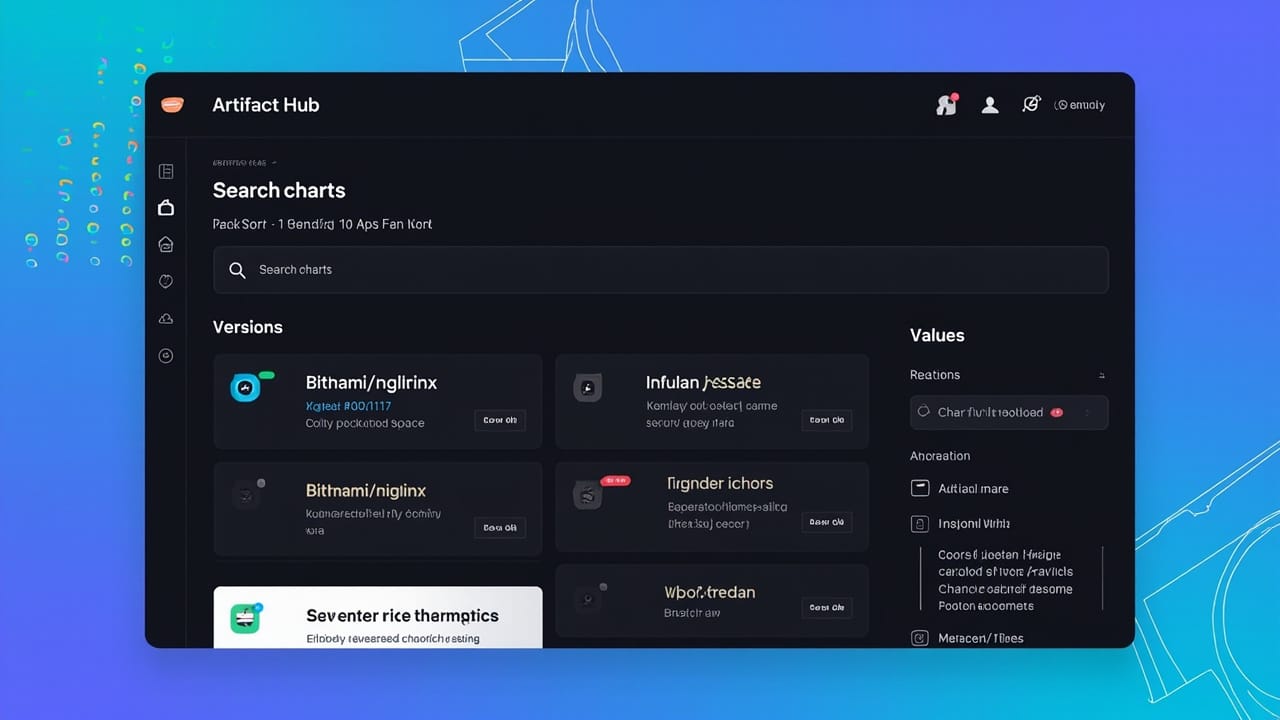
When I search on Artifact Hub, I usually check these points first:
- Who the publisher is and whether they are reputable
- Whether the chart is still actively maintained
- Whether the README is clear, especially for upgrade notes and breaking changes
- Whether the values are well organized and not unnecessarily chaotic
- Whether the chart links back to a source repository for deeper inspection
Artifact Hub is excellent for discovery and filtering. After that, I still switch back to the CLI to inspect the chart locally. The web interface gives you context. Helm CLI shows you what is actually going to land in the cluster.
Bitnami demo: nginx, PostgreSQL, Redis
Bitnami is a very common starting point for Helm users. Their charts are well documented, the values are structured in a predictable way, and many popular applications are available there. Start by adding the repository and updating the index:
helm repo add bitnami https://charts.bitnami.com/bitnami
helm repo update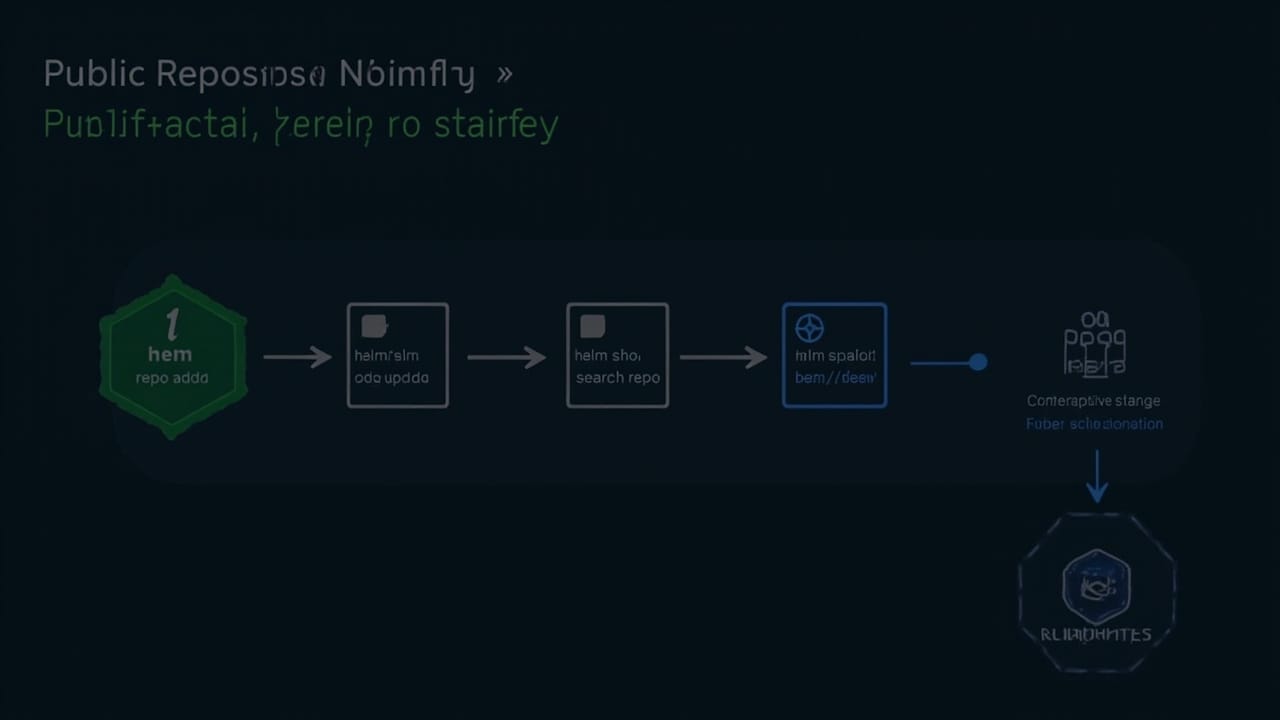
Then search for the Nginx chart:
helm search repo bitnami/nginx --versions | headNAME CHART VERSION APP VERSION DESCRIPTION
bitnami/nginx 22.6.10 1.29.7 NGINX Open Source is a web server...
bitnami/nginx 22.6.9 1.29.6 NGINX Open Source is a web server...
bitnami/nginx 22.6.8 1.29.6 NGINX Open Source is a web server...There are two versions you need to keep separate:
- Chart version: the Helm package version
- App version: the application version inside the chart, in this case Nginx 1.29.7
This distinction matters. A chart may increase its version because templates, defaults, or dependencies changed, while the application version stays the same.
Quick inspection of the Nginx chart
helm show chart bitnami/nginx
helm show values bitnami/nginx | less
apiVersion: v2
appVersion: 1.29.7
dependencies:
- name: common
repository: oci://registry-1.docker.io/bitnamicharts
version: 2.37.0
name: nginx
version: 22.6.10The dependencies section shows that Bitnami’s Nginx chart uses the shared common chart. That matters because some chart behavior lives in that shared dependency, not only in the application chart itself.
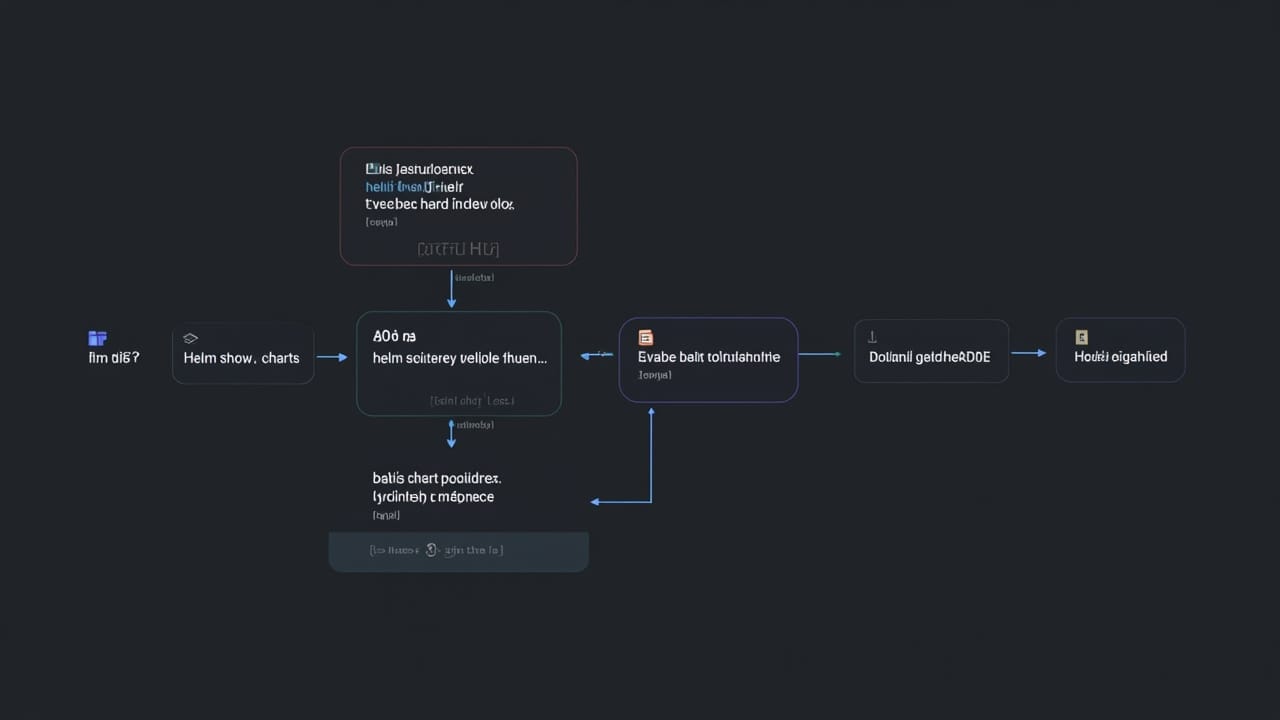
Next, render the manifests to see what Helm would create:
helm template lab-nginx bitnami/nginx \
  --set service.type=ClusterIP \
  --set replicaCount=2 \
  --set image.debug=true
kind: NetworkPolicy
apiVersion: networking.k8s.io/v1
metadata:
name: lab-nginx
---
apiVersion: v1
kind: Service
metadata:
name: lab-nginx
spec:
type: ClusterIP
---
apiVersion: apps/v1
kind: Deployment
metadata:
name: lab-nginx
spec:
replicas: 2Even this quick render already shows that the chart creates more than a Deployment. It also produces resources such as a NetworkPolicy, ServiceAccount, TLS secret example, and Service. That is why I always inspect first.
What to watch with PostgreSQL and Redis
For database and cache charts, the main concerns shift away from ports and toward authentication, persistence, and resource settings.
helm template lab-postgres bitnami/postgresql \
  --set auth.postgresPassword='SuperSecret123!' \
  --set primary.persistence.enabled=false
helm template lab-redis bitnami/redis \
  --set auth.password='RedisSecret123!' \
  --set master.persistence.enabled=false \
  --set replica.replicaCount=1
In this lab, persistence is disabled to keep the render simple. In real environments, the opposite is usually true: persistence should be enabled, storage classes should be selected deliberately, and backups should be planned early.
Full workflow: search, inspect, install, upgrade, rollback
When I work with public charts, this is the sequence I usually follow. It takes a little longer up front, but it removes a lot of unnecessary risk.
1) Search
helm search repo bitnami/nginx --versions
helm search repo bitnami/postgresql --versions
helm search repo bitnami/redis --versions
This is where you decide which exact chart version to pin, not just whether the chart exists.
2) Inspect
helm show chart bitnami/nginx --version 22.6.10
helm show values bitnami/nginx --version 22.6.10 > values.nginx.upstream.yaml
helm template web bitnami/nginx --version 22.6.10 -f values-web.yaml
Review the metadata, the upstream values file, and the rendered manifests after your overrides. If the chart has a long README, also check persistence, ingress, securityContext, metrics, and upgrade notes.
3) Install
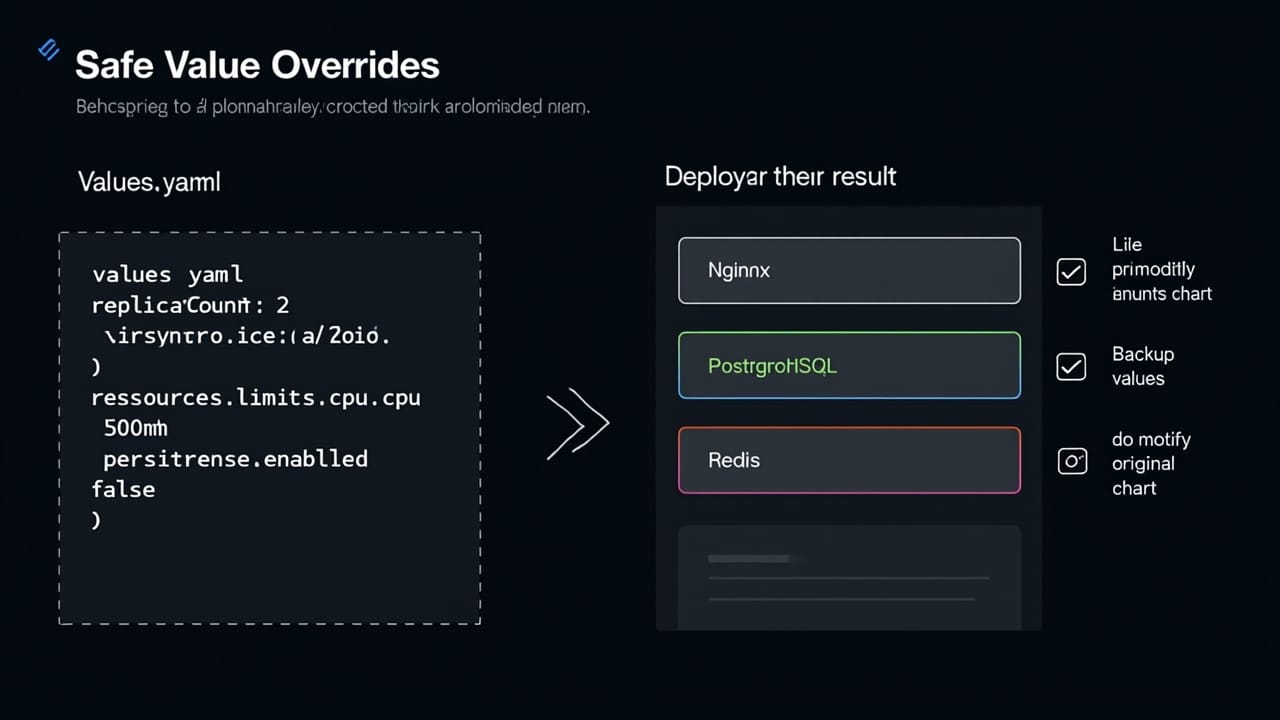
cat > values-web.yaml <<'EOF'
replicaCount: 2
service:
  type: ClusterIP
resources:
  requests:
    cpu: 100m
    memory: 128Mi
  limits:
    cpu: 500m
    memory: 512Mi
EOF
helm install web bitnami/nginx \
  --namespace demo \
  --create-namespace \
  --version 22.6.10 \
  -f values-web.yaml
A dedicated values file is much easier to review and maintain than a long chain of --set flags.
4) Upgrade
helm upgrade web bitnami/nginx \
  --namespace demo \
  --version 22.6.10 \
  -f values-web.yaml
Before every upgrade, I strongly recommend two small habits: back up the current values and review the differences between the old version and the new one.
5) History and rollback
helm history web -n demo
helm rollback web 2 -n demo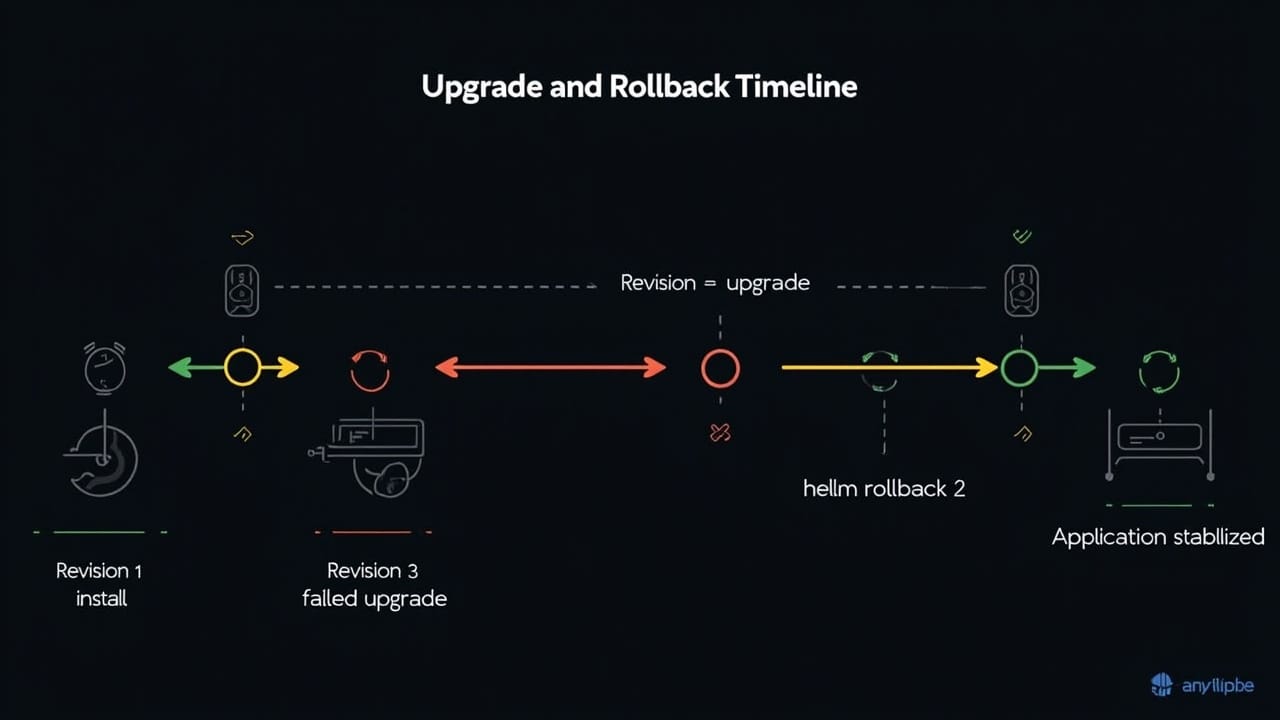
Rollback is one of Helm’s most useful features, but it does not mean your data is rolled back safely. For PostgreSQL or Redis, if a new release already changed schema, configuration, or persisted data, recovery can still be more complex than a simple release rollback.
Best practices for public charts
Pin versions instead of trusting latest
Always specify --version when installing or upgrading. Otherwise, the repository index decides what gets deployed next time.
Back up the running values
helm get values web -n demo -a > backup-values-web-$(date +%F).yamlThis helps you capture the real runtime configuration of the release, not only what the team thinks it deployed.
Review the default security settings
Good public charts often include safer defaults such as runAsNonRoot, readOnlyRootFilesystem, and allowPrivilegeEscalation: false. Still, do not assume every chart gets this right. Render the manifests and check.
helm template web bitnami/nginx -f values-web.yaml | grep -E 'runAsNonRoot|allowPrivilegeEscalation|readOnlyRootFilesystem'⚠️ If a chart enables security settings you do not fully understand, do not disable them casually. Read the README and inspect the templates first.
Use values files per environment
I usually split configuration into values-dev.yaml, values-staging.yaml, and values-prod.yaml. The same chart may need very different resource, ingress, persistence, and secret settings depending on the environment.
Do not commit secrets to Git
Bitnami charts make it easy to set passwords with --set or a values file, but that does not mean you should commit credentials into your repository. Pair Helm with a proper secret management approach.
Troubleshooting public charts
When a public chart fails, I usually group the problem into four buckets:
- Values issues: wrong keys, wrong data types, indentation mistakes
- Cluster compatibility issues: StorageClass, IngressClass, Pod Security, API version
- Resource issues: CPU, memory, PVC, namespace quota
- Lifecycle issues: upgrades breaking config, hooks failing, dependency behavior changes
A very useful baseline command set:
helm lint ./my-chart
helm status web -n demo
helm get values web -n demo -a
helm get manifest web -n demo
kubectl get pods -n demo
kubectl describe pod <pod-name> -n demo
kubectl logs <pod-name> -n demo
With public charts, do not only look at pod logs. Quite often, the problem is that an override used the wrong key and Helm quietly fell back to the default behavior.
💡 If a chart changes its values structure between major versions, read the changelog before upgrading. This is one of the most common upgrade mistakes with public charts.
When to fork or customize a chart
Public charts are not always enough. These are the cases where I would seriously consider forking or building a chart of my own:
- The upstream chart is no longer maintained or updated too slowly
- You need template logic that cannot be expressed cleanly through values
- You must integrate deeply with internal policies, naming conventions, sidecars, init containers, or internal CRDs
- You need tighter control over dependencies, image sources, and release process
- You want a standardized internal chart for multiple teams
If all you need is a few configuration changes, extra annotations, resource tuning, or ingress adjustments, do not fork too early. Values overrides are usually enough, and they are much cheaper to maintain.
The next part of the series goes deeper into when to build or customize charts for your own applications. You can follow it through part 6 on custom Helm charts.
FAQ: public charts vs custom charts
Are public charts suitable for production?
Yes, if the chart is well maintained and you have reviewed values, security defaults, persistence, and upgrade paths carefully.
When should I move from a public chart to a custom chart?
When your requirements go beyond normal value overrides, or when the upstream chart no longer fits your technical, security, compliance, or release needs.
Is Bitnami the only good option for beginners?
No. Bitnami is simply a very approachable starting point. Official vendor charts and other community charts can also be solid choices if they are maintained well.
Should I use --set or a values file?
--set is fine for small labs. For real environments, a values file is easier to review, version, back up, and reproduce.
Does Helm rollback solve every failed upgrade?
No. It helps with release manifests, but data changes, schema migrations, and application side effects still require proper backup and recovery planning.
Wrap-up
Public repositories are the most practical way to get started with Helm. Artifact Hub helps you find charts. Bitnami gives you a convenient starting point. Helm CLI gives you the control layer you need before anything touches your cluster. Once you get comfortable with search, inspect, install, upgrade, and rollback, public charts stop feeling like a shortcut and start feeling like a disciplined deployment workflow.
You might also like
- Templates, Values, Functions, and Debugging: Mastering Go Templating in Helm (Part 4/12)
- Umbrella chart vs microservices strategy: When should you use each one? (Part 11/12)
- How to Deploy Laravel to Coolify from Local to Server with Basic CI/CD
- What Is Hermes Agent? Installation and Usage Guide
- Deploy Docker Compose on Coolify - Complex multi-container applications
- Docker Compose in Practice - Sample Project Collection
About the author

Trần Thắng
Expert at AZDIGI with years of experience in web hosting and system administration.