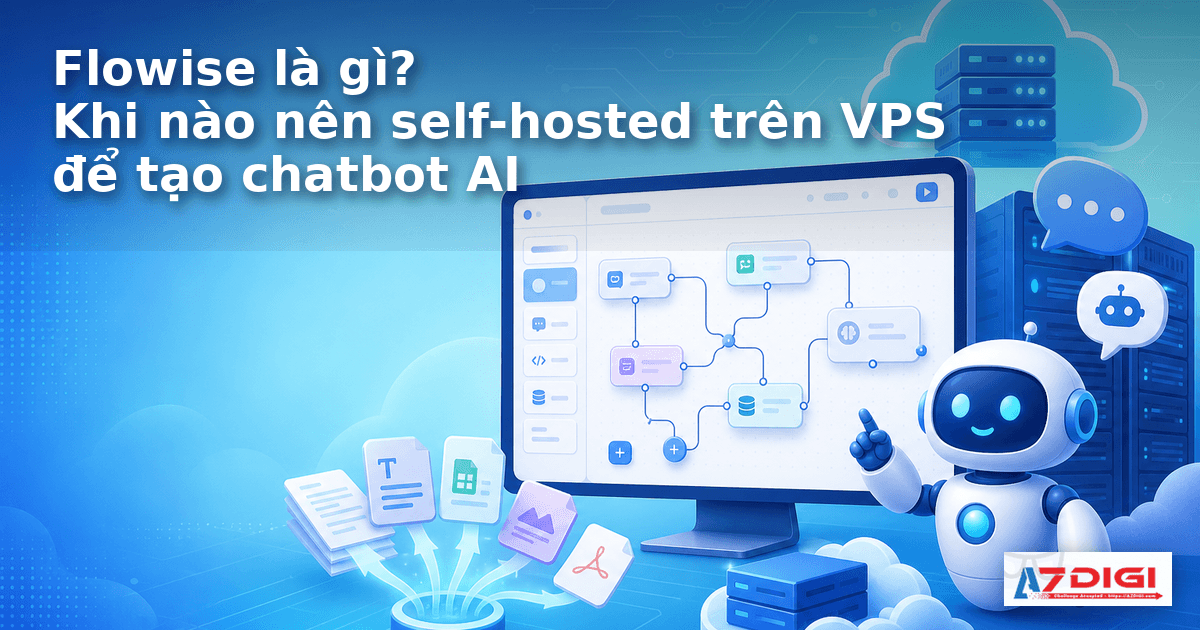
Flowise comes up a lot when people look for a way to build an AI chatbot without writing the entire backend from scratch. It offers a drag-and-drop interface that can connect models, knowledge bases, tools, and many other components inside a workflow that is fairly easy to follow.
But the more important question is not whether you can install it. The real question is whether Flowise fits your needs, and when it makes sense to deploy it on your own VPS for long-term use.
If you are looking for a platform to build an internal document chatbot, a test chatbot for your team, or an AI flow with multiple processing steps, Flowise is worth considering. If you only need a simple chat interface for Ollama, another tool may suit you better.
What is Flowise?
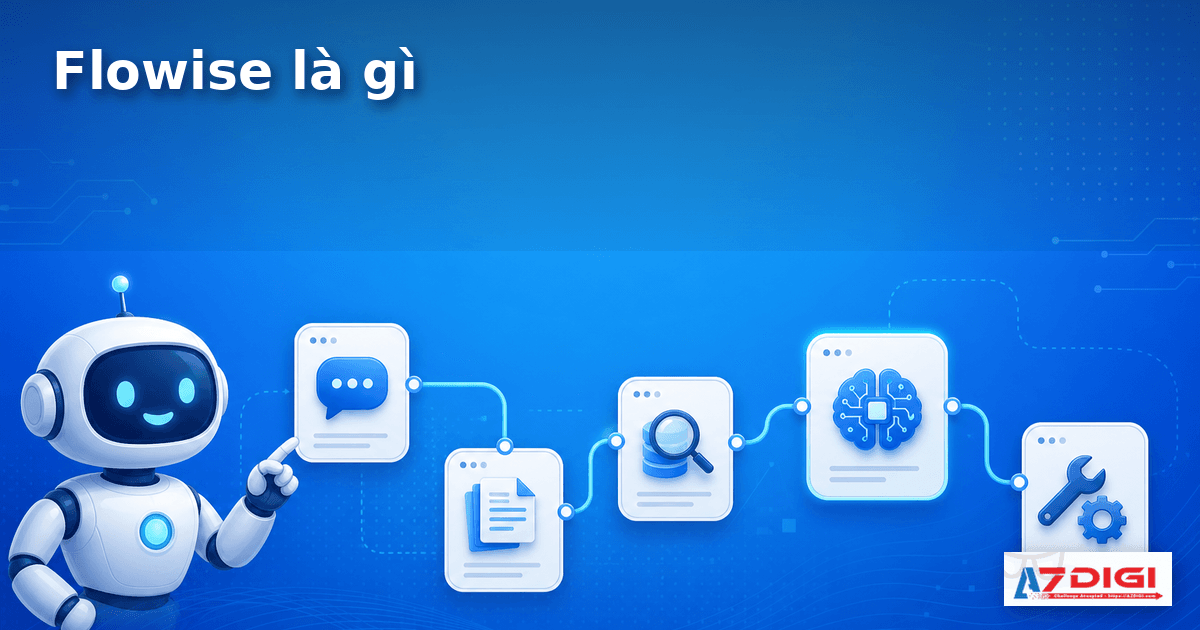
According to the official documentation, Flowise is an open source platform for building AI agents and LLM workflows through a visual interface. The most obvious benefit is that you do not have to wire together every API call by hand. Instead, you drag and drop nodes, then connect them into a processing flow.
In simple terms, Flowise sits at the intersection of three common needs:
- build an AI chatbot with a clear management interface
- create a multi-step workflow such as fetching data, retrieving documents, calling a model, and processing the output
- self-host the entire system on your own infrastructure to control data and operations
Flowise documentation currently divides app building into three main types:
- Assistant: the easiest type to start with, suitable for Q&A chatbots and basic AI assistants
- Chatflow: well suited for chatbots, RAG, single-agent flows, or relatively compact LLM workflows
- Agentflow: better suited when you want complex orchestration with many steps and multiple agents
If you are exploring how to build an internal document chatbot, you should also read What is RAG? Build an internal document chatbot on a VPS. That article makes it easier to see where Flowise usually fits within the overall system.
What can Flowise do beyond drag-and-drop chatbots?
Many people think Flowise is only a drag-and-drop interface for LLMs. That is not exactly wrong, but it is still too narrow.
At a basic level, Flowise can be used to:
- build a document Q&A chatbot
- connect a model to a knowledge base for RAG
- create multi-step flows such as classifying questions, calling tools, and combining results
- publish an embedded chatbot on a website or access it through an API
- quickly test different AI workflow architectures before moving to custom code
One notable point is that Flowise is not only about building flows. The current documentation also covers capabilities such as APIs, embedded chatbots, logs, evaluation, Human in the Loop, access control, and self-hosted deployment options. That makes it a better fit for people who want to go beyond a personal demo.
Of course, being a good fit does not mean everything should be pushed into Flowise. If your workflow is highly specialized, needs very deep code-level control, or already relies on a complex backend process, writing code yourself or combining frameworks in your own way can still be more flexible.
Who is Flowise a good fit for?
Flowise is the best fit for the following groups:
Teams that want to test an internal chatbot quickly
If the goal is to quickly build a document Q&A chatbot, an internal assistant, or an AI demo for an operations team, Flowise can save a lot of time. You can see the processing flow directly in the interface, and early changes are faster than rewriting code.
People working on RAG who want a more visual workflow
When working with RAG, you usually have to think about document loaders, chunking, retrievers, rerankers, memory, and the model itself. In Flowise, this is easier to visualize because each component is split into a clear node.
Teams that need self-hosted AI
This is the group most often searching for terms like “self-hosted Flowise,” “Flowise on VPS,” or “VPS for AI chatbot.” The usual reasons are internal data, access control requirements, or the desire to pair it with Ollama so they are not fully dependent on external models.
If you are heading in that direction, you can also read:
- Install Ollama on an Ubuntu VPS – Run your own AI in 15 minutes
- Ollama API – Integrate self-hosted AI into a web application
People who want to prototype before building a separate production system
Flowise works well for validating ideas. You can build a flow, let users try it, observe how they use it, and then decide whether to keep it, optimize it, or replace it with custom code.
When should you self-host Flowise on a VPS?
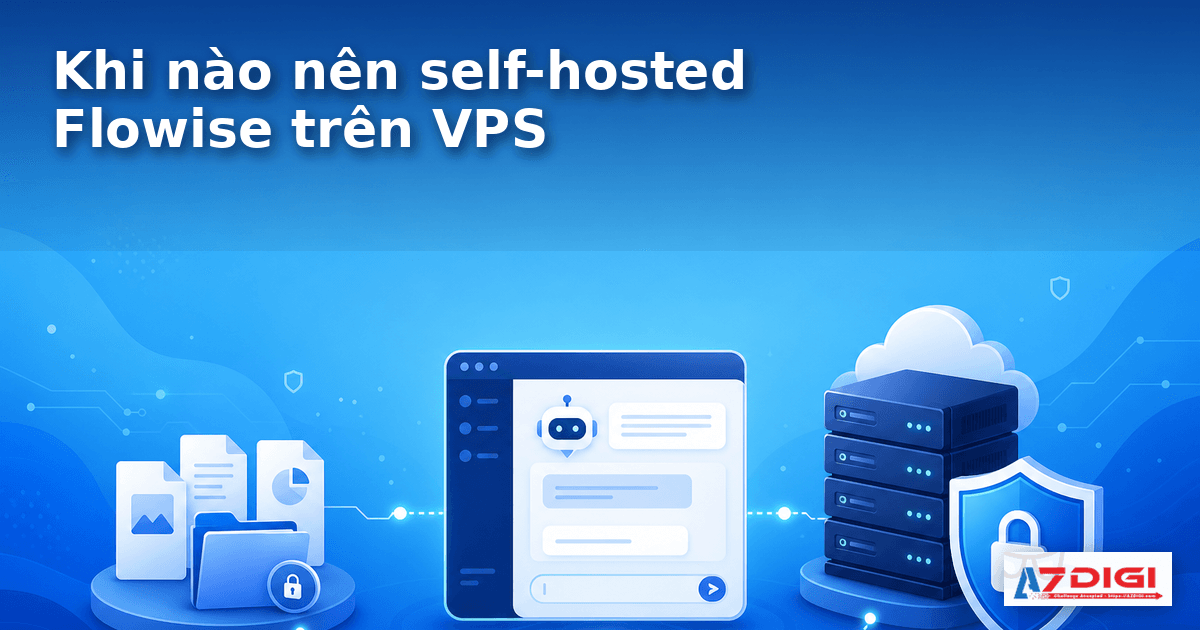
This is the most important section if you are searching for keywords like “run Flowise on VPS” or “when should you self-host Flowise.”
When you need to keep data inside your own infrastructure
If the chatbot uses internal documents, SOPs, project files, tickets, quotations, or any data you do not want to hand over to a third party, self-hosting on a VPS gives you more control. You decide where files are stored, where the application runs, and how access is restricted.
When you want to connect Flowise with Ollama or another self-hosted model
Flowise is often used together with Ollama to create a private AI stack. In that setup, the VPS is not just where the interface runs. It is also where the chatbot connects to a local model or internal API.
If you need a simple chat interface for Ollama, Install Open WebUI + Ollama with Docker Compose – Create your own ChatGPT on a VPS is the lighter option. But when you need multi-step flows, tool calling, branching logic, and a connected knowledge base, Flowise is the better fit.
When you want full control over reverse proxy, SSL, and your own domain
An internal chatbot used over the long term usually should not expose its application port directly to the internet. Running it on a VPS lets you place Nginx or another reverse proxy in front, attach your own domain, and configure HTTPS cleanly.
If you are taking this route, you can also refer to Reverse Proxy Ollama with Nginx – Access AI through your own domain with HTTPS.
When you need control over how the deployment is structured
Flowise documentation currently supports several deployment styles such as npm, Docker images, Docker Compose, and production setups with workers, queue mode, Redis, and a separate database. That means you can start small on a single VPS, then split components out as traffic grows.
When should you not run Flowise on a VPS yet?
Wanting a self-hosted setup does not automatically mean you should install it right away.
When you only need a simple chat interface for a local model
If your needs are only to log in, choose a model, chat, upload light files, and use it like a private ChatGPT, Open WebUI is usually simpler. Flowise is strongest in workflow and orchestration, not in fully replacing a simple chat app.
When the team still does not clearly understand the real problem
Many teams that are just getting started tend to lump together every concept such as chatbot, RAG, agent, and workflow, then install a platform immediately. That approach can make the system grow bloated too early. If you are not yet sure whether you need a Q&A chatbot, a multi-step processing flow, or just a chat interface, define the use case first.
When you do not want to operate it yourself
Self-hosting means handling things like:
- updating containers
- backing up data
- SSL and domain setup
- access restrictions
- logs, storage, and model connection errors
If you do not already have infrastructure in place or are not comfortable operating a long-running service, self-hosting Flowise can add more administrative overhead than you might expect.
How is Flowise different from Dify and Open WebUI?
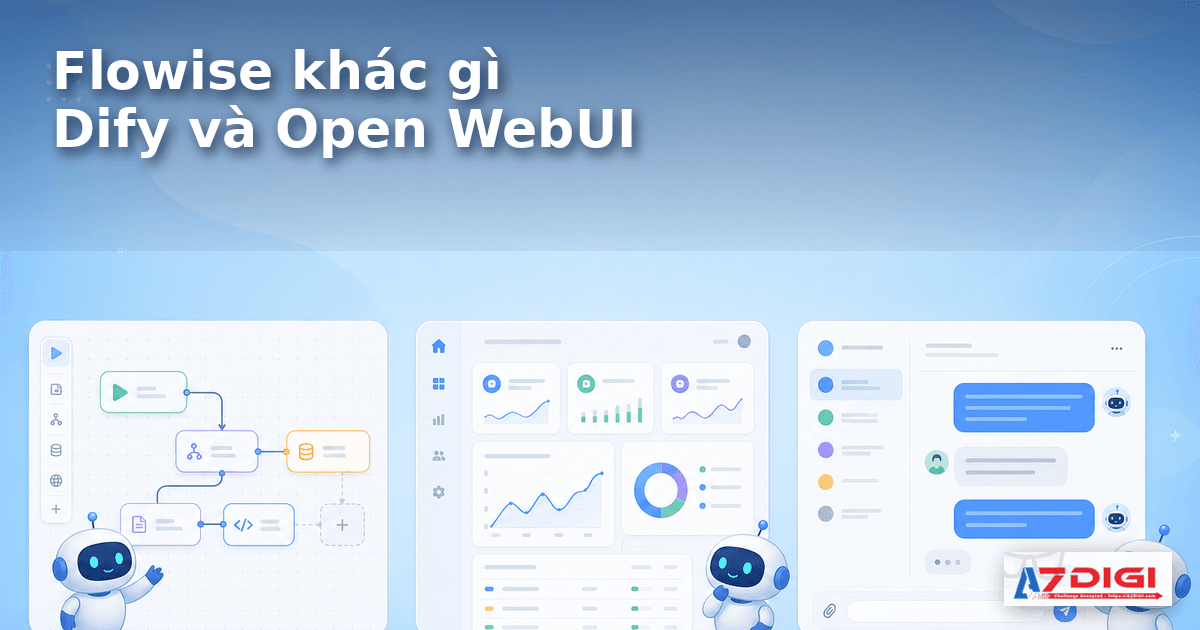
These three names often appear in the same search group, but their intended use is quite different.
Flowise vs Dify
Dify leans more toward being a complete platform for AI apps. It feels closer to an environment for building AI applications with workflows, knowledge bases, APIs, and a fairly complete management layer.
Flowise is more flexible from the perspective of a flow builder. People who like assembling nodes, testing different logic patterns, and getting deeper into workflows often find Flowise easier to work with.
In short:
- Dify is a better fit when you want a fairly complete platform for building an AI app or a chatbot for your team
- Flowise is a better fit when you prioritize visual flows, want to test a variety of processing logic, or need to grow from a prototype into a more complex system over time
For a more detailed comparison, you can read Install Dify AI on a VPS – A free no-code AI platform.
Flowise vs Open WebUI
Open WebUI focuses heavily on the chat experience. It works well when you already have a model or API behind it and only need a convenient interface.
Flowise is not just a chat interface. It is more about building processing flows. If you need a chatbot that classifies questions, calls multiple tools, retrieves documents, and only then composes an answer, Flowise has a clearer advantage.
How do you install Flowise according to the official docs?
If you want a practical section that stays concise and aligned with the original documentation, Flowise docs currently show two of the quickest ways to get started: run it with npm on a local machine, or run it with Docker and Docker Compose. Với nhu cầu self-hosted trên VPS, mình nghiêng về Docker Compose vì dễ quản lý hơn khi cần restart, backup and đặt reverse proxy phía trước.
ℹ️ According to the Flowise Get Started page, the current release supports Node.js v18.15.0 or v20 trở lên. If you only want to use the web app without operating your own server, the docs also suggest Flowise Cloud.
Method 1: quick start with npm
Cách này hợp khi bạn muốn test nhanh trên máy local or lab nhỏ trước khi đem lên VPS. Các bước trong docs chính thức khá ngắn:
npm install -g flowise
npx flowise start
After it starts, open http://localhost:3000 to access the interface. If you need to pin a specific version, the docs also allow installation like npm install -g flowise@x.x.x.
Method 2: run it with Docker Compose on a VPS
This is the better option if you are going the self-hosted route. According to Flowise docs, the basic process is to clone the source code, enter the docker directory, copy the sample environment file, then run Compose.
git clone https://github.com/FlowiseAI/Flowise.git
cd Flowise/docker
cp .env.example .env
docker compose up -d
After that, visit http://localhost:3000. When you need to stop the container, the docs currently show this command:
docker compose stopNếu bạn dùng VPS thật để mở cho team nội bộ, chỗ này thường chưa dừng ở mức chạy lên là xong. Thực tế bạn sẽ cần thêm reverse proxy, HTTPS, access restrictions and chiến lược backup cho dữ liệu của Flowise.
When should you choose npm, and when should you choose Docker Compose?
- Choose npm when you need to test quickly on a local machine and want to open the interface early to see whether Flowise matches your use case.
- Choose Docker Compose khi bạn chuẩn bị self-hosted trên VPS, muốn dễ quản lý container and thuận tay hơn khi ghép với Nginx, domain riêng or hạ tầng nội bộ.
⚠️ Bản thân docs Get Started mới dừng ở phần cài đặt cơ bản. Nếu bạn đưa lên môi trường chạy thật, nên xem thêm phần deployment and cấu hình bảo mật thay vì mở cổng 3000 trực tiếp ra internet quá lâu.
What VPS specs do you need to run Flowise?

Cấu hình cho Flowise không cố định, vì thứ ăn tài nguyên nhiều nhất nhiều khi không phải chính Flowise mà là phần model, vector database or lượng file bạn đưa vào hệ thống.
When you are only running Flowise for testing
Nếu chỉ dựng giao diện, test flow, gắn API model bên ngoài and chưa chạy thêm Ollama cùng máy, bạn có thể bắt đầu từ mức khá nhỏ:
- 2 vCPU
- 2GB RAM
- 20GB đến 25GB NVMe or SSD
For this need, X-Platinum VPS package Tăng Tốc 3 with 2 vCPU, 2GB RAM, and 25GB NVMe is a sensible entry point for a small lab.
Trường hợp chạy Flowise cùng Ollama or chatbot nội bộ thật
Khi bạn bắt đầu kéo thêm Ollama, upload tài liệu, indexing dữ liệu or cho nhiều người dùng chung, tài nguyên cần tăng lên khá nhanh. Lúc đó nên nhìn từ:
- 4 vCPU
- 4GB to 8GB RAM
- 35GB to 55GB NVMe or more
At this level, you can start with X-Platinum VPS package Tăng Tốc 4 or Tăng Tốc 5 if you want to prioritize cost first.
When you want more stability for a real workload
Nếu chatbot cần chạy lâu dài, có nhiều file, nhiều flow, or bạn muốn hạ tầng dễ mở rộng hơn, AMD Cloud Server sẽ hợp hơn nhờ lớp hạ tầng cloud tự phục hồi sự cố and tài nguyên rộng hơn.
A practical starting point:
- CS 3: 2 vCPU, 4GB RAM, 30GB NVMe
- CS 4: 2 vCPU, 6GB RAM, 50GB NVMe
- CS 5: 4 vCPU, 10GB RAM, 80GB NVMe
Còn nếu mục tiêu chỉ là thử trước rồi quyết định sau, bạn có thể bắt đầu nhỏ and đọc thêm bài What should you prepare before renting a VPS? A checklist for beginners to avoid choosing the wrong specs from the start.
Things to keep in mind before using Flowise in production

Do not treat Flowise as the entire AI system
Flowise là lớp orchestration and giao diện workflow. Hệ thống thực tế thường còn có model, vector store, reverse proxy, SSL, kiểm soát truy cập, backup and log. Viết bài toán hệ thống theo kiểu này sẽ giúp bạn chọn VPS chính xác hơn.
Separate stored data from the container
Tài liệu Flowise hiện cho phép lưu database, secret, log and file upload theo đường dẫn riêng or đưa sang storage ngoài. Nếu chạy self-hosted, đây là phần nên nghĩ tới sớm để tránh recreate container xong lại mất dữ liệu.
Để ý chuyện reverse proxy and access restrictions
Khi chạy sau Nginx or load balancer, tài liệu Flowise có nhắc tới biến NUMBER_OF_PROXIES variable so rate limiting works correctly. This detail is often overlooked during lab setup, but it matters once you move into a multi-user environment.
If traffic grows, do not stay on a tiny setup forever
Tài liệu production của Flowise hiện khuyến nghị queue mode, nhiều main server, worker, Redis and database phù hợp hơn khi đi vào tải lớn. Điều đó cho thấy Flowise dùng được cho môi trường nghiêm túc, nhưng không nên đánh giá nó theo kiểu chỉ chạy một container nhỏ rồi xem như đủ cho mọi tình huống.
Security is still your responsibility
Flowise có các tuỳ chọn về auth, control and cấu hình bảo mật, nhưng nếu tự host trên VPS thì bạn vẫn cần làm các lớp cơ bản như HTTPS, firewall, kiểm soát IP or authentication ở mức phù hợp. Nếu đi cùng Ollama or API nội bộ, nên xem thêm bài Bảo mật AI self-hosted – SSL, Authentication and Firewall cho Ollama.
Frequently asked questions
Can Flowise run on a VPS with 2GB RAM?
Có, nếu bạn chỉ dùng để thử flow or nối model qua API bên ngoài. Nếu chạy thêm Ollama, knowledge base lớn or nhiều người dùng cùng lúc thì 2GB RAM sẽ sớm chật.
Is self-hosted Flowise suitable for an internal chatbot?
Có. Đây là một trong những trường hợp hợp nhất, nhất là khi bạn cần giữ dữ liệu trong hạ tầng riêng and muốn chủ động domain, SSL, storage, log.
Can Flowise replace Open WebUI?
Không hẳn. Hai công cụ phục vụ hai kiểu nhu cầu khác nhau. Open WebUI hợp với chat interface. Flowise hợp hơn khi bạn cần dựng workflow AI and chatbot có logic nhiều bước.
Can Flowise work with Ollama?
Có. Đây là một cách ghép khá phổ biến khi muốn chạy AI self-hosted trên VPS and giảm phụ thuộc vào dịch vụ model bên ngoài.
Conclusion
Nếu bạn đang tìm một nền tảng trực quan để dựng chatbot AI, RAG or workflow có nhiều bước xử lý, Flowise là lựa chọn đáng để thử. Nó không phải công cụ hợp với mọi trường hợp, nhưng lại rất đúng chỗ với những ai muốn tự host, muốn nhìn rõ luồng xử lý and muốn đi từ prototype lên hệ thống dùng thật.
Với câu hỏi “khi nào nên self-hosted Flowise trên VPS”, câu trả lời thường nằm ở ba chữ: dữ liệu, kiểm soát and khả năng mở rộng. Khi bạn cần ba thứ đó, Flowise trên VPS bắt đầu trở nên hợp lý.
If you are just getting started, you can first test it on X-Platinum VPS ở cấu hình nhỏ. Khi cần chạy chatbot nội bộ ổn định hơn or ghép thêm Ollama, vector store and các service phụ, AMD Cloud Server is the more compelling direction to consider.
You might also like
- Installing Dify AI on VPS - Free No-code AI Platform
- What is Rancher and Rancher installation instructions.
- What is vLLM? When should you use vLLM instead of Ollama
- n8n + Ollama - Automate Workflows with AI Running on Your Own VPS
- What is vLLM? When should you use vLLM instead of Ollama
- What is ChatGPT and its applications in work and education?
About the author

Trần Thắng
Expert at AZDIGI with years of experience in web hosting and system administration.