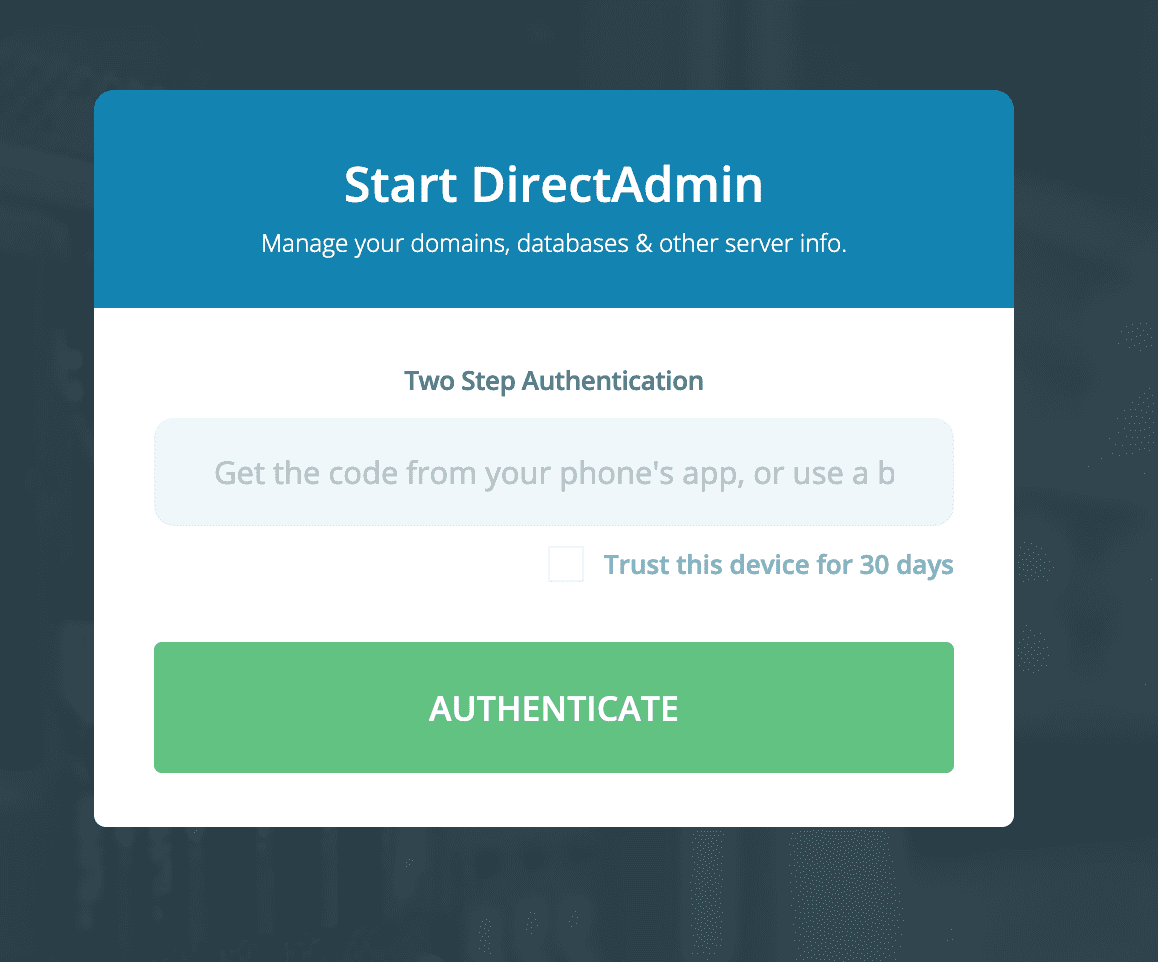
This article will help you disable Two-Step Authentication on DirectAdmin if you’ve lost your backup code or don’t have an authentication code generator nearby.
I. Overview
AZDIGI already has a tutorial on using Two-Step Authentication on DirectAdmin. AZDIGI will guide you further on how to disable Two-Step Authentication on DirectAdmin in case we fall into the following cases:
- The device that generates the passcode is lost, broken or not near you.
- The backup code has been lost.
- Your client requests to disable this feature on their user.
Below is an image when you log in, but DirectAdmin will ask you to provide another authentication code to allow access:
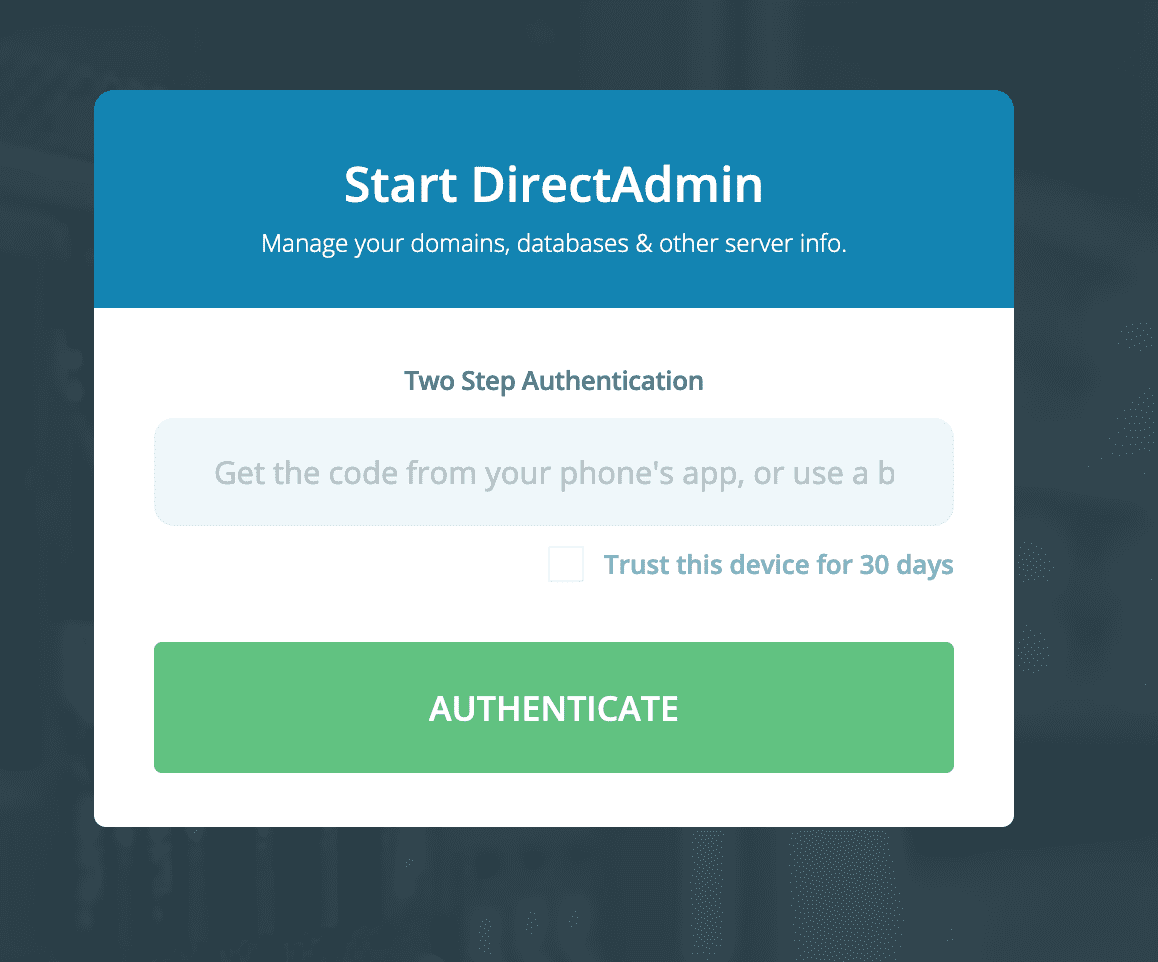
Note: To disable this feature, you need to have SSH access to the root user.
II. Disable Two-Step Authentication on DirectAdmin
To disable Two-Step Authentication on DirectAdmin, we do the following 2 simple steps.
Step 1: SSH into your DirectAdmin system
To disable Two-Step Authentication on DirectAdmin, we first need to SSH or access your VPS/server with root privileges. Or access the server with a user with sudo privileges. If you don’t know how to SSH into your VPS/Server, you can refer to the following tutorial:
After successfully SSH, we continue with step 2 to execute the commands to disable Two-Step Authentication.
Step 2: Commands to disable Two-Step Authentication
After successfully SSH, we use the following commands to disable Two-Step Authentication:
I will disable the Two-Step Authentication feature on the admin user. For other users, you just need to do the same:
vi /usr/local/directadmin/data/users/admin/user.conf
Next, you go to the line twostep_auth=yes, change it totwostep_auth=no, and save this file.
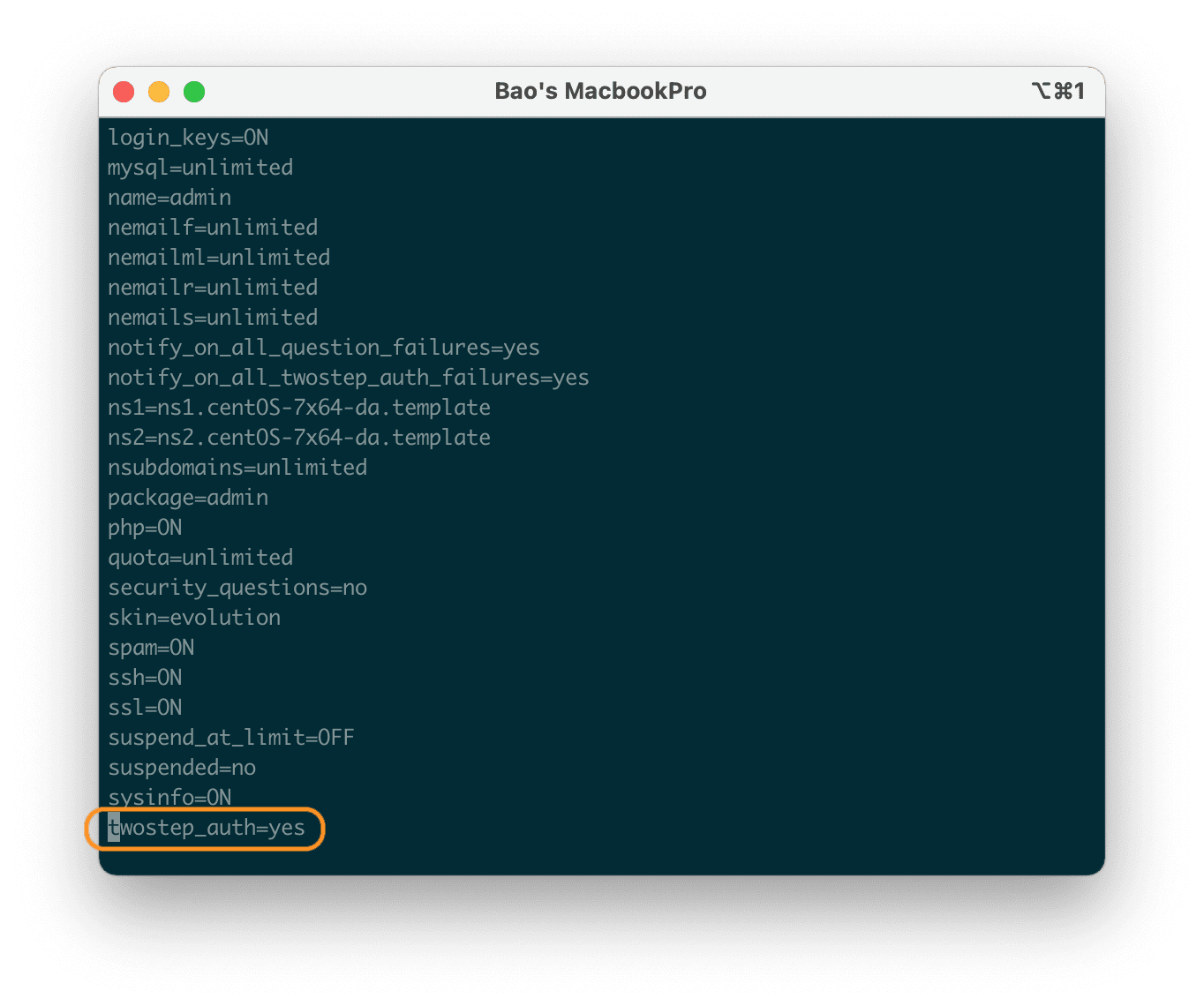
After successfully saving the file, you can Refresh the page that asked for the authentication code before, you will see that DirectAdmin has allowed you to access it without asking for the authentication code
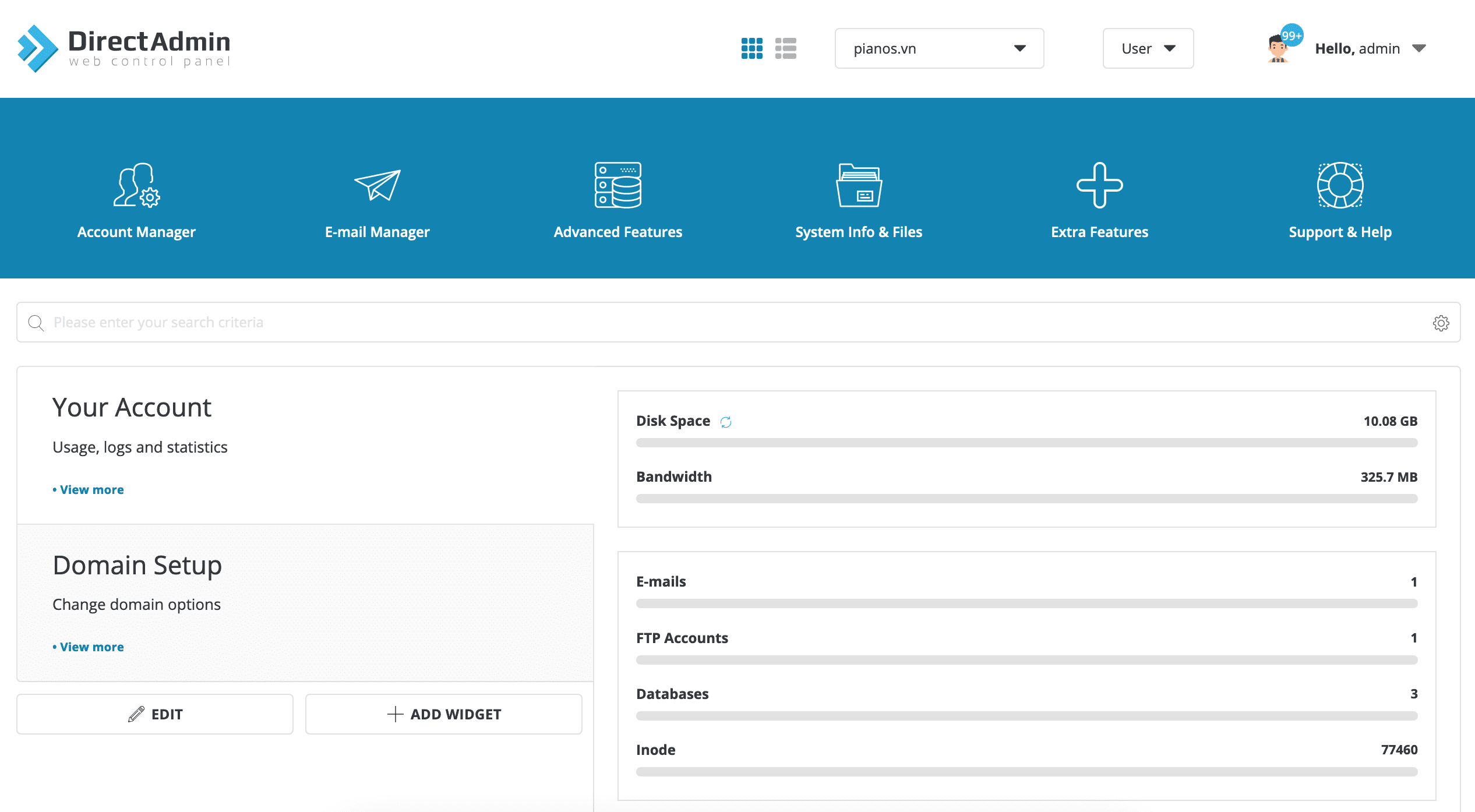
Once you’ve entered here, you should set up using Two-Step Authentication on DirectAdmin again to increase security.
III. Summary
So with just two simple steps, you have successfully disabled Two-Step Authentication on DirectAdmin and it doesn’t take too much time.
Hope this article will be of help to you. Wishing you success!
See more useful articles about DirectAdmin at the following link:
If you need assistance, you can contact support in the ways below:
- Hotline 247: 028 888 24768 (Ext 0)
- Ticket/Email: You use the email to register for the service and send it directly to support@azdigi.com.
About the author

Thạch Phạm
Đồng sáng lập và Giám đốc điều hành của AZDIGI. Có hơn 15 năm kinh nghiệm trong phổ biến kiến thức liên quan đến WordPress tại thachpham.com, phát triển website và phát triển hệ thống.