Checking Login History in DirectAdmin with 2 steps.
Introduction
DirectAdmin is one of the Control Panels for Web Hosting administrators. DirectAdmin is used through a web browser, has an intuitive, easy-to-use interface and new software is constantly being updated by DirectAdmin into its interface. At AZDIGI, DirectAdmin is integrated into SEO Hosting and many other VPS services.
In addition to the above advantages, DirectAdmin does quite well in terms of security when integrating much software such as Virus, Firewall… And in that, a simple but quite helpful feature for users is Login History Statistics to DirectAdmin. With this feature, users can control legal and illegal logins to their DirectAdmin with specific information displayed, including IP, specific login date and time. And in this article, AZDIGI will show you how to view these login statistics on DirectAdmin.
Implementation Guide
Step 1: Log in to the DirectAdmin admin
With SEO Hosting service at AZDIGI, you can access it by following one of the links below:
As for VPS services with DirectAdmin installed, you can use the link at the address: http://IP_Server:2222/

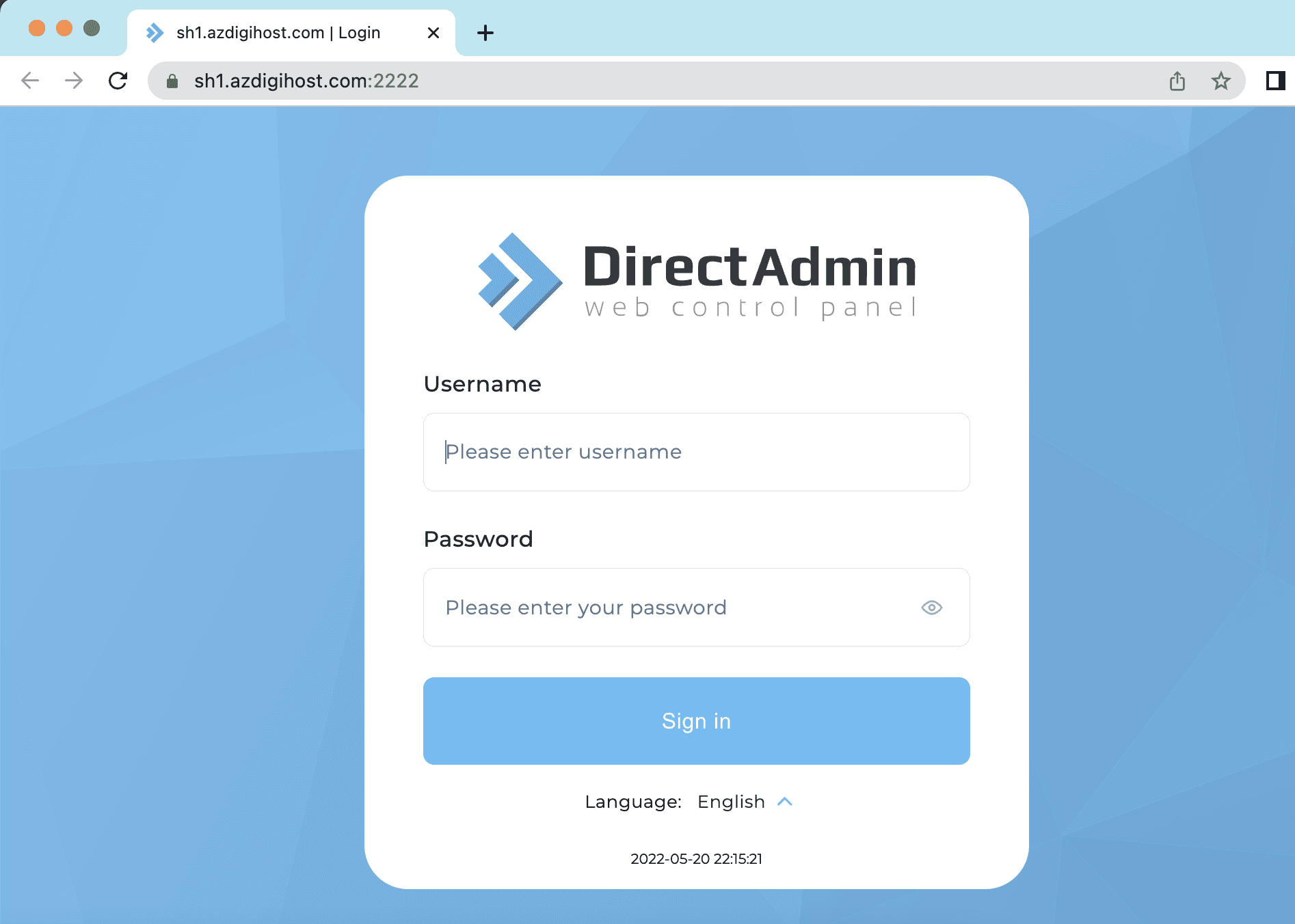
You log into your account and go to step 2.
Step 2: View login statistics
After successfully logging in to DirectAdmin, the main interface you click on the user section as shown below:

Next, select Login History

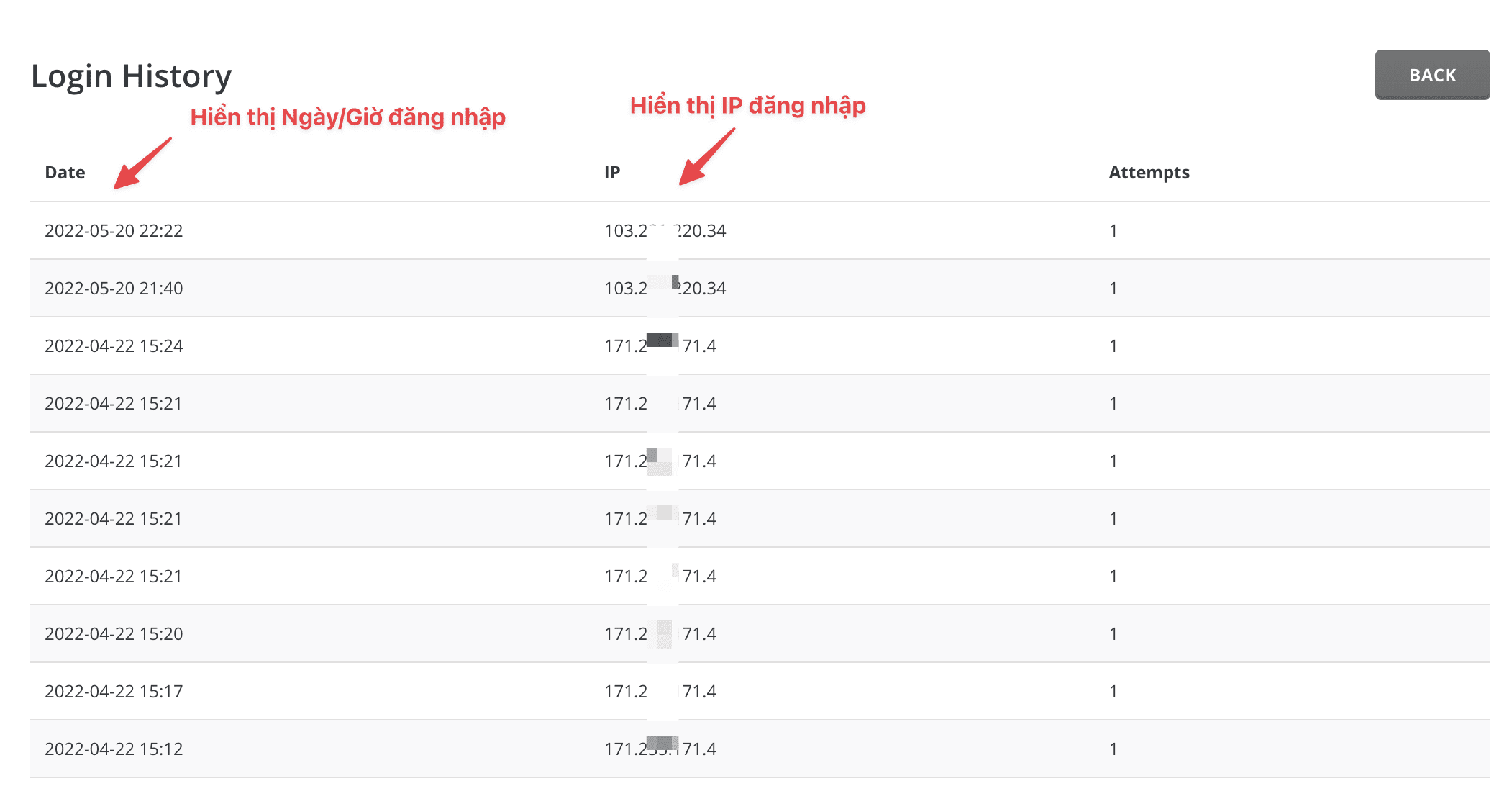
Below is the Login History interface, you can see that DirectAdmin has quite detailed statistics on the date, time, and IP address of the login so that we can identify and control those logins.
And if you do not know how to determine your IP, you can quickly access the 2 links below:

So in this article, AZDIGI showed you how to view login history statistics on DirectAdmin very simply, you should get in the habit of checking Login History periodically to see if your host has a strange IP logged in or not so that there is a way to handle and prevent it in time.
You can refer to other instructions at the link below:
If you need support, you can contact support in the ways below:
- Hotline 247: 028 888 24768 (Ext 0)
- Ticket/Email: You use the email to register for the service and send it directly to: support@azdigi.com .
About the author

Thạch Phạm
Đồng sáng lập và Giám đốc điều hành của AZDIGI. Có hơn 15 năm kinh nghiệm trong phổ biến kiến thức liên quan đến WordPress tại thachpham.com, phát triển website và phát triển hệ thống.