In the process of using the DirectAdmin control panel, we should pay attention to upgrading the DirectAdmin version to get the best security, remaining patches on older versions, higher performance and special new features on new versions of DirectAdmin.
You can access the following link to refer to details of the changes between versions:
So how to upgrade the DirectAdmin version, please follow along.
II. How to upgrade the DirectAdmin version
To upgrade the DirectAdmin version, follow these 4 steps.
Step 1: SSH into your DirectAdmin system
To install CloudLinux OS from CentOS 7, we first need to SSH or access your VPS/server as root. If you do not know how to SSH into your VPS/Server, you can refer to the following tutorial:
After SSH successfully, we continue with step 2 to check or upgrade the Custombuild version to facilitate the DirectAdmin upgrade.
Step 2: Check the CustomBuild version
To upgrade the DirectAdmin version, your VPS/Server needs CustomBuild 2.0 version. To check the version of CustomBuild you are using, please check out the following short tutorial:
In case your CustomBuild version is lower than 2.0 then you need to upgrade CustomBuild 1.x to 2.0 , you can check out the following tutorial:
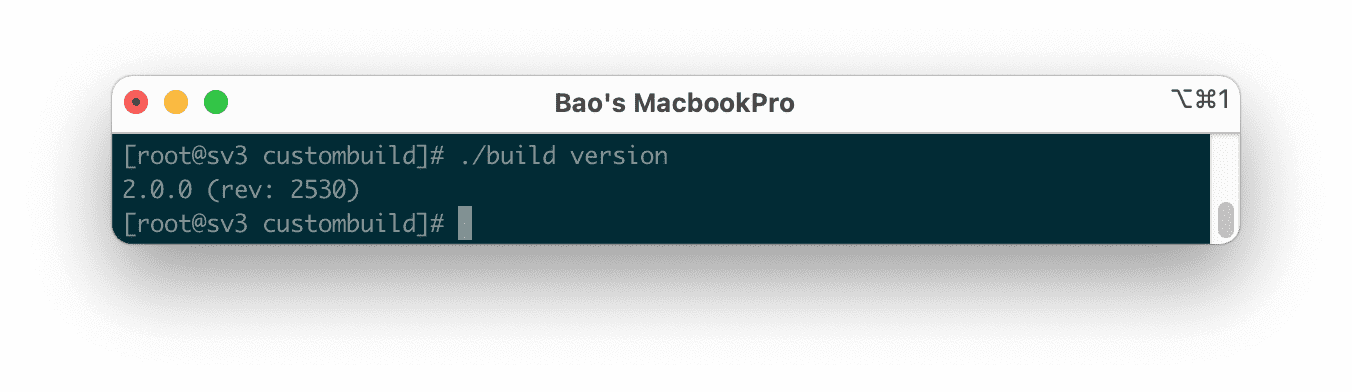
Here is my CustomBuild version after the latest update:
We continue to step 3 to check the DirectAdmin version being used.
Step 3: Check which version of DirectAdmin is in use
To check the DirectAdmin version in use, we use the following command:
/usr/local/directadmin/directadmin v
Below is my DirectAdmin version:

As you can see, the check result of DirectAdmin running on my server is the version 1.61.3. And I want to upgrade to version 1.61.4.
We continue with step 4 to upgrade the DirectAdmin version.
Step 4: Execute DirectAdmin version upgrade commands
To upgrade the DirectAdmin version, run the following commands:
cd /usr/local/directadmin/custombuild/
./build update
./build update_da
Explanation of the two commands above:
- Command 1: Move to
custombuilddirectory. - Command 2: Update custombuild script.
- Command 3: Install the latest DirectAdmin version.
Below is the image of my installation process and check my DirectAdmin version.
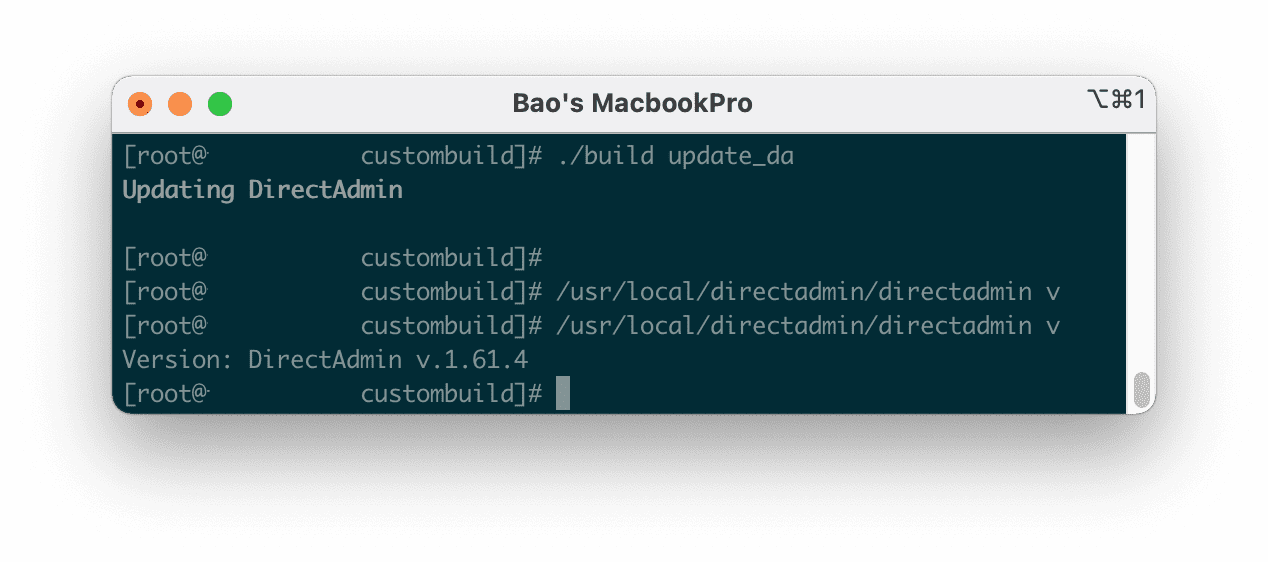
After running the ./build update_da command, wait for your server to finish running, it takes a few minutes. Since it didn’t show anything when installing it, I thought it was suspended.
As shown above, my DirectAdmin version is upgraded to 1.61.4.
III. Summary
Through this article, we learned how to check the DirectAdmin version, upgrade the DirectAdmin version and upgrade the Custombuild version to 2.0.
Hope the article is useful to you. Wishing you success.
You might also like
About the author

Thạch Phạm
Đồng sáng lập và Giám đốc điều hành của AZDIGI. Có hơn 15 năm kinh nghiệm trong phổ biến kiến thức liên quan đến WordPress tại thachpham.com, phát triển website và phát triển hệ thống.