In today’s article, AZDIGI will help you install Composer on DirectAdmin with just a few simple steps that are extremely effective and can be used immediately.
I. What is Composer?
Composer is a dependency manager for the PHP language. It is a simple and reliable tool that many developers use to manage and integrate external packages or libraries into PHP projects. As a result, they don’t have to build a webpage or web application from scratch.
Usually, if you are a DirectAdmin server administrator, most of the dev team will ask you to install Composer.
II. Install Composer on DirectAdmin
By default, Composer is not pre-installed on DirectAdmin, but we must install it ourselves. To install Composer on DirectAdmin, we follow these 3 steps.
Step 1: SSH into your DirectAdmin system
To install Composer on DirectAdmin, we first need to SSH or access your VPS/server with root privileges. If you don’t know how to SSH into your VPS/Server, you can refer to the following tutorial:
After successfully SSH, we continue with step 2 to check if any version of Composer is installed on your server.
Step 2: Check Composer installation
To check if Composer is installed on your server, execute the following command:
composer -V
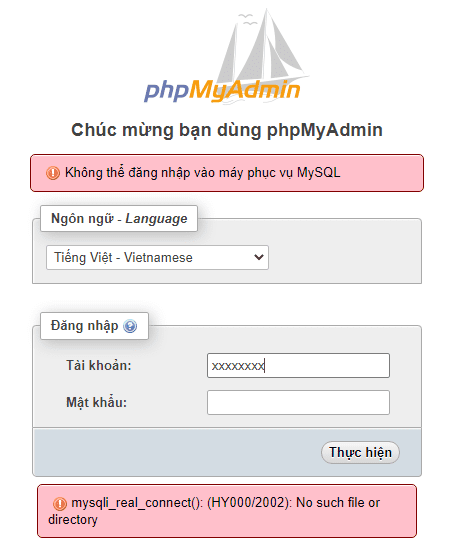
If your results are as shown below, it means that your server doesn’t have Composer installed.
We continue to the next step to perform Composer installation commands on DirectAdmin.
Step 3: Commands to install Composer on DirectAdmin
Installing Composer on DirectAdmin is relatively easy, perhaps because DirectAdmin is a paid control panel, the development team has simplified the configuration and use, you can perform the following 3 commands to install Composer successfully.
cd /usr/local/directadmin/custombuild
./build update
./build composer
Explanation of the above commands:
- Command 1: Move to the
custombuildfolder. - Command 2: Update
custombuild script. - Command 3: Install
composer.
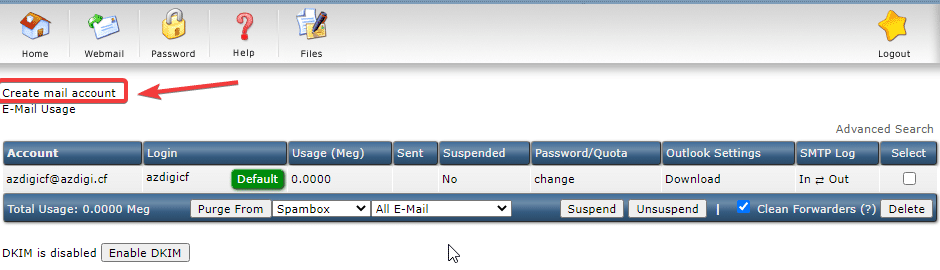
Below is an image of my installation:
Now you can check with the command in step 2 again to see the result of the composer version you just installed.
composer -V
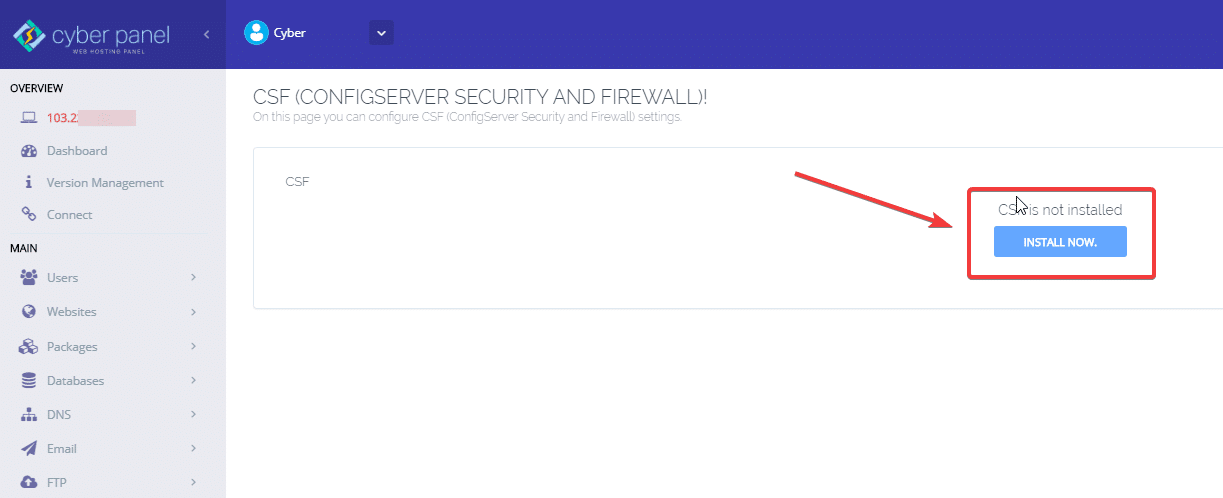
And here are my results:
III. Summary
As you can see, with just 3 simple steps, we have successfully installed Composer on DirectAdmin without encountering any difficulties.
Hope this article will be of help to you. Wishing you success!
See more useful articles about DirectAdmin at the following link:
If you need assistance, you can contact support in the ways below:
- Hotline 247: 028 888 24768 (Ext 0)
- Ticket/Email: You use the email to register for the service and send it directly to: support@azdigi.com .
- Refer to the Web Hosting service here!
About the author

Thạch Phạm
Đồng sáng lập và Giám đốc điều hành của AZDIGI. Có hơn 15 năm kinh nghiệm trong phổ biến kiến thức liên quan đến WordPress tại thachpham.com, phát triển website và phát triển hệ thống.