In this article, AZDIGI will show you how to install Exim on DirectAdmin. This will help you previously deleted exim and want to reinstall or install DirectAdmin in a custom way and do not choose to install Exim by default.
I. Exim là gì?
Exim is an email transfer software used on operating systems like Unix. Exim is an email transfer software used on operating systems like Unix.
Because it’s free, most popular Control Panels like DirectAdmin, cPanel use Exim as an email forwarder.
II. Install Exim on DirectAdmin
To install Exim on DirectAdmin, we follow these 3 steps.
Step 1: SSH into your DirectAdmin system
To install Exim on DirectAdmin, we first need to SSH or access your VPS/server with root privileges. If you don’t know how to SSH into your VPS/Server, you can refer to the following tutorial:
After successfully SSH, we continue with step 2 to perform the Exim installation commands on DirectAdmin.
Step 2: Commands to install Exim on DirectAdmin
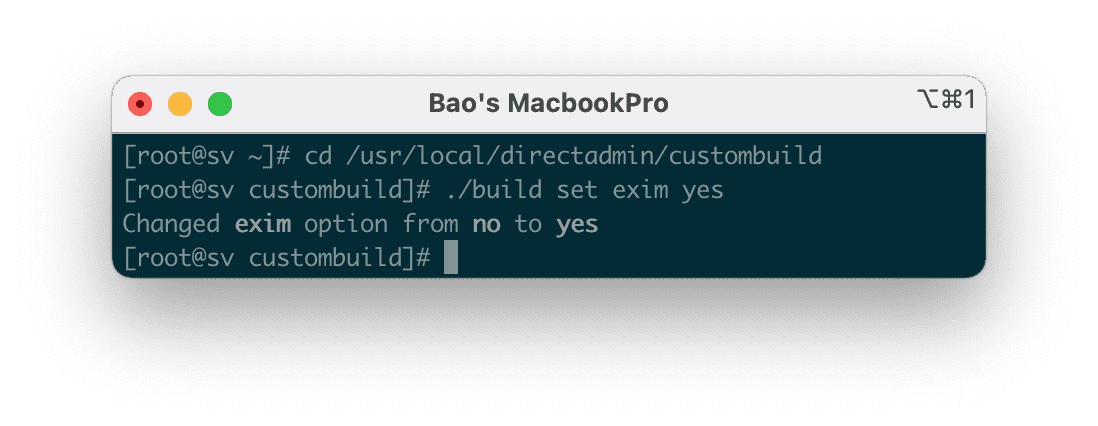
After successfully SSH, we use the following commands to install Exim:
cd /usr/local/directadmin/custombuild
./build set exim yes
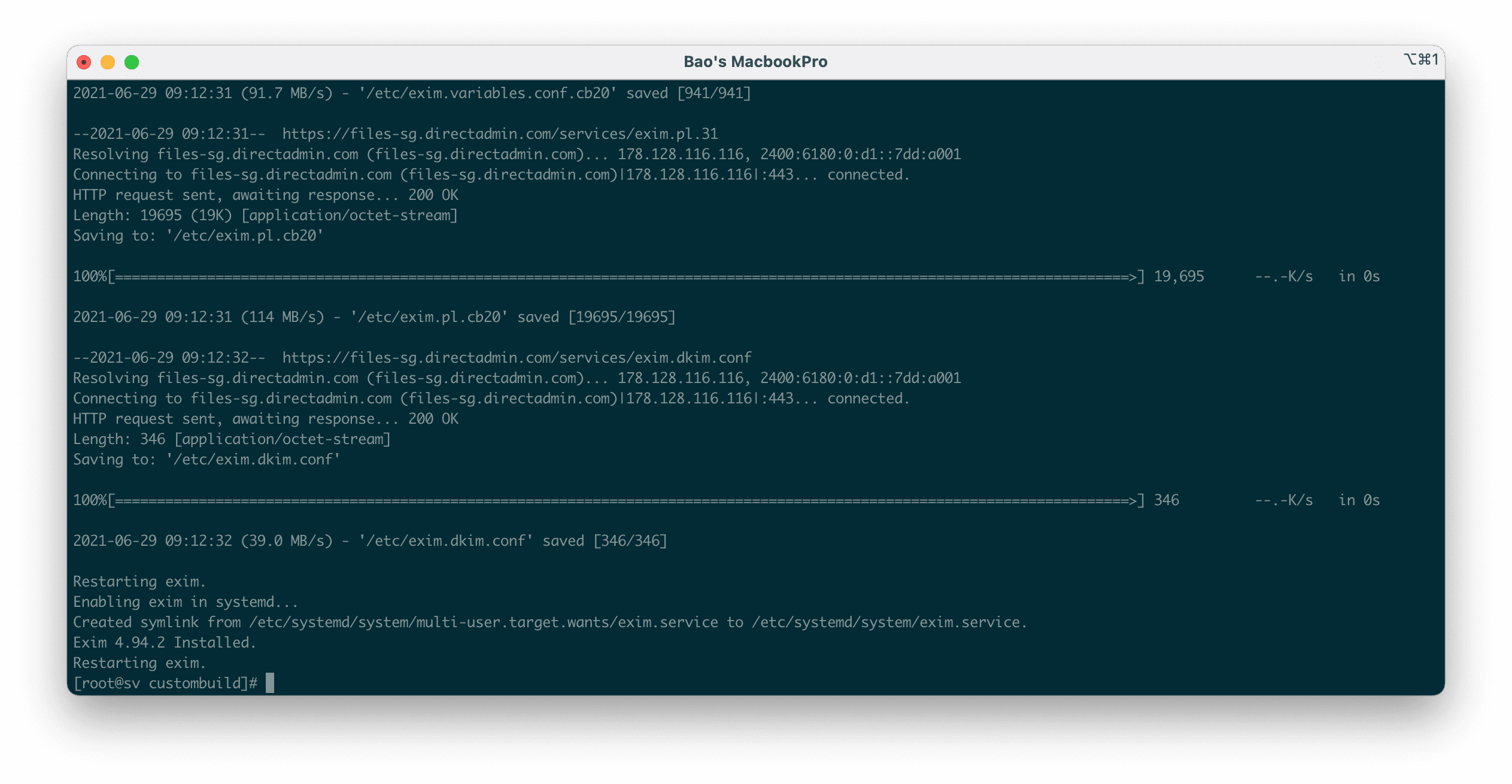
./build exim
Explanation of the above commands:
- Lệnh 1: Di chuyển vào thư mục
Custombuild. - Lệnh 2: Khai báo với
Custombuildrằng chúng ta sẽ sử dụng Exim. - Lệnh 3: Cài đặt Exim.
Dưới đây là những hình ảnh trong quá trình cài đặt: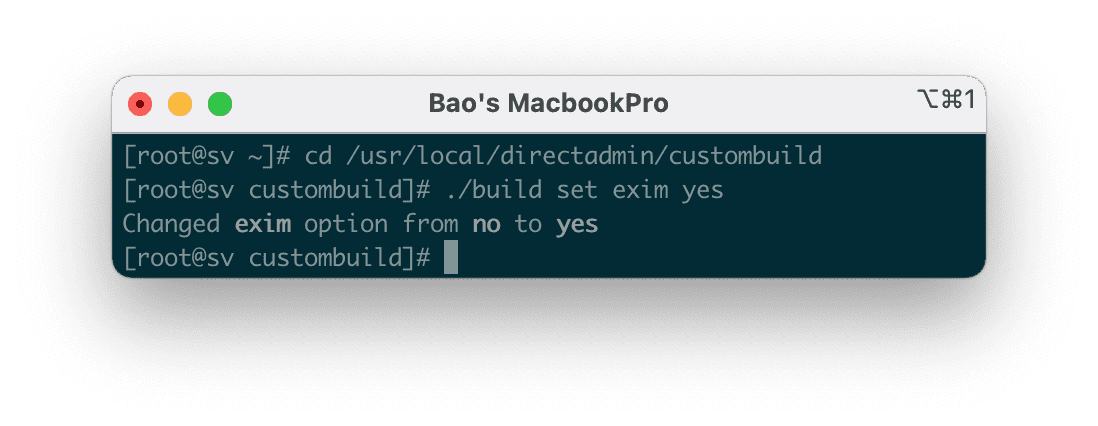
Lệnh 1 và 2: Di chuyển vào thư mục Custombuild và khai báo sẽ sử dụng Exim.
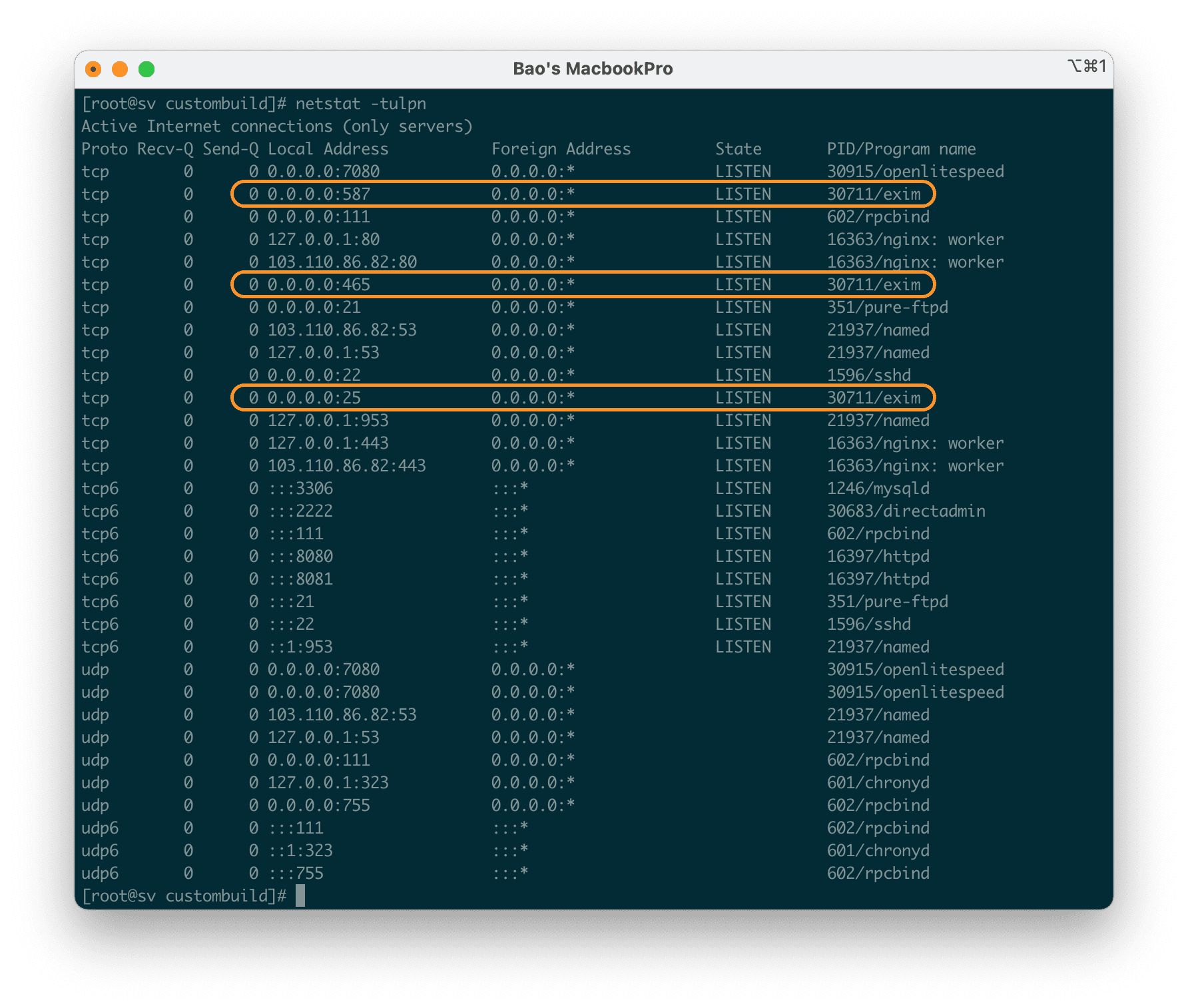
Sau khi cài xong các bạn có thể kiểm tra lại với lệnh sau để xem các port mà Exim sử dụng:
netstat -tulpn
Vậy là chúng ta đã hoàn tất việc cài đặt Exim trên DirectAdmin.
III. Summary
So with just 2 simple steps, we have completed the installation of Exim on DirectAdmin. If you use a website with Email SMTP configured, you will need this service, without this service, your website will not be able to send mail.
Hope this article will be of help to you. Wishing you success!
See more useful articles about DirectAdmin at the following link:
If you need assistance, you can contact support in the ways below:
- Hotline 247: 028 888 24768 (Ext 0)
- Ticket/Email: You use the email to register for the service and send it directly to: support@azdigi.com .
You might also like
About the author

Thạch Phạm
Đồng sáng lập và Giám đốc điều hành của AZDIGI. Có hơn 15 năm kinh nghiệm trong phổ biến kiến thức liên quan đến WordPress tại thachpham.com, phát triển website và phát triển hệ thống.