In this article, AZDIGI will guide you to reset the FASTPANEL password if you want to change your password or forget your password.
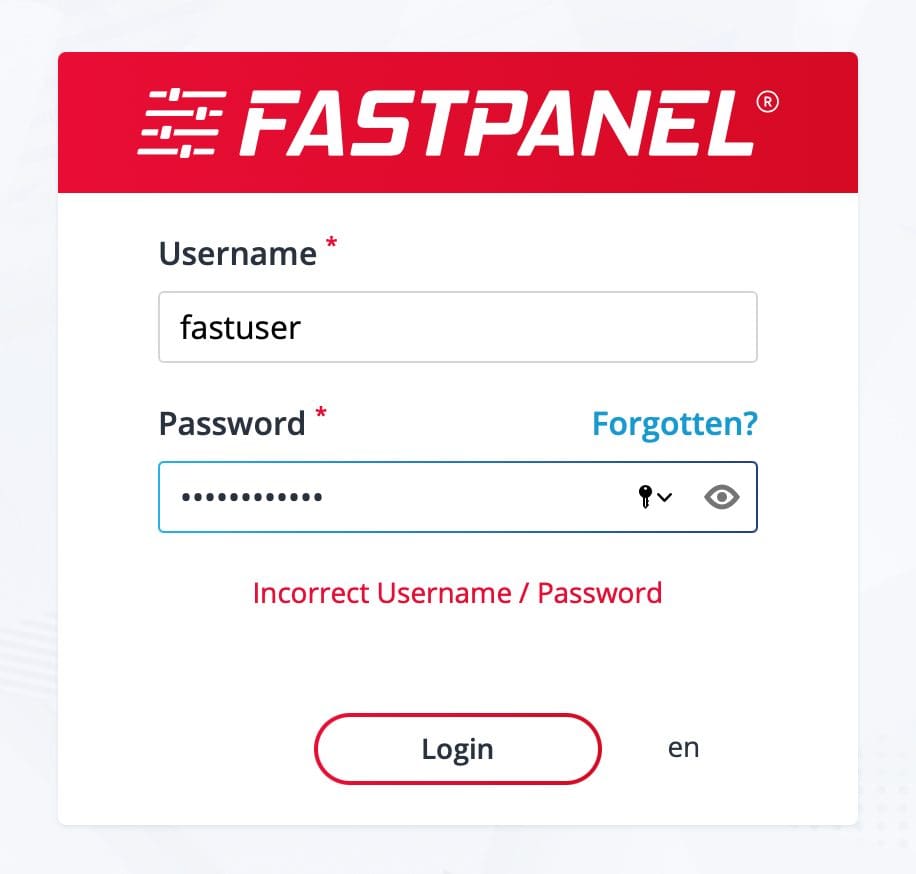
I. What is FASTPANEL?
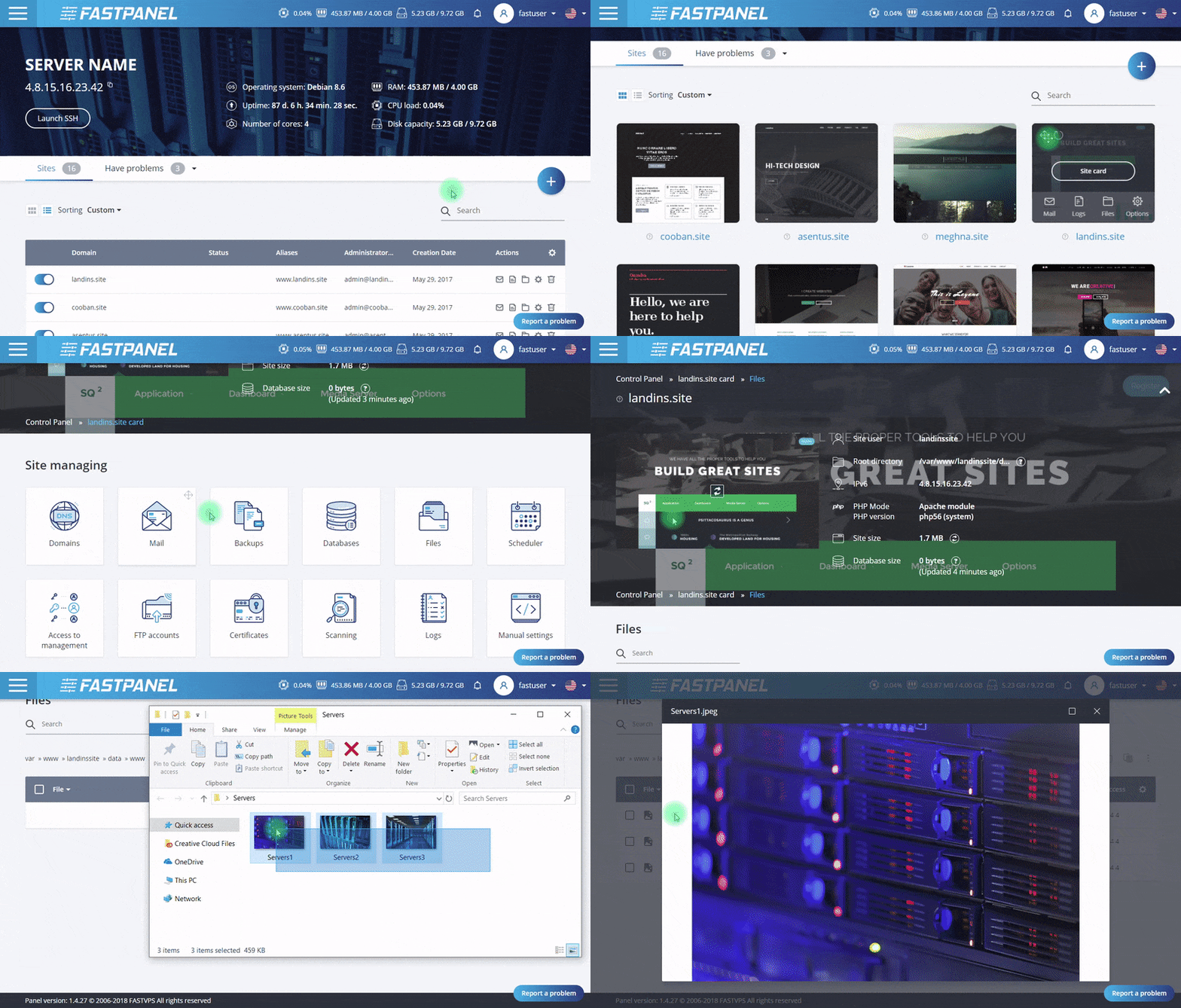
FASTPANEL is an outstanding free web control panel with a lot of features such as:
- Create a website with just a few clicks.
- Email management.
- Database management.
- Manage backup/restore to the cloud.
- Website traffic analysis.
- Create user.
- Two-factor authentication is supported.
- Support SSL.
- Support Firewall.
- Support Cron.
- Supports multiple PHP versions.
- Integrated AI-BOLIT malware scanning.
- Integrated Spam Asasin.
- Supports command manipulation without SSH through the console.
- And many other features…
Below is the FASTPANEL interface:
II. Reset the FASTPANEL password
To reset the FastPanel password, you need to follow these 2 steps:
Step 1: SSH into your CentOS 7 system
To install FASTPANEL into CentOS 7, you first need to SSH or access your VPS/server as root. If you do not know how to SSH into your VPS/Server, you can refer to the following tutorial:
After successfully SSH, we continue with step 2 to start executing the FASTPANEL password reset commands.
Step 2: Execute the command to reset the FASTPANEL password
The default username of FASTPANEL is fastuser, so you can use the following command to reset the FASTPANEL password:
passwd fastuser
Next, you will be asked for the password twice, remember to enter the same for both. Otherwise, you will have to run the password change command above again.
After entering the password twice and the system notices that the password has been changed successfully, you can return to your FASTPANEL and log in with the new password.
III. Summary
So with just 3 simple steps, you can reset the FASTPANEL password.
If you find the article useful, don’t forget to rate 5 stars.
Wishing you success.
About the author

Thạch Phạm
Đồng sáng lập và Giám đốc điều hành của AZDIGI. Có hơn 15 năm kinh nghiệm trong phổ biến kiến thức liên quan đến WordPress tại thachpham.com, phát triển website và phát triển hệ thống.