
According to the information provided by SSL provider Sectigo, the AddTrust External CA Root SSL certificate expired on May 30, 2020. This has resulted in errors or inaccessible access for devices using outdated browsers. Previously, the organization assured users that there would be no issues upon expiration. However, in reality, some servers or devices have been affected.
Below is an announcement image from the distributor’s website and an error image captured and reported by a user.


Immediately after, the announcement from the SSL certificate provider. All SSL certificates issued after April 30, 2020, are now issued with the latest file and are valid until 2038.
So, what should you do when encountering SSL issues?
Remove the expired AddTrust RSA/ECC name from your server and replace it with the latest file. You can directly download the file here or copy the RSA and ECC at the provided URLs below.
DV SSL
- RSA: https://gogetssl-cdn.s3.eu-central-1.amazonaws.com/wiki/SectigoRSADVBundle.txt
- ECC: https://gogetssl-cdn.s3.eu-central-1.amazonaws.com/wiki/SectigoECCDVBundle.txt
OV SSL
- RSA: https://gogetssl-cdn.s3.eu-central-1.amazonaws.com/wiki/SectigoRSAOVBundle.txt
- ECC: https://gogetssl-cdn.s3.eu-central-1.amazonaws.com/wiki/SectigoECCOVBundle.txt
EV SSL
- RSA: https://gogetssl-cdn.s3.eu-central-1.amazonaws.com/wiki/SectigoRSAOVBundle.txt
- ECC: https://gogetssl-cdn.s3.eu-central-1.amazonaws.com/wiki/SectigoECCEVBundle.txt
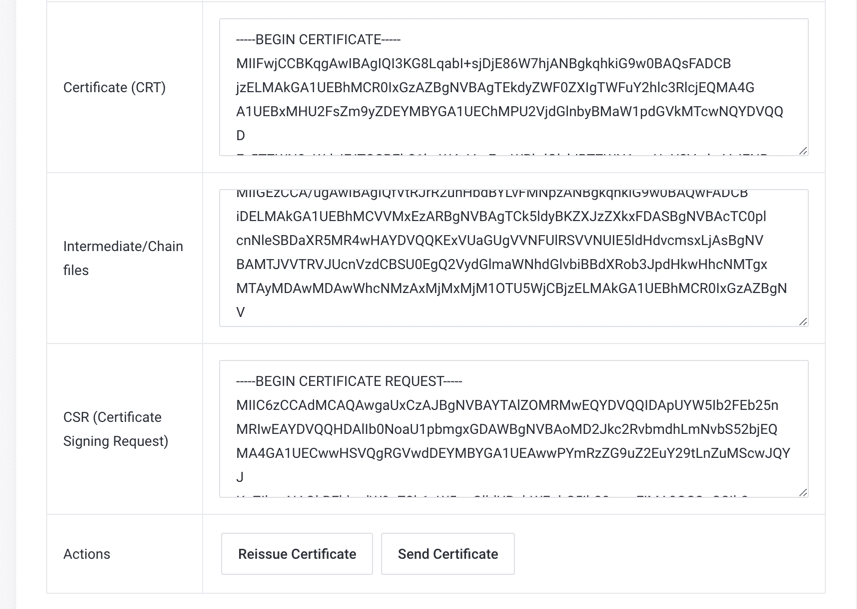
If you registered your SSL with AZDIGI, you can access my.azdigi.com and download the latest certificate, which includes the latest CA for you. Alternatively, you can directly submit a ticket to the AZDIGI Technical Support Department for assistance.
Information sourced from the following article:
Link to check SSL: https://www.sslshopper.com/ssl-checker.html
About the author

Thạch Phạm
Đồng sáng lập và Giám đốc điều hành của AZDIGI. Có hơn 15 năm kinh nghiệm trong phổ biến kiến thức liên quan đến WordPress tại thachpham.com, phát triển website và phát triển hệ thống.