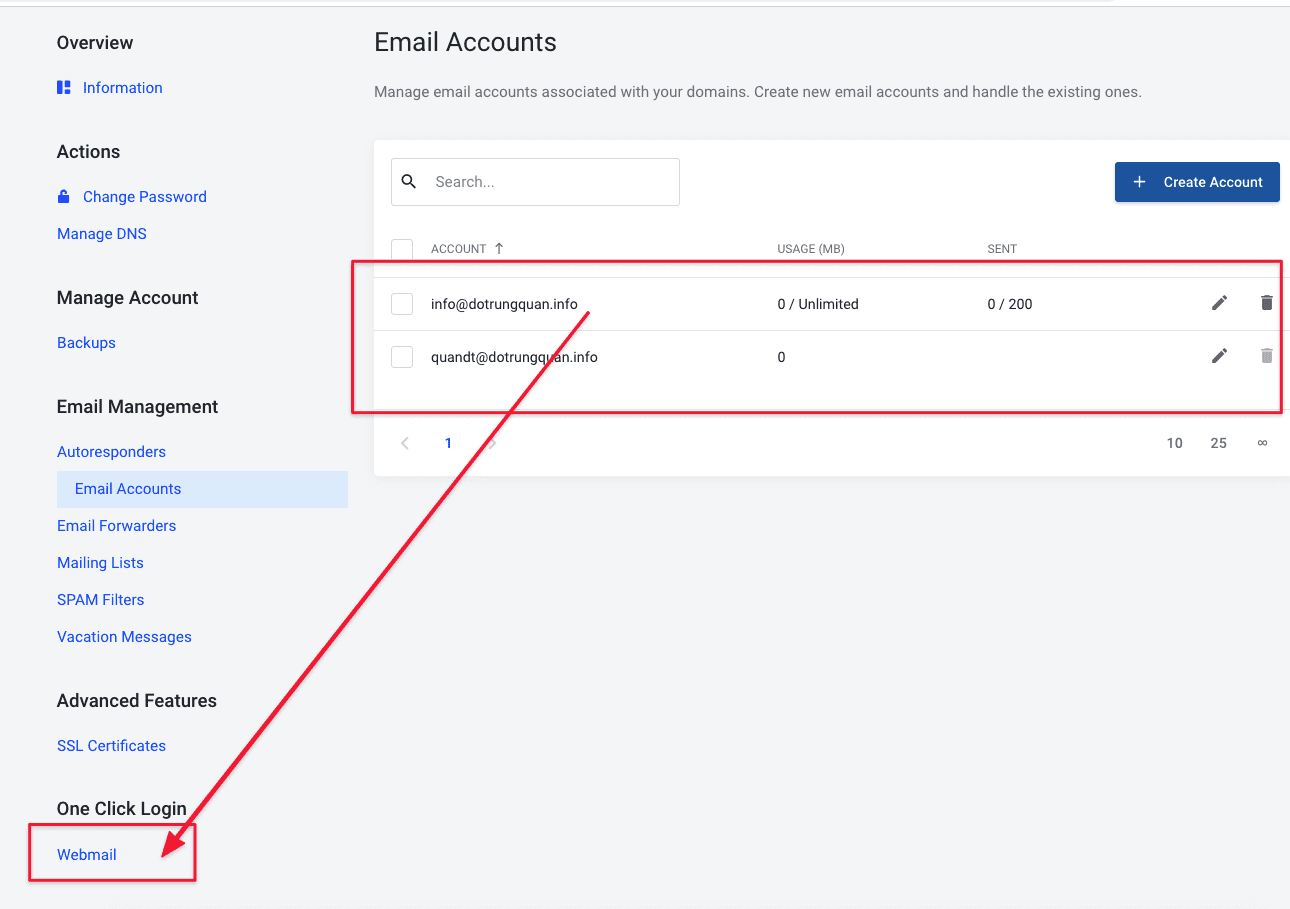
After you have completed creating a mail account, next to using email hosting, AZDIGI will guide you to login mail directly on Webmail.
Webmail means you will use mail directly in the web interface without having to log in by 3rd party tools like Outlook, Gmail…
Login directly from the service admin page
You log in to https://my.azdigi.com/clientarea.php and go to the email service.
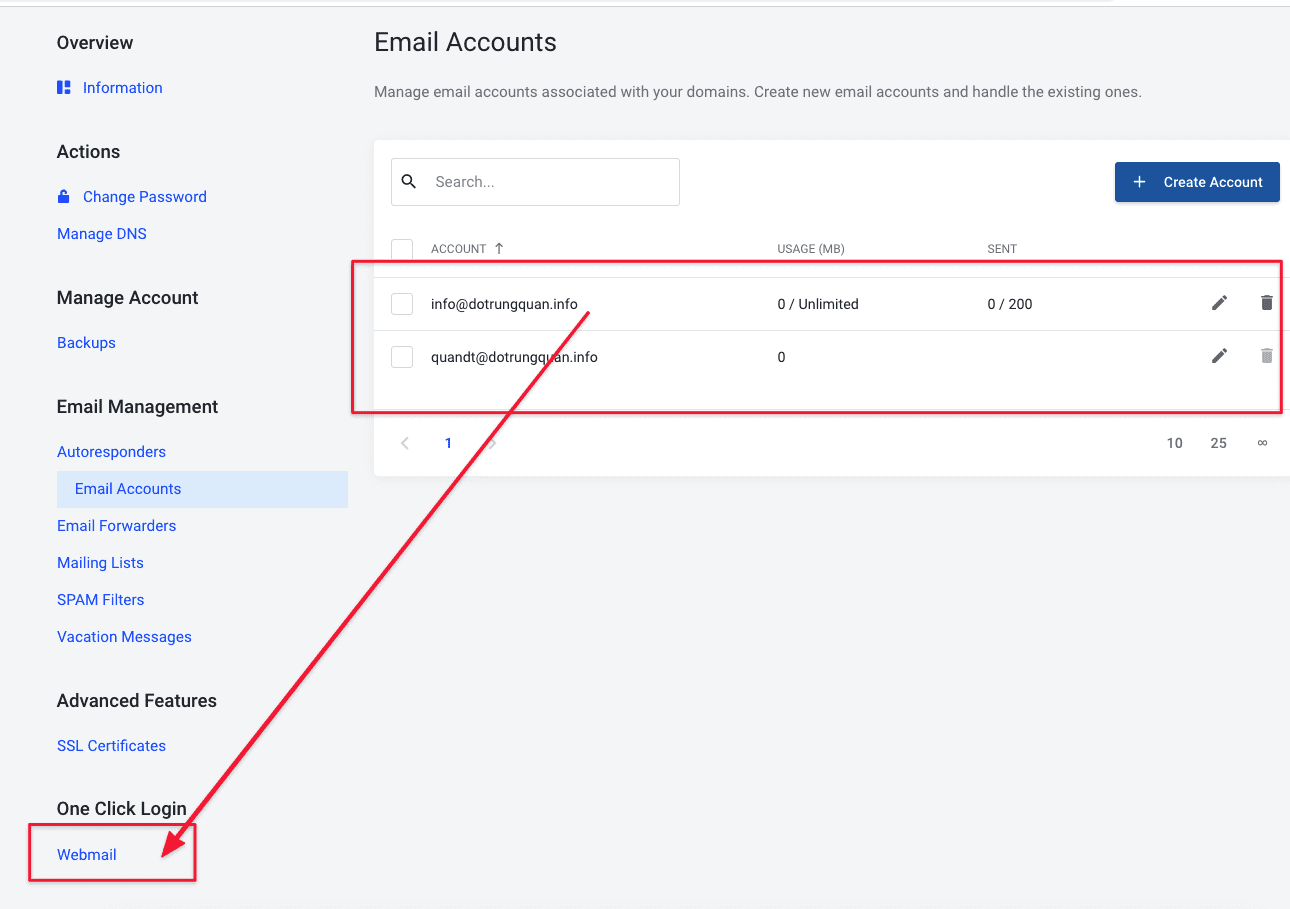
In the One Click Login section, click on Webmail as shown below to access Webmail.
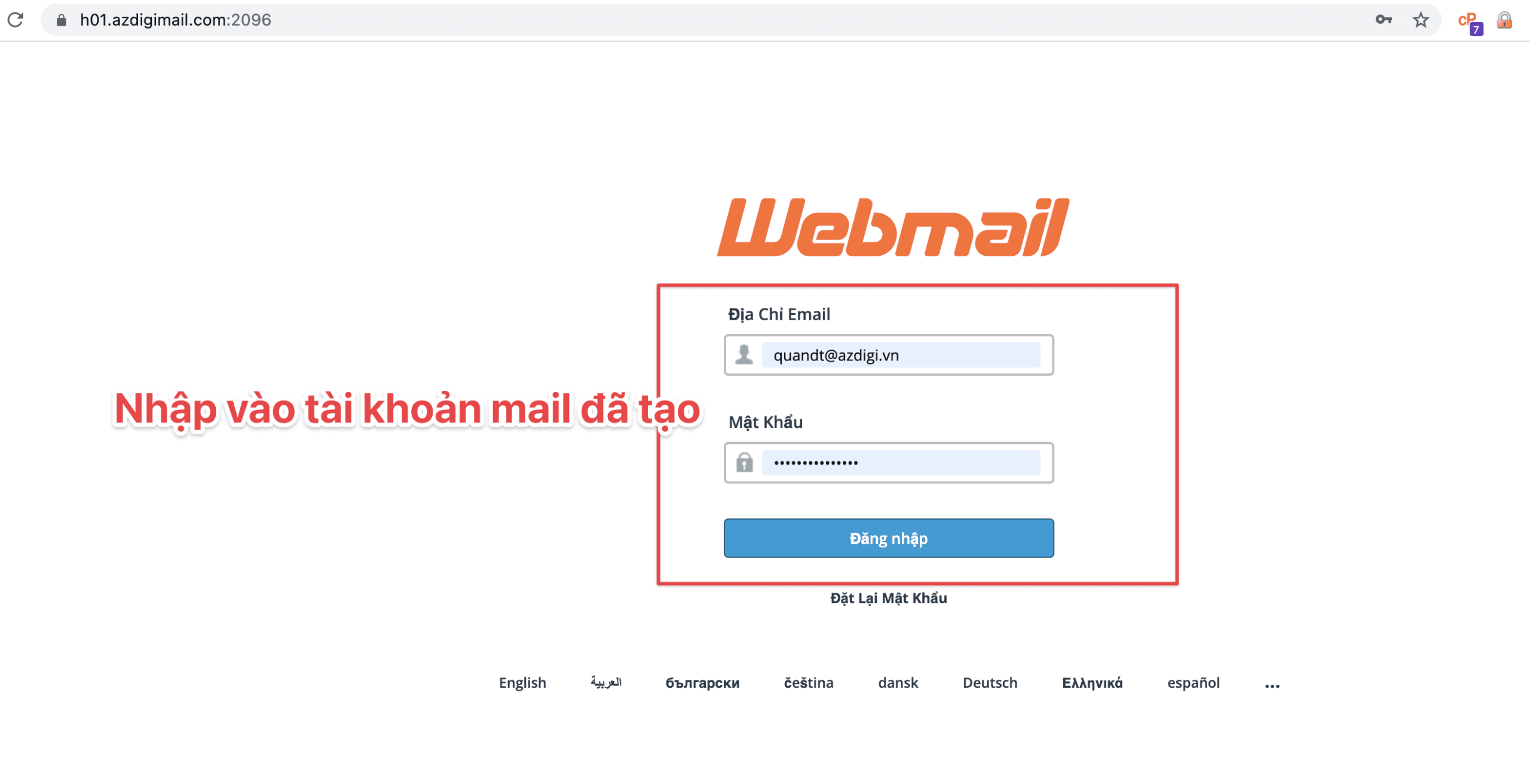
You enter the email account and password created earlier to log in.
Note: You must enter the full email created, including:
- User: user@mydomain
- Pass: Password created
The friendly webmail interface helps you send and manage email more efficiently.
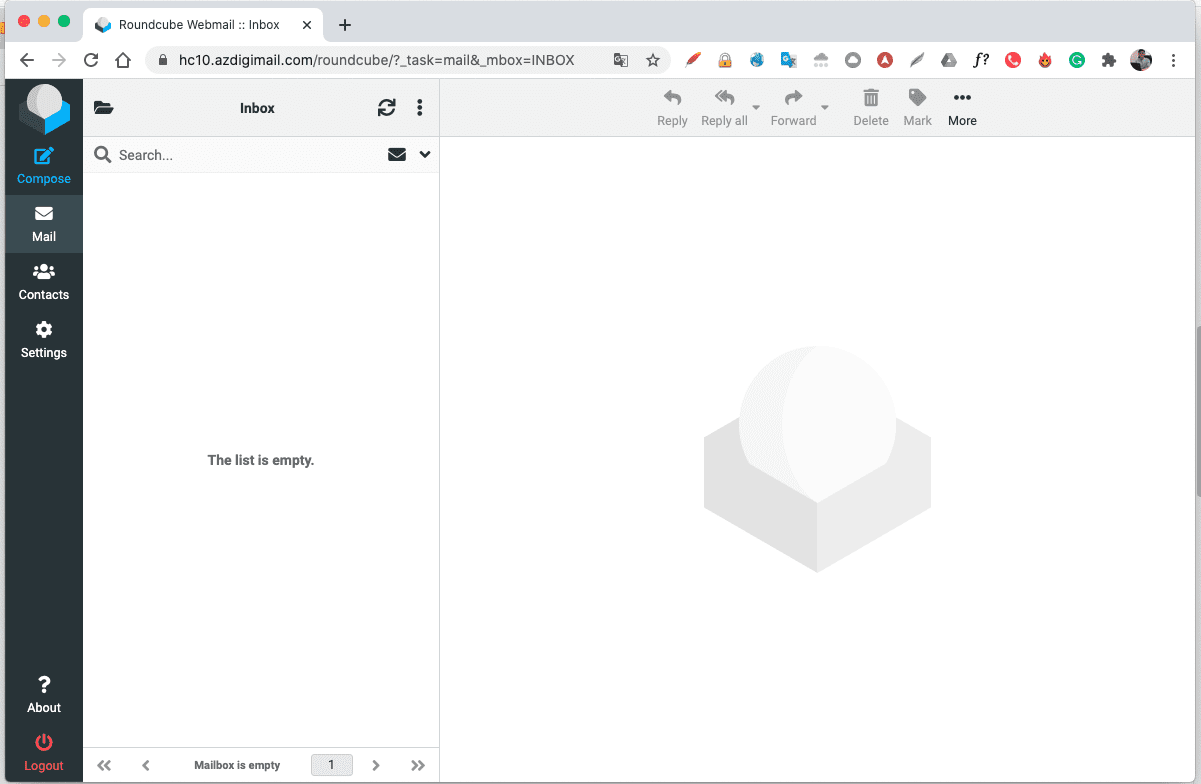
The friendly webmail interface helps you send and manage emails more efficiently. To refer to the documentation for using mail, you can access the Pro Mail Hosting Guide at the link below:
- Hotline 247: 028 888 24768 (Ext 0)
- Ticket/Email: You can use your email to register for the service and send it directly to: support@azdigi.com
You might also like
- Pro Mail Hosting: How to login mail on Outlook IOS
- Pro Mail Hosting: How to create a mail account
- Pro Mail Hosting: Create the HTML Signature in RoundCube
- Pro Mail Hosting: How to create a mail account
- Pro Mail Hosting: How to create a signature in RoundCube webmail
- Pro Mail Hosting: How to add a domain email account to Gmail
About the author

Thạch Phạm
Đồng sáng lập và Giám đốc điều hành của AZDIGI. Có hơn 15 năm kinh nghiệm trong phổ biến kiến thức liên quan đến WordPress tại thachpham.com, phát triển website và phát triển hệ thống.