In today’s article, AZDIGI will show you how to install Node.js 12 on CentOS 7 simply and easily.
Install Node.js 12 on CentOS 7
To install Node.js 12 on CentOS 7, we follow these 3 steps.
Step 1: SSH into your CentOS 7 server
To install Node.js 12 on CentOS 7, we need to SSH or access your VPS/server as root. If you don’t know how to SSH into your VPS/Server, you can refer to the following tutorial:
After successfully SSH, we continue with step 2 to perform the update of the CentOS operating system.
Step 2: Update CentOS
To update CentOS, we execute the following command:
yum update -y
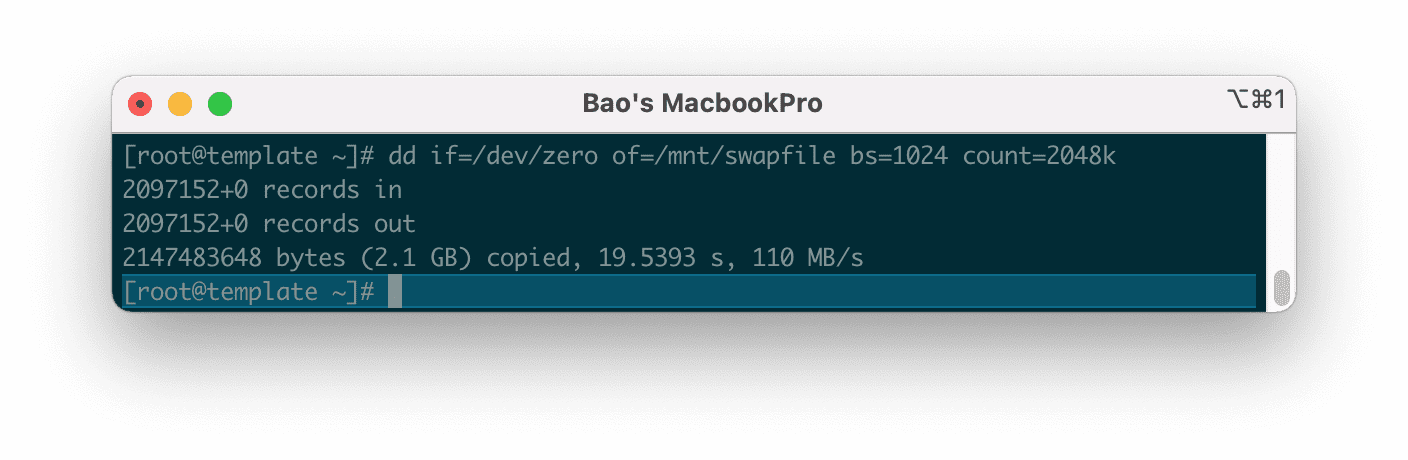
Below is my interface after I finished updating CentOS. Depending on the internal software you use, the interface will be different.
After the update is successful, we continue with step 3 to execute the commands to install Node.js 12 on CentOS 7.
Step 3: Commands to install Node.js 12 on CentOS 7
To install Node.js 12 on CentOS 7, we use the following commands: I will explain the commands below so that you can understand the function of each command.
curl -sL https://rpm.nodesource.com/setup_12.x | sudo bash -
yum clean all && sudo yum makecache fast
yum install -y gcc-c++ make
yum install -y nodejs
Explanation of the above commands:
- Command 1: This command will install the NodeSource Node.js 12.x repo.
- Command 2: Clear all cache of yum command.
- Command 3: Install the gcc-c++ make the library.
- Command 4: Install nodejs.
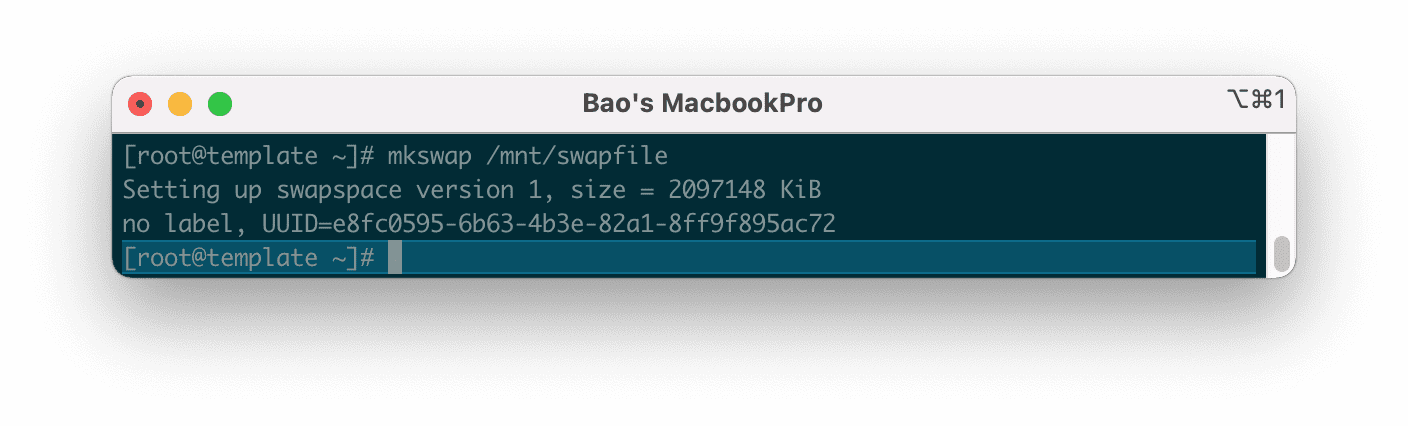
Below is my screen after I have run the above 4 commands:
So we have completed the installation of Node.js 12 on CentOS 7.
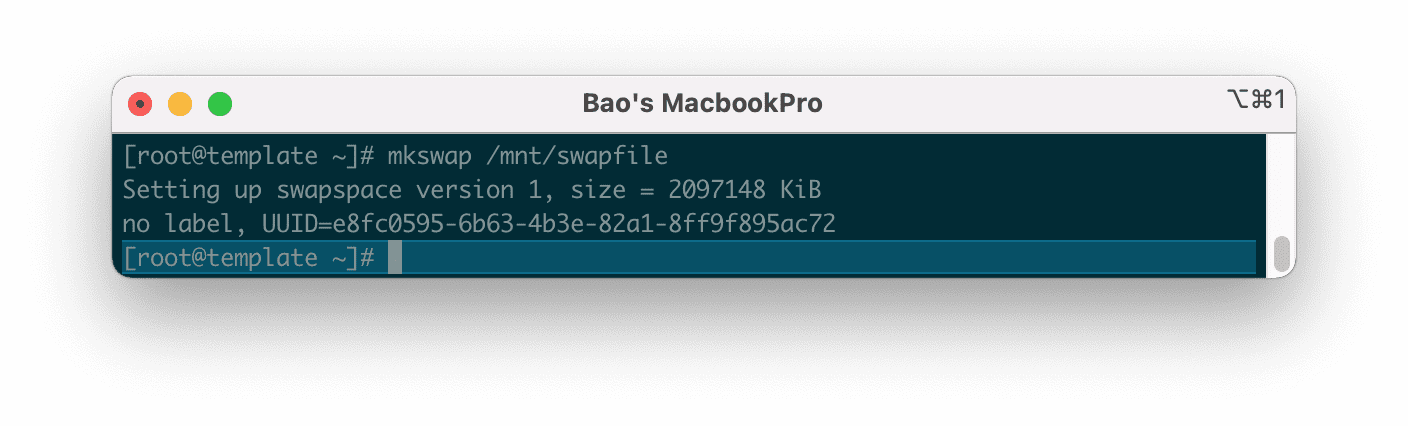
Now we use the following command to check the installed Node.js version.
node -v
And this is the result.
Summary
Hopefully, through this article, you know how to install Node.js 12 on CentOS 7 as well as check the version after the installation is complete.
About the author

Thạch Phạm
Đồng sáng lập và Giám đốc điều hành của AZDIGI. Có hơn 15 năm kinh nghiệm trong phổ biến kiến thức liên quan đến WordPress tại thachpham.com, phát triển website và phát triển hệ thống.