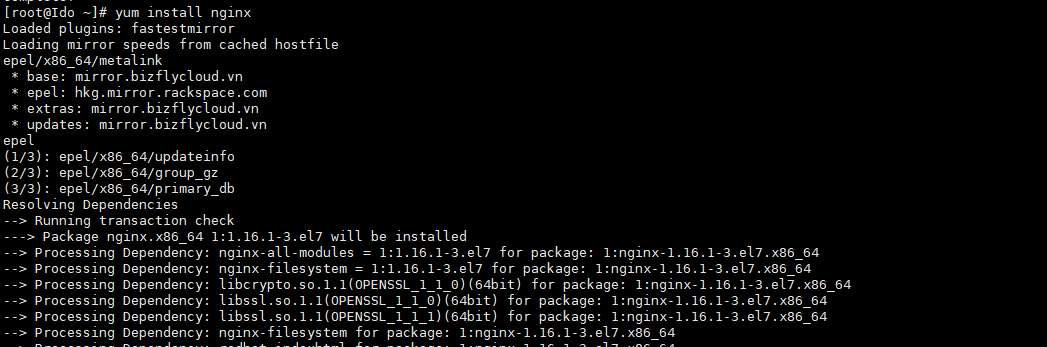
This article will introduce you to a Limit IP script for User admin that DirectAdmin supports to limit admin users to login with the IP that was previously allowed to be able to log in, it means outside the allowed IP will not be able to log in.
Overview
Limiting IP will usually limit all accompanying users, leading to very difficult security. In this article, AZDIGI will guide you to Limit IP for a specific admin user who will be logged in with the specified IP, when Limit IP for User admin with a specific IP will increase security more when information is leaked.
To do this, we must first have a fixed and almost unchanged access IP. Because the IP already allows login with user: admin, but changing to another IP will not be able to log in.
To have a fixed static IP, you need to do the following:
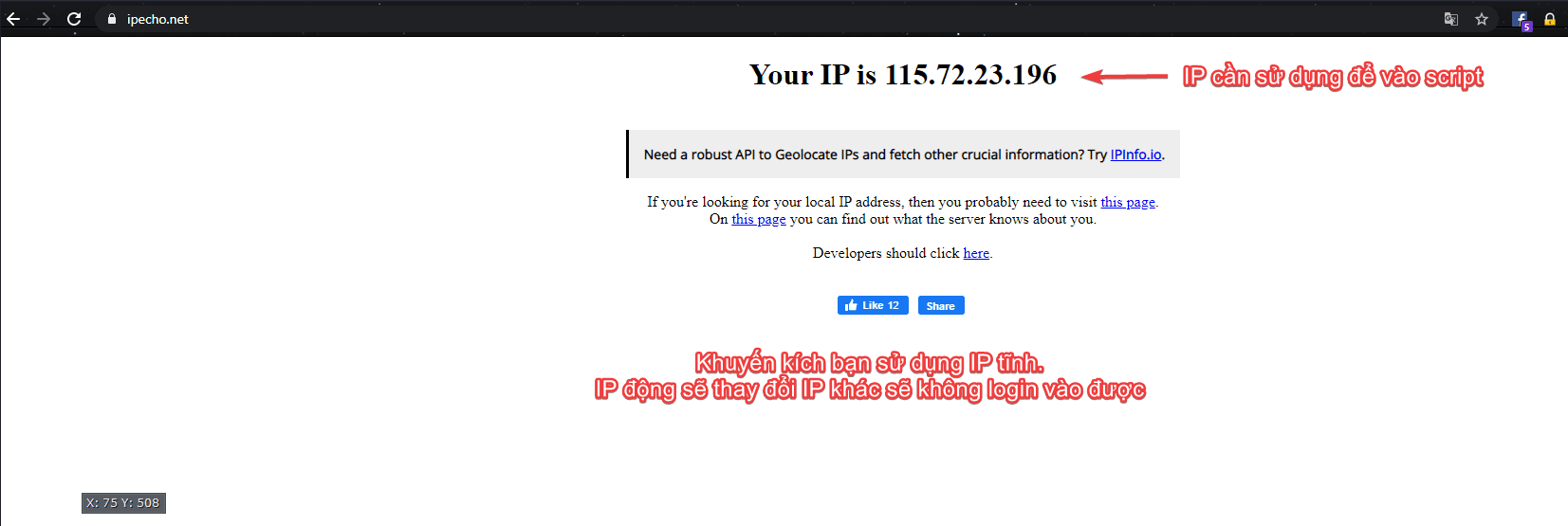
To know your IP, visit the link ipecho.net to get the IP.
- Use VPS setup into a connected VPN network.
- Rent a static IP from your ISP.
To IP limit for the admin user in DirectAdmin 1.6, perform the following steps.
Implementation Guide
Step 1: Create a custom script Limit IP for the admin user
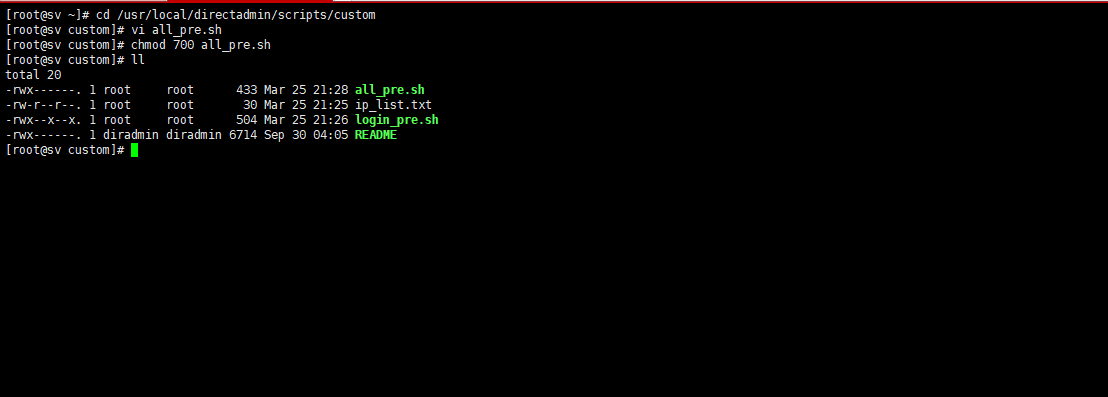
SSH into the DirectAdmin server and access the custom directory at /usr/local/directadmin/scripts/custom/. Then you create a file all_pre.sh
cd  /usr/local/directadmin/scripts/custom/
touch  all_pre.sh
chmod 700 all_pre.sh
Now insert the Limit IP script for User admin with the content below with the command vi all_pre.sh
#!/bin/sh
USERTYPE=`grep usertype= /usr/local/directadmin/data/users/${username}/user.conf | cut -d= -f2`
if [ "${USERTYPE}" = "admin" ]; then
   if [ "$caller_ip" = "45.252.248.109" ]; then
       exit 0;
   fi
if [ "$caller_ip" = "103.221.220.134" ]; then
       exit 0;
   fi
#repeat the check on the IP as many times as desired. ==> thêm nhiều IP thêm theo mẫu trên
echo "IP $caller_ip is not allowed to be logged in as an Admin";
   exit 1;
fi
exit 0;
According to the above script, user: admin can only log in with two IPs: 45.252.248.109 and 103.221.220.134.
Step 2: Update the IP limit script configuration for the admin user
After performing the full steps above, next you need to update the configuration for Directadmin to take effect and run the script.
cd /usr/local/directadmin/custombuild
./build update_script
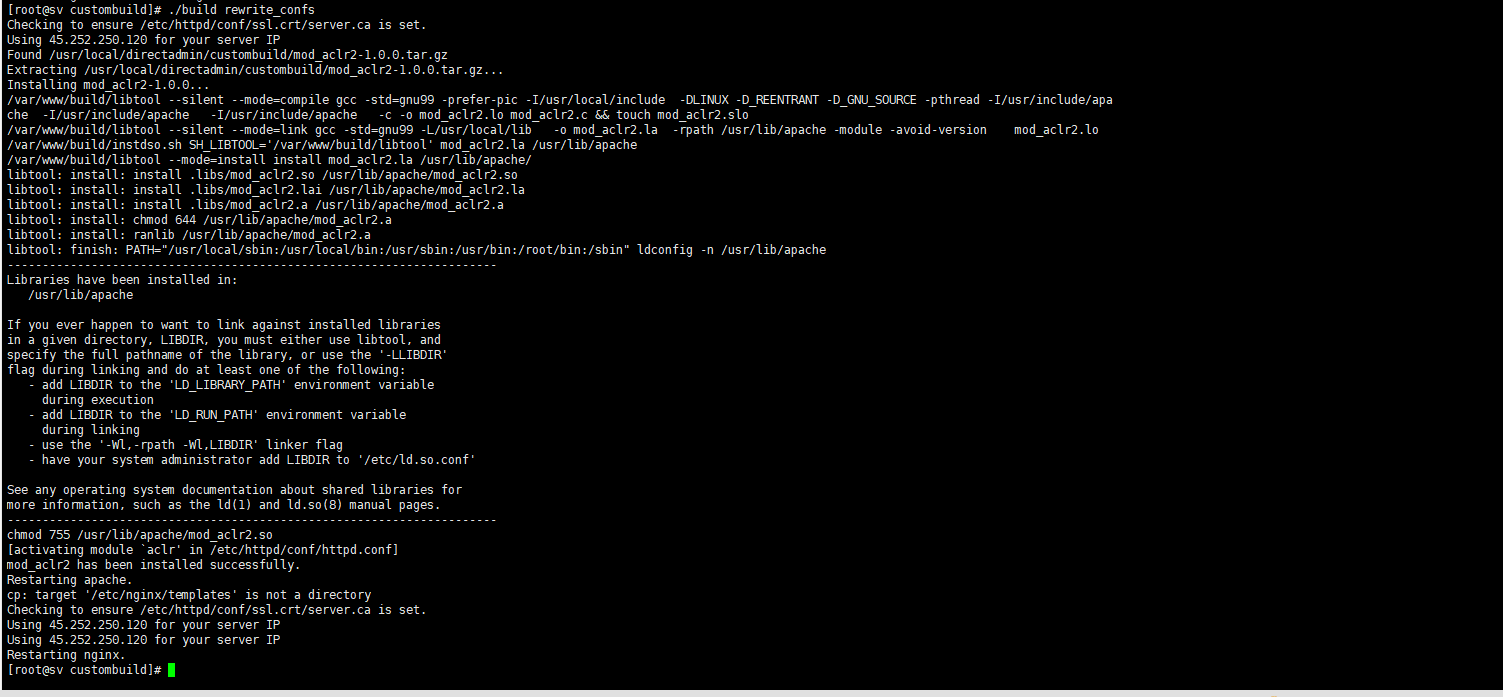
./build rewrite_confs

And finally, build rewrite_confs to finish.
cd /usr/local/directadmin/custombuild
./build rewrite_confs
Summary
Hopefully, this article will be helpful for you to enhance security, as limiting IP for the admin user prevents login information from being compromised. Wishing you success!
See more useful articles about DirectAdmin at the following link:
If you need assistance, you can contact support in the ways below:
- Hotline 247: 028 888 24768 (Ext 0)
- Ticket/Email: You use the email to register for the service and send it directly to: support@azdigi.com .
You might also like
About the author

Thạch Phạm
Đồng sáng lập và Giám đốc điều hành của AZDIGI. Có hơn 15 năm kinh nghiệm trong phổ biến kiến thức liên quan đến WordPress tại thachpham.com, phát triển website và phát triển hệ thống.