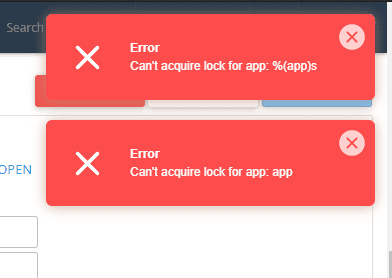
In some cases, when you try to edit or delete a Node.js app on cPanel, you may encounter the “Can’t acquire lock for app: app-name” error. This error means that there is a process running the Application startup file, preventing you from making any changes to your app.
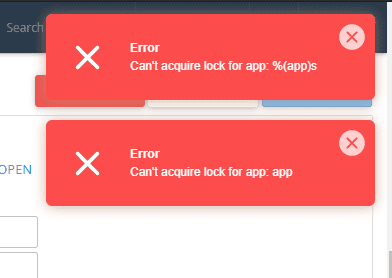
To fix this error, navigate to the /nodevenv directory on your host, access the directory of the app you are using, and delete the .lock file. After doing this, you should be able to perform normal operations on your app, such as editing or deleting it.
You might also like
- 401 Unauthorized Error: causes and how to fix
- 401 Unauthorized Error: causes and how to fix
- Fixing the robots.txt file is not writable error when using Rank Math
- Fixing the error "the user account has been locked"
- Fixing the "Another app is currently holding the yum lock" error on CentOS
- Fixing the 500 Internal Server Error on WordPress
This article has been reviewed by AZDIGI Team
About the author

Thạch Phạm
Đồng sáng lập và Giám đốc điều hành của AZDIGI. Có hơn 15 năm kinh nghiệm trong phổ biến kiến thức liên quan đến WordPress tại thachpham.com, phát triển website và phát triển hệ thống.
10+ years serving 80,000+ customers