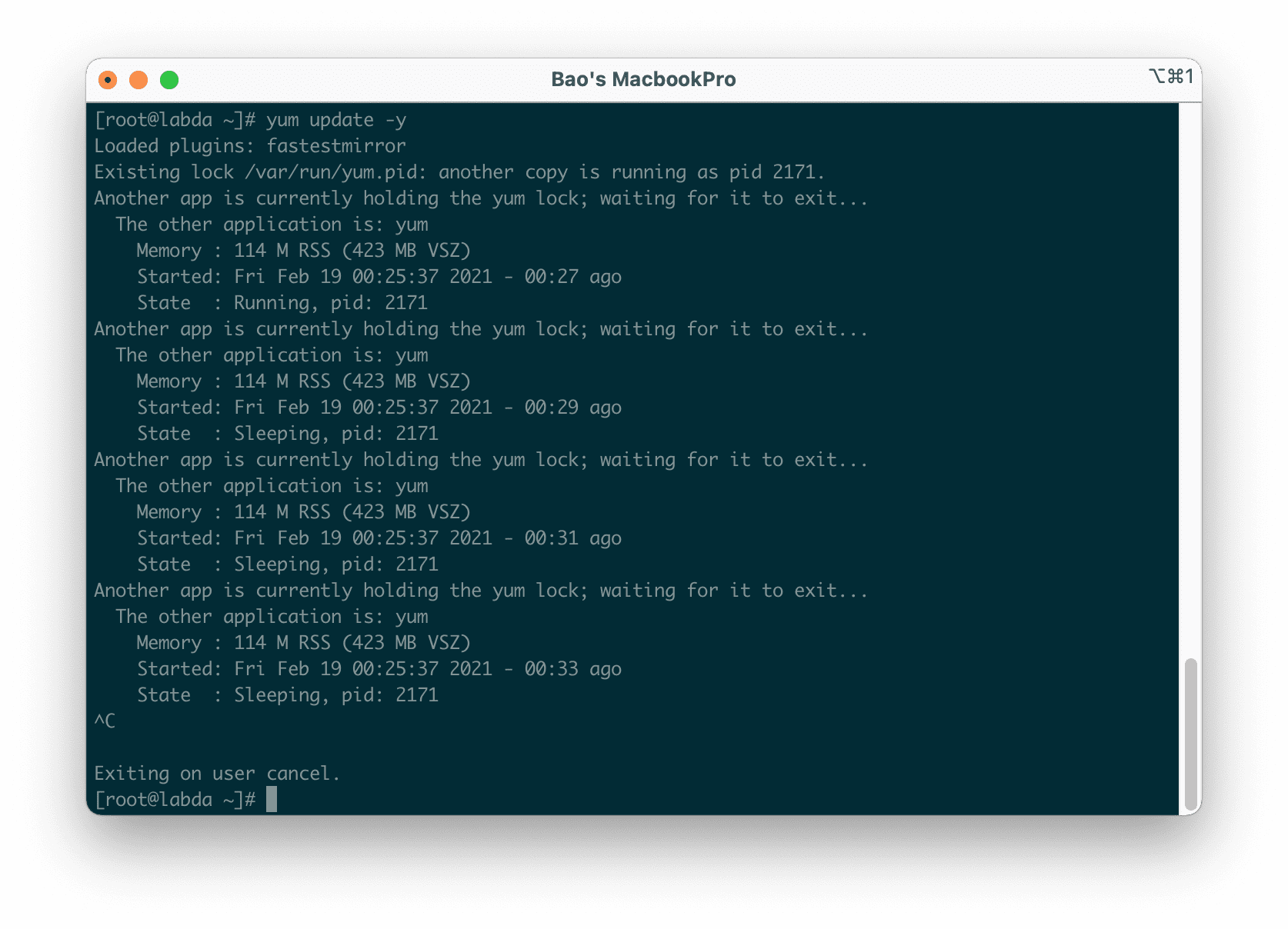
In this article, AZDIGI will show you how to fix the “Another app is currently holding the yum lock” error on CentOS/RHEL.
I. Introduction
If you are a system administrator using CentOS/RHEL, chances are you will encounter the error
This error occurs when you use the yum command to update/install the service. Below is an image of the error message:
Existing lock /var/run/yum.pid: another copy is running as pid [pid].
Another app is currently holding the yum lock; waiting for it to exit...
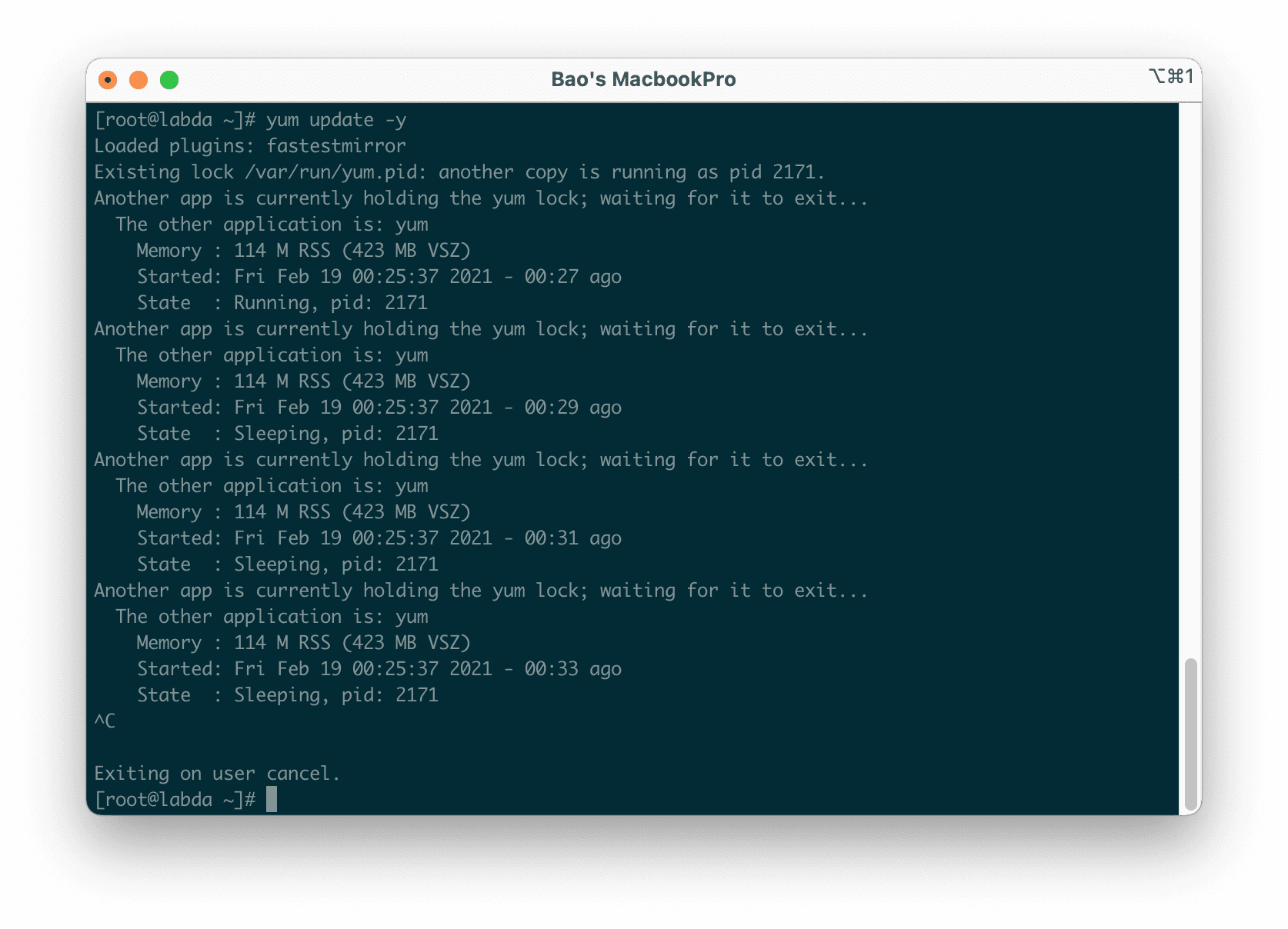
The reason for this error is that a user, including yourself, was previously using the yum command to install/update a service, but the process did not end, causing the next user unable to use yum because the previous process still exists.
II. How to fix the “Another app is currently holding the yum lock” error
There are several ways to fix the “Another app is currently holding the yum lock” error on CentOS/RHEL, and I will go through each method below.
First, you need to SSH or access your VPS/server as root. Or at least log in to the server with a user with sudo privileges. If you don’t know how to SSH into your VPS/Server, you can refer to the following tutorial:
Once you have successfully SSH into your server, we can proceed to look at the solutions to this error as follows.
Method 1: Remove the current PID of yum
For this method, you just need to run the following command:
rm -f /var/run/yum.pid
Method 2: Find the PID of yum and disable it
For this method, you need to execute the following two commands. The first command will find the PID of yum, and in the second command, you will replace the PID with [yum-pid] so that you can disable it.
ps auxfw | grep yum
kill -9 [yum-pid]
Alternatively, you can determine the PID of yum by running the yum command again and identifying it as shown below:
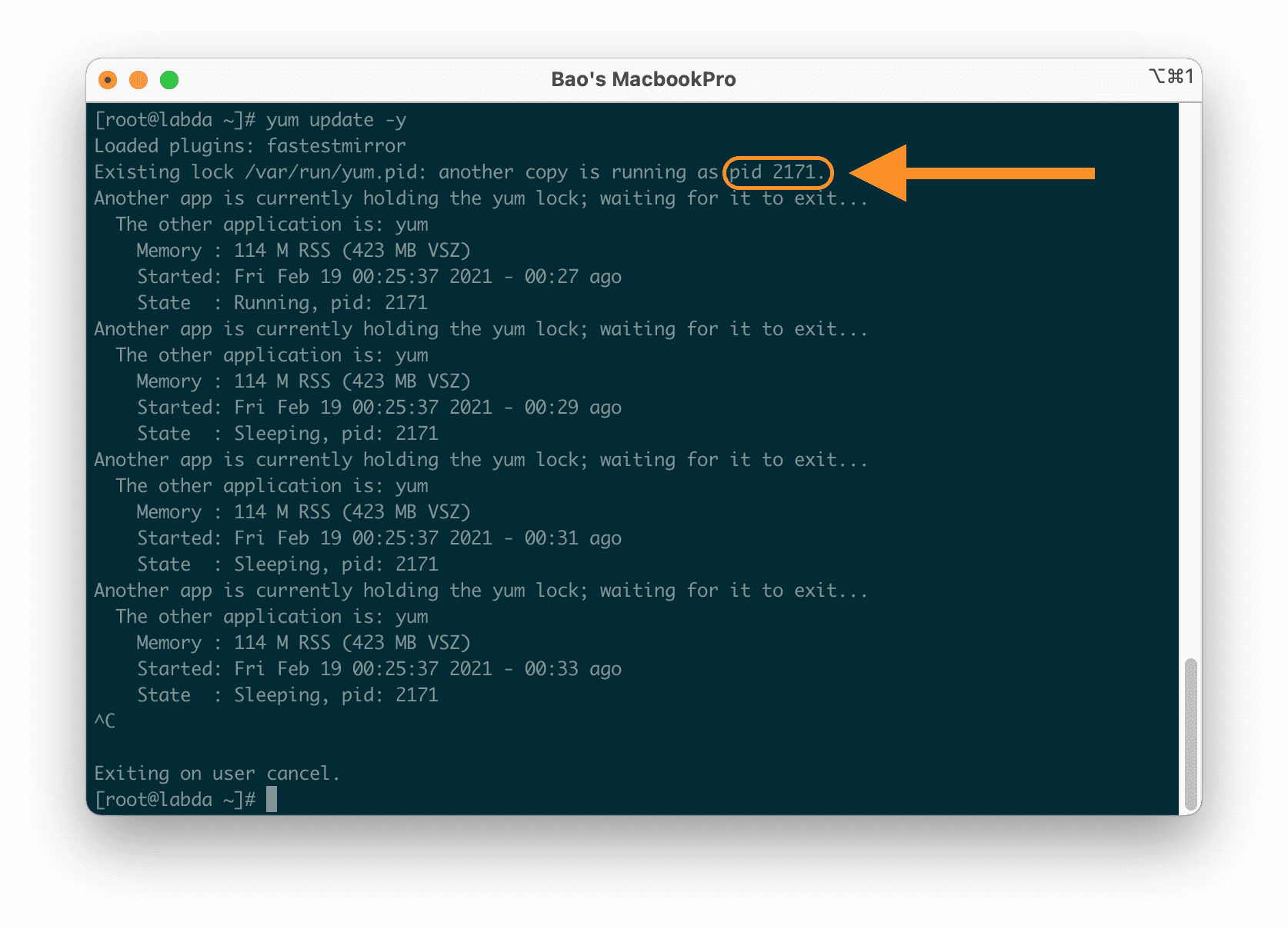
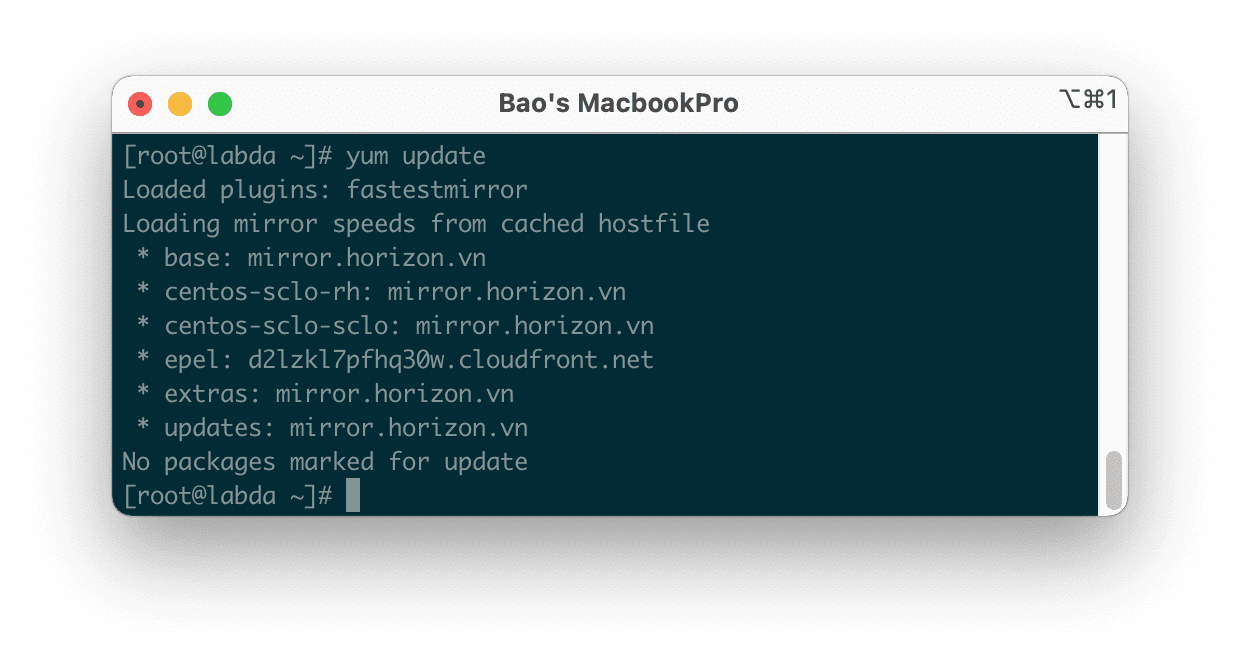
At this point, you can try running the yum command again.
III. Summary
Hopefully, with the above two methods, you will fix the “Another app is currently holding the yum lock” error when using yum.
Wishing you success. See more useful articles about Linux at the following link:
If you need assistance, you can contact support in the ways below:
- Hotline 247: 028 888 24768 (Ext 0)
- Ticket/Email: You use the email to register for the service and send it directly to: support@azdigi.com .
You might also like
- Fix the Telnet command not found error on CentOS, RHEL
- Fix the error: YumRepo Error All mirror URLs are not using ftp http[s] or file
- Fix the "The repository no longer has a Release file" error on Ubuntu
- How to install PostgreSQL on CentOS 7
- htop - Monitoring Linux server processes
- Troubleshooting Linux VPS - How to Handle Common VPS Issues
About the author

Thạch Phạm
Đồng sáng lập và Giám đốc điều hành của AZDIGI. Có hơn 15 năm kinh nghiệm trong phổ biến kiến thức liên quan đến WordPress tại thachpham.com, phát triển website và phát triển hệ thống.