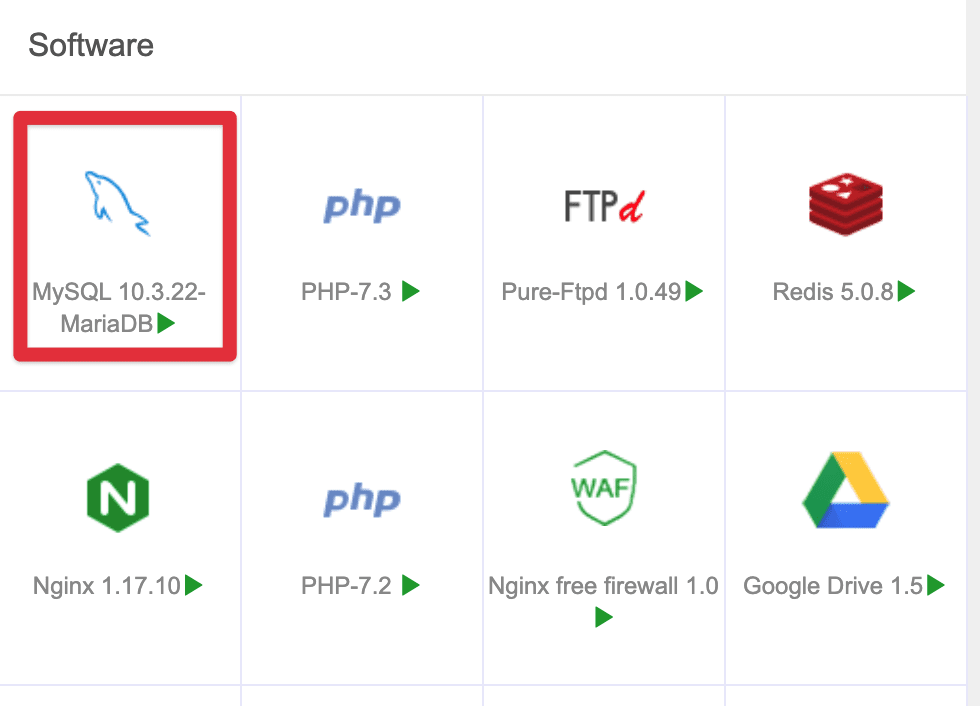
In the features of aaPanel, there is a very useful feature to optimize VPS, which is the feature of self-configuring MySQL to match the RAM capacity of the VPS.
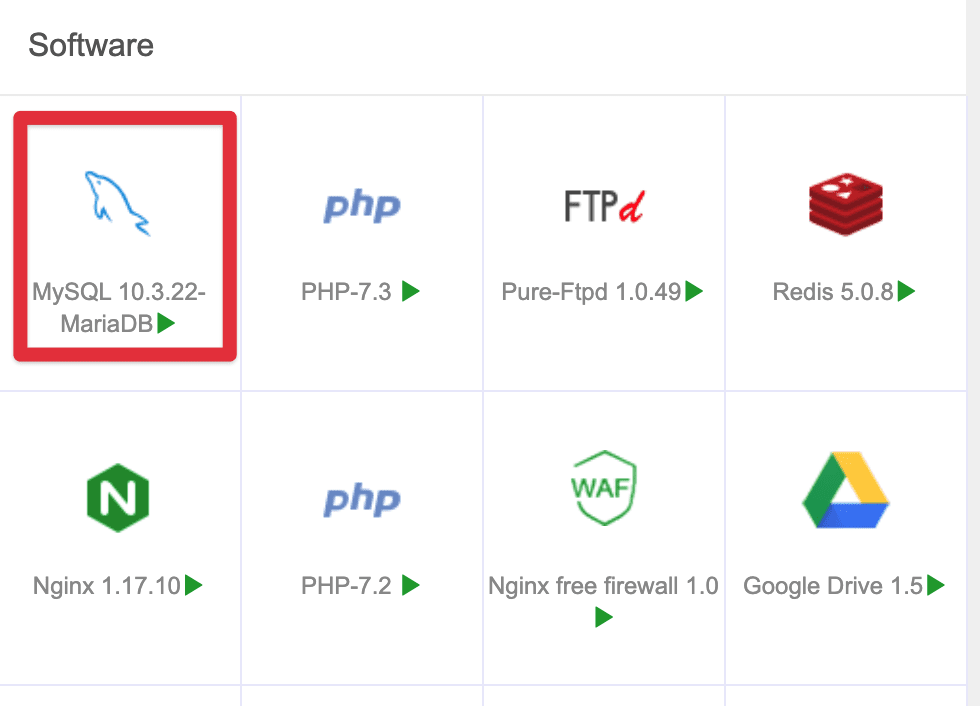
To use this feature, select MySQL (or MariaDB) in the Software section on the Dashboard.
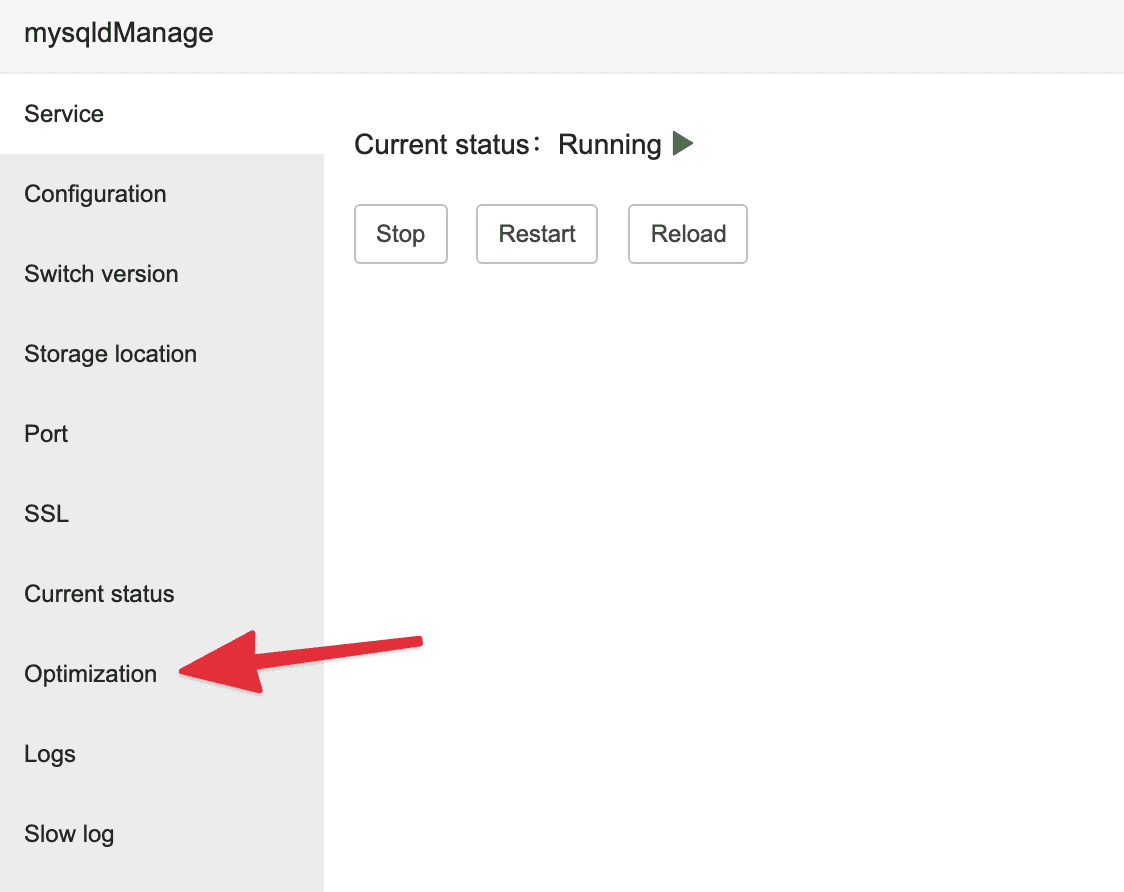
Next, select the Optimization section.
In this section, you choose the Optimization plan in the configuration corresponding to the amount of RAM available on the VPS. For example, if my VPS has 4GB of RAM, I will choose 4GB.
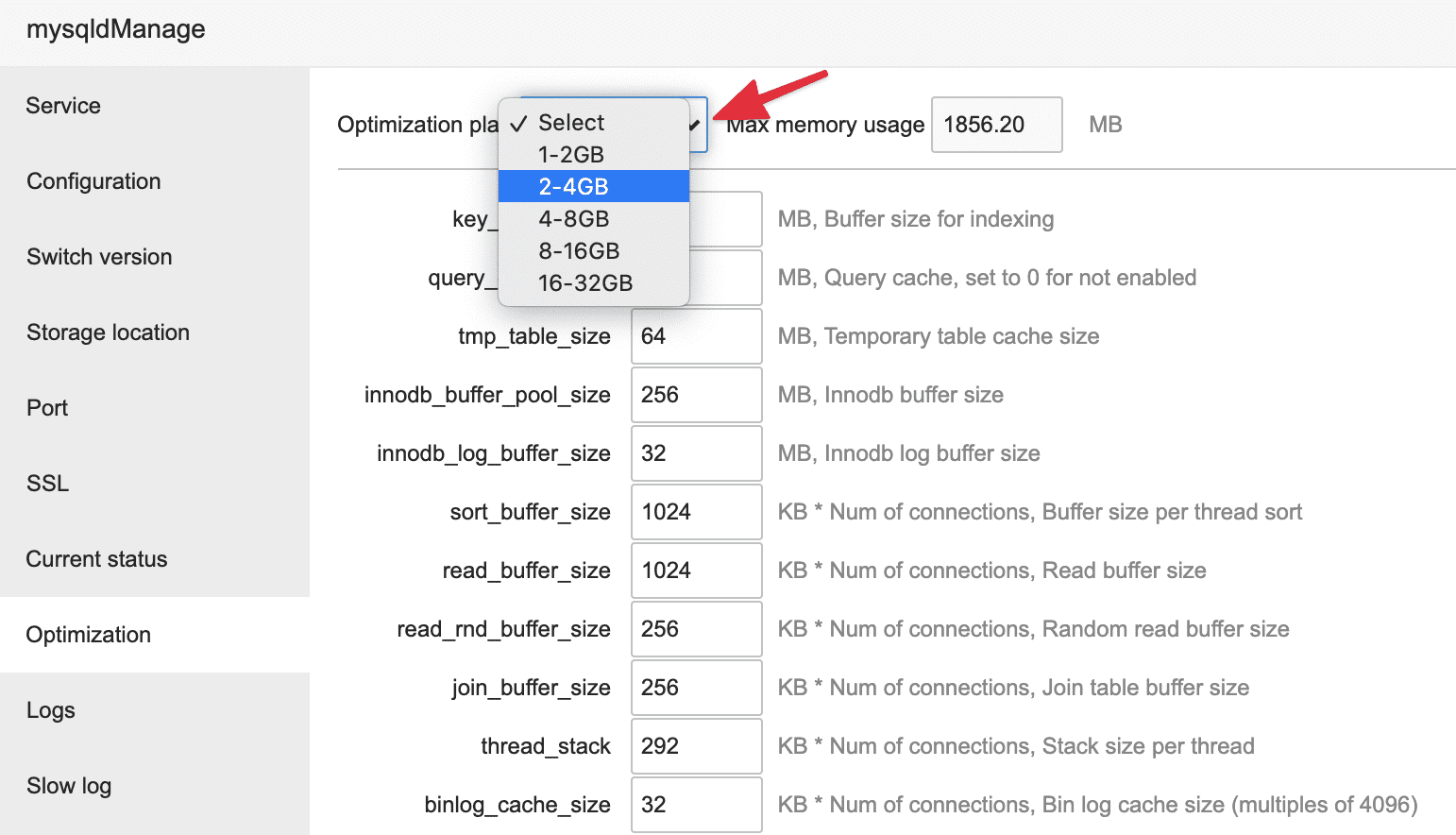
After selecting, click Save and Restart mysqld service.
So you have completed optimizing the MySQL configuration on aaPanel and your VPS will take full advantage of the power of operating MySQL to help the website execute queries more smoothly. Wishing you success!
About the author

Thạch Phạm
Đồng sáng lập và Giám đốc điều hành của AZDIGI. Có hơn 15 năm kinh nghiệm trong phổ biến kiến thức liên quan đến WordPress tại thachpham.com, phát triển website và phát triển hệ thống.