In the process of using Hosting/VPS, you need to transfer website data to another Hosting/VPS or download data to your personal computer for storage, management or error correction. And this article, AZDIGI will show you to compress data using various formats that Control supports, including ZIP, Tar, GZip and Bzip2 formats.
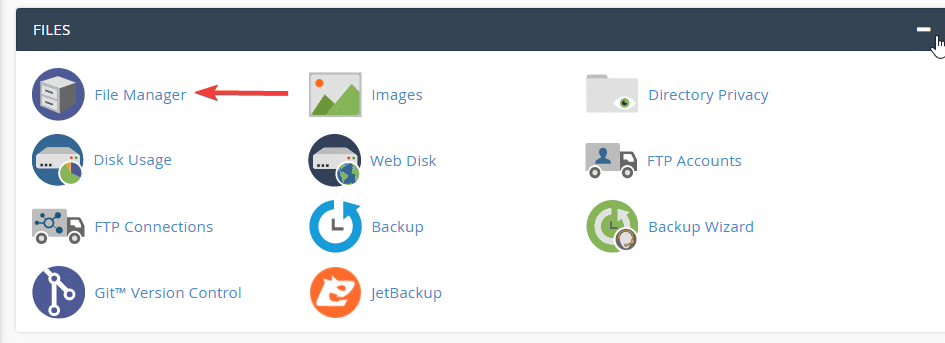
First, log in to cPanel and find the File Manager section.

Then click select the files to compress, you can select the entire folder by pressing the Select All button.

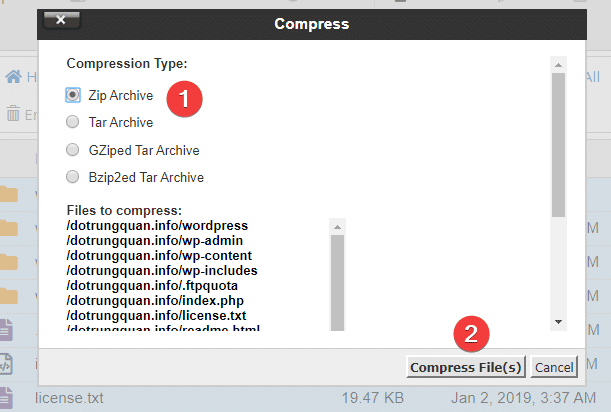
Then choose the format to compress; usually, we will choose Zip Archive.
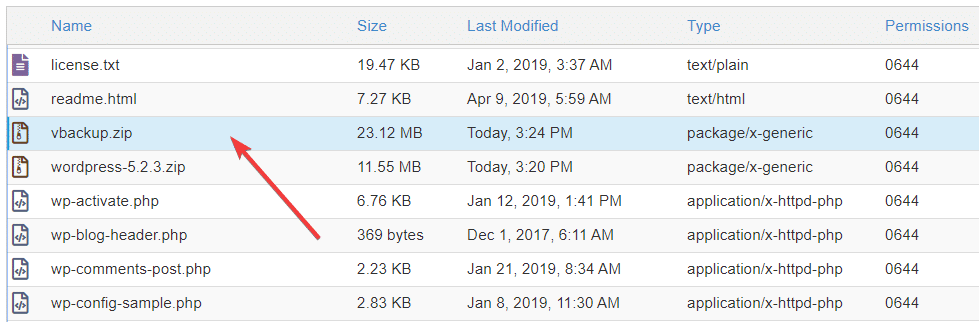
Now after compressing the data, you can proceed to download the newly created compressed file to your computer to start storing or moving the data to another host.
Wishing you success!
Hotline 247: 028 888 24768 (Ext 0)
Ticket/Email: You use the email to register for the service and send it directly to: support@azdigi.com
About the author

Thạch Phạm
Đồng sáng lập và Giám đốc điều hành của AZDIGI. Có hơn 15 năm kinh nghiệm trong phổ biến kiến thức liên quan đến WordPress tại thachpham.com, phát triển website và phát triển hệ thống.