Introduction
In this article, we will learn how to install Moodle on cPanel using Softaculous. Moodle is a widely used open-source online learning management system, popular in schools and educational institutions. With Softaculous, installing Moodle on cPanel becomes easy and quick.
Install Moodle on cPanel using Softaculous
Step 1: Log in to cPanel
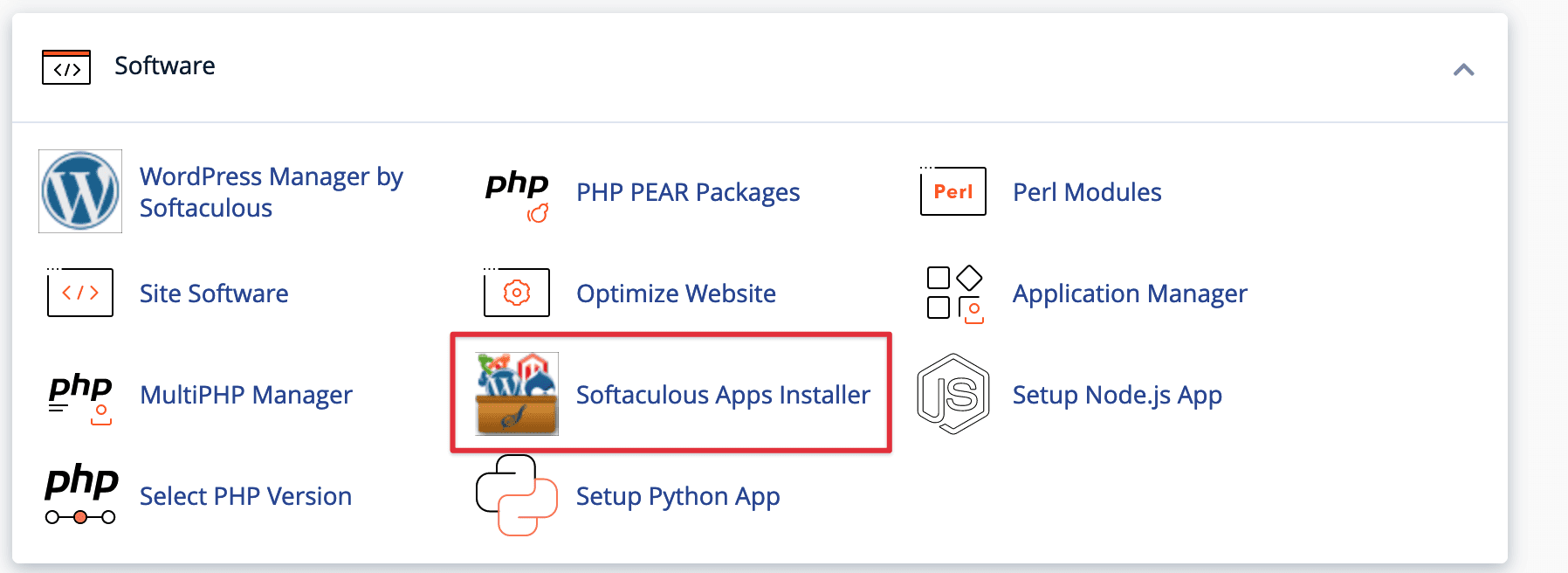
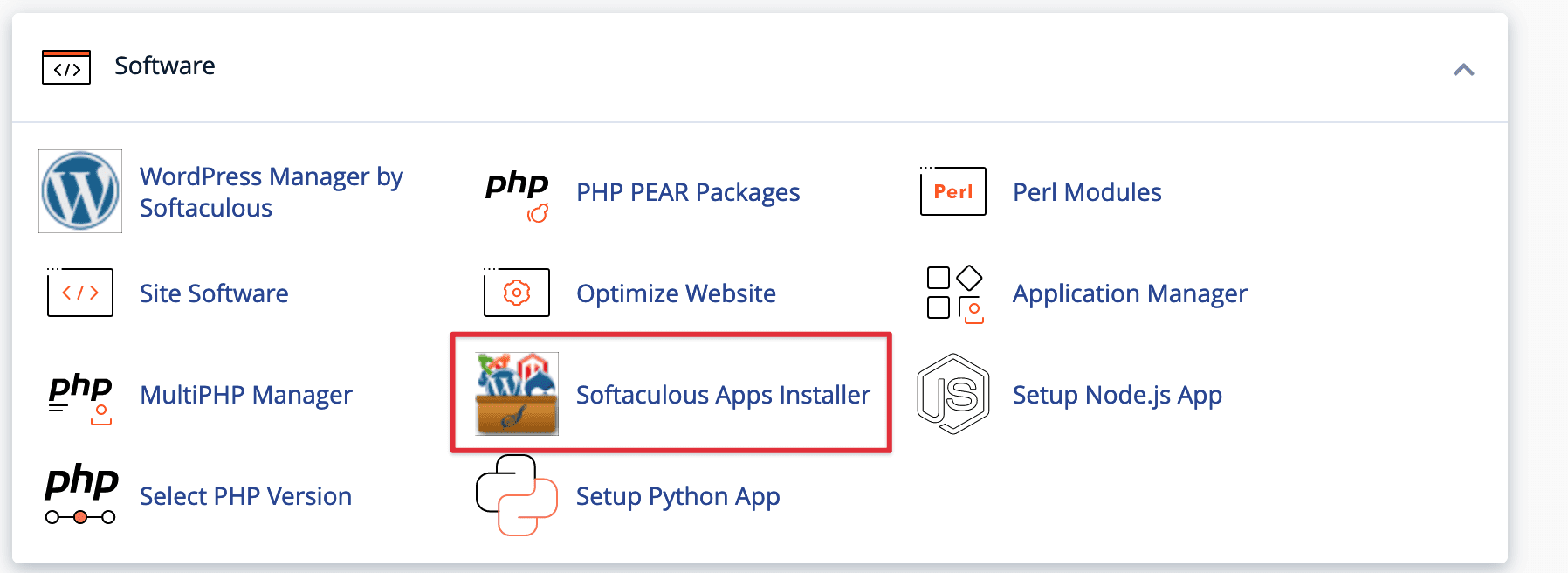
First, log in to your cPanel and look for the Softaculous icon in the “Software” section.
Step 2: Find and select the Moodle application
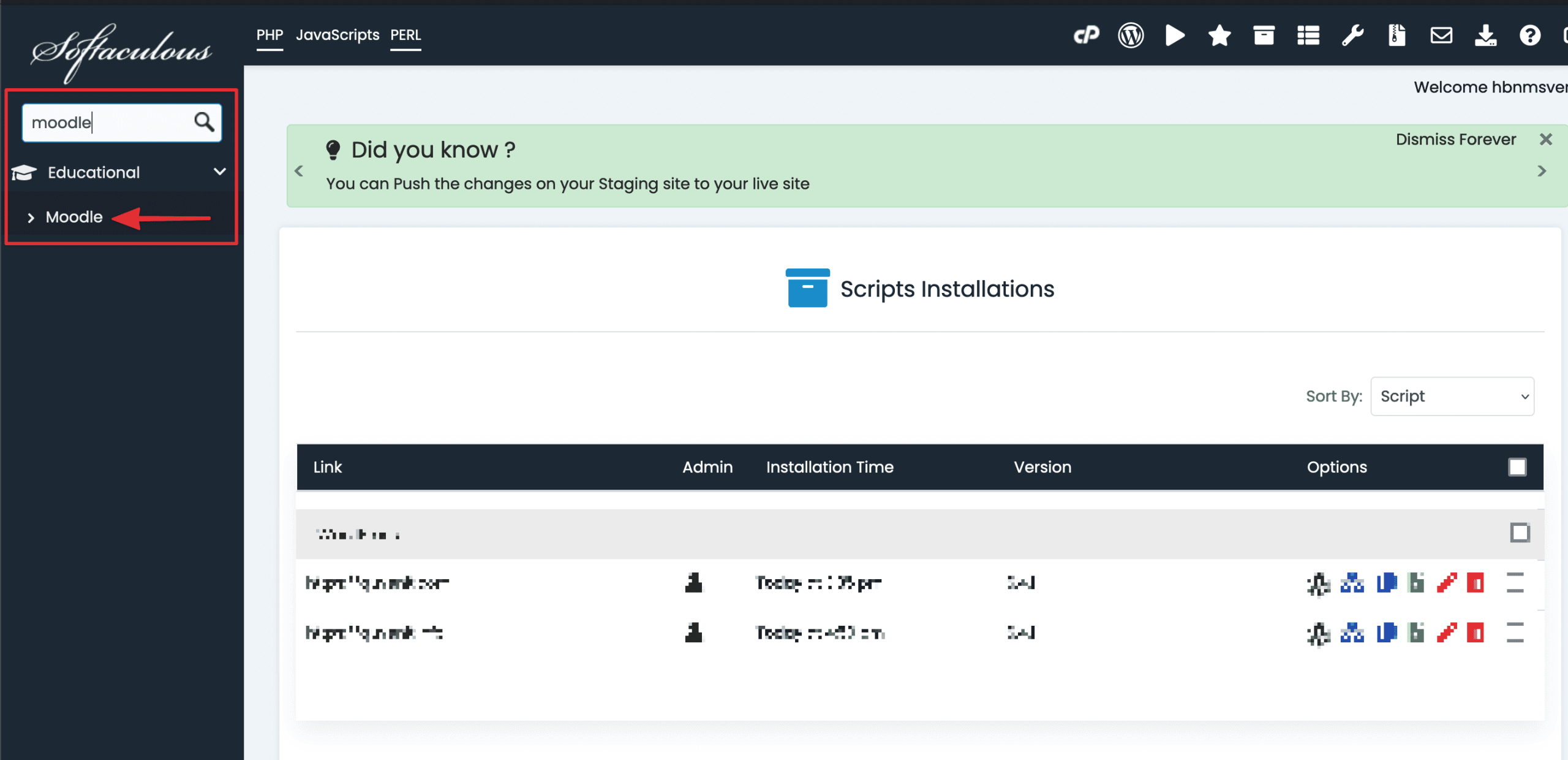
In the Softaculous interface, find and select the Moodle application as shown below:
Step 3: Install Moodle
Now, click Install for Moodle to initiate the installation process.
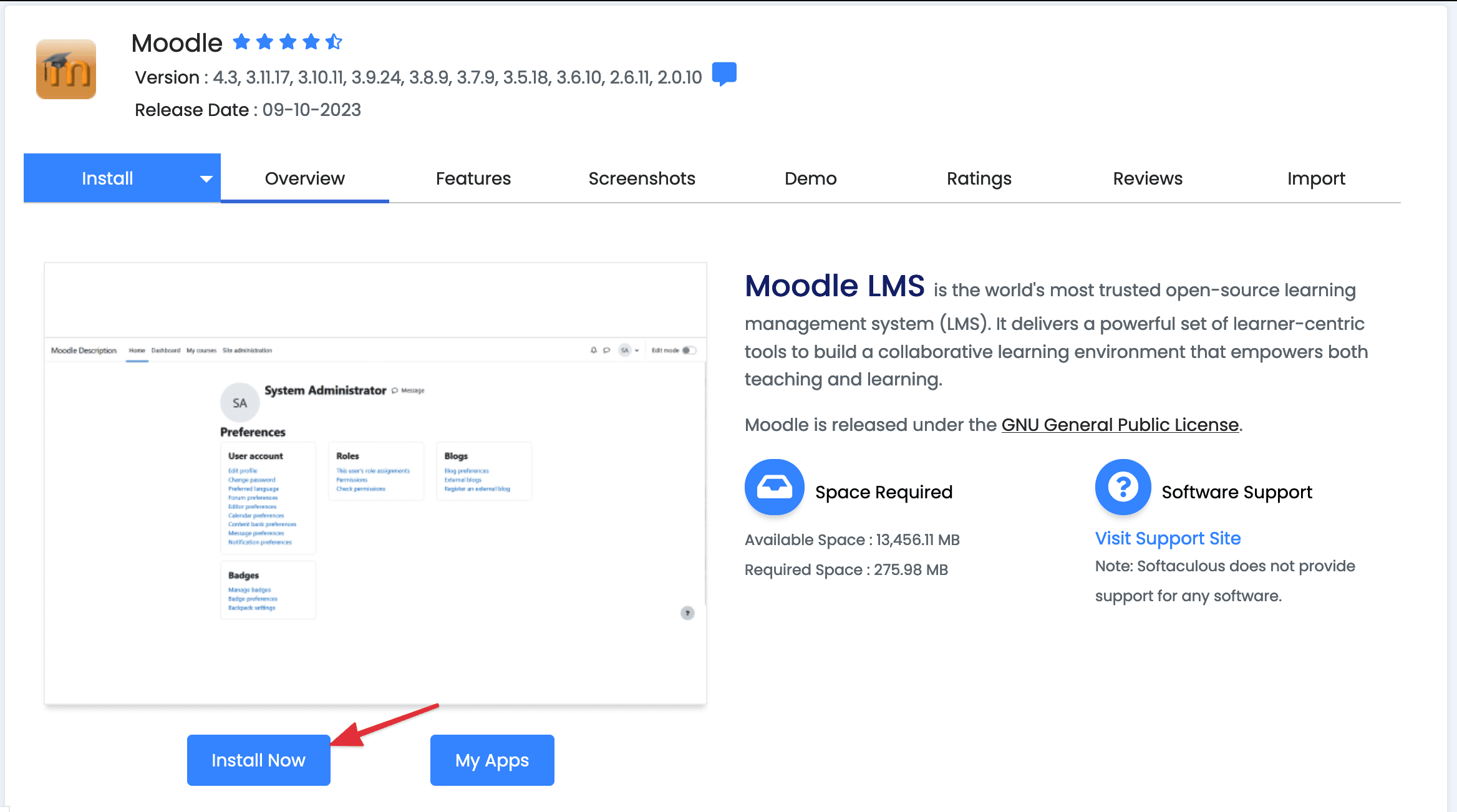
Fill in the required information such as the domain, username, password, and email address for the Moodle admin.
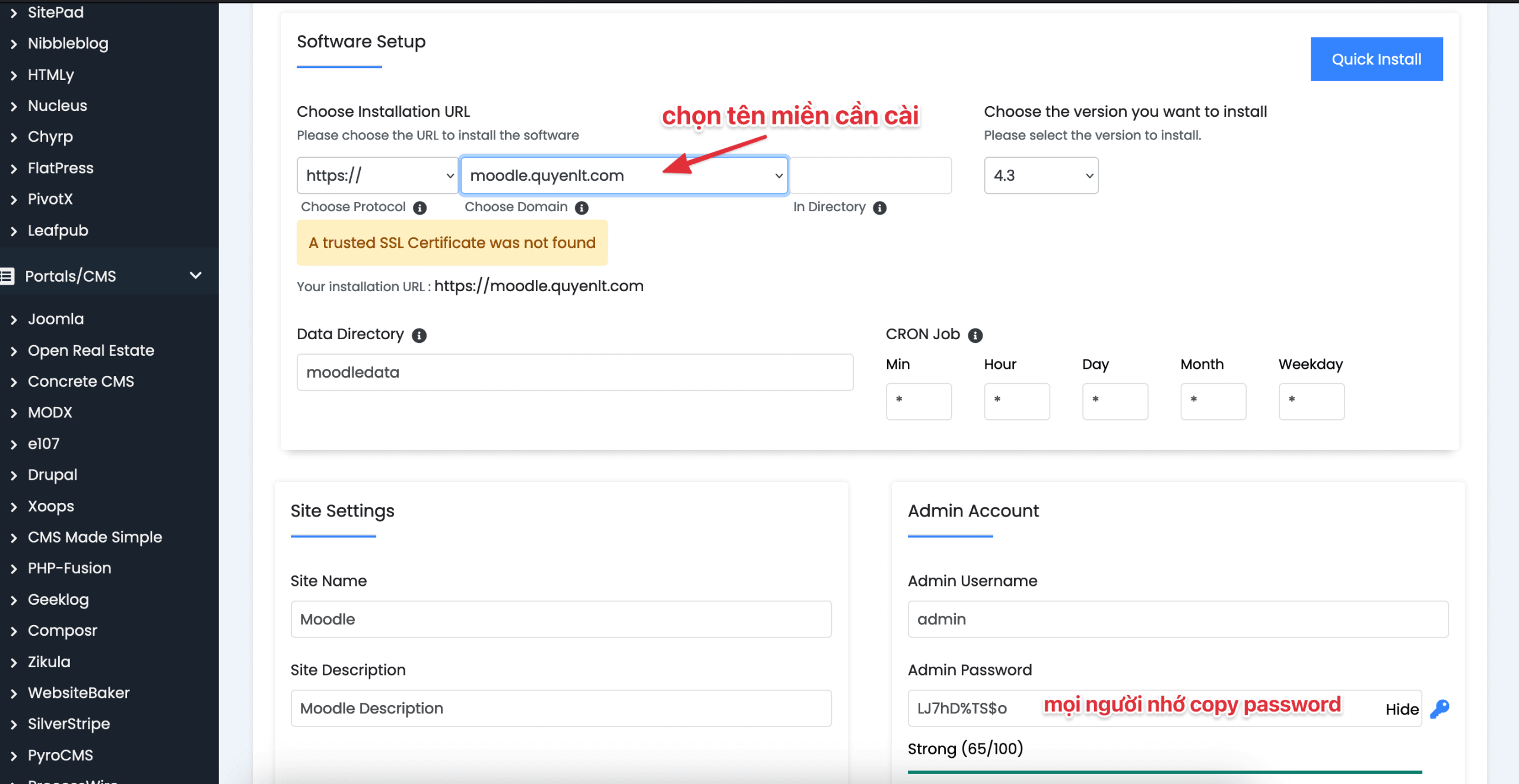
Choose the installation directory for Moodle on your server. You can leave it blank to install in the root directory or specify a separate folder.
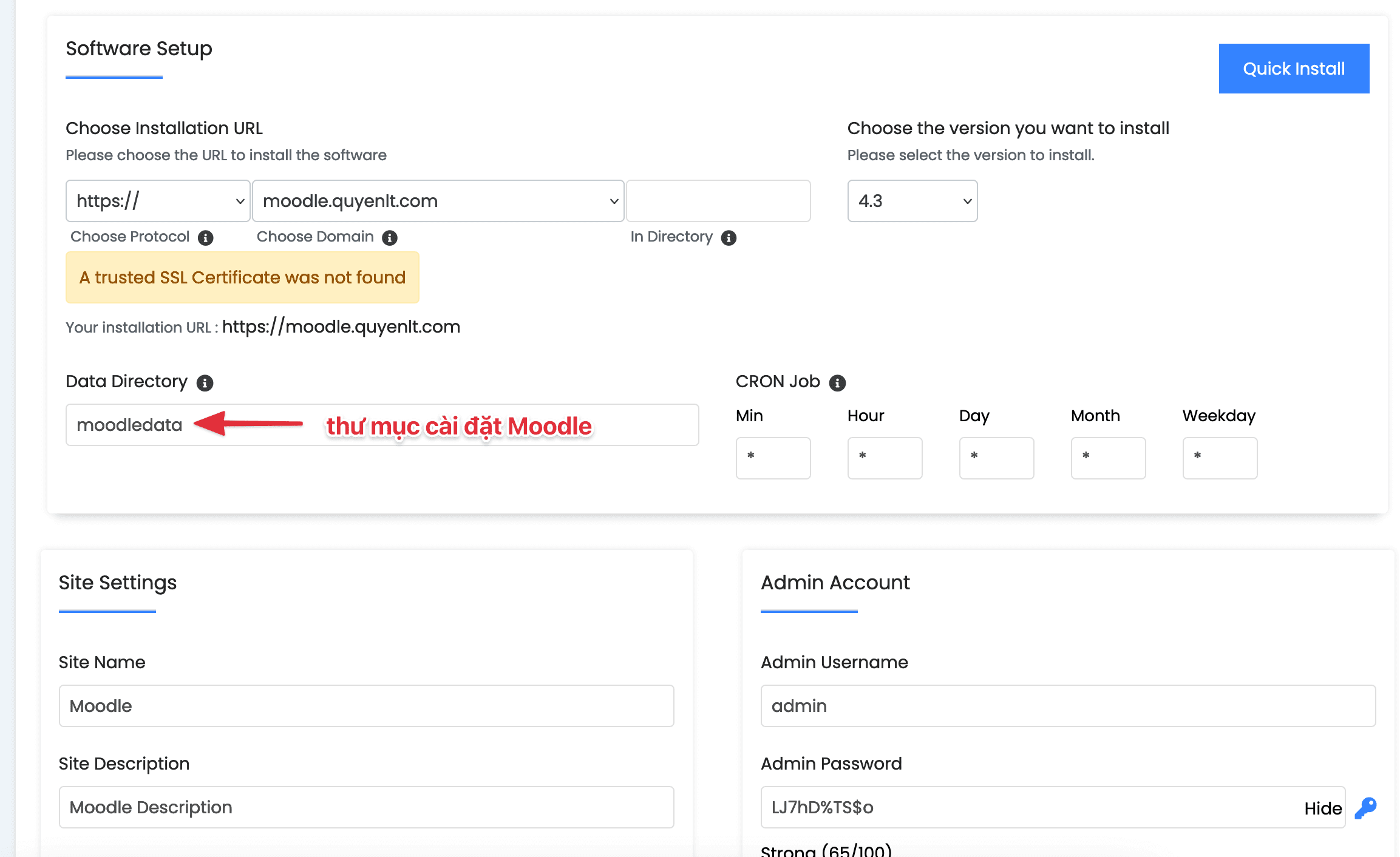
Click the “Install” button and wait for the installation process to complete.
Note: Make sure to select a PHP version of 8.0 or higher for Moodle to be installed and function correctly.

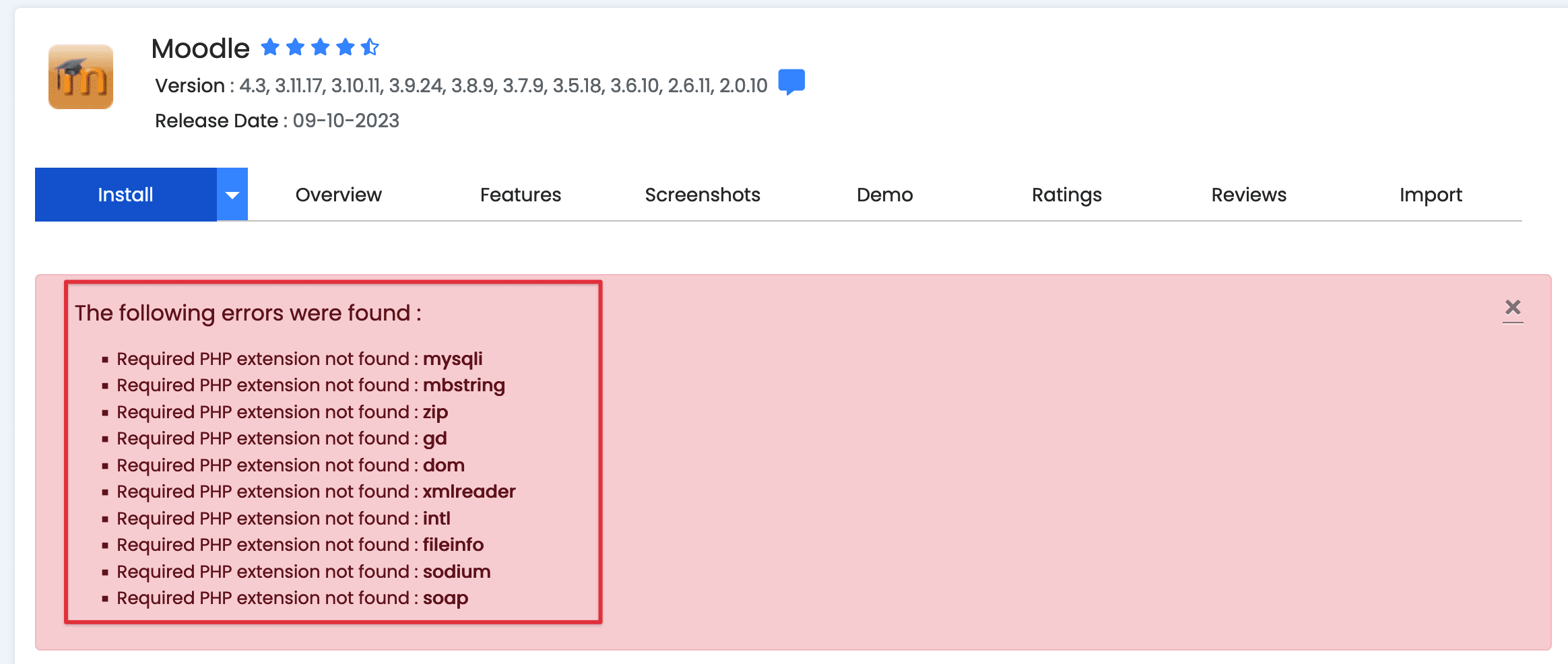
If there is an error regarding missing PHP extensions, you can enable those extensions (Guide to enabling extensions).
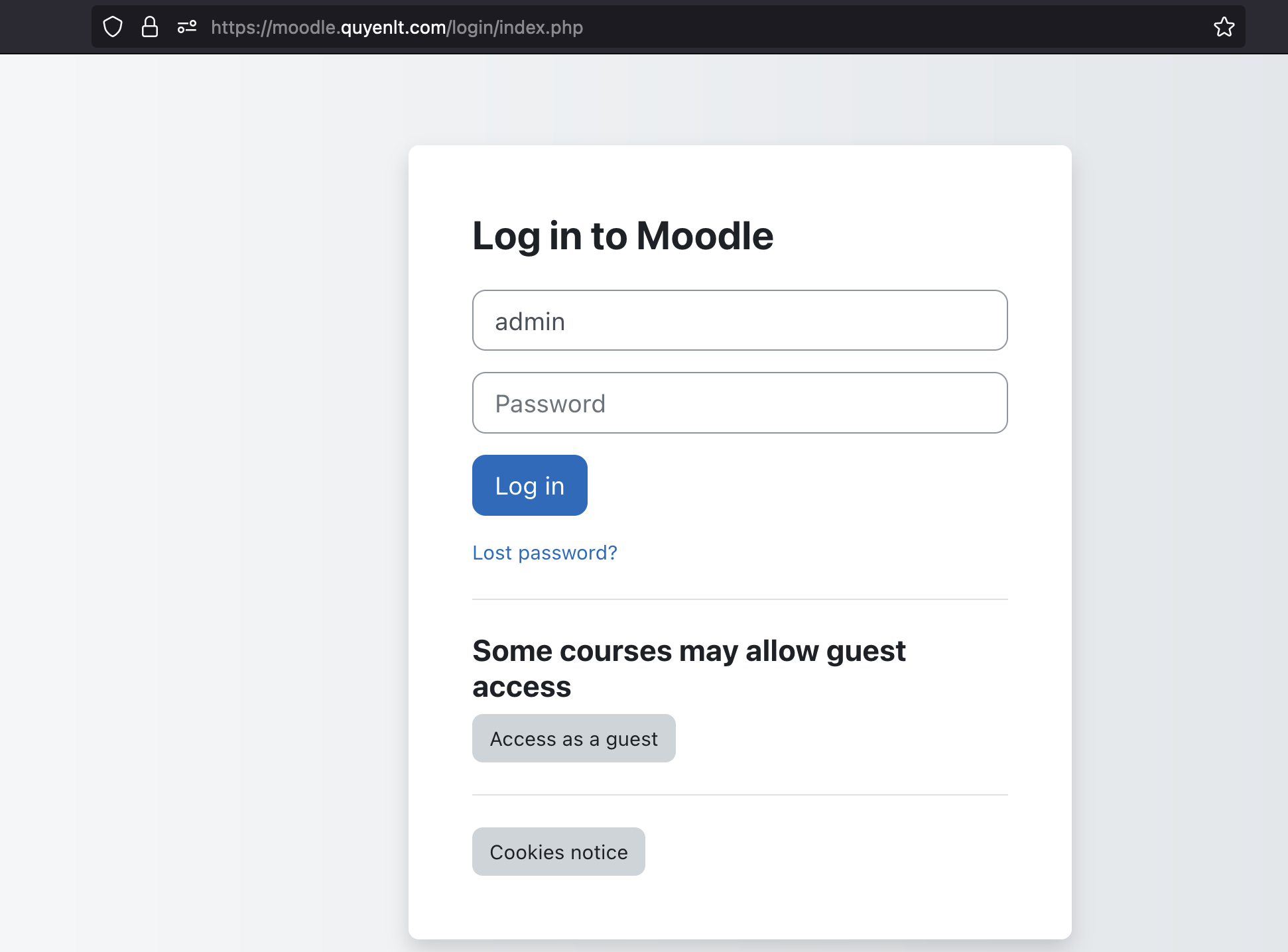
After the installation process is complete, you will see a success message and links to access your Moodle admin page and official website.
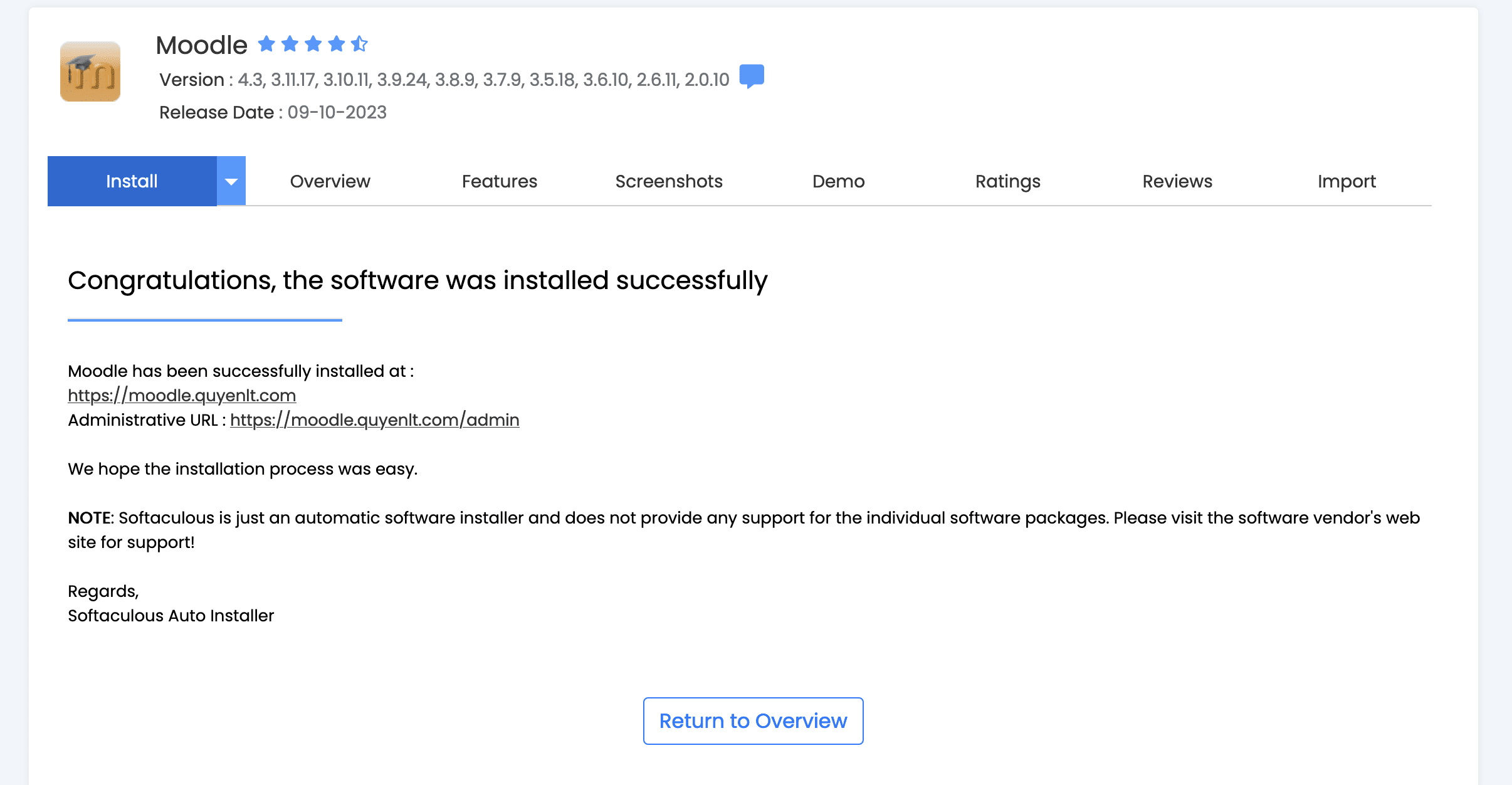
Access the Moodle admin page with the following path: domain/admin
Summary
Above is the guide on how to install Moodle on CPanel using Softaculous. With Softaculous, installing Moodle becomes more straightforward than ever. You can customize and manage Moodle easily through the admin page. Start building a high-quality online learning website with Moodle today!
About the author

Thạch Phạm
Đồng sáng lập và Giám đốc điều hành của AZDIGI. Có hơn 15 năm kinh nghiệm trong phổ biến kiến thức liên quan đến WordPress tại thachpham.com, phát triển website và phát triển hệ thống.