The message Crawled Currently Not Indexed makes many site owners nervous because Google has already visited the URL, yet the page still does not enter the index. This is not a penalty. It is a signal that Google fetched the page, but did not decide to keep it in the index at that time.
For support URLs, filtered pages, or minor duplicates, this may be perfectly fine. The real problem starts when the status appears on important blog posts, service landing pages, or product pages that should receive search traffic.
ℹ️ Search Console reports overall indexing state and broad reasons. To diagnose one specific URL, URL Inspection is the first place to open.
table of contents
- what Crawled Currently Not Indexed means
- the most common causes
- a practical Search Console workflow
- how it differs from Discovered and Duplicate canonical states
- when you should not try to force indexing
what Crawled Currently Not Indexed means
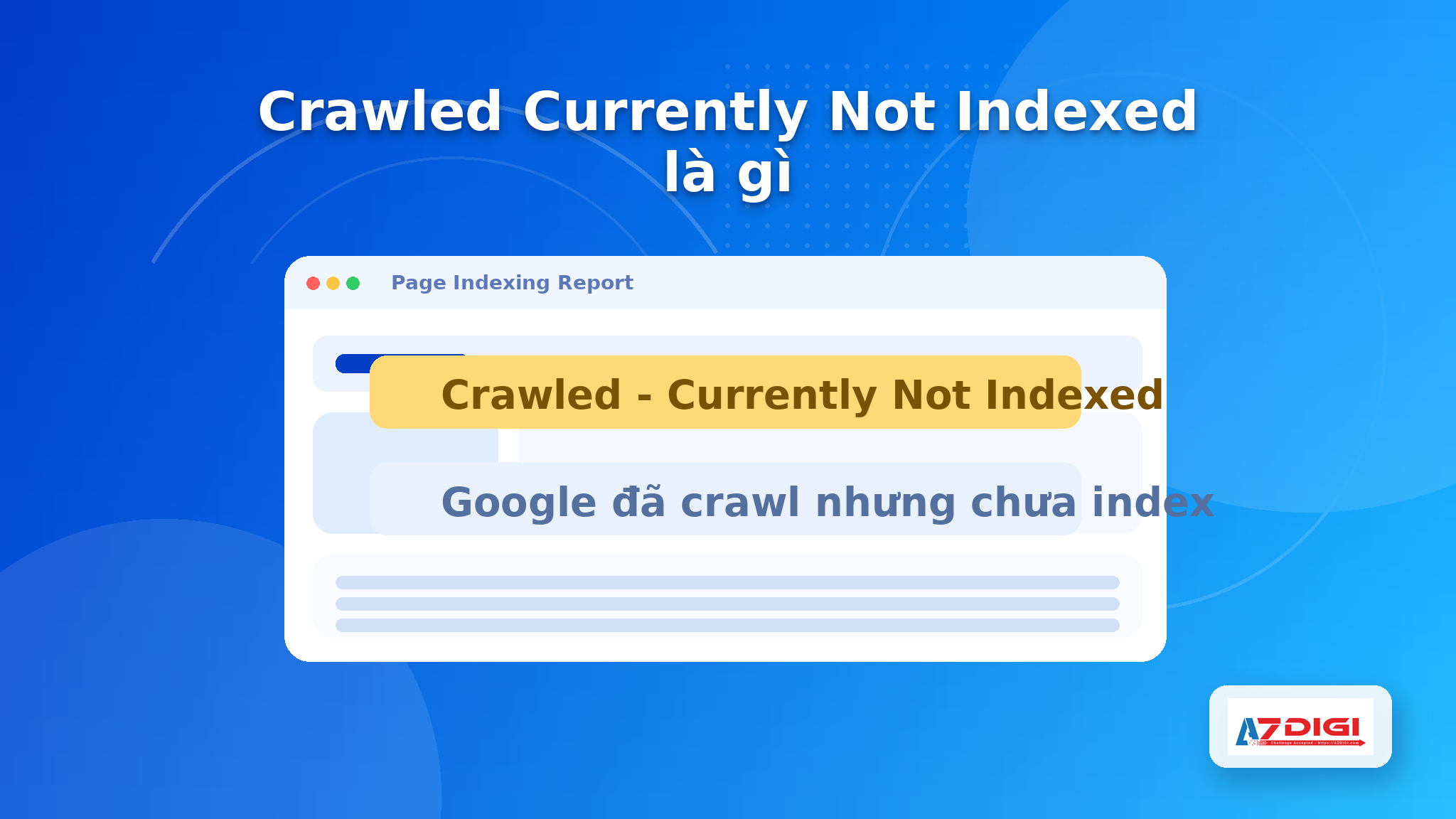
In plain language, Google crawled the URL but did not add it to the index. This is different from not crawled yet, different from noindex, and different from a 404 page. The URL is reachable, but Google has not seen enough value or clarity to keep it in the index.
The reason may come from several places: thin content, overlap with a stronger URL, unclear canonical signals, weak internal links, unstable server response, or rendering differences between live test and the version Google saw earlier.
If you use WordPress, do not assume that a green score from an SEO plugin means the page should be indexed. Articles like instant indexing with Rank Math SEO and Rank Math with IndexNow help with submission speed, not with quality or canonical judgment.
⚠️ Request Indexing is not a fix on its own. If the root problem remains, the URL can be crawled again and stay out of the index.
the most common causes
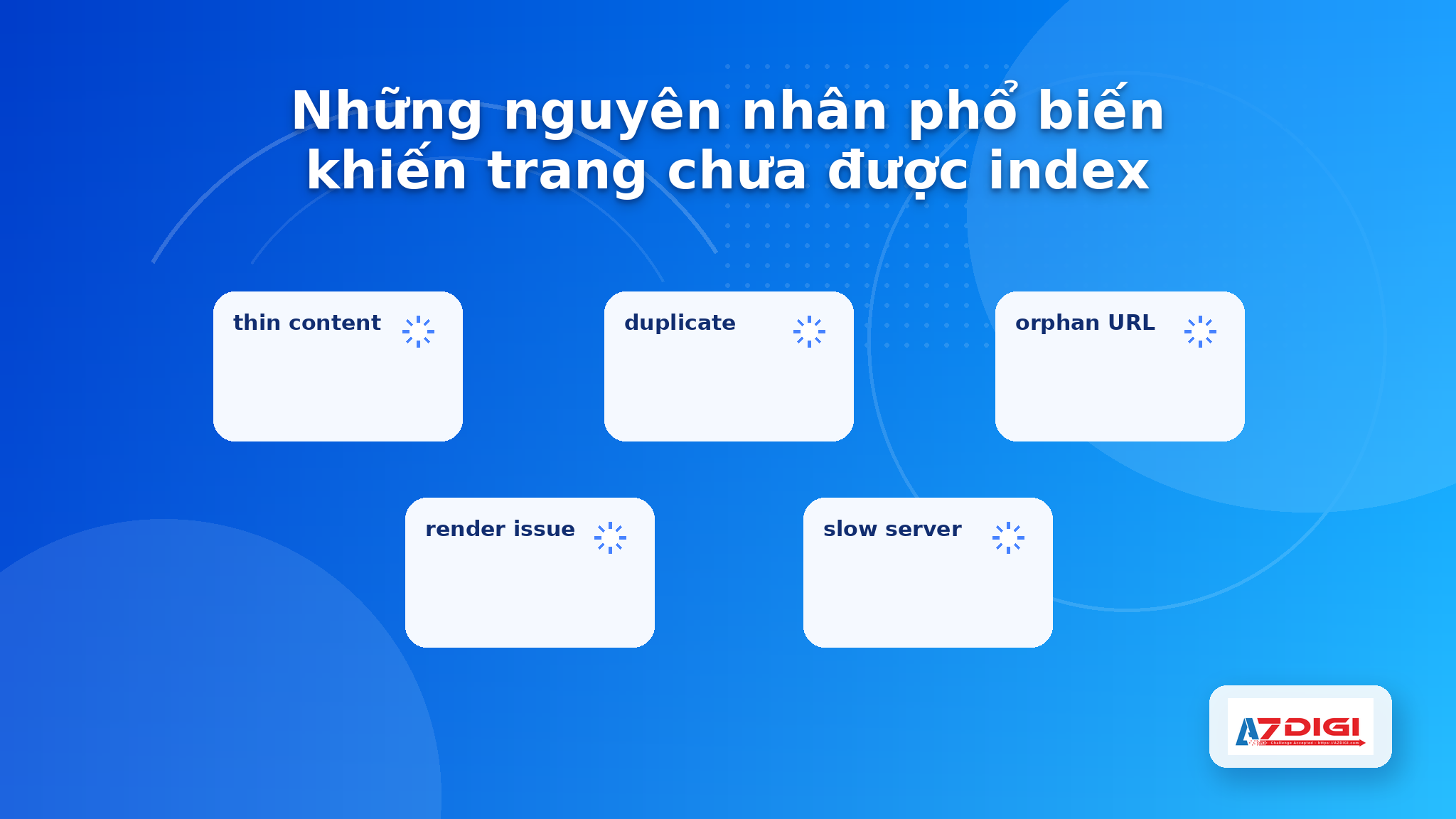
1. thin content or weak standalone value
Short pages with recycled points, weak examples, or almost no unique data often stay out of the index.
2. unclear canonical signals or a stronger competing URL
If several URLs cover almost the same topic, Google often picks one representative URL. Review canonical tags, internal links, and topical overlap.
3. weak internal linking
A URL can be listed in the sitemap but still look unimportant if almost no internal links point to it.
4. unstable rendering or response issues
Slow responses, cache issues, broken rendering, or timeout problems can lower Google’s confidence in the page. That is one reason hosting quality often affects indexing behavior.
5. mixed signals from robots, noindex, or sitemap settings
A page may have had noindex removed, but the sitemap or technical setup still sends conflicting signals. Check robots.txt and sitemap submission instead of relying on one report only.
6. the site is still building trust for that topic cluster
On newer sites or weaker topic clusters, fresh URLs sometimes need extra time, stronger internal links, and clearer content before Google keeps them indexed.
a practical workflow in Search Console
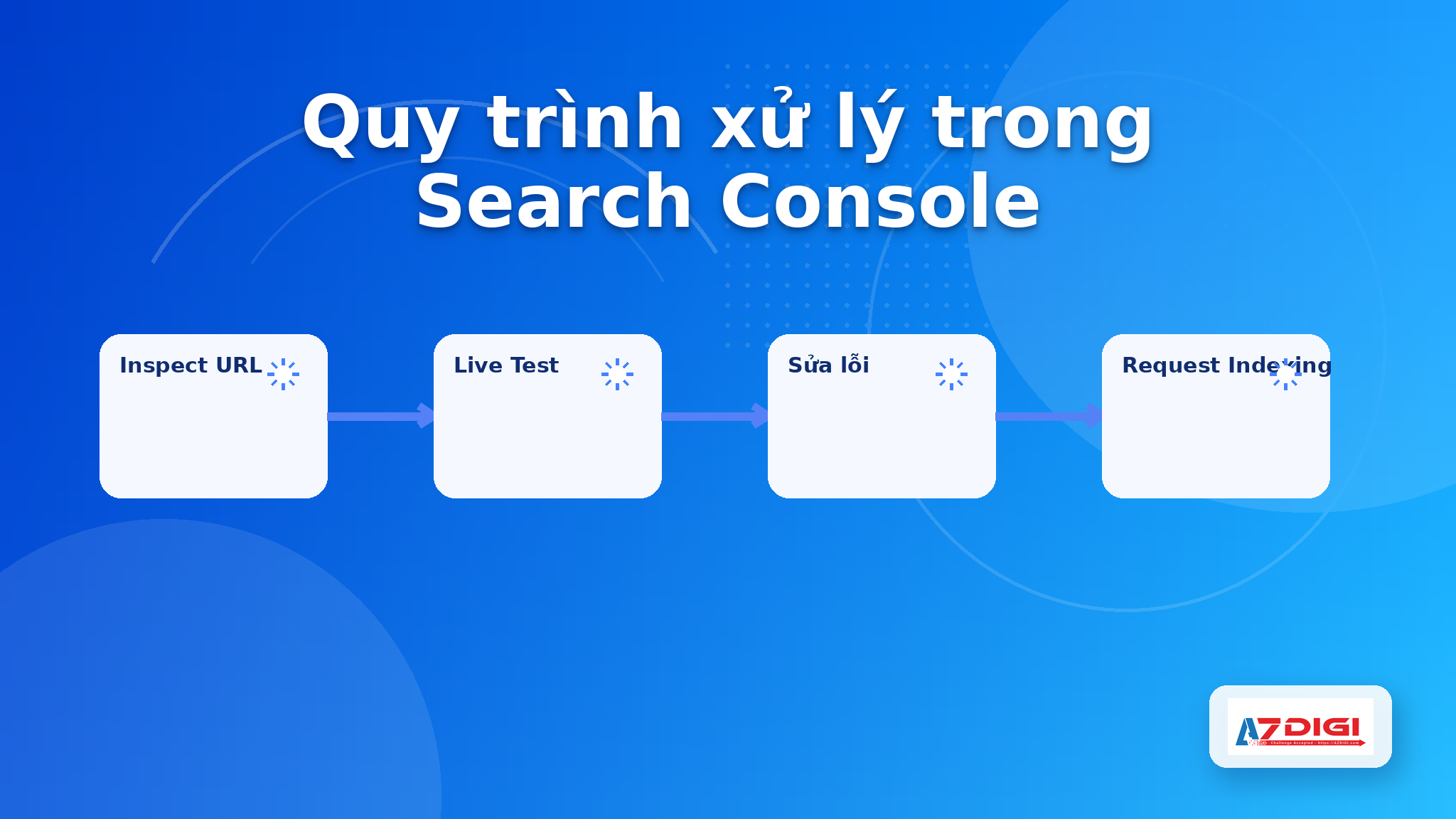
- Open URL Inspection and review indexed data, crawl date, selected canonical, and sitemap discovery.
- Run a live test. If live output differs from indexed output, investigate cache, rendering, or blocked resources.
- Read the page as if it were a standalone asset. Expand content if it is too short, repetitive, or weaker than similar URLs.
- Check canonical, meta robots, status code, redirect behavior, and important resources.
- Add better internal links from stronger pages before requesting indexing again.
- Only after the fixes are done should you request indexing and, if relevant, validate the fix in the report.
curl -I https://example.com/page-to-check
curl -s https://example.com/page-to-check | grep -iE "canonical|robots"
If you need to check DNS, SSL, or network response before blaming content, AZDIGI Tools is a quick way to inspect those technical basics.
💡 When you change many things at once, log the edits in stages. That makes it much easier to see which change actually helped the URL recover.
how this differs from Discovered and Duplicate canonical states
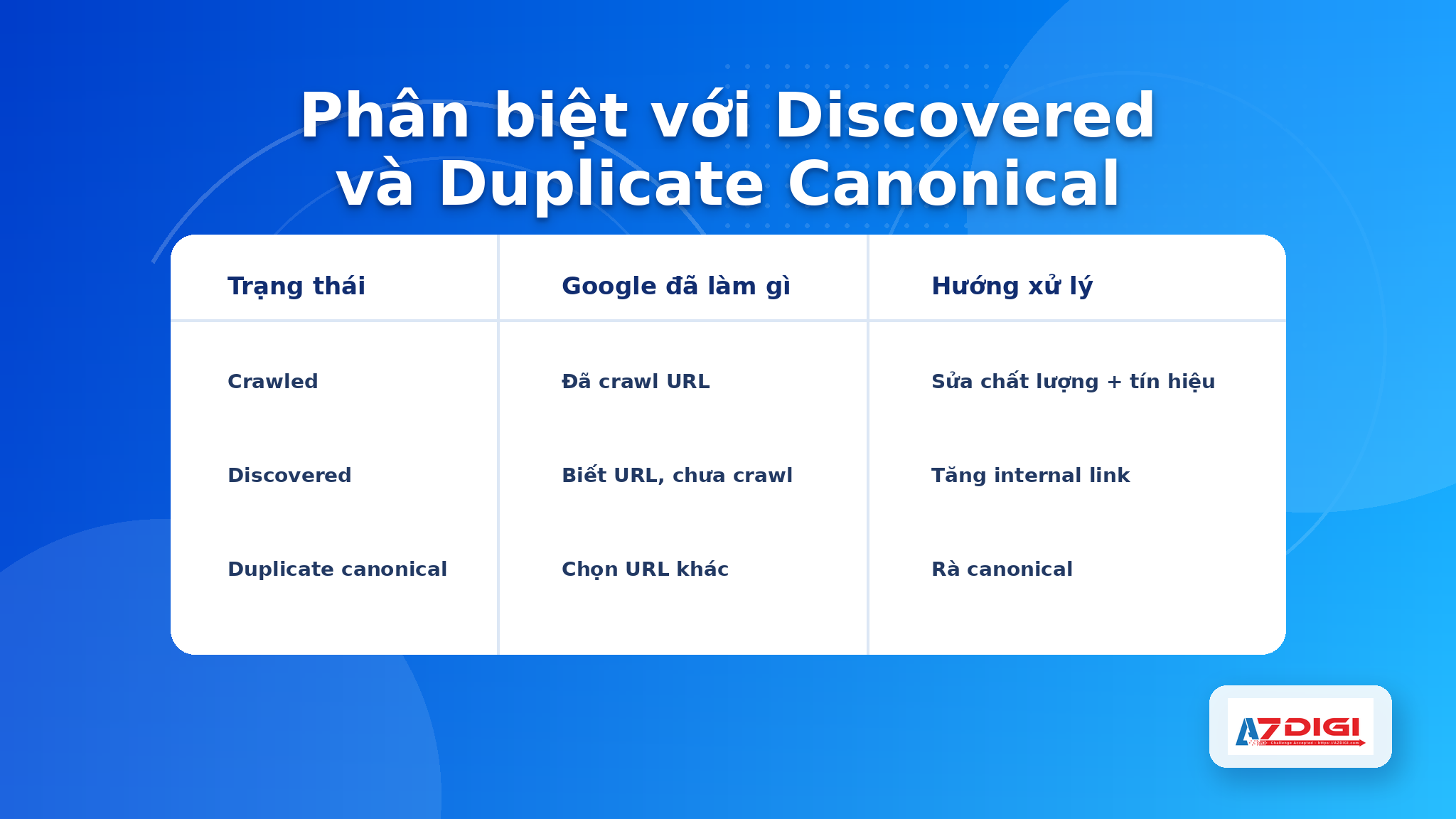
| Status | What Google already did | Typical bottleneck | Primary fix |
|---|---|---|---|
| Crawled Currently Not Indexed | Google crawled the URL | Content quality, canonical clarity, internal signals | Improve the page, strengthen links, then request recrawl |
| Discovered Currently Not Indexed | Google knows the URL but has not crawled it | Crawl budget, weak internal discovery, too many low-value URLs | Improve discovery, trim low-value URLs, optimize sitemap |
| Duplicate without user-selected canonical | Google found several similar URLs | Canonical is unclear or missing | Set a clear canonical and unify signals |
If your URL is truly a secondary version, forcing it into the index is usually the wrong goal. What you need is a clear canonical winner.
when you should not try to force indexing
- Tag or filter URLs that create many close variations
- Tracking parameter URLs
- Temporary landing pages with weak content
- Near-duplicate versions of the same asset
- Internal search result pages
Your target is not to index every single URL. The target is to index the important canonical URLs and make that choice easy for Google to understand.
If you run a blog or service website that needs stable response times, predictable cache behavior, and enough performance for heavier crawl activity, AZDIGI offers Pro Platinum Hosting, Premium Business Hosting, and X-Platinum VPS for that kind of workload.
frequently asked questions
Is Crawled Currently Not Indexed a penalty?
No. It is not a manual action. It only means Google crawled the page but did not keep it indexed at that time.
How long after Request Indexing will the page be indexed?
There is no fixed timeline. Important pages may be reconsidered faster, but unresolved root causes often keep the status unchanged.
Why is my page still not indexed even though it is in the sitemap?
A sitemap is only a discovery and preference signal. Google still evaluates content quality, canonical clarity, and internal importance.
Should I improve content first or add internal links first?
In most cases, improve the page first, then strengthen internal links from relevant pages.
Should I delete the old URL and publish a new one?
Only when the old URL is genuinely wrong and you have a clear redirect plan. Changing URLs without solving the original issue can make the situation worse.
You might also like
- Internal Linking for Large Blogs: How to Build a Clear and Scalable Structure
- How to declare a Sitemap for Google Search Console
- Are Nofollow & Dofollow links beneficial for SEO?
- 401 Unauthorized Error: causes and how to fix
- 401 Unauthorized Error: causes and how to fix
- Rank Math and Elementor Plugin - The Perfect SEO Duo for WordPress
About the author

Trần Thắng
Expert at AZDIGI with years of experience in web hosting and system administration.