In today’s article, AZDIGI will guide you to change the hostname on a Linux server using CentOS operating system. To change, you need to SSH into the server and do the following.
Check hostname
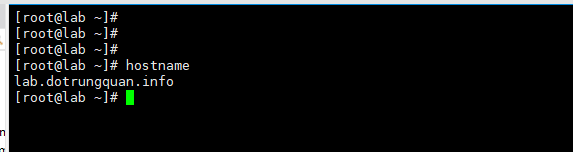
To check the current hostname, use the following command:
# hostname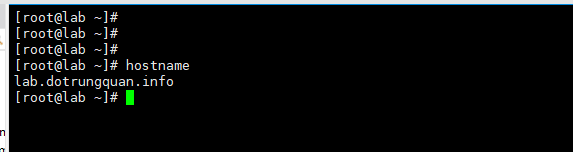
Change hostname temporarily
The temporary hostname change will be lost if you reboot the server.
# hostname huongdan.dotrungquan.infoChange hostname permanently
To change the hostname permanently, run the following command:
# hostnamectl set-hostname help.dotrungquan.info
Then you check the status with the hostnamectl command, you will see the following information

So you have finished changing the hostname on the CentOS server already!
This article has been reviewed by AZDIGI Team
About the author

Thạch Phạm
Đồng sáng lập và Giám đốc điều hành của AZDIGI. Có hơn 15 năm kinh nghiệm trong phổ biến kiến thức liên quan đến WordPress tại thachpham.com, phát triển website và phát triển hệ thống.
10+ years serving 80,000+ customers