In this tutorial, AZDIGI will guide you on downgrading the software on DirectAdmin.
I. Overview
AZDIGI have many articles on upgrading software on DirectAdmin and I always remind you that upgrading software during system administration is very important.
However, there are cases where upgrading software leads to some errors, so downgrading software on DirectAdmin to its previous version is necessary.
In this tutorial, I will use cUrl software as an example. If you want to downgrade MySQL or MariaDB, you can refer to the following two separate articles:
II. Downgrading software on DirectAdmin
To downgrade the software on DirectAdmin, we need to perform the following three steps.
Step 1: SSH into your DirectAdmin system
To downgrade MariaDB on DirectAdmin, we first need to SSH or access your VPS/server with root privileges. If you don’t know how to SSH into your VPS/Server, you can refer to the following tutorial:
After successfully SSH, we move on to step 2 to start the downgrading process.
Step 2: Commands for downgrading software on DirectAdmin
If you have determined the version number of the software you want to downgrade, it is great. If not, you should search for it on search engines with the keyword format “Software name + Changelog.”
In this article, I will downgrade cUrl from version 7.77.0 to 7.76.1, so my website needs to check this page:
Below are the commands we need to perform:
cd /usr/local/directadmin/custombuild
echo "curl:7.76.1:" > custom_versions.txt
./build curl
Explanation of the above commands:
- Command 1: Move into custombuild folder.
- Command 2: Declare to custombuild that we will use curl version 7.76.1.
- Command 3: Install curl with the corresponding version.
Where curl is the software we want to downgrade, and 7.76.1 is the version number we intend to downgrade to.
Depending on your case, please modify accordingly.
Below is the image of my curl downgrade process:
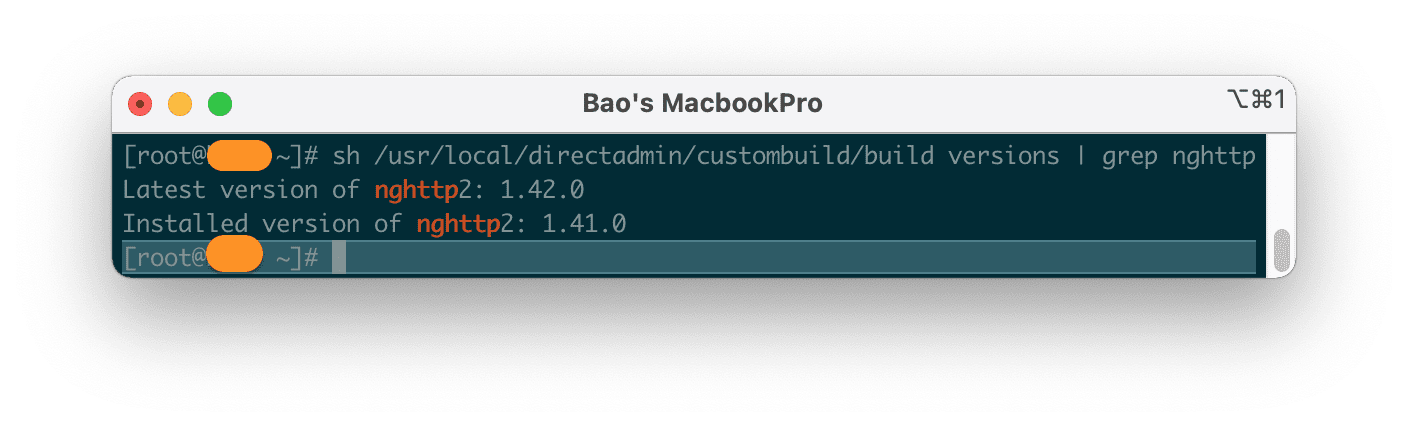
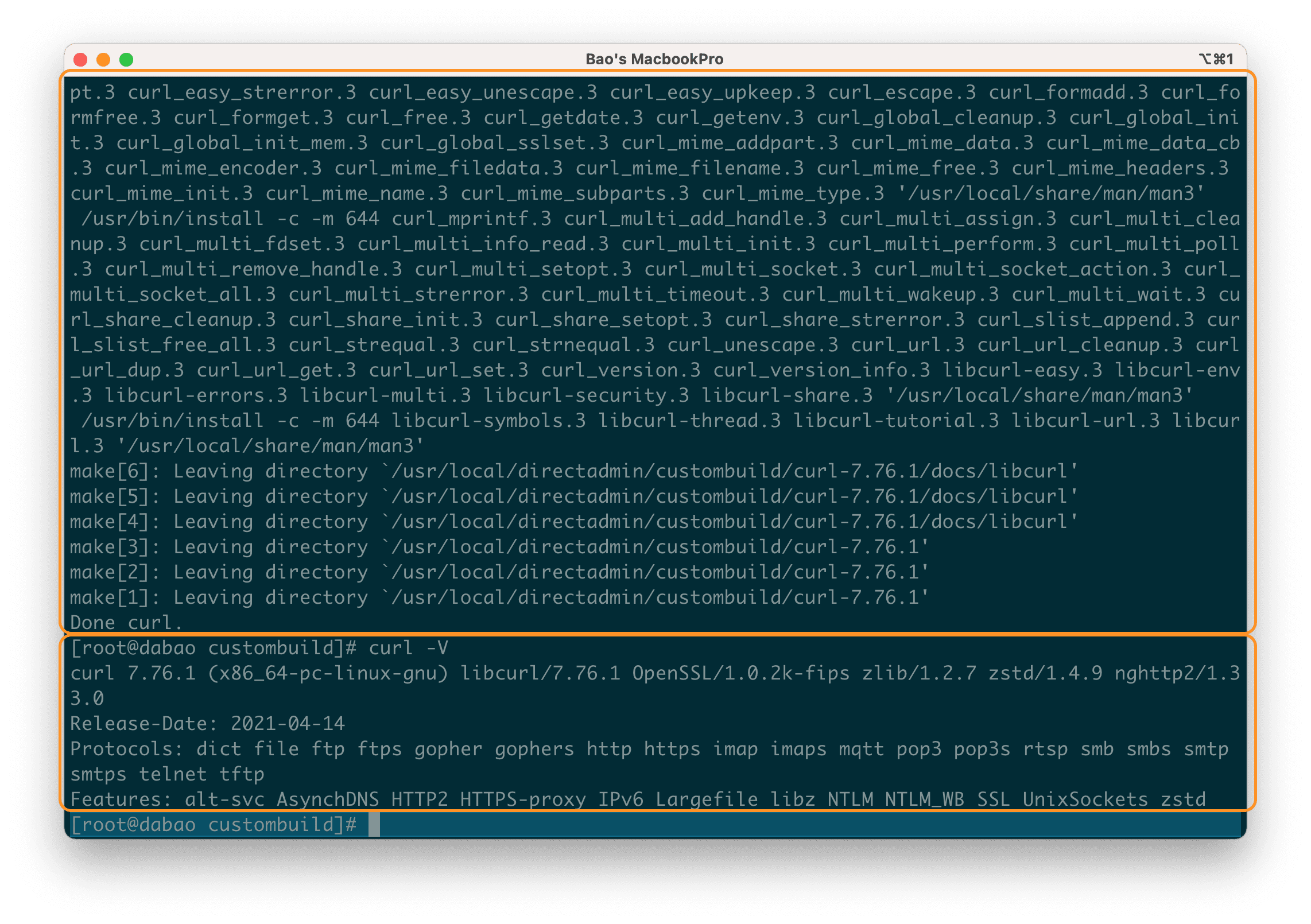
curl -V, the version currently in use is 7.76.1 as we desire.At this point, our software downgrade task on DirectAdmin is complete.
It’s quite simple, isn’t it? If you want to upgrade to the latest version of cUrl, you only need to execute the following two commands:
echo > custom_versions.txt
./build curl
Explanation of the two commands above:
- Command 1: Empty the
custom_versions.txtfile. - Command 2: Reinstall cUrl with the latest version.
III. Summary
Through this tutorial, you can see that downgrading software on DirectAdmin is also quite simple. But we should only do this when it is really necessary. AZDIGI always recommend using the latest software versions to have the highest security, good compatibility, and to take advantage of the latest features.
Wishing you success!
See more useful articles about DirectAdmin at the following link:
If you need assistance, you can contact support in the ways below:
- Hotline 247: 028 888 24768 (Ext 0)
- Ticket/Email: You use the email to register for the service and send it directly to support@azdigi.com.
About the author

Thạch Phạm
Đồng sáng lập và Giám đốc điều hành của AZDIGI. Có hơn 15 năm kinh nghiệm trong phổ biến kiến thức liên quan đến WordPress tại thachpham.com, phát triển website và phát triển hệ thống.