1. Overview
In this article, AZDIGI will guide you to downgrade MariaDB on DirectAdmin simply and quickly. However, downgrading is not advisable unless you absolutely have to.
I have seen a lot of articles on how to downgrade on Google, but most of them are not official instructions from DirectAdmin and a lot of them don’t work. So this article will be based on the official articles of DirectAdmin (link at the end of the post)
Note: In this case, you need to back up your entire database or VPS/server you have nothing to backup. You can refer to the article below if you do not know how to back up the database.
2. Downgrade the MariaDB version on DirectAdmin
Since MariaDB uses the same MySQL kernel, most of the commands are quite similar. To downgrade MariaDB on DirectAdmin, following 3 steps:
Step 1: SSH into your DirectAdmin system
To downgrade MariaDB on DirectAdmin, we first need to SSH or access your VPS/server with root privileges. If you do not know how to SSH into your VPS/Server, you can refer to the following tutorial:
After successfully SSH, we continue with step 2 to start the process of downgrading MariaDB on DirectAdmin.
Step 2: Check the current MariaDB version
To check the current MariaDB version, use the following command:
mysqld -V
Here are my results with the currently installed version is10.5.4.
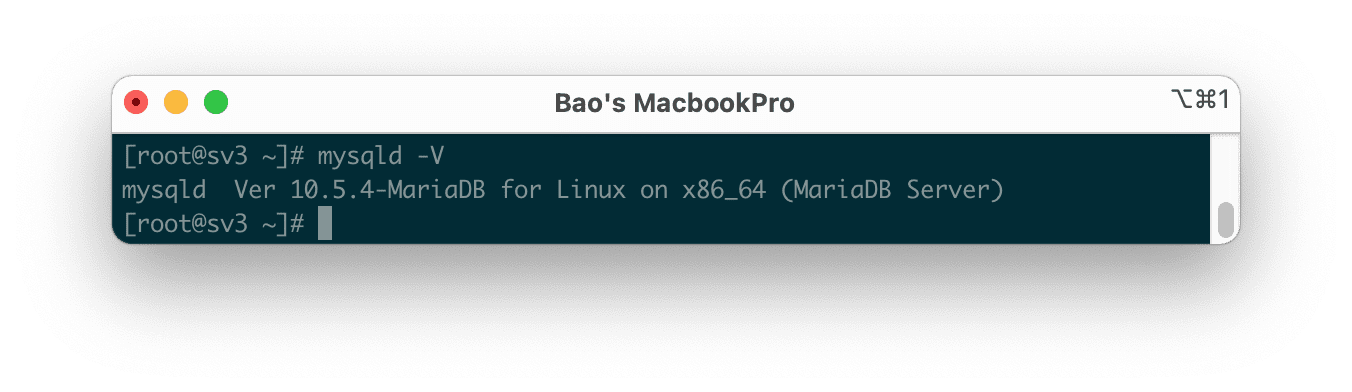
So we know the MariaDB version is currently in use. We continue with step 3 to downgrade MariaDB on DirectAdmin.
Step 3: Downgrade MariaDB on DirectAdmin with Custombuild 2.0
First, we need to check if the version of CustomBuild we are using is 2.0 or not. To check the version of CustomBuild you are using, please check out the following short tutorial:
In case your CustomBuild version is lower than 2.0 then you need to upgrade CustomBuild 1.x to 2.0 , you can check out the following tutorial:
In this step, you will completely delete the installed MariaDB version, but don’t worry because we already have a backup step before the /var/lib/mysql directory to avoid losing database data.
Below are the commands we need to execute:
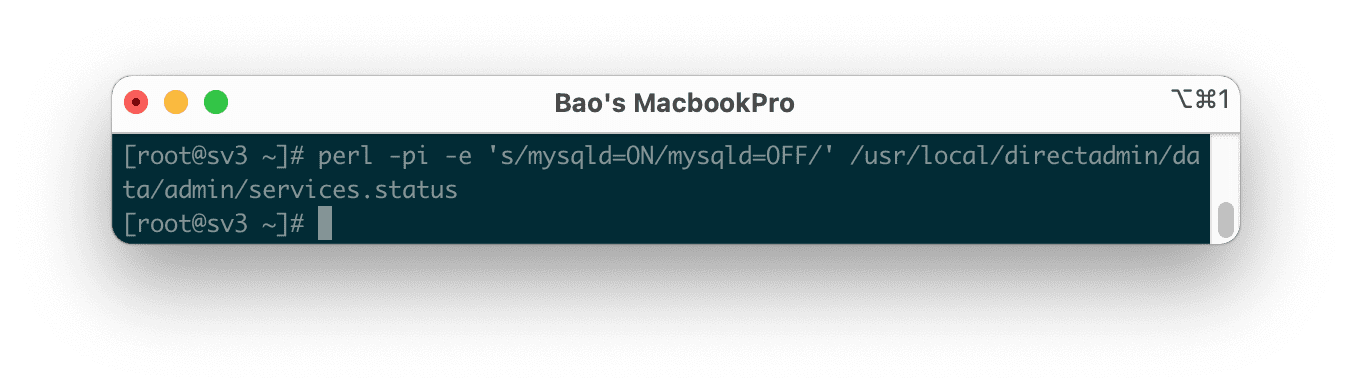
perl -pi -e 's/mysqld=ON/mysqld=OFF/' /usr/local/directadmin/data/admin/services.status
service mariadb stop

mv /var/lib/mysql /var/lib/mysql.old
cd /usr/local/directadmin/custombuild
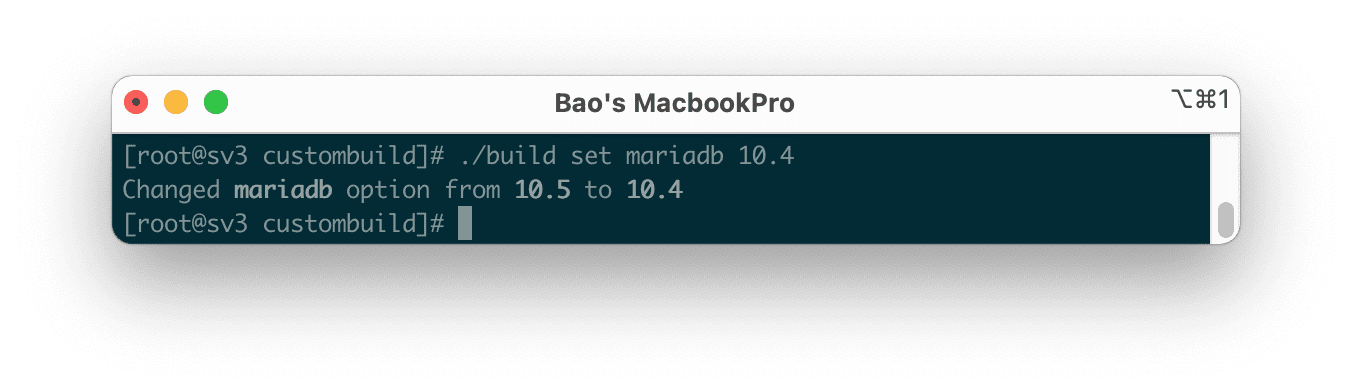
./build set mariadb 10.4
./build set mysql_inst mariadb
./build set mysql_backup no
./build update
./build mariadb
Explanation of the above commands:
- Command 1: Turn off MariaDB autostart according to OS.
- Command 2: Disable the MariaDB service.
- Command 3: Backup
/var/lib/mysqldirectory to/var/lib/mysql.olddirectory. - Command 4: Move into the custombuild directory.
- Command 5: Adjust the MariaDB version configuration to version 10.4 (You can change to another version if you want, such as 5.5, 10.0, 10.1, 10.2, 10.3 or 10.4).
- Command 6: Use the database management system MariaDB.
- Command 7: Turn off automatic database backup because MariaDB is no longer active.
- Command 8: Update custombuild script.
- Command 9: Start MariaDB reinstallation.
Below are some pictures during my downgrade:

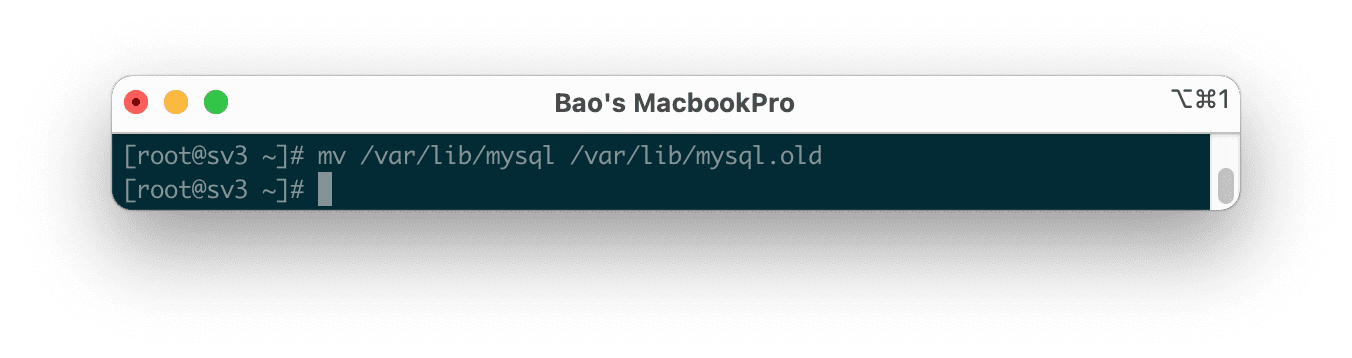
/var/lib/mysql to /var/lib/mysql.old (or you can give it another name if you want)


The MariaDB reinstallation process did not take too long. After the installation is complete, use the command mariadb -V or mysqld -V to see the new version that has just been installed.

So my VPS has been downgraded MariaDB from version 10.5.4 to MariaDB version 10.4.13.
Summary
Through this article, you learned how to downgrade MariaDB on DirectAdmin quickly. However, AZDIGI doesn’t recommend doing so unless force majeure is like your MariaDB service dies completely or for some other reason.
Wishing you success.
Reference articles:
If you need assistance, you can contact support in the ways below:
- Hotline 247: 028 888 24768 (Ext 0)
- Ticket/Email: You use the email to register for the service and send it directly to: support@azdigi.com
About the author

Thạch Phạm
Đồng sáng lập và Giám đốc điều hành của AZDIGI. Có hơn 15 năm kinh nghiệm trong phổ biến kiến thức liên quan đến WordPress tại thachpham.com, phát triển website và phát triển hệ thống.