Introduction
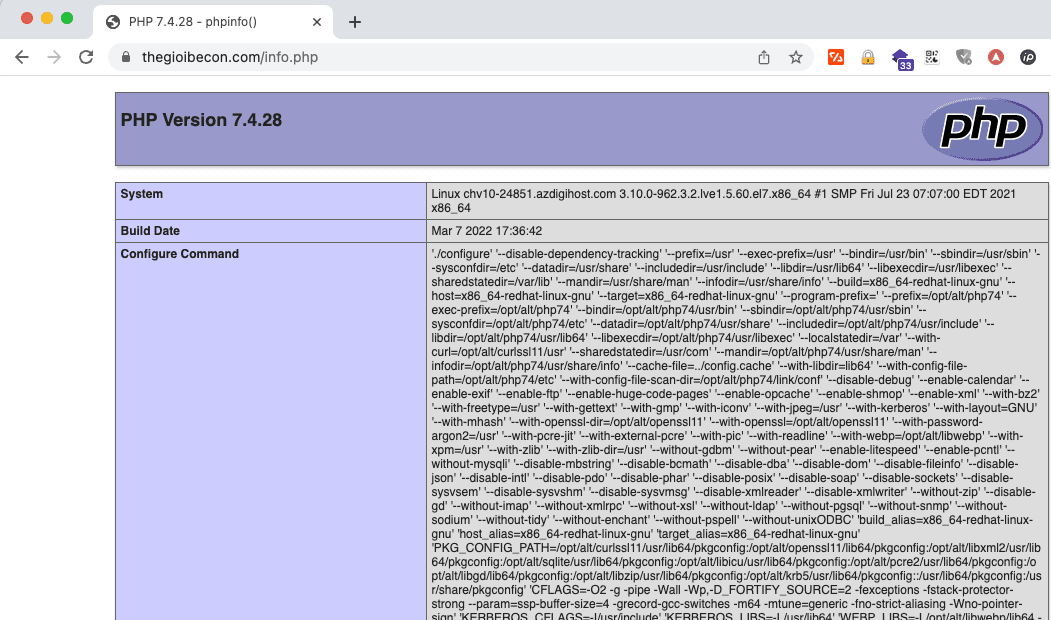
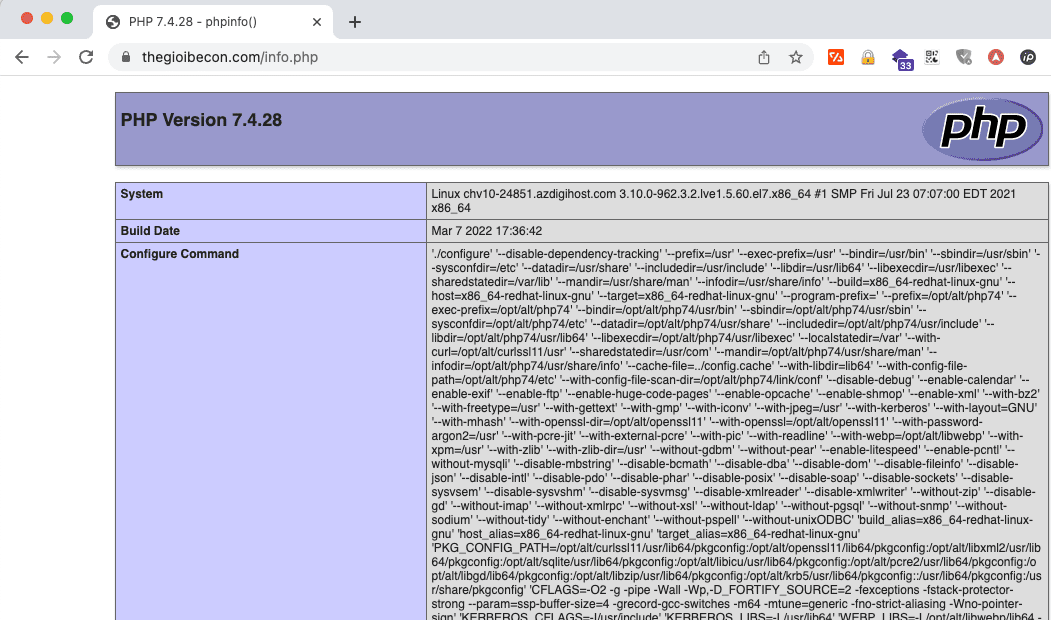
In some cases, you need to quickly check if an extension has been enabled on your website, usually you will create an info.php file with the structure below to check. Creating an info file with this content we can check the Extensions, but it displays too much information, confusing us.
<?php
phpinfo();
?>
AZDIGI will show you another simpler way but still see the full range of extensions enabled on the website, follow the instructions below:
Implementation Guide
Step 1: Create a file
To create Info file, you first need to access the Host/VPS containing the website to be configured, you access the Document root of the website and create any *.php file (ex: info.php or check.php…)
For example, I do a demo with website thegioibecon.com and access the root directory of the website and create a file named info.php as shown:
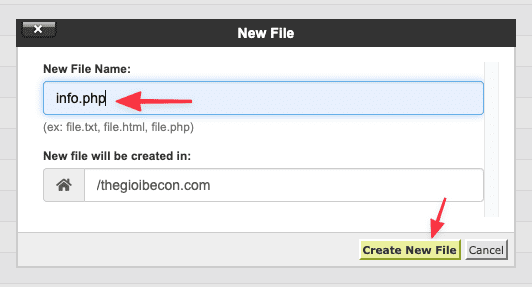
After creating, you continue to step 2.
Step 2: Add the code to that file
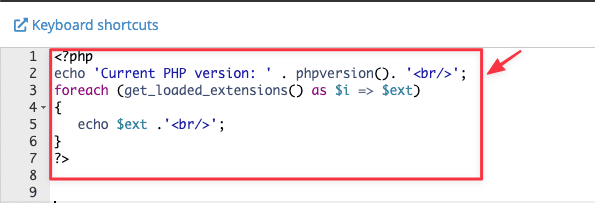
After creating File Info, right-click on that File => select Edit and add the code below:
<?php
echo 'Current PHP version: ' . phpversion(). '<br/>';
foreach (get_loaded_extensions() as $i => $ext)
{
   echo $ext .'<br/>';
}
?>
The structure will be as shown below:
Step 3: Check the result
Please open a browser and access with the syntax: https://name_website.com/name_file.php to check.
Here are my results:
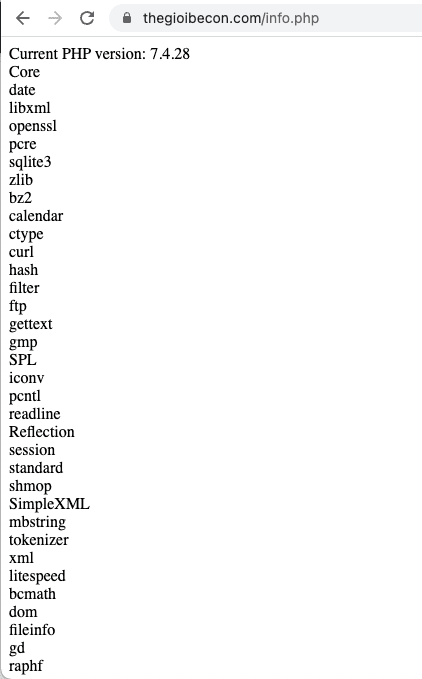
Above are details on creating a file to check extension information an extremely simple and fast. This way, you can quickly check the extension you need without displaying other unnecessary information. Hope this article is helpful to you!
You can refer to other instructions at the link below:
If you need assistance, you can contact support in the ways below:
- Hotline 247: 028 888 24768 (Ext 0)
- Ticket/Email: You use the email to register for the service and send it directly to: support@azdigi.com .
You might also like
- Check PHP information with the info file
- Processing PHP update required warning on WordPress website
- How to customize the PHP version on CyberPanel
- How to change OPCache parameters on CyberPanel
- How to configure IP limit based on IP list for DirectAdmin 1.6
- How to install additional PHP Extensions on CyberPanel
About the author

Thạch Phạm
Đồng sáng lập và Giám đốc điều hành của AZDIGI. Có hơn 15 năm kinh nghiệm trong phổ biến kiến thức liên quan đến WordPress tại thachpham.com, phát triển website và phát triển hệ thống.