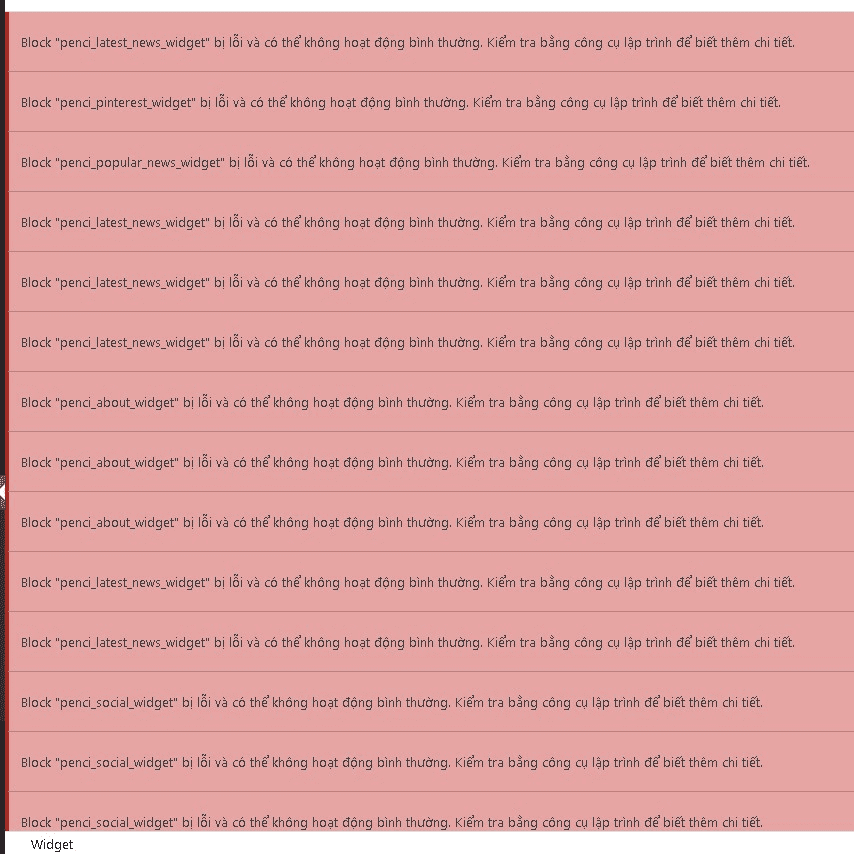
Since version 5.8, WordPress has changed the interface of the Widget section to Block for more intuitive editing. But some cases will be incompatibility, conflict or you are not used to this block interface. In this article, AZDIGI will show you to solve this issue.

You access the website source code, find and open the functions.php file at wp-content/themes/my-theme/ and add the following commands:
####Fix Widget
add_filter( 'gutenberg_use_widgets_block_editor', '__return_false' );
add_filter( 'use_widgets_block_editor', '__return_false' );
####Fix Widget

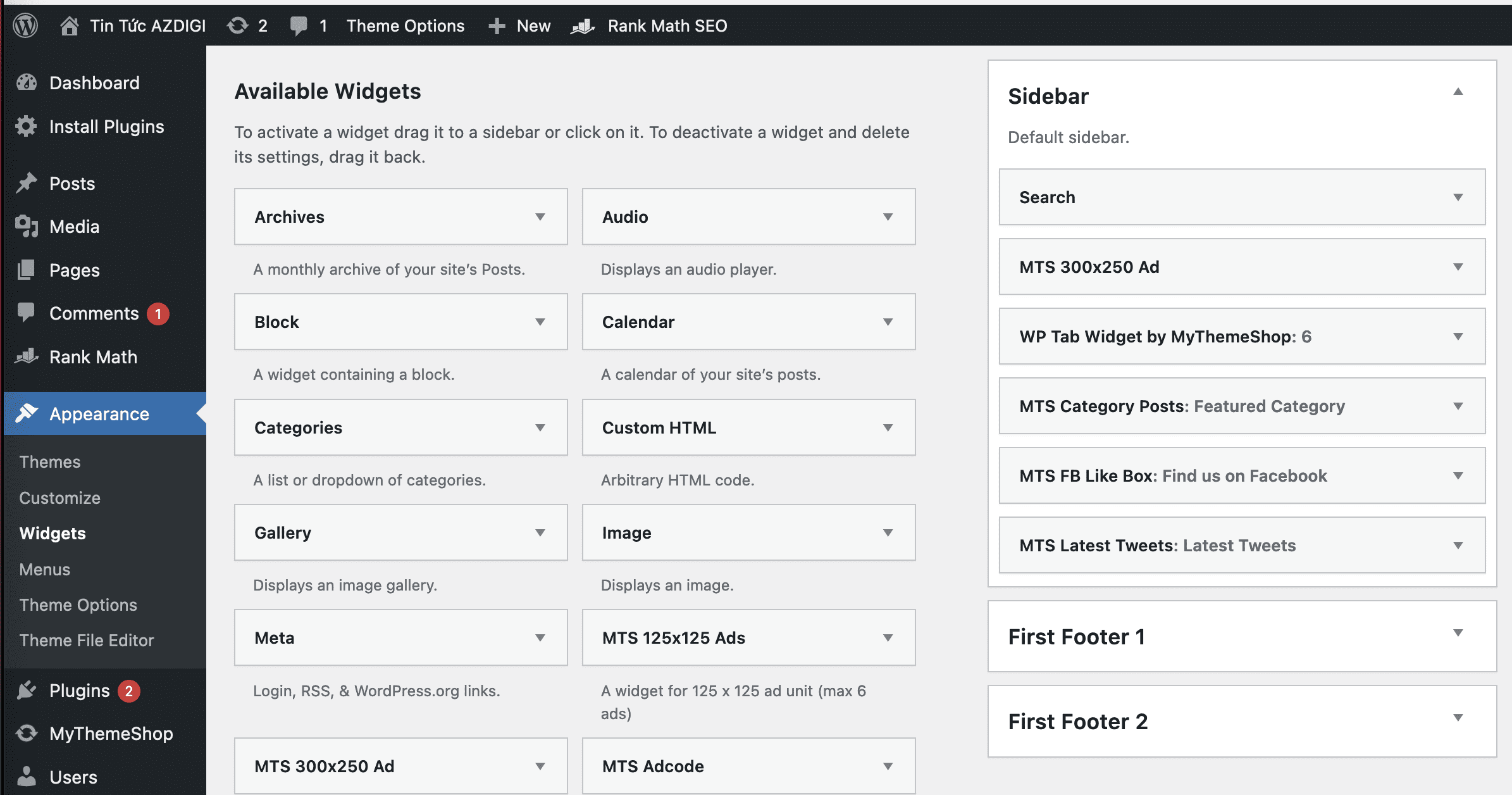
Now that you reaccess the Widgets, you will see that the error has been resolved.
Wishing you success!
If you need assistance, you can contact support in the ways below:
- Hotline 247: 028 888 24768 (Ext 0)
- Ticket/Email: You use the email to register for the service and send it directly to: support@azdigi.com .
You might also like
- Processing 403 error when accessing WordPress admin (Forbidden)
- Fixing the robots.txt file is not writable error when using Rank Math
- Fixing the error of not posting posts when scheduling on WordPress
- What’s New in WordPress 7.0? A Detailed Look at the Armstrong Release
- Increase WordPress upload limit
- Top Best WordPress Website Security Plugins
About the author

Thạch Phạm
Đồng sáng lập và Giám đốc điều hành của AZDIGI. Có hơn 15 năm kinh nghiệm trong phổ biến kiến thức liên quan đến WordPress tại thachpham.com, phát triển website và phát triển hệ thống.