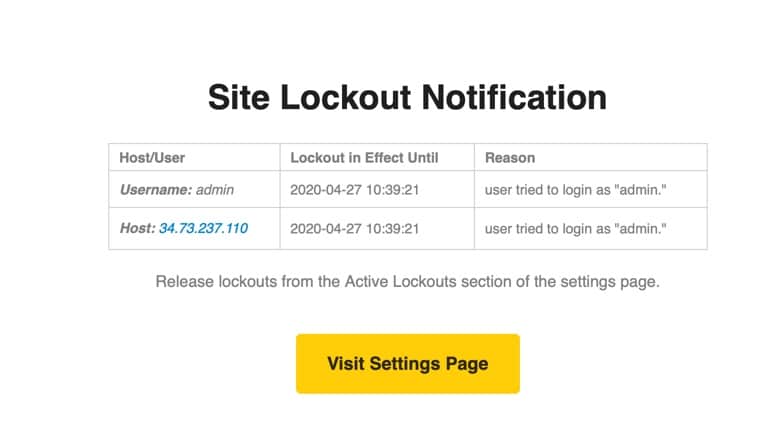
If you’re using WordPress as your website’s source code, you may have received an email notification with the subject “Site Lockout Notification” and the content reporting that someone has attempted to log into your website. So why did you receive this email notification? And is it dangerous? AZDIGI will explain this to you in the article below.
Where does the “Site Lockout Notification” notification come from?
If you receive email notifications with a subject like this, your website is using the iThemes Security plugin and has Brute Force email notifications enabled.
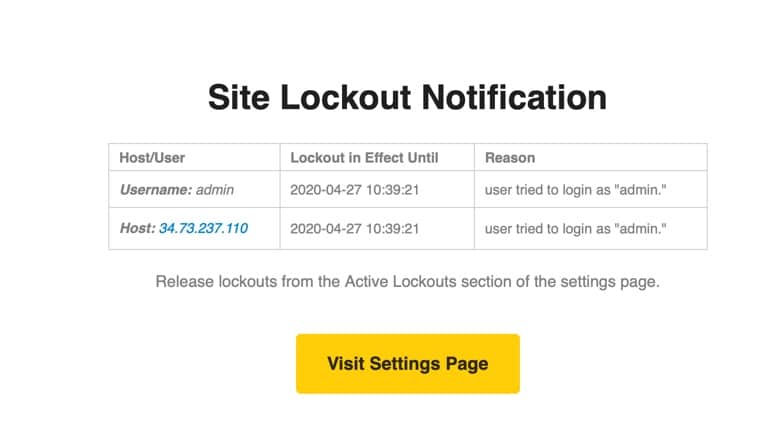
So if you receive this notification, it simply means that your website has successfully blocked a brute-force attack, which could be carried out automatically by spambots present on the internet, rather than being targeted by an individual or organization.
However, if you see the username part in the message that matches the username you are using, consider changing the password to another more complex password, you can use the Create Strong Password tool to create the best password.
So if you receive these messages, don’t worry too much, as long as you set a strong enough password to log in to the website, you will avoid the risk of this password detection attack.
See also: What is a brute-force attack and how to prevent it
Wishing you success!
About the author

Thạch Phạm
Đồng sáng lập và Giám đốc điều hành của AZDIGI. Có hơn 15 năm kinh nghiệm trong phổ biến kiến thức liên quan đến WordPress tại thachpham.com, phát triển website và phát triển hệ thống.