In this tutorial, I will help you to enable dangerous PHP functions on cPanel because by default, these dangerous functions will be locked by the hosting provider.
I. What are dangerous PHP functions?
There are many useful and powerful PHP functions, but in the list of PHP functions, there are also many dangerous PHP functions. And these functions are often abused for many different dangerous purposes, such as:
- Infiltrate your server.
- Escalation takes over enforcement.
- Allow editing, uploading of illegal files.
- Executing spam mail scripts, cryptocurrency mining…
Usually, when you use hosting, most providers will disable these dangerous functions and AZDIGI is no exception.
But that’s not why you won’t be able to use these PHP functions when needed, this article will help you know how to open dangerous PHP functions on cPanel permanently or temporarily as you like.
II. Enable dangerous PHP functions on cPanel
To enable a dangerous PHP function on cPanel, you need to follow these 2 simple steps.
Step 1: Login to cPanel
To access to cPanel, you can refer to the following tutorial:
Step 2: Enable dangerous PHP function on cPanel
On cPanel, search for the keyword “Select PHP Version” and access to this feature.

At the Select PHP Version feature interface, you continue to select Options, as shown below:
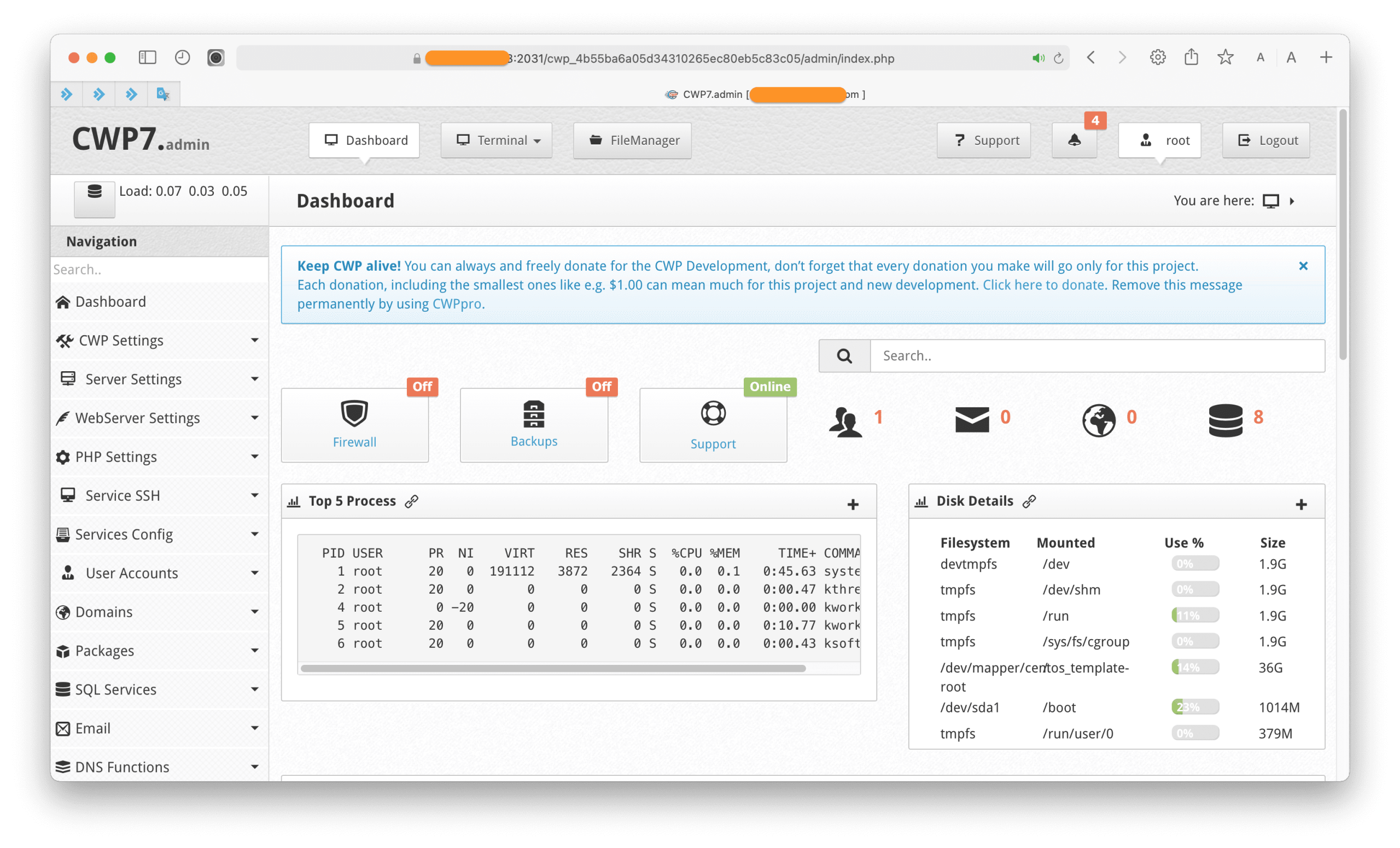
In this section, you will see disabled PHP functions in the disable_functions pane. At this screen, you will see disabled PHP functions in the disable_functions pane. If you need to open any PHP function, just remove that function from this list.

After deleting a locked PHP function in this frame, click on the outer space and wait for cPanel to save. If everything is working correctly, you will get the following message:
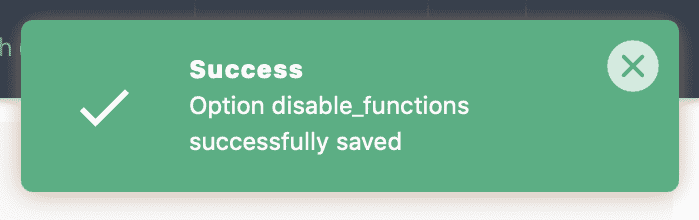
So you’re done enabling the dangerous PHP function on cPanel. After enabling the functions, you need and having done the work you want to use those functions, you should disable that function to keep your website safe.
III. Summary
Hopefully, this article will help you handle your needs and understand why hosting providers will disable dangerous PHP functions by default. The ultimate goal is still to protect our customers.
Wishing you success!
See more useful cPanel articles at the following link:
If you need assistance, you can contact support in the ways below:
- Hotline 247: 028 888 24768 (Ext 0)
- Ticket/Email: You use the email to register for the service and send it directly to: support@azdigi.com .
About the author

Thạch Phạm
Đồng sáng lập và Giám đốc điều hành của AZDIGI. Có hơn 15 năm kinh nghiệm trong phổ biến kiến thức liên quan đến WordPress tại thachpham.com, phát triển website và phát triển hệ thống.