When you use the Hosting/VPS service at AZDIGI, you can completely reset your password when you forget it, and to do that, AZDIGI would like to guide you as below.
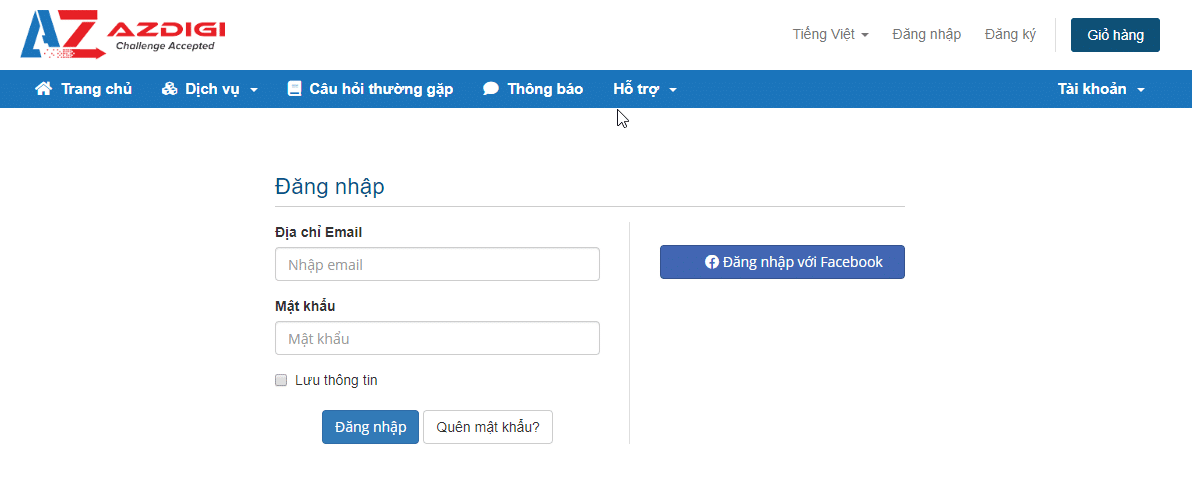
Step 1: Visit the customer’s admin page at the link below and log in with the account you created

Step 2: Access the service page and select the service to change the password
Click Services to go to the management page of the services you are using.
You click on the service for which you need to reset the password, be it Hosting or VPS.

Click Change Password => Enter the new password
Note: Absolutely don’t set a password as simple as 12345678 12345678A. It is recommended to set a password with a high complexity such as wifYmNbG@lg5


Wishing you success!
You might also like
- How to reset the AZDIGI customer account password
- How to reset the SSH password of the Turbo Cloud Server service
- Pro Mail Hosting: How to change the password of your email hosting account
- How to reset FASTPANEL password
- How to change the Admin password on CyberPanel
- Reset MySQL Root Password on aaPanel
About the author

Thạch Phạm
Đồng sáng lập và Giám đốc điều hành của AZDIGI. Có hơn 15 năm kinh nghiệm trong phổ biến kiến thức liên quan đến WordPress tại thachpham.com, phát triển website và phát triển hệ thống.