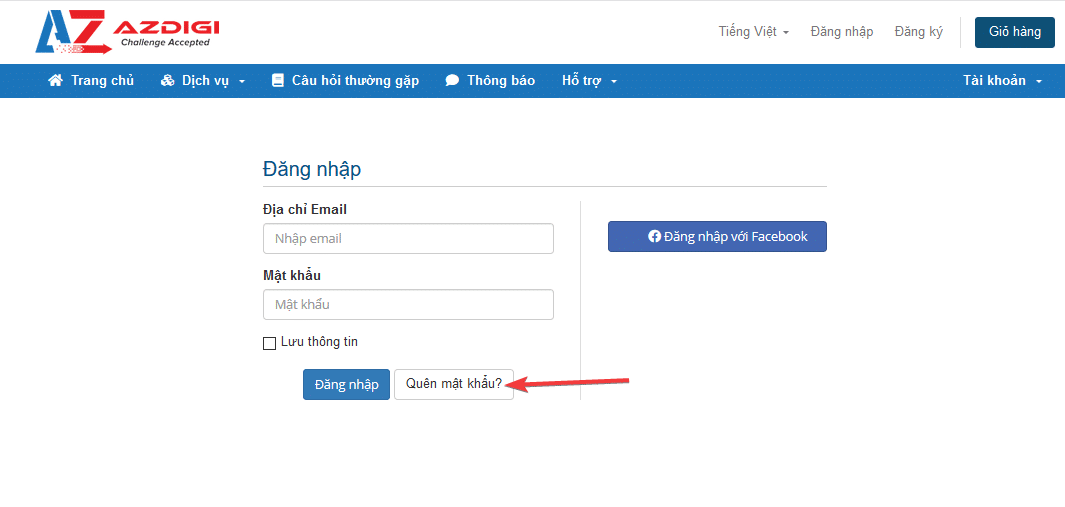
All products and services you purchase at AZDIGI are managed at my.azdigi.com. However, in case you forget your login information to manage the service, the following small instructions will help you reset the service login information.
Condition
- You must remember your original registered account email
- Email must be able to send and receive mail
You access https://my.azdigi.com/clientarea.php and click Forgot Password
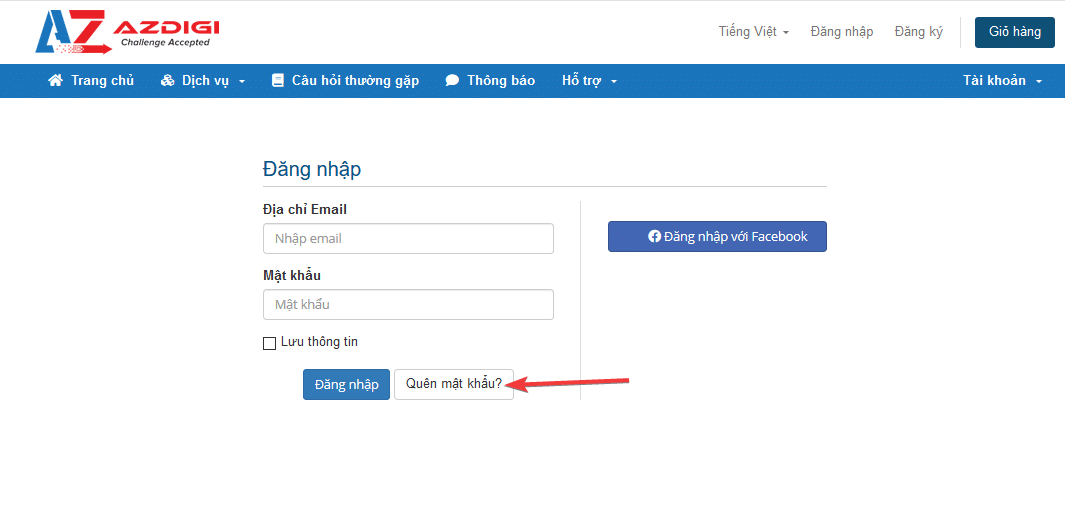
You enter your registered email account

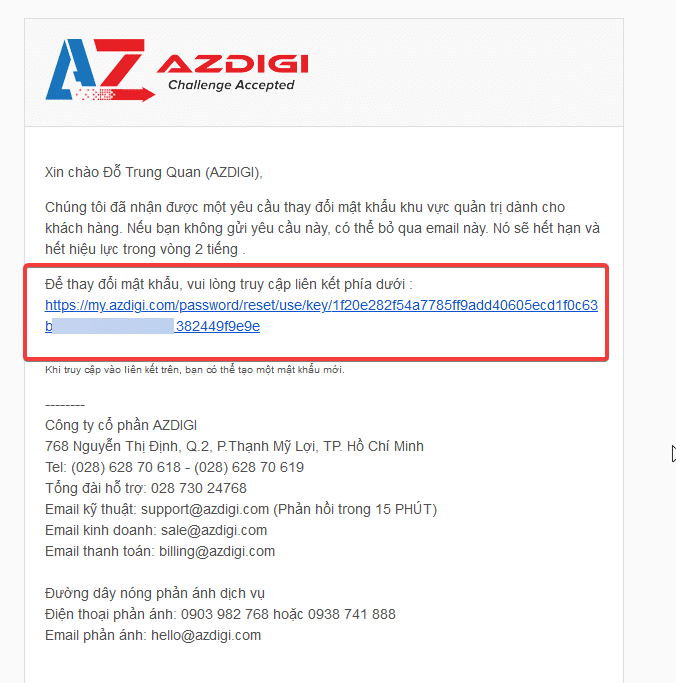
AZDIGI system will send an email with a link to the email you just entered.

Click on the link in the email to go to the page to change your account password.
You enter a new password. Password is your security key, so set a high-complexity password to be more secure.
For example, XBa7P4O0upG2

Wishing you success!
You might also like
- How to reset Hosting password at AZDIGI
- How to reset User's password on CloudPanel
- How to reset the SSH password of the Turbo Cloud Server service
- Pro Mail Hosting: How to change the password of your email hosting account
- Pro Mail Hosting: How to login to WebMail
- Enable 2-factor authentication to protect your AZDIGI account
About the author

Thạch Phạm
Đồng sáng lập và Giám đốc điều hành của AZDIGI. Có hơn 15 năm kinh nghiệm trong phổ biến kiến thức liên quan đến WordPress tại thachpham.com, phát triển website và phát triển hệ thống.