When you use the VPS service at AZDIGI, these VPS are supported with weekly backups, customers can use these backups to restore if needed. Customers can restore directly on the service admin page by following the steps below.
Terms used
- Backup: copies backed up in the past
- Restore: restore VPS to past backups
The VPS services are applied
- SSD KVM VPS
- SSD Pro VPS
- Turbo Cloud Server
Note: The Restore VPS operation to the Backup time means that all existing data on the VPS will be restored to the Backup time you selected and the current data will not be able to return.
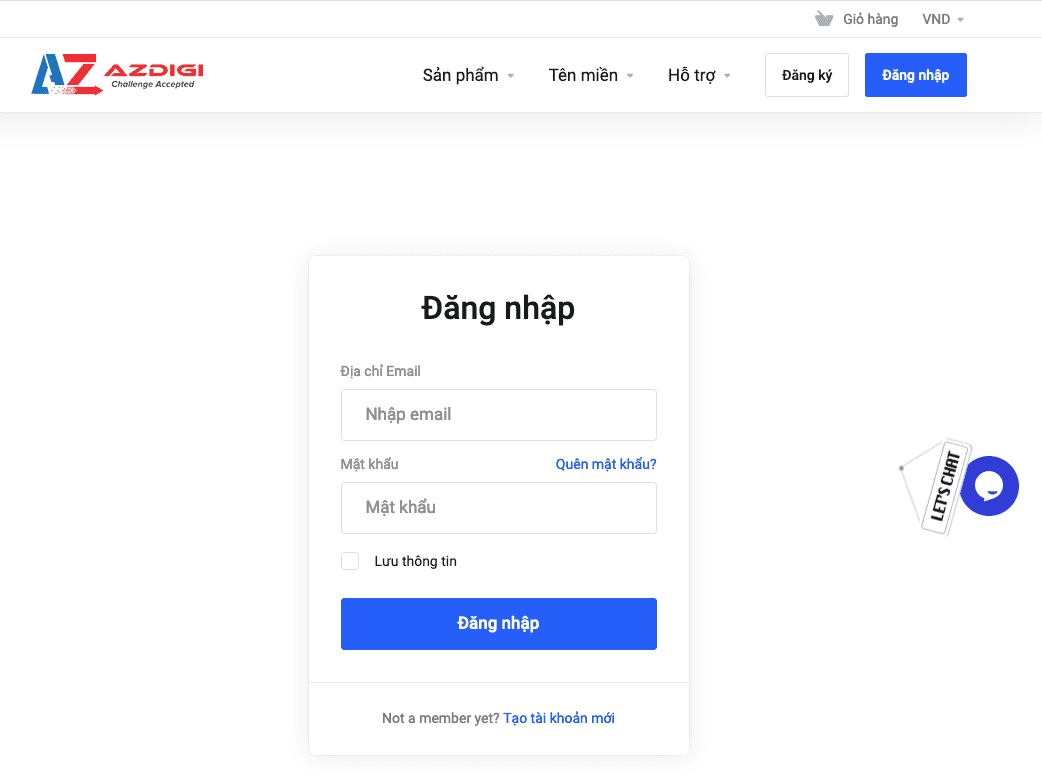
Step 1: Log in to VPS service administration
First, access the service administration with your account.

Step 2: Select the VPS service to restore
Then you click Service on the menu bar. And you select the VPS to restore.
Step 3: Choose when to restore and restore
At the interface below, click on the v icon and select Backups. Depending on each VPS service, the backups will be different.
Then the backups will appear with 2 options:
- X: Delete this backup
- Reverse Arrow: Used to Restore VPS
Then a message appears asking you to confirm restoring the backup. You click OK to agree to restore or click Cancel to cancel the operation.

Restore time will depend on the amount of data in your VPS. When the restore is complete, you can access your VPS to check.
If you encounter any difficulties in the process of using VPS at AZDIGI , please contact the Technical Department directly through the information below:
- Email : support@azdigi.com
- Ticket : http://bit.ly/azdigi-ticketkythuat
- Hotline: 028 888 24768
You might also like
About the author

Thạch Phạm
Đồng sáng lập và Giám đốc điều hành của AZDIGI. Có hơn 15 năm kinh nghiệm trong phổ biến kiến thức liên quan đến WordPress tại thachpham.com, phát triển website và phát triển hệ thống.