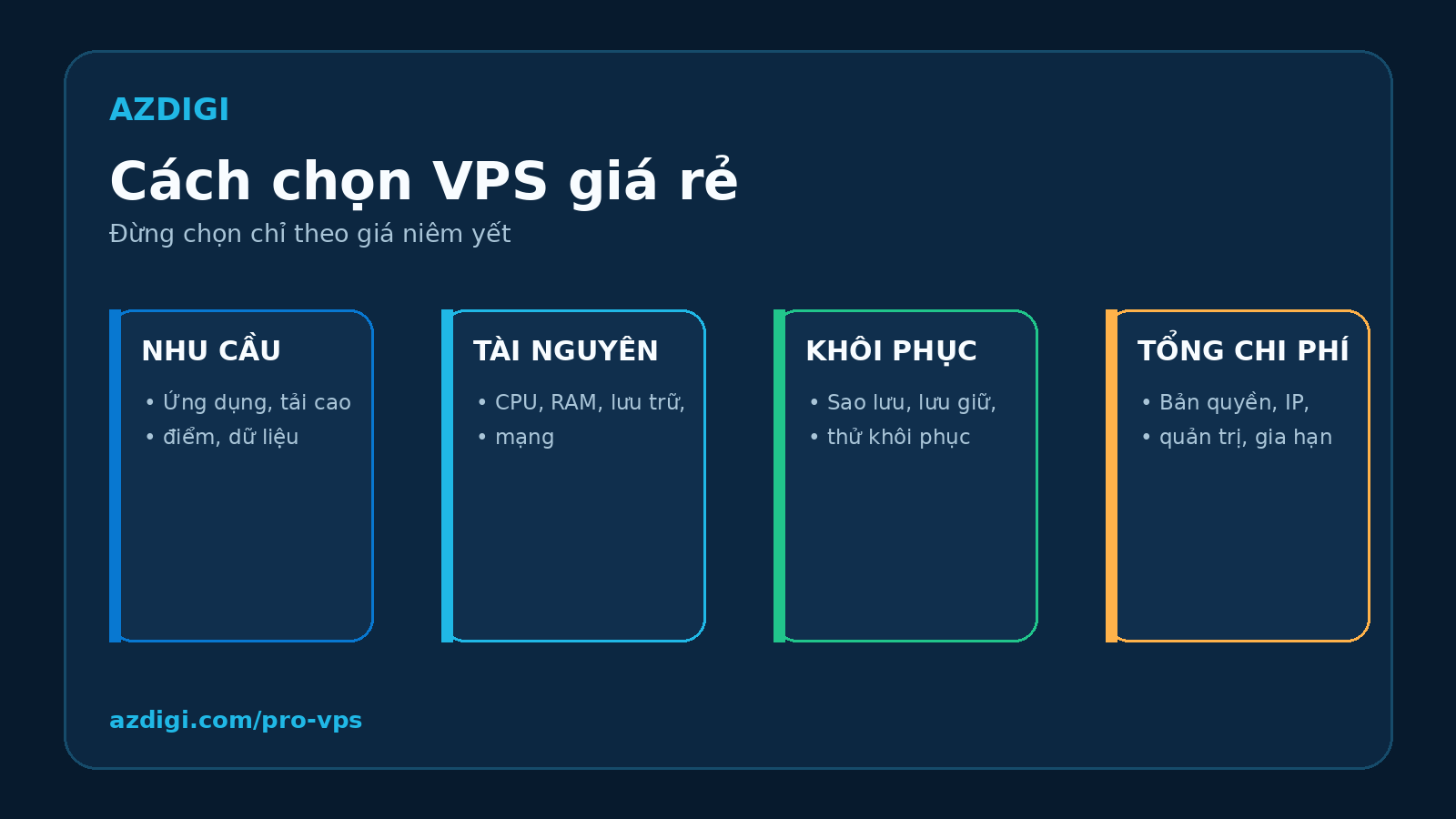
A low monthly price does not necessarily make a VPS inexpensive to operate. Contended CPU, slow storage or backups that cannot be restored can cost far more than the amount saved on the subscription.
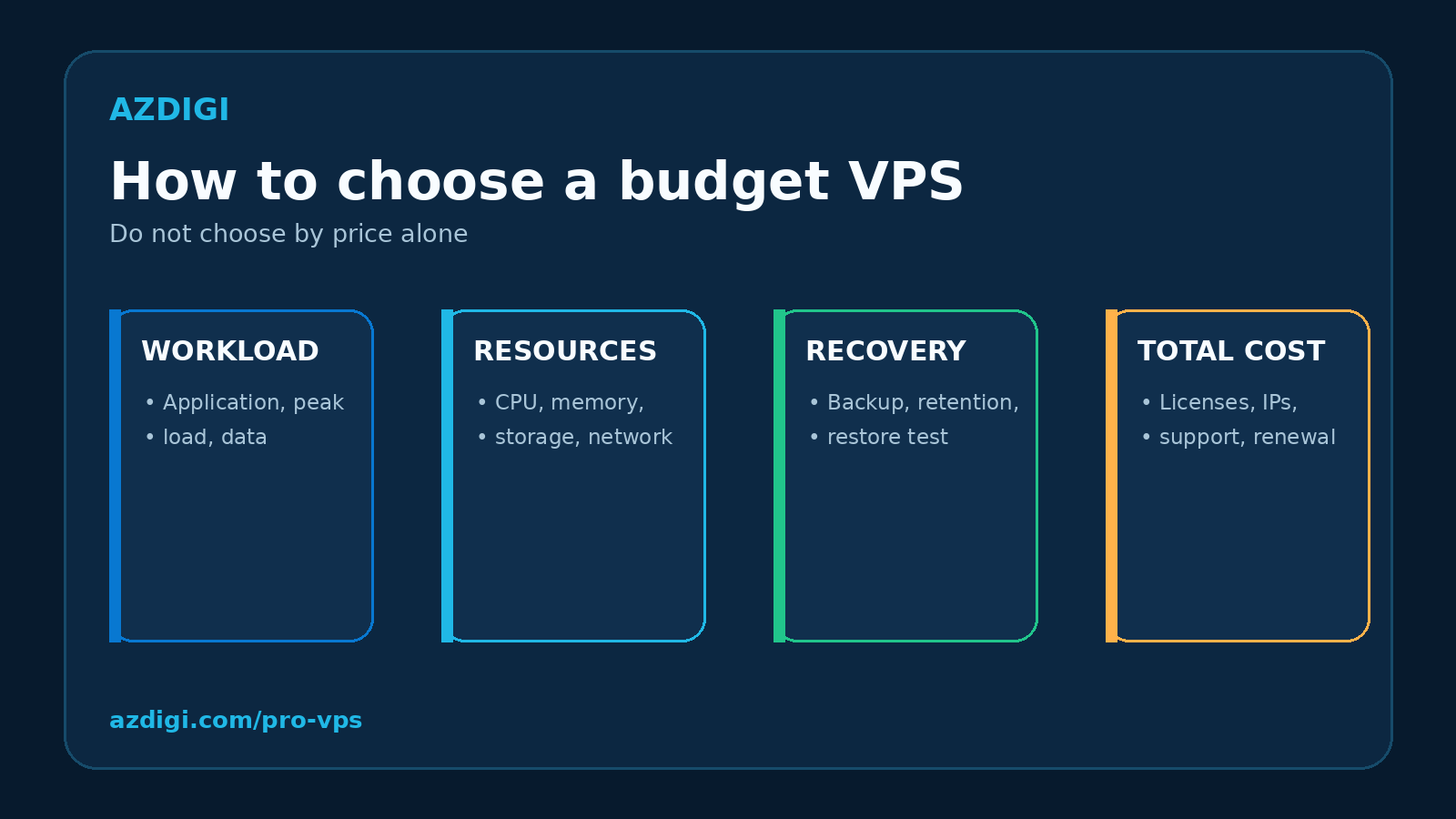
A better way to choose a budget VPS is to start with the workload, define the minimum resources it needs, and compare the complete operating cost. The advertised price is only one part of the decision.
Which workloads suit a budget VPS?
Budget VPS plans usually work best for small, predictable workloads that can tolerate scheduled maintenance. Common examples include:
- company websites, blogs and landing pages that have outgrown shared hosting;
- development, staging and lightweight CI environments;
- internal tools with a small number of users;
- bots, webhooks and background services that do not process sensitive data;
- Linux, Docker and server administration labs;
- private VPNs, proxies and test servers within the provider’s acceptable-use policy.
A budget VPS is not the default choice for every system. Revenue-critical stores, important databases, applications with strict SLA requirements and workloads with unpredictable demand may require a larger VPS, a Cloud Server or a multi-node architecture.
If you need the fundamentals first, read what a VPS is and when to use one. This guide focuses on evaluating VPS plans under a limited budget.
Define the workload before comparing prices
Two plans with 2 vCPU and 2 GB of memory can behave very differently. WordPress often needs short CPU bursts and predictable storage latency. A Node.js background service may depend more on memory, network quality and process monitoring.
Answer four questions before selecting a plan:
- Which applications will run on the VPS?
- What are the average and peak loads?
- How important is the data, and what recovery time is acceptable?
- Who will patch, secure and troubleshoot the server?
For an existing website, collect CPU, memory, disk and network data for 7 to 14 days. When moving from shared hosting, review the size of the codebase and database, traffic patterns, scheduled tasks, image processing and backup jobs.
Visitor count alone is a weak sizing metric. A cached static site can serve substantial traffic with modest resources, while a poorly optimized database or plugin stack can overload a server with far fewer visitors.
Eight criteria for choosing a budget VPS
- vCPU allocation and real CPU behavior
The vCPU count describes the number of processing threads visible to the virtual machine. It does not describe the entire performance profile. CPU generation, clock speed, host density and resource-sharing policies also matter.
Ask the provider:
- whether vCPU is shared or comes with a specific guarantee;
- whether sustained CPU usage is limited or throttled;
- whether CPU can be upgraded without rebuilding the server;
- which processor family is used for the selected product line.
KVM provides hardware virtualization and an independent kernel, but it does not guarantee dedicated CPU or prevent host-level overcommitment. Evaluate the provider’s policy and measured performance rather than assuming resource behavior from the hypervisor name.
- Memory and operating headroom
Insufficient memory can cause processes to be killed, increase swap activity and make a database respond slowly. Do not allocate all available memory to the application. The operating system, SSH, logs, monitoring agents and filesystem cache also need space.
Keep operating headroom rather than buying exactly the amount currently consumed. If the workload uses almost all memory during peak periods, optimize it or select a larger plan before production migration.
Swap can prevent an abrupt failure during a short memory spike. It is not a replacement for physical memory under sustained load.
- Storage capacity, latency and IOPS
Capacity is only one storage metric. Websites and databases also depend on latency, IOPS and performance under concurrent activity.
NVMe generally offers better queue handling and latency than SATA SSD, but an NVMe label does not guarantee that every virtual disk is faster. Controllers, RAID layout, distributed storage, contention and plan-level I/O limits all affect the result.
Check:
- usable capacity after the operating system is installed;
- IOPS or throughput limits, when published;
- whether the disk can be expanded;
- whether snapshots and backups count against the quota;
- what happens when the filesystem becomes full;
- whether the stated storage technology applies to the exact product line.
Read the SSD versus NVMe VPS comparison for technical context. Avoid a universal “times faster” claim without a controlled benchmark for the same workload.
- Network limits and data transfer
A 1 Gbps port does not mean the VPS can always transfer at 1 Gbps to the public Internet. Actual throughput depends on port sharing, peering, domestic and international routes, session limits and platform load.
Clarify:
- domestic and international speeds;
- download and upload limits;
- shared versus dedicated ports;
- monthly data transfer;
- fair-use policy;
- overage charges;
- whether a public IPv4 address is included.
A local data center often reduces latency for users in the same country, but measure from the networks your users actually use. A location name or a provider’s ping screenshot is not enough evidence.
- Backups, snapshots and recovery
RAID helps a storage system remain available after certain disk failures. RAID is not a backup. A snapshot may also depend on the same storage platform and failure domain.
Before buying, determine:
- whether the plan includes backup, snapshot or both;
- backup frequency and retention;
- whether copies live on a separate storage system;
- whether customers can restore directly;
- recovery charges and processing time;
- whether backups can be exported.
Maintain at least one copy outside the VPS after deployment. Test a restore as well. A backup that has never been restored is copied data, not a proven recovery plan.
- Technical support scope
“24/7 support” does not mean the provider administers software inside the VPS. With unmanaged VPS services, support often covers hardware, network, the virtualization panel and access to the virtual machine.
Clarify:
- support channels;
- target response times;
- operating system support boundaries;
- charges for migration, control panels or web server setup;
- responsibility for failures caused by guest configuration;
- availability of a separate managed service.
If nobody on the team administers Linux, include managed-service or control-panel costs from the beginning.
- Operating systems, licenses and control panels
Linux distributions normally have no operating system license fee. Windows Server, cPanel, DirectAdmin and commercial software can materially increase the monthly cost.
Review the available images, supported versions, patch policy and custom ISO options. For Docker, confirm the required kernel features and virtualization support. It is also inaccurate to state that every OpenVZ environment cannot run Docker. Actual support depends on the platform version and provider configuration.
- Terms, SLA and upgrade path
An SLA matters only when it defines scope, downtime calculation, exclusions and service credits. An uptime percentage on a landing page is not a substitute for contractual terms.
Also check:
- minimum billing term;
- renewal price;
- refund policy;
- setup, IP, backup and license fees;
- upgrade and downgrade procedures;
- expected downtime during an upgrade;
- migration options between product lines.
Compare total cost, not the introductory price
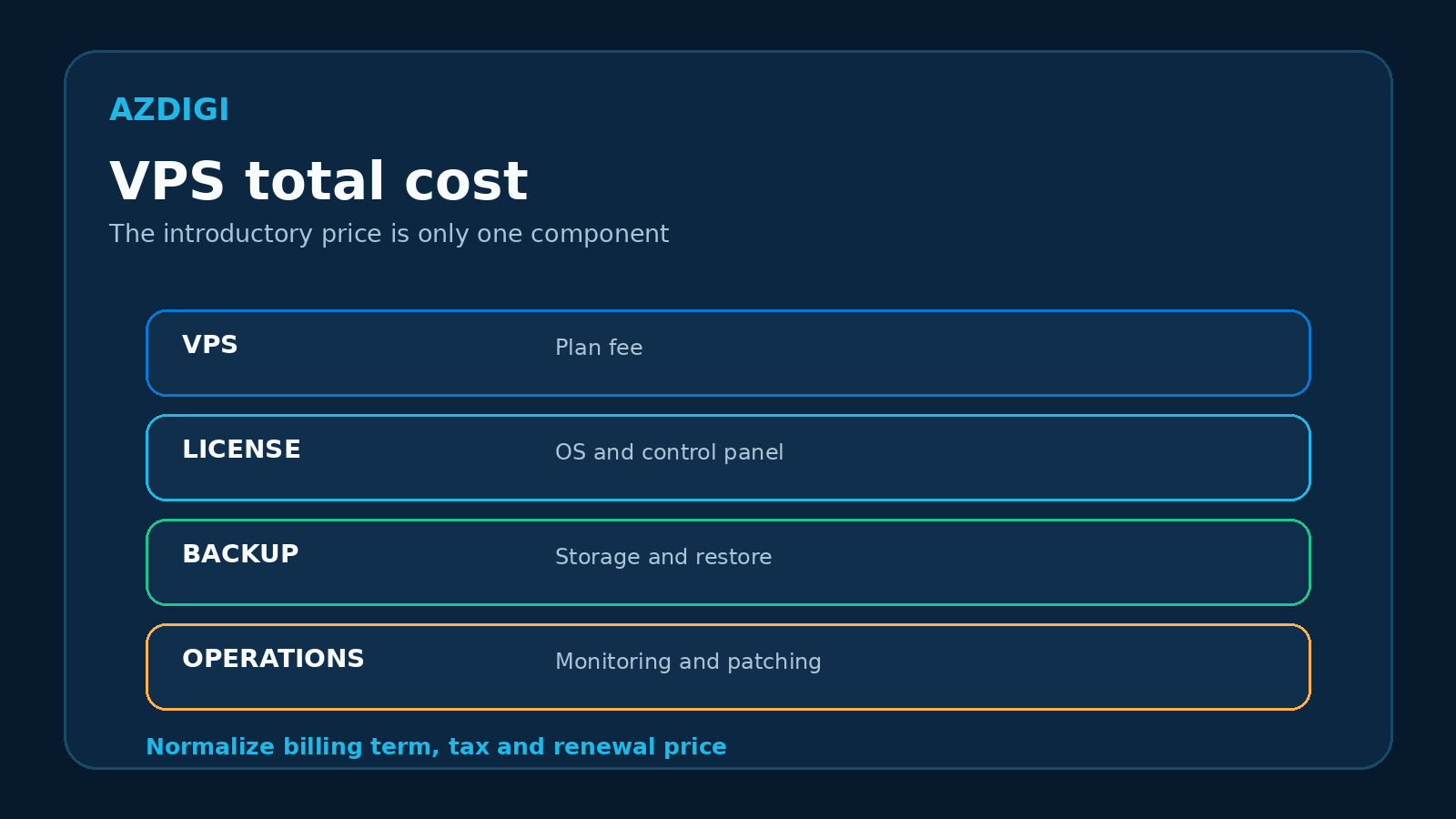
A low-priced VPS may require extra payments for IPv4, Windows, a control panel, backup, managed support or additional transfer.
Use a simple model:
Monthly total cost = VPS fee + licenses + backup + additional IPs + managed support + transfer overage + internal operating cost
Internal operating cost includes patching, monitoring, alert handling and recovery work. For a business without server administrators, this can exceed the price difference between two plans.
Normalize promotions to the same billing term and record the renewal price separately. Do not compare a provider’s prepaid 36-month rate with another provider’s month-to-month rate.
How to benchmark a new VPS
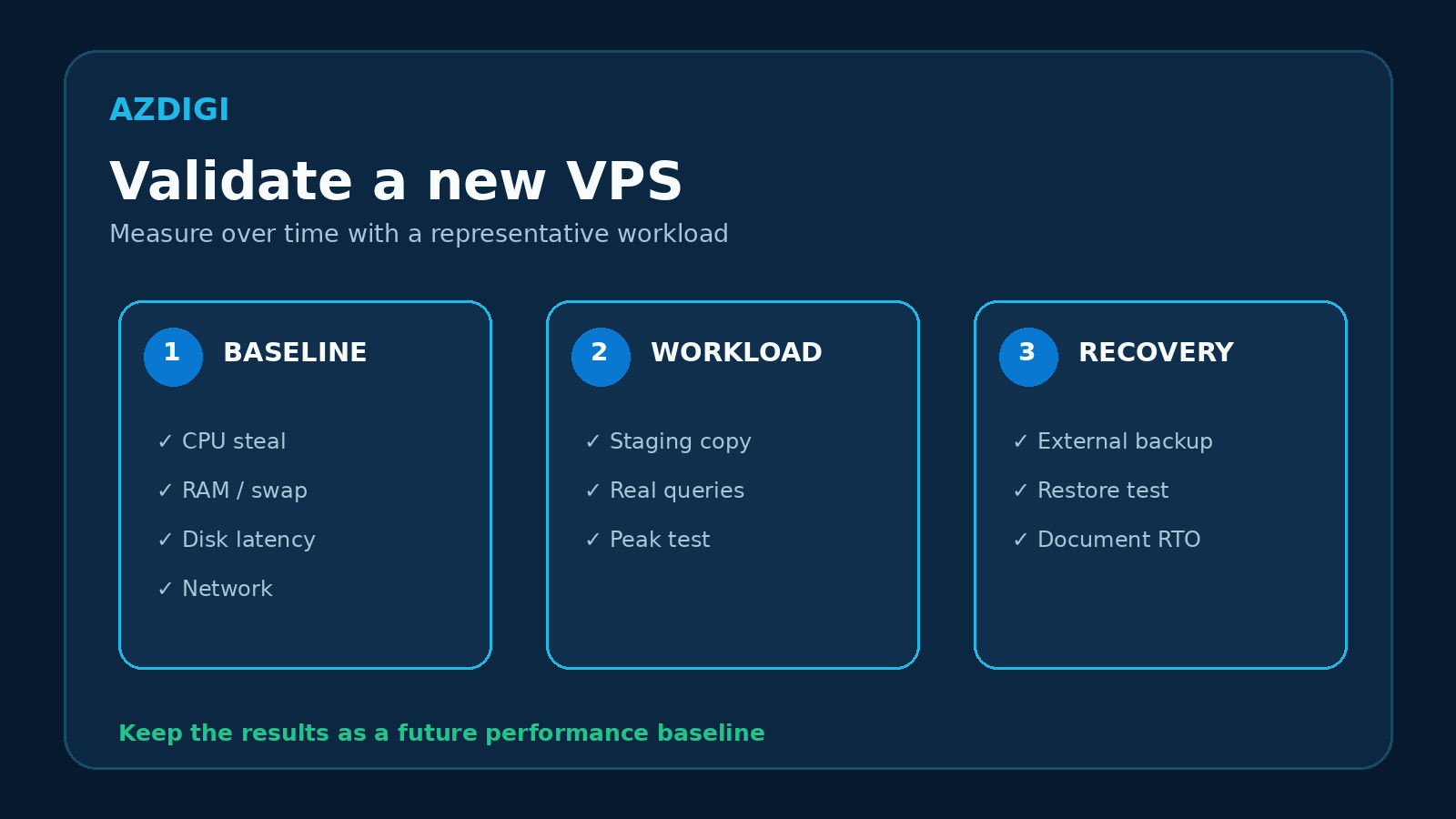
Benchmarks can reveal a large gap between the product description and actual behavior. A single run is not enough to assess long-term quality.
Measure at several times
Test during normal and busy periods over several days. Record:
- application response time;
- CPU steal time;
- memory pressure and swap activity;
- storage latency, IOPS and throughput;
- packet loss, network latency and throughput;
- reboot or reinstall time when relevant.
Use a representative workload
For WordPress, clone a staging site and test real pages. For a database, use representative data and queries. Synthetic tools such as sysbench and fio are useful for comparison, but they do not replace application testing.
Read the acceptable-use policy before running sustained CPU or I/O tests. Some providers limit prolonged high-intensity benchmarks.
Keep a baseline
Save the initial results. Historical data helps separate application regressions, traffic growth and infrastructure changes when performance degrades later.
Common budget VPS traps
Promotional pricing presented as the normal rate
Check the promotion period, minimum term and renewal price. A low prepaid rate also reduces flexibility if the service does not fit.
Comparing only vCPU and memory
Plans with the same headline specifications can differ in CPU generation, storage, network, backup and support. Compare them with the same checklist.
Treating “unlimited” as having no limits
Unlimited transfer usually still has a port speed or fair-use policy. Read the terms instead of relying on the label.
Treating snapshots as independent backups
Snapshots are convenient for short-term rollback but may remain in the same storage failure domain. Important data needs an external copy.
Moving production to the smallest plan immediately
Use staging, benchmark the workload and test recovery first. The entry plan may be suitable for learning but not for a revenue-generating site.
Ignoring administration work
A VPS requires operating system updates, SSH hardening, firewall rules, logs, monitoring and backups. Shared hosting or a managed service can have a lower total cost when no administrator is available.
Choosing priorities by workload
| Workload | Main priorities | Avoid |
|---|---|---|
| Linux lab, dev or test | price, snapshots, fast reinstall | production data |
| Small blog or website | memory headroom, stable I/O, backup | sizing by visitor count alone |
| Docker and background services | memory, storage, kernel and network | too many containers on the smallest plan |
| Online store | tested backup, support, SLA, upgrade path | one backup on the same host |
| Small database | storage latency, memory, external backup | comparing capacity only |
| Multiple websites | memory, inode limits, I/O, panel licenses | ignoring security and administration cost |
For important or rapidly growing workloads, compare VPS and Cloud Server before committing to a low-cost plan.
Pre-purchase checklist
- [ ] The workload and peak load are documented.
- [ ] Shared or guaranteed vCPU behavior is understood.
- [ ] Memory includes operating headroom.
- [ ] IOPS or throughput limits are known when applicable.
- [ ] Domestic, international and transfer limits are clear.
- [ ] Backup retention and restore procedures are documented.
- [ ] Managed and unmanaged support boundaries are understood.
- [ ] License, IP, backup and administration costs are included.
- [ ] Minimum billing term and renewal price are checked.
- [ ] A benchmark plan and external data copy are ready.
Frequently asked questions
Can a budget VPS run a production website?
Yes, when the workload fits and the plan meets performance, backup, support and recovery requirements. Test with staging, measure load and verify a restore before moving the full production workload.
Is 1 GB of memory enough for WordPress?
It can be enough for a small, well-optimized website, but there is no universal threshold. Themes, plugins, traffic, caching, database behavior and background tasks change memory requirements substantially.
Must I choose NVMe?
No. NVMe is useful for I/O-sensitive workloads, but CPU, memory, network, I/O limits and operational quality also matter. A well-operated SSD plan can be a better fit than a heavily constrained NVMe plan.
Does KVM guarantee that a VPS is not oversold?
No. KVM provides hardware virtualization and an independent kernel, while the provider still controls CPU, memory and storage allocation on the host. Review the policy and measure actual behavior.
Should I pay monthly or prepay for a long term?
Use a short billing term when testing a new provider if that option is available. Prepay only after validating performance, support, backup and refund terms.
Choose by workload, not by the “cheap” label
A suitable VPS handles the real workload, has a clear recovery plan and does not create unexpected operating costs. Once CPU, memory, storage, network and support requirements are known, you can review the current Pro VPS configurations at AZDIGI against this checklist.
If sizing is still unclear, prepare information about the application, traffic, database size and expected growth before contacting a provider. Those details are more useful than asking only for the cheapest package.
You might also like
- Seven VPS Providers in Vietnam: Criteria and Evaluation Guide
- How to Rent a VPS: Choose a Configuration and Set It Up Safely
- VPS vs Cloud Server: Which One Should You Choose?
- What Is a VPS? How It Works, Pros, Cons and Use Cases
- Vietnam VPS vs International VPS Comparison: Which to Choose?
- VPS SSD vs VPS NVMe: What's the difference, which one to choose?
About the author

Trần Thắng
Expert at AZDIGI with years of experience in web hosting and system administration.