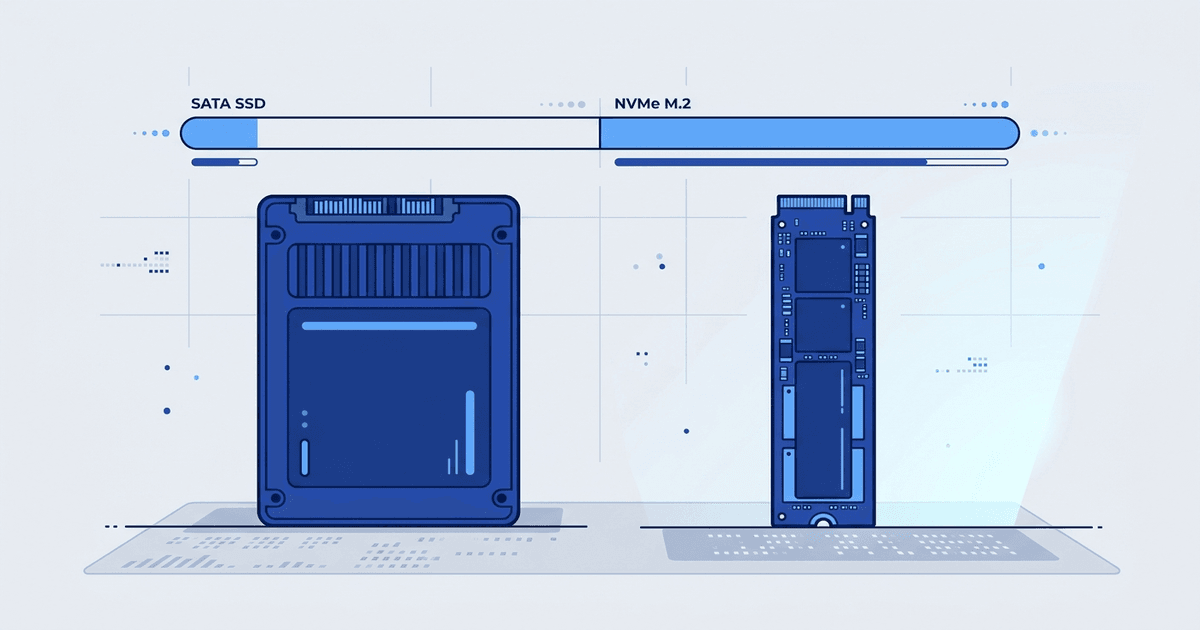
When buying VPS nowadays, you will see two popular types: VPS SSD and VPS NVMe. Both are much faster than HDD, but NVMe is significantly faster than SSD SATA. The question is: is that difference worth the extra cost?
Below is a detailed comparison of SSD and NVMe, when SSD SATA is enough, when you should upgrade to NVMe.
What is SSD?
SSD (Solid State Drive) is a storage drive that uses flash memory chips instead of spinning mechanical disks like HDD. With no moving parts, SSD is faster, more durable, and consumes less power than HDD.
When we say “VPS SSD” without further specification, it usually refers to SSD using SATA (Serial ATA) interface. This is an old connection standard originally designed for HDDs. SSD SATA is limited by SATA bandwidth: maximum around 550MB/s sequential read.
What is NVMe?
NVMe (Non-Volatile Memory Express) is a data transfer protocol specifically designed for flash memory. NVMe connects through PCIe bus instead of SATA, providing much larger bandwidth.
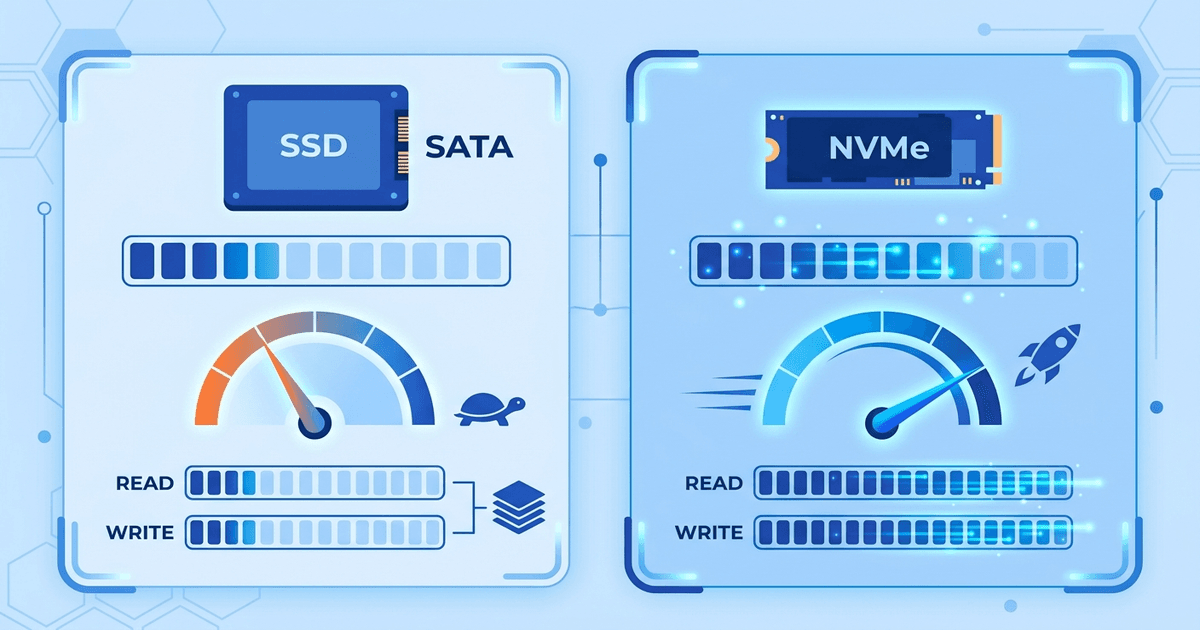
An NVMe PCIe Gen 3 drive achieves 3,000-3,500MB/s sequential read. PCIe Gen 4 goes up to 7,000MB/s. That’s 5-12 times faster than SSD SATA.
However, sequential speed is just one part. For servers, more important metrics are IOPS (Input/Output Operations Per Second) and latency, because servers process many random I/O operations simultaneously.
VPS SSD SATA vs VPS NVMe Comparison
| Criteria | VPS SSD (SATA) | VPS NVMe |
|---|---|---|
| Interface | SATA III (6Gbps) | PCIe Gen 3/4 (32-64Gbps) |
| Sequential Read Speed | 500-550MB/s | 3,000-7,000MB/s |
| Sequential Write Speed | 400-520MB/s | 2,000-5,000MB/s |
| Random Read IOPS | 70,000-100,000 | 500,000-1,000,000 |
| Random Write IOPS | 40,000-80,000 | 300,000-700,000 |
| Latency | ~100 microseconds | ~10-20 microseconds |
| Queue Depth | 1 queue, 32 commands | 65,535 queues, 65,536 commands/queue |
| VPS Price (same capacity) | Lower | Higher by 10-30% |
The biggest difference lies in IOPS and latency. NVMe handles hundreds of thousands of I/O operations per second with extremely low latency. For databases, this is the determining factor for performance.
Queue depth is also noteworthy. SSD SATA only has 1 queue with 32 commands. NVMe has up to 65,535 queues. Servers handling many simultaneous requests will see NVMe clearly excel.
How does disk speed affect websites and apps?
Faster disks don’t just help files load faster. Real-world impacts include:
Website loading speed WordPress, Joomla, or any CMS reads many PHP files, templates, CSS, JS with each page load. High IOPS helps process these reads faster. Combined with opcache and page cache, the impact is reduced, but when cache misses or dynamic pages (WooCommerce, forums), disk speed still matters.
Database queries MySQL, PostgreSQL store data on disk. Each complex query needs to read indexes, scan tables, write temporary tables… All are random I/O. NVMe with 10-20 microseconds latency helps database queries run significantly faster than SSD SATA (100 microseconds).
With large tables (millions of rows), the difference can be from hundreds of milliseconds to several seconds per query.
I/O intensive tasks Backup, database import/export, log processing, CI/CD builds, code compilation… are all heavy read/write tasks. NVMe shortens processing time significantly.
When is the difference not noticeable? Static websites (HTML, images, CDN) or small sites with little traffic show almost no difference between SSD SATA and NVMe in real-world experience. The bottleneck then is network or CPU, not disk.
When is SSD SATA enough?
SSD SATA is still about 100 times faster than HDD in IOPS. For many use cases, SSD SATA is completely adequate:
- Blogs, landing pages, business introduction websites
- Dev/test projects, staging environments
- VPS running lightweight tools, cron jobs, automation
- Email servers with small-medium traffic
- Low-traffic websites (under 10,000 visits/day)
If you’re looking for cheap VPS for small projects, VPS SSD SATA costs less and still performs well.
When do you need VPS NVMe?

NVMe becomes important when applications have heavy read/write and need low latency:
- E-commerce (WooCommerce, Magento): many database queries when browsing products, ordering, searching
- Database servers running MySQL/PostgreSQL with large tables, many concurrent connections
- Real-time applications: chat, notifications, websockets need fast response
- CI/CD pipelines: frequent builds, tests, deploys need fast file read/write
- Media processing: video encoding, image processing, batch thumbnail generation
- High-traffic websites (over 50,000 visits/day) with many dynamic pages
Simple understanding: if the application has heavy database or lots of I/O, NVMe provides clear improvement. If the website mainly serves static content with good caching, NVMe isn’t necessary yet.
Is VPS HDD still worth using?
Almost no, at least for web hosting and common applications. See also the difference between NVMe Hosting and SSD Hosting if you’re using shared hosting.
HDD has only 100-200 IOPS (compared to 70,000+ for SSD and 500,000+ for NVMe). Latency is 5-10 milliseconds (compared to 0.1ms for SSD and 0.01ms for NVMe). Websites running on HDD load noticeably slowly.
HDD is only suitable for backup storage, archives, or infrequently accessed data requiring large cheap storage (storage servers). For VPS running websites or apps, SSD is the minimum you should use.
How to check disk type on VPS
If you’re using Linux VPS and want to know what disk you’re running, use these commands.
View disk list
lsblk -d -o NAME,ROTA,SIZE,MODELROTA column: value 0 means SSD/NVMe, 1 means HDD. If the disk name starts with nvme (e.g. nvme0n1) it’s definitely NVMe.
Check sequential read speed
sudo hdparm -Tt /dev/sdaSSD SATA typically shows 400-550MB/s results. NVMe will be much higher (need to use /dev/nvme0n1).
Real I/O benchmark with fio
# Install fio
sudo apt install fio -y
# Test random read IOPS
fio --name=randread --ioengine=libaio --direct=1 --bs=4k --iodepth=64 --size=256M --rw=randread --runtime=30
# Test random write IOPS
fio --name=randwrite --ioengine=libaio --direct=1 --bs=4k --iodepth=64 --size=256M --rw=randwrite --runtime=30
IOPS results over 100,000 are usually NVMe. Under 100,000 is SSD SATA. Under 1,000 is HDD.
Note: on VPS, fio results depend on virtualization configuration and I/O limits set by the provider. Numbers may be lower than actual physical drives.
NVMe Gen 3 vs Gen 4: should you care?
NVMe also has multiple generations. Gen 3 achieves maximum around 3,500MB/s, Gen 4 goes up to 7,000MB/s. On paper, Gen 4 is twice as fast.
But on VPS, you rarely reach the maximum speed of physical drives. Providers share I/O resources among multiple VPS on the same server, so actual speed is limited by I/O scheduling and fair-use policies.
In short: NVMe Gen 3 is already good enough for most VPS workloads. Gen 4 is a bonus, but not a deciding factor when choosing a provider. Focus on actual IOPS (test with fio) rather than numbers on spec sheets.
VPS SSD and NVMe services at AZDIGI
AZDIGI provides both VPS SSD and VPS NVMe:
- Pro VPS from 99,000đ/month: SSD Enterprise RAID-10, suitable for blogs, dev/test, small projects
- X-Platinum VPS from 79,000đ/month: NVMe RAID-10, 1Gbps network, high performance good price
- AMD Cloud Server from 99,000đ/month: Distributed NVMe storage, Cloud VPS with HA
- Platinum Cloud Server from 99,000đ/month: Distributed NVMe, Intel Xeon Platinum
If you need high I/O performance at good price, X-Platinum VPS using NVMe RAID-10 from 79,000đ/month is worth considering. Need additional HA and automatic failover, choose AMD Cloud or Platinum Cloud.
To learn more about what is VPS and other VPS types, read the overview article. If you’re deciding on operating system, see the VPS Windows or Linux article.
Frequently Asked Questions
Is VPS NVMe much more expensive?
The difference is usually 10-30% compared to VPS SSD SATA with same configuration. At AZDIGI, X-Platinum VPS (NVMe) from 79,000đ/month is even cheaper than Pro VPS (SSD) at 99,000đ/month but uses NVMe. Price depends heavily on provider and specific package, NVMe isn’t always more expensive.
Is SSD SATA slow?
No. SSD SATA is about 100 times faster than HDD in IOPS. For most small-medium websites and applications, SSD SATA is completely adequate. Only when applications have heavy databases or are I/O intensive do you clearly see the difference between SSD SATA and NVMe.
How to know if VPS is using SSD or NVMe?
Run lsblk -d -o NAME,ROTA,MODEL on Linux VPS. If disk name starts with nvme (e.g. nvme0n1) it’s NVMe. If disk name is sda, vda it could be SSD SATA or HDD. Check ROTA column: value 0 is SSD, 1 is HDD. Or run fio to benchmark actual IOPS.
You might also like
- NVMe Hosting vs SSD Hosting: A Detailed Performance Comparison
- How does an NVMe SSD accelerate website speed?
- VPS vs Cloud Server: Which One Should You Choose?
- The features of NVMe U.2 RAID-10 technology at AZDIGI
- How to Choose and Purchase Reliable and High-Quality NVMe Hosting Services
- Vietnam VPS vs International VPS Comparison: Which to Choose?
About the author

Trần Thắng
Expert at AZDIGI with years of experience in web hosting and system administration.