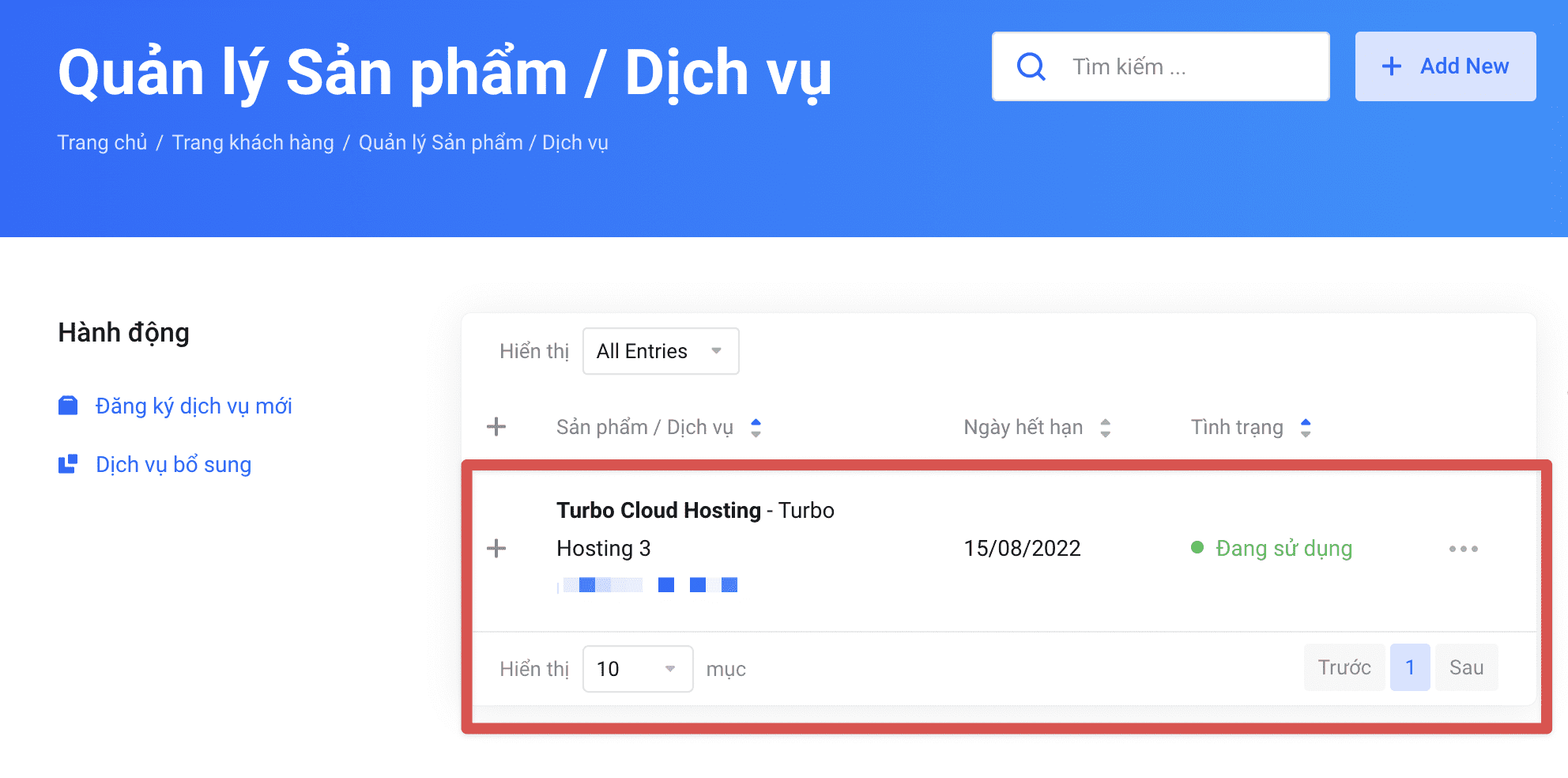
When registering and using the service at AZDIGI, you will receive a renewal invoice generated by the system 4 days before the service expires. However, in some cases, customers who need to renew in advance can manually renew the service or change the payment cycle themselves.
First, you access the service management page at https://my.azdigi.com/clientarea.php?action=services, then click on the service that needs to be renewed/changed payment cycle.
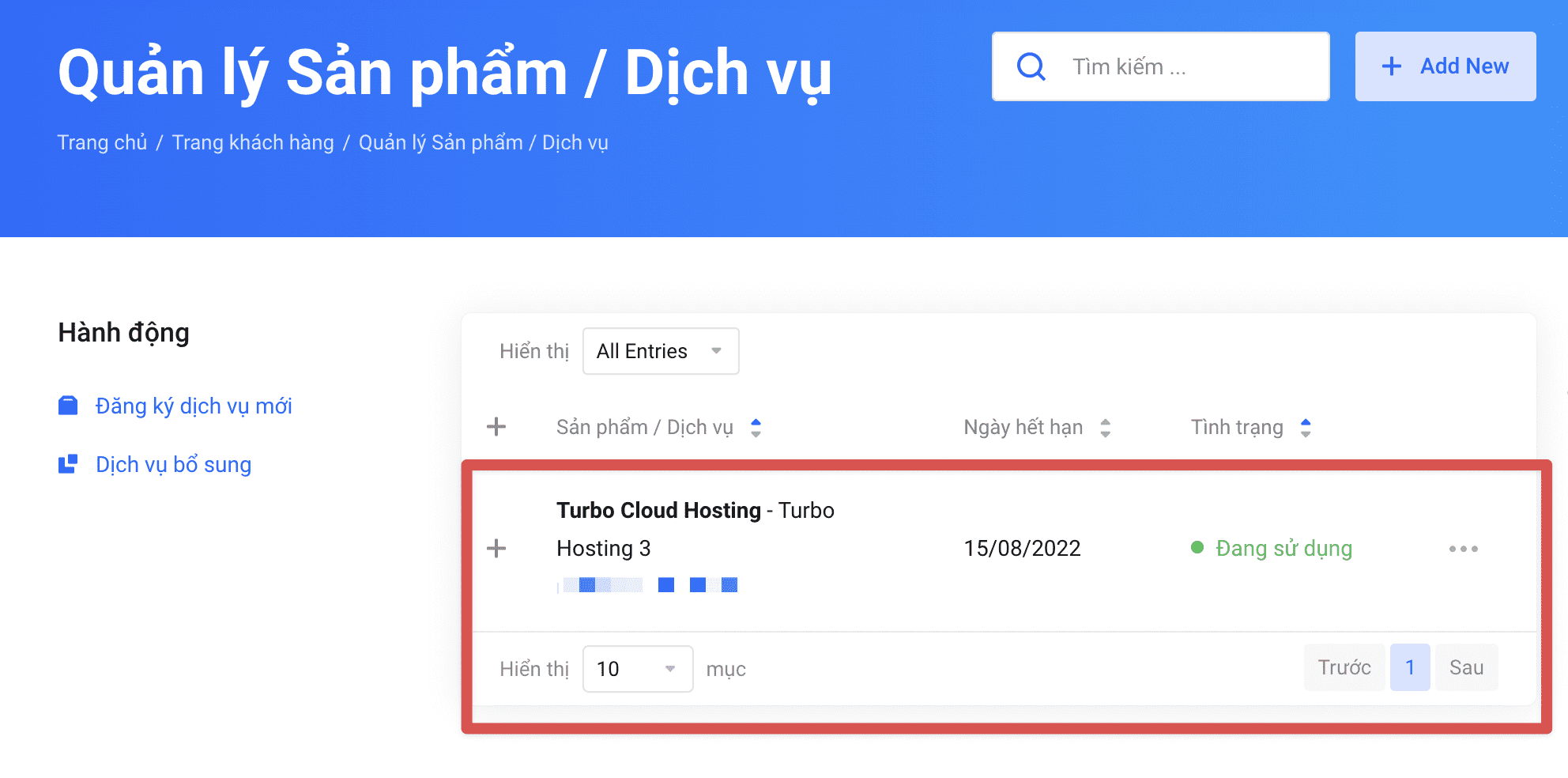
Next, you click the button Renew or Change payment cycle corresponding to the action to be performed.

Then you perform the operation confirmation to complete. Once done, the system will proceed to create a payment invoice and you can pay the invoice at https://my.azdigi.com/clientarea.php?action=invoices.
If you encounter any difficulties during payment, please contact AZDIGI’s Customer Service Department via live chat at https://azdigi.com or hotline at 028 888 24768.
About the author

Thạch Phạm
Đồng sáng lập và Giám đốc điều hành của AZDIGI. Có hơn 15 năm kinh nghiệm trong phổ biến kiến thức liên quan đến WordPress tại thachpham.com, phát triển website và phát triển hệ thống.