During the operation of the DirectAdmin server, you will receive a lot of requests from the customer service fee or the dev side of the website design… There will be a requirement to install the GMP PHP Extension on DirectAdmin. This article will be the solution for you.
I. Overview
By default, when installing DirectAdmin on your VPS/Server, DirectAdmin only installs PHP 7.3 version. This version only has basic PHP Extensions, including the lack of OPcache, Zend Guard…
If you are using the free control panel or using other simple scripts, installing a new PHP Extension will be very difficult, but for DirectAdmin, which is a paid control panel, everything is much easier.
To install GMP PHP Extension on DirectAdmin, we follow the next steps.
II. Install GMP PHP Extension on DirectAdmin
To install GMP PHP Extension on DirectAdmin, we just need to operate with one step below to be successful. But only with CustomBuild 2.0.
Step 1: SSH into your DirectAdmin system
To install GMP PHP Extension on DirectAdmin, we first need to SSH or access your VPS/server with root privileges. If you don’t know how to SSH into your VPS/Server, you can refer to the following tutorial:
After successfully SSH, we continue with step 2 to check or upgrade the CustomBuild version for installing GMP PHP Extension on DirectAdmin.
Step 2: Check the CustomBuild version
To upgrade the DirectAdmin version, your VPS/Server needs CustomBuild 2.0 version. To check the version of CustomBuild you are using, please check out the following short tutorial:
In case your CustomBuild version is lower than 2.0 then you need to upgrade CustomBuild 1.x to 2.0 , you can check out the following tutorial:
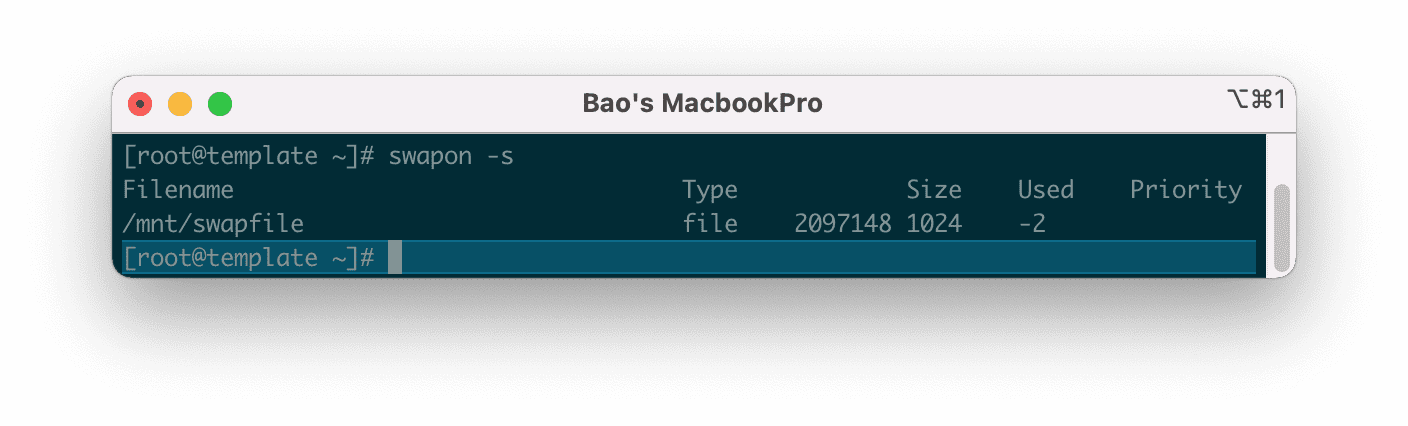
Here is my CustomBuild version after the latest update:
We continue to step 3 to perform the commands to install GMP PHP Extension on DirectAdmin.
Step 3: Commands to install GMP PHP Extension on DirectAdmin
Commands to install GMP PHP Extension on DirectAdmin
cd /usr/local/directadmin/custombuild
./build set_php gmp yes
./build update
./build php_gmp
Explanation of the above commands:
- Command 1: Move to the
custombuildfolder. - Command 2: Change the PHP GMP extension pack status from No to Yes.
- Command 3: Update CustomBuild Script.
- Command 4: Install GMP.
Here are images during the installation process:
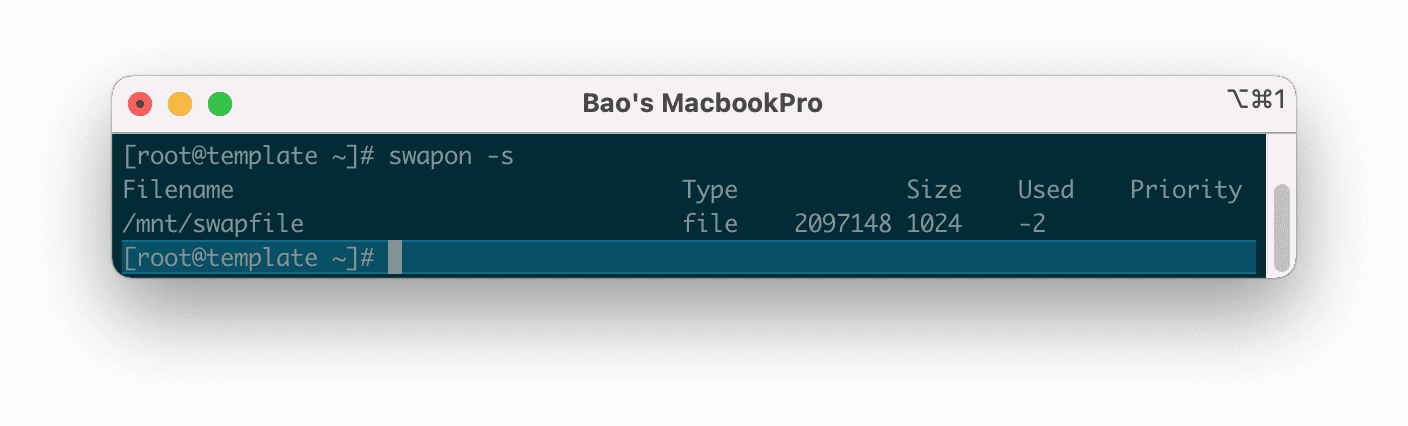
custombuild .
Command 2: Change the PHP GMP extension pack status from No to Yes.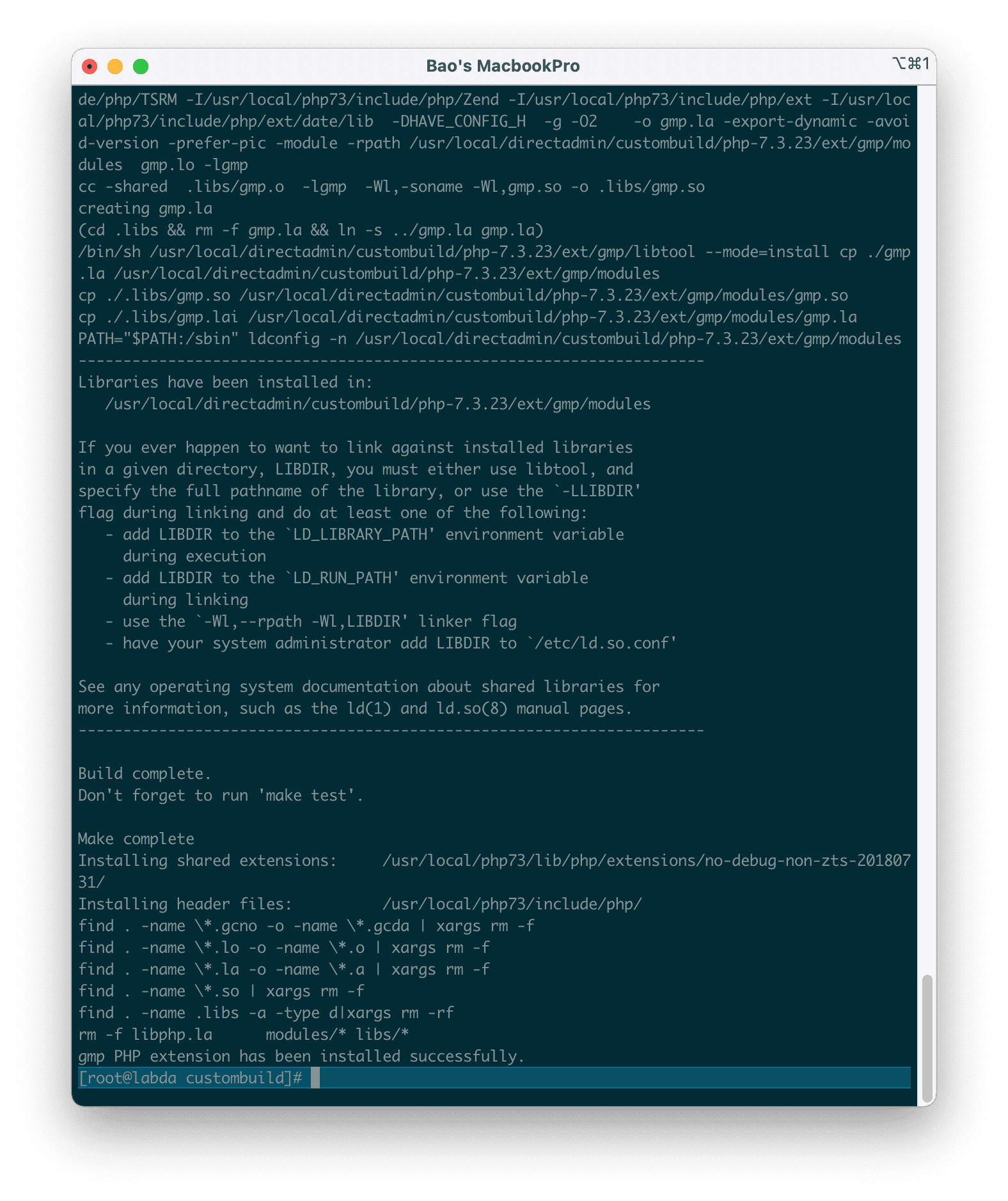
So after the installation is complete, we can recheck with the following command:
php -i | grep gmp
Here is my result.
Thus, we have completed all the steps of installing GMP PHP Extension on DirectAdmin.
III. Summary
So AZDIGI has shown the complete steps of installing GMP PHP Extension on DirectAdmin, although there are many tutorials online, most of them are old tutorials and relatively high complexity.
Hope the article is useful to you. Wishing you success.
You might also like
- How to install PHP 8.0 on DirectAdmin
- How to upgrade the PHP version on DirectAdmin
- How to install multiple versions of PHP DirectAdmin
- How to install Easy Spam Fighter on DirectAdmin
- Install PHP 7.4 into CentOS 6 on DirectAdmin
- Install OPcache Directadmin to speed up the website with custombuild 2.0
About the author

Thạch Phạm
Đồng sáng lập và Giám đốc điều hành của AZDIGI. Có hơn 15 năm kinh nghiệm trong phổ biến kiến thức liên quan đến WordPress tại thachpham.com, phát triển website và phát triển hệ thống.