Fixing the 404 Sitemap error on aaPanel using Nginx with 2 steps.
Introduction
The sitemap is a file containing information about a website, including all the website’s URLs, listed and arranged in the form of a hierarchical map (descending importance). Sitemaps help search engines crawl and index all your website content.
Currently, 2 popular Sitemap support Plugins are Rank Math and Yoast Seo. In this article, AZDIGI will guide you on fixing the 404 Sitemap error if encountered when using Rank Math and Yoast Seo on aaPanel running Nginx. Then when you create a Sitemap for your website, the default path of the sitemap will be in the form https://domain.com/sitemap_index.hmtl.
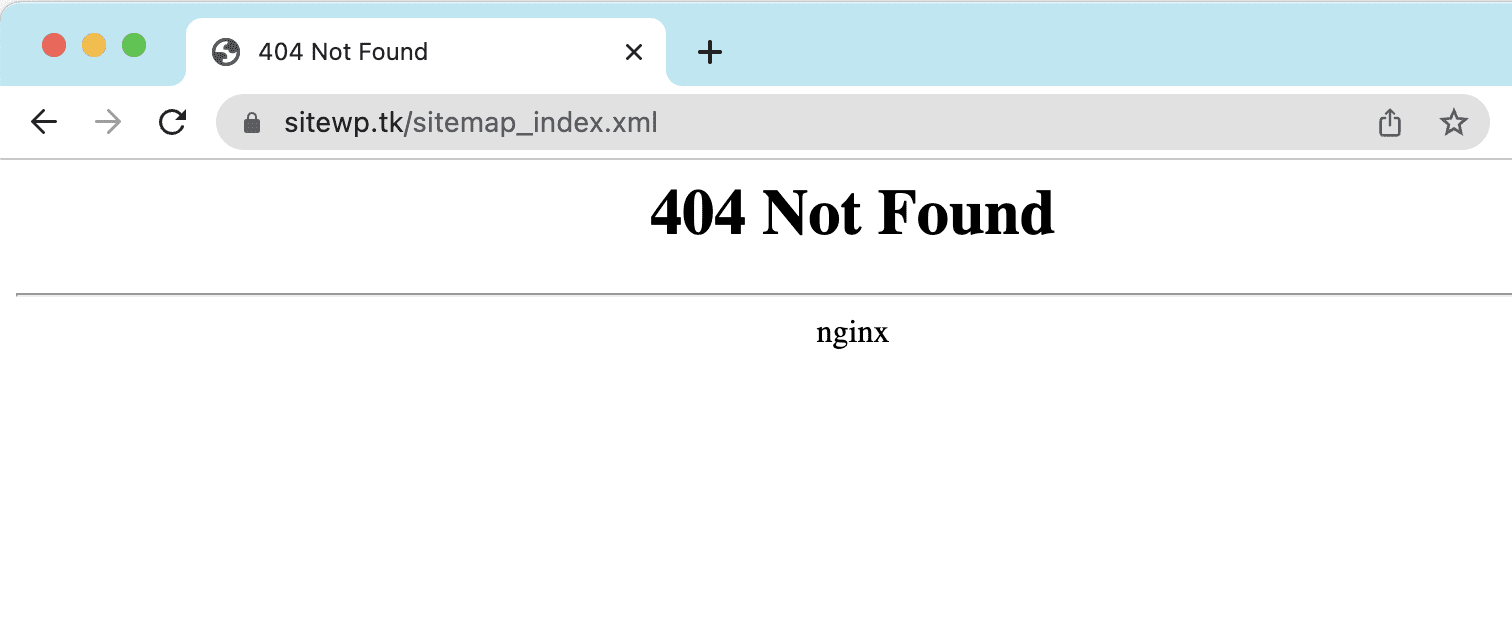
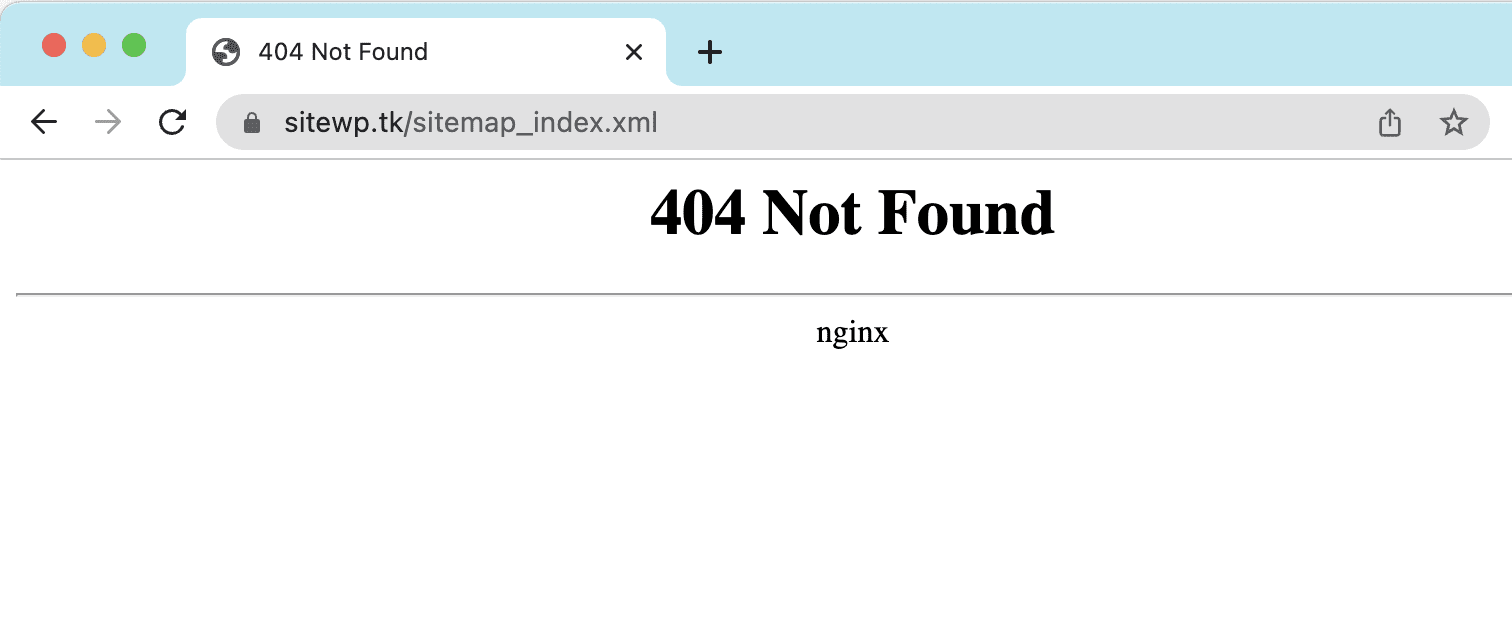
However, for some users using the Nginx server, when accessing the above link, they receive a 404 error with a specific error, as shown below. And to handle this problem, please continue to see this article.
Implementation Guide
With this error case, we will have 2 ways to fix it as follows:
Method 1: Fix on aaPanel interface
In this way, you just need to access the aaPanel interface, go to Website (1) >> Conf (2) (corresponding to the website to be configured) >> URL rewrite >> Copy the configuration content corresponding to the plugin you are using and paste in >> Save (5)

- Yoast Seo
#Yoast SEO Sitemaps
location ~ ([^/]*)sitemap(.*).x(m|s)l$ {
  ## this rewrites sitemap.xml to /sitemap_index.xml
  rewrite ^/sitemap.xml$ /sitemap_index.xml permanent;
  ## this makes the XML sitemaps work
  rewrite ^/([a-z]+)?-?sitemap.xsl$ /index.php?yoast-sitemap-xsl=$1 last;
  rewrite ^/sitemap_index.xml$ /index.php?sitemap=1 last;
  rewrite ^/([^/]+?)-sitemap([0-9]+)?.xml$ /index.php?sitemap=$1&sitemap_n=$2 last;
  ## The following lines are optional for the premium extensions
  ## News SEO
  rewrite ^/news-sitemap.xml$ /index.php?sitemap=wpseo_news last;
  ## Local SEO
  rewrite ^/locations.kml$ /index.php?sitemap=wpseo_local_kml last;
  rewrite ^/geo-sitemap.xml$ /index.php?sitemap=wpseo_local last;
  ## Video SEO
  rewrite ^/video-sitemap.xsl$ /index.php?yoast-sitemap-xsl=video last;
}- Rank Math
# START Nginx Rewrites for Rank Math Sitemaps
 rewrite ^/sitemap_index.xml$ /index.php?sitemap=1 last;
 rewrite ^/([^/]+?)-sitemap([0-9]+)?.xml$ /index.php?sitemap=$1&sitemap_n=$2 last;
 # END Nginx Rewrites for Rank Math Sitemaps
Below is the configuration of Rank Math when I added it, with Yoast Seo, you also add the same. Once added, click Save.

Method 2: Add configuration via SSH
If you don’t have access to aaPanel or don’t like using the interface, you can add it directly via SSH. With aaPanel, to add configuration to use sitemap, we will need to open the file by path:
vi /www/server/panel/vhost/rewrite/sitewp.tk.conf; ### Nhớ thay sitewp.tk bằng tên website của bạn

After adding the configuration is complete, now try to reaccess the Sitemap to check. As shown below, I have successfully handled the 404 Sitemap error and the Sitemap is already displayed normally.

So we have completed 2 methods to handle 404 Sitemap errors on aaPanel using Nginx. Hope this article is helpful to you, wish you success!
You can refer to other instructions at the link below:
If you need support, you can contact support in the ways below:
- Hotline 247: 028 888 24768 (Ext 0)
- Ticket/Email: You use the email to register for the service and send it directly to: support@azdigi.com .
About the author

Thạch Phạm
Đồng sáng lập và Giám đốc điều hành của AZDIGI. Có hơn 15 năm kinh nghiệm trong phổ biến kiến thức liên quan đến WordPress tại thachpham.com, phát triển website và phát triển hệ thống.