In this article, AZDIGI will show you how to customize some basic log display pages on DirectAdmin so that you can manually adjust the log display in a beautiful and highly personalized way. Please see the detailed article below:
Step 1: Access Custom Error Pages
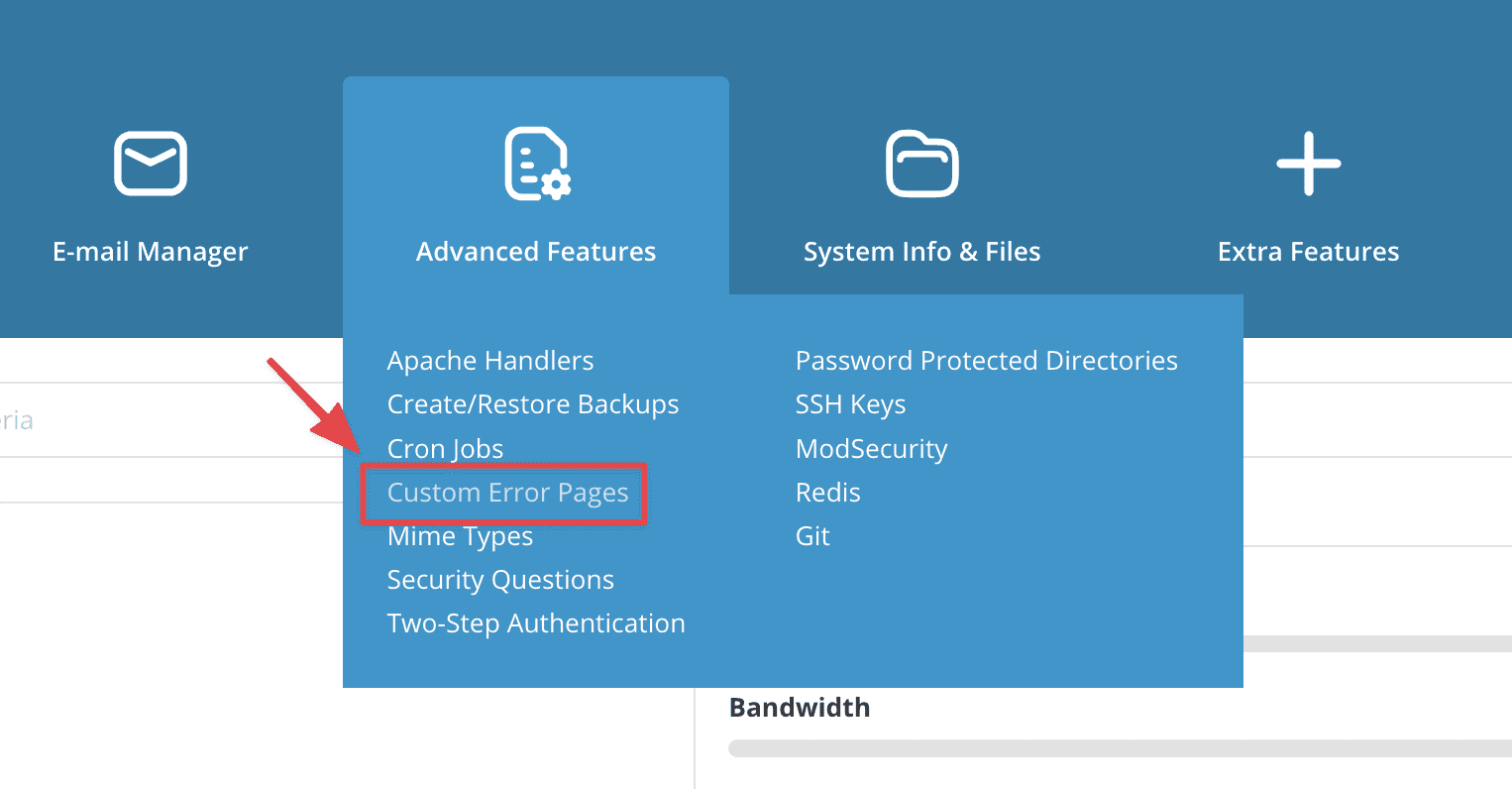
First, login to your DirectAdmin => go to the Advanced Features section => click Custom Error Pages.
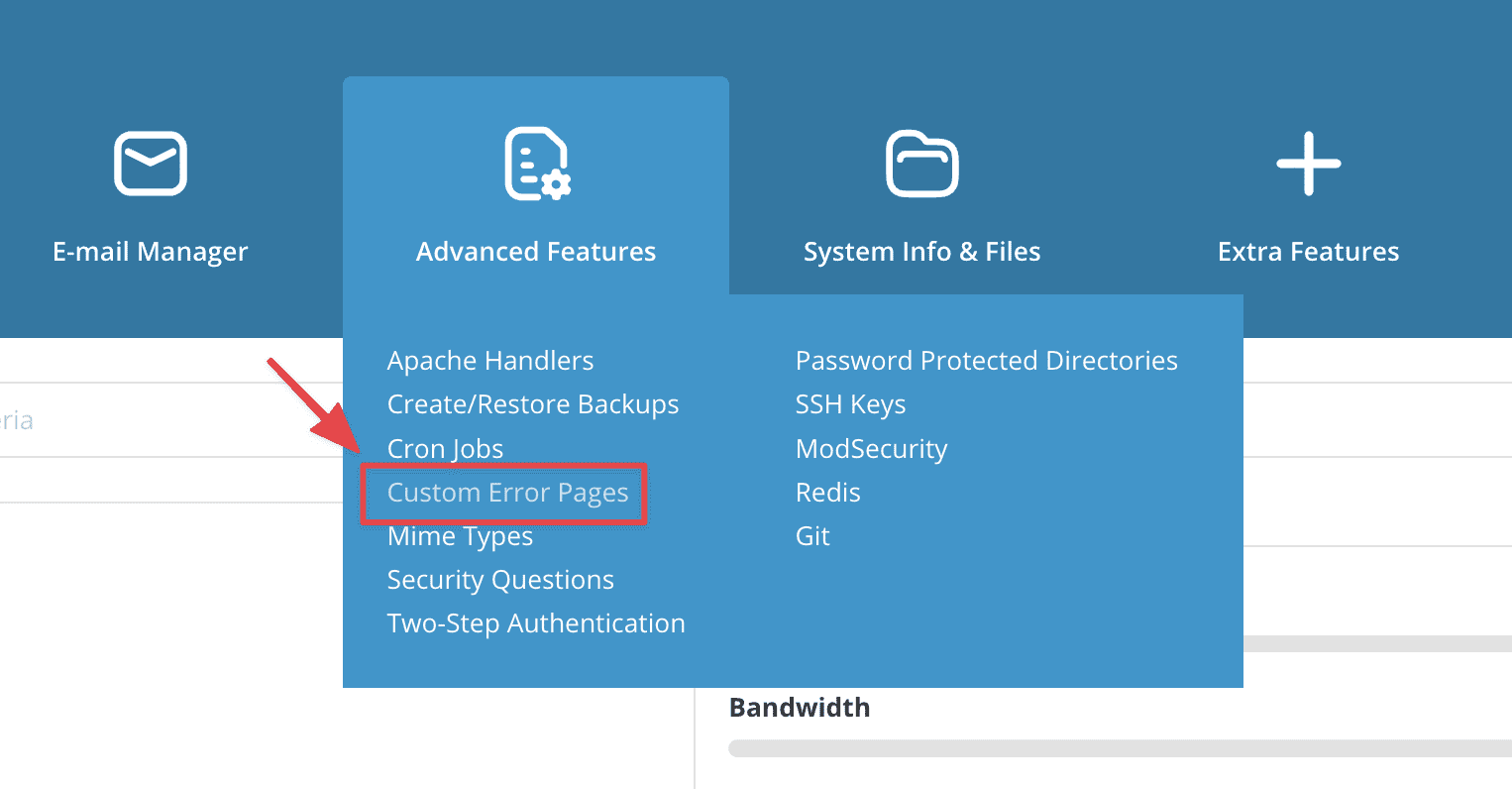
In the Edit Apache Error Pages section, you will see some basic Logs as follows:
- 401 Unauthorized
- 403 Forbidden
- 404 Not Found
- 500 Internal Server Error
You can learn more about the details of error codes here.
Step 2: Implement Custom Error Pages
I will give an example with the most basic and easiest error code in the process of website administrators, which is the 404 Not Found error, with other error codes when editing, you can do the same.
- 404 Not Found
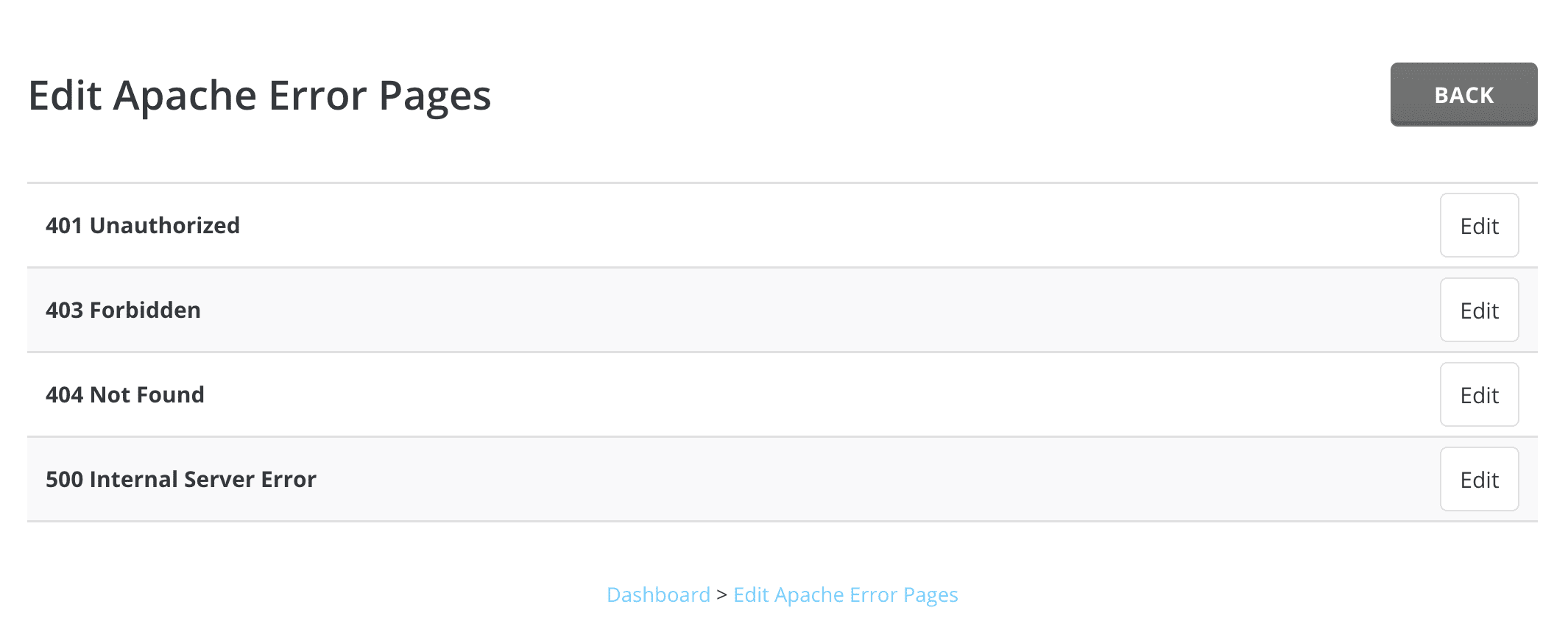
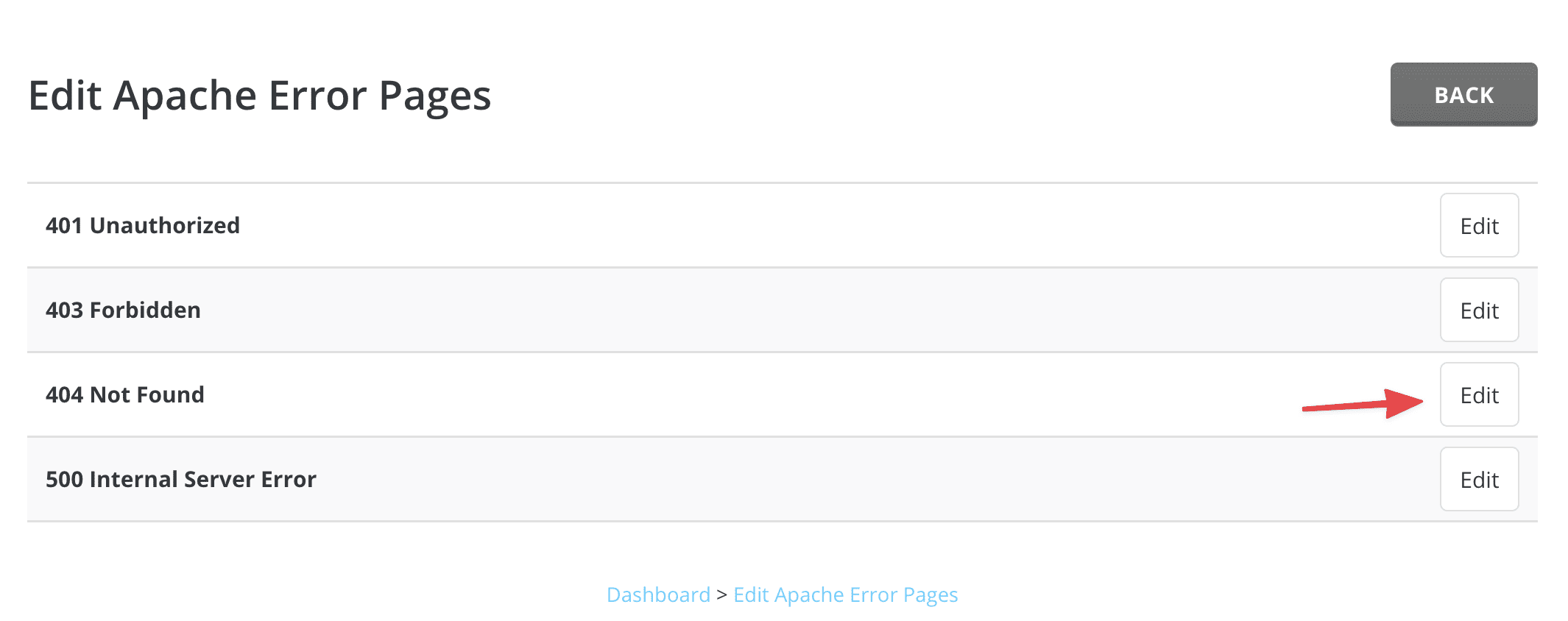
To edit the page to display 404 errors, at the Edit Apache Error Pages interface, select Edit as shown:
This is the content of DirectAdmin default 404 Not Found text file:
<!DOCTYPE HTML PUBLIC "-//IETF//DTD HTML 2.0//EN">
<HTML><HEAD>
<TITLE>404 Not Found</TITLE>
</HEAD><BODY>
<H1>Not Found</H1>
The requested URL <!--#echo var="REQUEST_URI" --> was not found on this server.
<HR>
<I><!--#echo var="HTTP_HOST" --></I>
</BODY></HTML>
You can optionally edit the content to your liking according to the video.
After editing, the result will show as below:
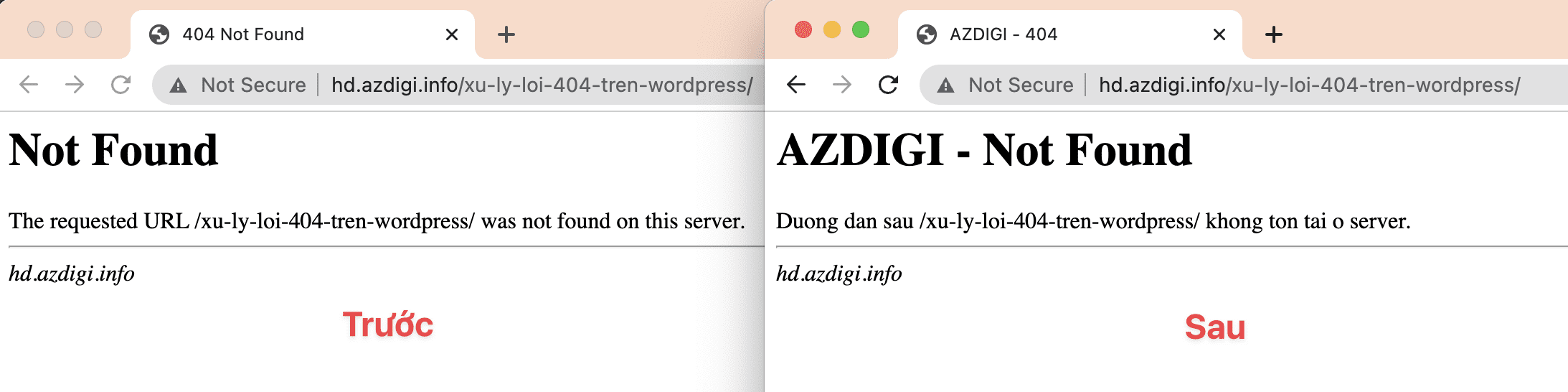
Thus, in this article, AZDIGI has shown you how to edit the log display page content on DirectAdmin simply with just a few steps. This helps you adjust the display of the log for your website to look more beautiful and creative.
You can refer to other instructions at the link below:
If you need assistance, you can contact support in the ways below:
- Hotline 247: 028 888 24768 (Ext 0)
- Ticket/Email: You use the email to register for the service and send it directly to: support@azdigi.com
You might also like
About the author

Thạch Phạm
Đồng sáng lập và Giám đốc điều hành của AZDIGI. Có hơn 15 năm kinh nghiệm trong phổ biến kiến thức liên quan đến WordPress tại thachpham.com, phát triển website và phát triển hệ thống.