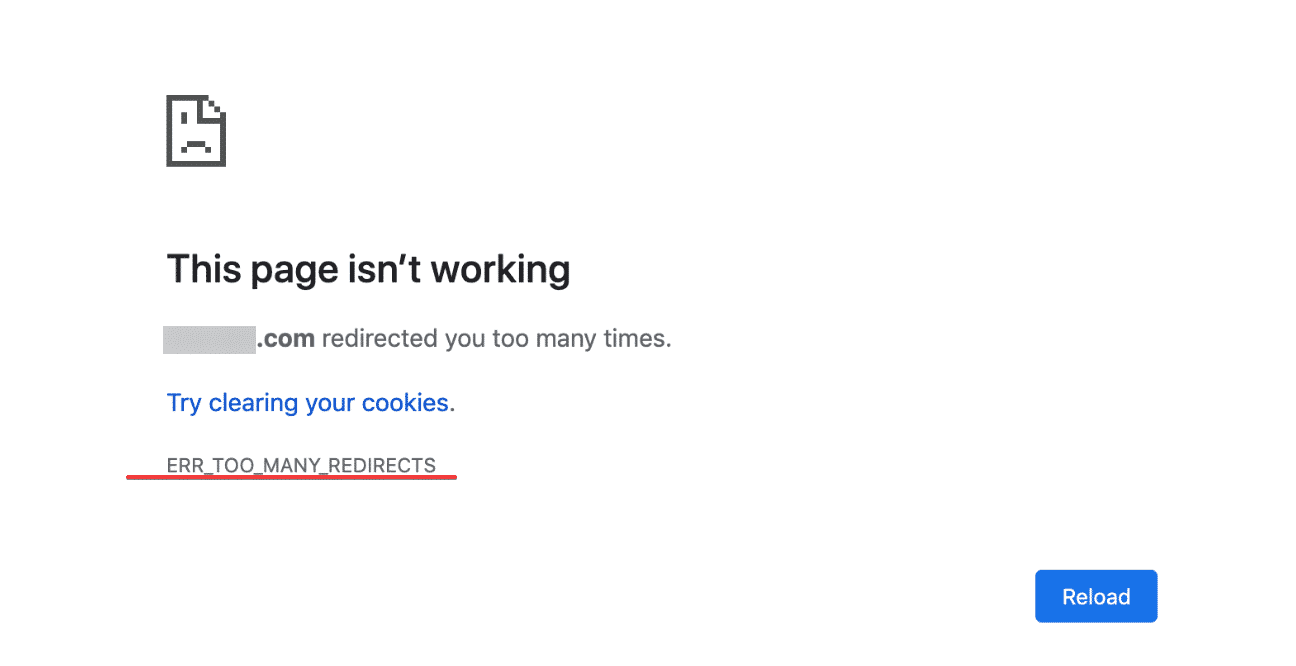
In the process of using the website, sometimes you get an error when accessing the website, like “Website redirects too many times” (Too Many Redirects). Most of this error is because you configure the wrong path or do the redirect configuration at the server/hosting incorrectly, there is also a case that the domain you use at the same time has many pairs of Nameserver of many providers.
To fix this error, we will do the following:
Access to File Manager & edit the wp-config.php file and add the following code, right after <?php
Note: replace example.com with your domain.
define('WP_HOME','http://example.com');
define('WP_SITEURL','http://example.com');
If your website has www.domain configured, add the following to correct the format:
define('WP_HOME','http://www.example.com');
define('WP_SITEURL','http://www.example.com');
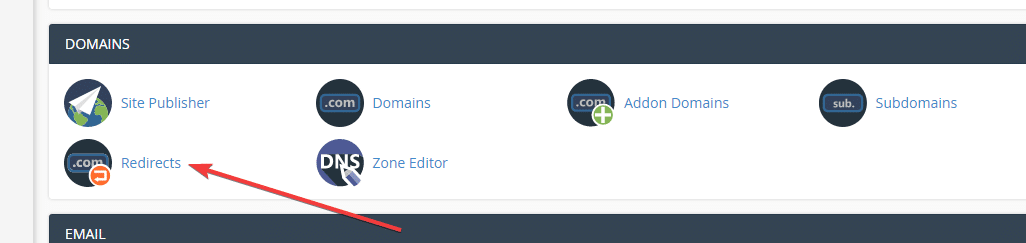
Next, go to Redirect in cPanel to ensure you are not configuring the redirect.
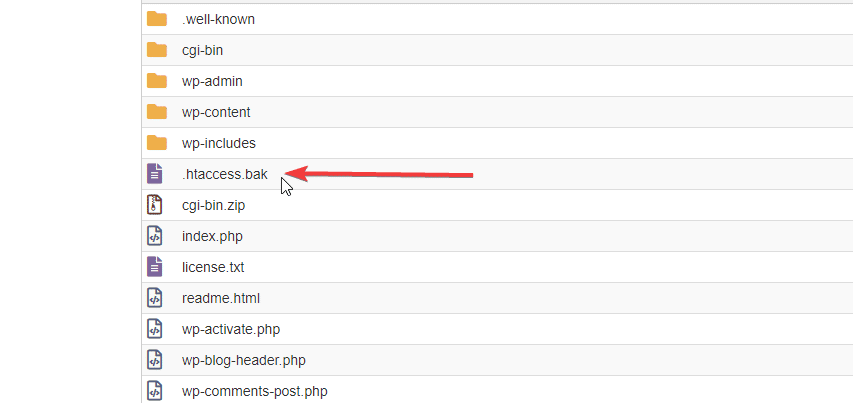
And proceed to disable the .htaccess file by renaming the .htaccess file to htaccess.bak .
After you have done the above steps, go anonymously, use 3G/4G, clear the browser cache to ensure there is no cache.
Wishing you success!
About the author

Thạch Phạm
Đồng sáng lập và Giám đốc điều hành của AZDIGI. Có hơn 15 năm kinh nghiệm trong phổ biến kiến thức liên quan đến WordPress tại thachpham.com, phát triển website và phát triển hệ thống.