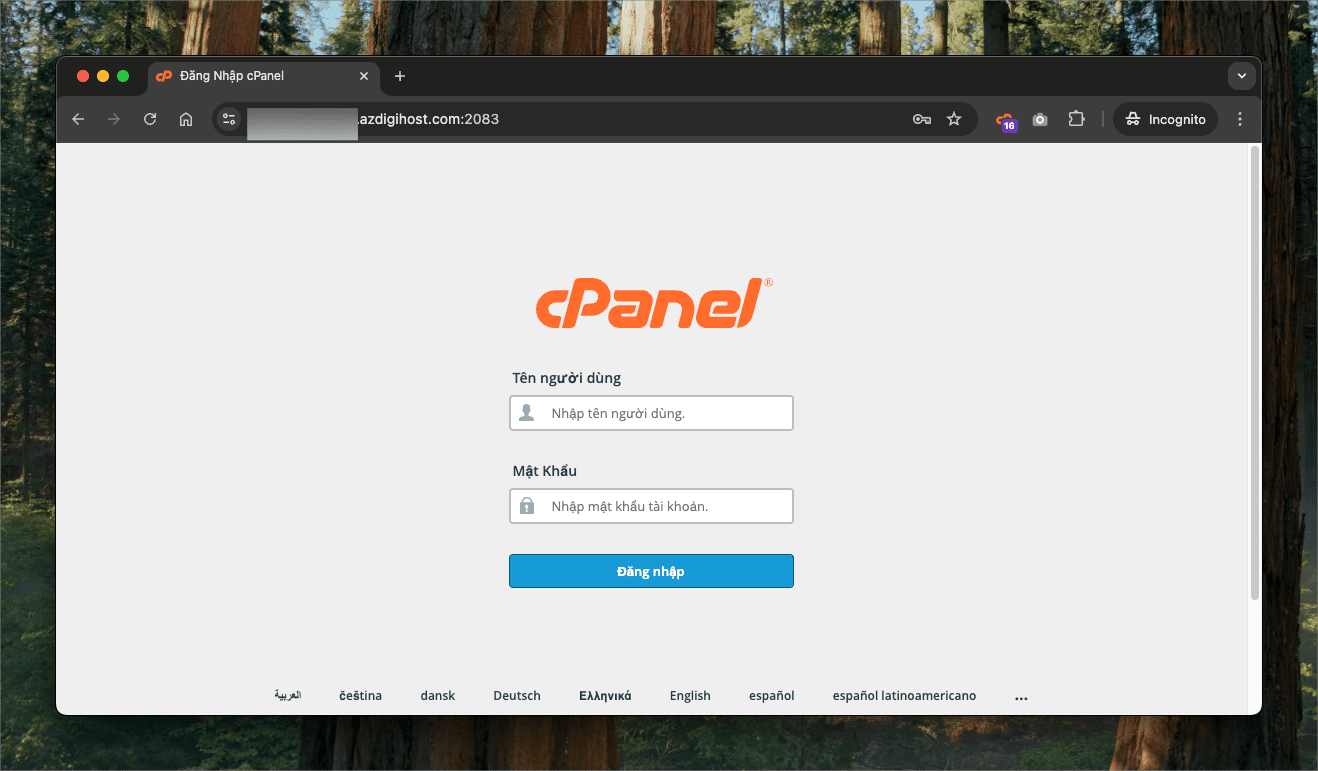
The hosting service at AZDIGI always provides free SSL installation through the Let’s Encrypt certificate built into cPanel. With a free SSL certificate, your website will be more secure for users and will not be rated as Unsafe in the browser.
An SSL certificate will be automatically installed, provided that your domain name points to the Hosting service’s nameserver pair ns3.azdigi.com and ns4.azdigi.com.
Để có thể xem trạng thái cài đặt SSL, bạn sẽ cần đăng nhập vào cPanel, tìm mục SSL/TLS Status.


Here, you will see red (not successfully installed) and green (successfully installed) domains. For domains that have not been successfully installed, you can see the cause in the right column.

To run the SSL auto-install feature again, you can select the domains reported in red and press the Run AutoSSL button.
Setup in WordPress
If you use a WordPress website, after the SSL installation is complete, add the following to your website’s wp-config.php file and replace example.com with your domain name.
define('WP_HOME','https://example.com');
define('WP_SITEURL','https://example.com');
Note: Replace example.com with your domain name
The word https is white and the padlock does not appear in the browser
In case the website already supports HTTPS protocol but the word https is white, it means that there are some links on your page that have not yet switched to HTTPS. Press the F12 key or right-click on the website => select Inspect Element => Console. You will see some links are http and change it to https.

And in WordPress there is a Plugin called Really Simple SSL that supports redirecting the link that the Plugin finds, you can install and activate it.
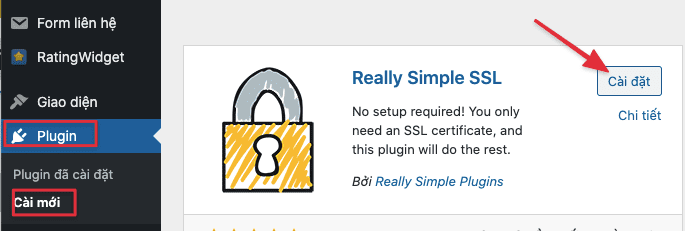
After activating this plugin, the HTTPS link errors on the website will be fixed.
Wishing you success!
You might also like
About the author

Thạch Phạm
Đồng sáng lập và Giám đốc điều hành của AZDIGI. Có hơn 15 năm kinh nghiệm trong phổ biến kiến thức liên quan đến WordPress tại thachpham.com, phát triển website và phát triển hệ thống.