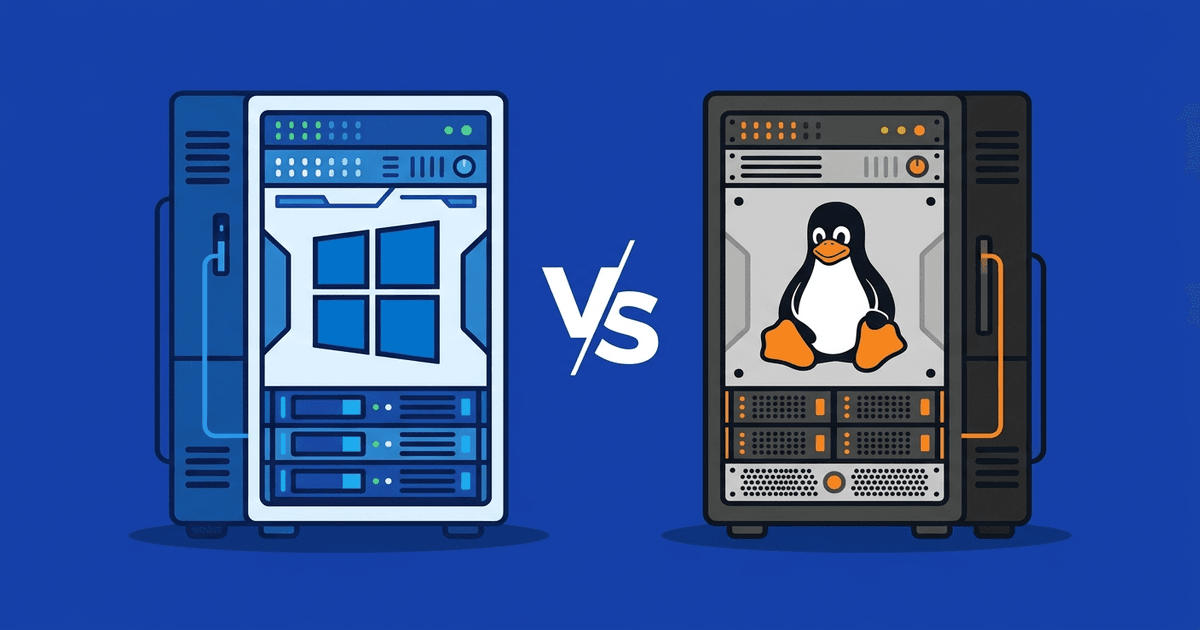
Choosing between VPS Windows and Linux is a question almost everyone new to VPS encounters. The short answer: it depends on the software you need to run. The longer answer lies in this article.
What is VPS Windows?
VPS Windows is a virtual server running Windows Server operating system (2016, 2019, 2022…). You access it via Remote Desktop (RDP), with a familiar graphical interface similar to personal computers.
Windows Server supports software that only runs on Windows: ASP.NET, MSSQL Server, IIS, accounting software, enterprise ERP, or SEO/marketing tools that only have Windows versions.
Important note: Windows Server requires license fees. This cost is added to the monthly VPS price.
What is VPS Linux?
VPS Linux is a virtual server running Linux distributions: Ubuntu, CentOS, AlmaLinux, Debian… You access it mainly via SSH (command line). You can install control panels if you want a web interface.
Linux is an open-source operating system, free of licensing costs. Most web servers worldwide run Linux: Apache, Nginx, LiteSpeed all perform best on this platform.
Most popular programming languages and frameworks (PHP, Python, Node.js, Ruby, Go, Docker) support Linux better than or equal to Windows.
Detailed Comparison: VPS Windows vs VPS Linux
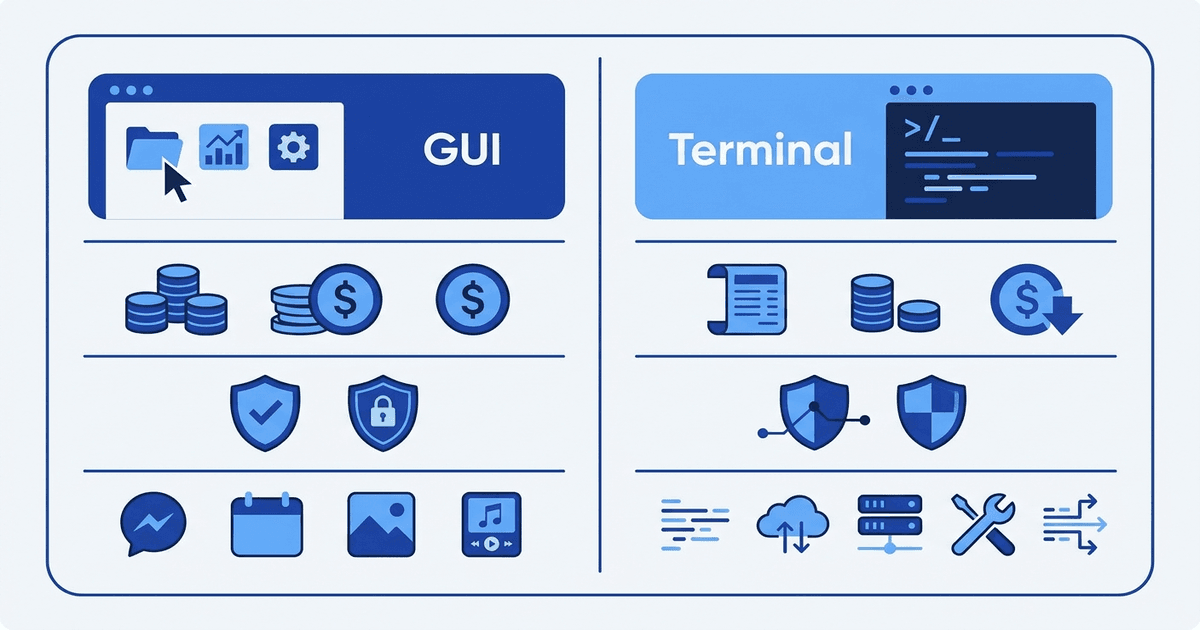
| Criteria | VPS Windows | VPS Linux |
|---|---|---|
| License cost | Yes (Windows Server license) | Free (open source) |
| VPS price (same configuration) | More expensive by 100-300k/month | Cheaper |
| Interface | GUI (Remote Desktop) | Command line (SSH), can install panel |
| Performance | Uses more RAM (OS takes 1-2GB) | Lighter (OS takes 200-500MB) |
| Security | Needs frequent updates, common target | Less attacked, clear permission system |
| Control panel | Plesk, IIS Manager | cPanel, DirectAdmin, CyberPanel, HestiaCP |
| Web server | IIS | Apache, Nginx, LiteSpeed, OpenLiteSpeed |
| Database | MSSQL, MySQL, PostgreSQL | MySQL, MariaDB, PostgreSQL, MongoDB |
| Programming language | ASP.NET, C#, VB.NET, PHP | PHP, Python, Node.js, Ruby, Go, Java |
| Docker | Supported (Windows containers) | Native support, larger ecosystem |
| Reboot | Slower (30-60 seconds) | Faster (5-15 seconds) |
The price difference between VPS Windows and Linux mainly comes from Windows Server licensing. Depending on the provider, license fees range from 100,000-300,000 VND/month added to VPS price.
With Linux, the OS is free. Control panels also have many free options: CyberPanel, HestiaCP, Webmin. Only if using cPanel or DirectAdmin will you incur additional licensing fees.
Calculating total operational costs for 1 year, VPS Linux is typically significantly cheaper, especially for small and medium projects.
Performance Details
Windows Server needs at least 1-2GB RAM just to run the OS. On a 2GB RAM VPS, you only have about 500MB-1GB left for applications.
Linux (especially minimal versions without GUI) only uses 200-500MB RAM for the OS. With the same 2GB RAM VPS, you have 1.5GB for applications. This difference matters with low-configuration VPS.
Boot speed also differs. Linux restarts in 5-15 seconds, Windows usually takes 30-60 seconds. When you need to reboot the server urgently, even a few dozen seconds matter.
For storage, both VPS Windows and Linux support SSD and NVMe. Storage type affects read/write speed, not dependent on the operating system.
Who Should Use VPS Windows?
VPS Windows is a mandatory choice when you need:
ASP.NET / .NET Framework applications If your website or application is written in ASP.NET, C#, or uses .NET Framework (not .NET Core), you need Windows. .NET Framework only runs on Windows.
Microsoft SQL Server (MSSQL) MSSQL has Linux versions but many features (SSRS, SSIS, SSAS) are only fully supported on Windows. If using MSSQL for enterprise, running on Windows is more stable.
Windows-only software Accounting software (MISA, Fast), ERP, SEO tools (GSA, Scrapebox), automation bots… many software only run on Windows. You RDP into VPS and use it like a regular computer.
Remote Desktop for remote work Need a “computer in the cloud” to access from multiple locations? VPS Windows + RDP is the simplest solution. Connect from laptop, tablet, phone all works.
See more Windows VPS rental guide to know how to choose suitable packages.
Who Should Use VPS Linux?
Linux is suitable for most server use cases:
Running websites (WordPress, Laravel, Joomla…) Most CMS and web frameworks run on Linux + Apache/Nginx/LiteSpeed. Better performance, lower cost compared to Windows.
Docker and containers Docker ecosystem developed mainly on Linux. Most Docker images (Nginx, MySQL, Redis, Node.js…) are built for Linux. Running Docker on Linux is smoother with fewer errors.
Programming and DevOps Python, Node.js, Go, Ruby, PHP all run natively on Linux. CI/CD pipelines, automation scripts, cron jobs… everything works better on Linux.
Hosting multiple websites Control panels like cPanel, DirectAdmin allow managing dozens of websites on one Linux VPS. The LiteSpeed + Redis + CloudLinux stack is currently the most popular hosting setup.
If you don’t know what you need, choose Linux. In most cases, Linux is the default choice for servers. Only choose Windows when you have specific reasons.
Hidden Costs to Know

VPS Windows
- Windows Server license: 100-300k/month depending on version
- MSSQL license (if used): quite expensive, Express version is free but limited to 10GB database
- Plesk (if used): from ~200k/month
- Antivirus (recommended): free (Windows Defender) or paid
VPS Linux
- OS: free
- Control panel: CyberPanel, HestiaCP free. cPanel from 700k/month, DirectAdmin from 120k/month
- SSL: Let’s Encrypt free
Summary: VPS Linux has significantly lower total operational costs. VPS Windows is more expensive but necessary if software requires Windows.
Choice Recommendations by Use Case
| Needs | Choose | Reason |
|---|---|---|
| WordPress blog, landing page | Linux | Light, cheap, good performance |
| PHP/Laravel/Node.js website | Linux | Native support, low cost |
| ASP.NET, C# application | Windows | .NET Framework only runs on Windows |
| Enterprise MSSQL Server | Windows | Full feature support |
| Docker, microservices | Linux | Docker ecosystem mainly Linux |
| Accounting software, ERP | Windows | Software only available on Windows |
| Remote Desktop work | Windows | GUI, use like normal PC |
| Game server (Minecraft, CS) | Linux | Lighter, better performance |
| Email server | Linux | Postfix, Dovecot work well on Linux |
If you’re just starting and haven’t clearly defined your needs, read the article What is VPS to understand the overview before choosing.
Can You Switch Between Windows and Linux?
Yes, but requires OS reinstallation. Data on the old VPS will be deleted, so you must backup first. Most providers allow free OS changes through the management panel, taking 5-10 minutes.
Note: Applications and configurations must be set up from scratch. If running production, create a new VPS in parallel, migrate data then switch. Don’t reinstall VPS that’s running services.
Choose VPS Windows or Linux at AZDIGI
AZDIGI supports both Windows and Linux on all VPS lines:
- Pro VPS from 99,000 VND/month: suitable for small projects, blogs, dev/test
- X-Platinum VPS from 79,000 VND/month: high performance, NVMe, 1Gbps network
- AMD Cloud Server from 99,000 VND/month: Cloud VPS HA, auto failover
When ordering VPS, choose OS (Ubuntu, AlmaLinux, Windows Server…) right at the creation step. Changing OS later is also possible through the management panel. If you need high uptime and auto failover, check out the Cloud VPS line.
If looking for cheap VPS to start, X-Platinum VPS from 79,000 VND/month with NVMe and 1Gbps is currently the best price/performance package.
Frequently Asked Questions
Is VPS Windows more expensive than Linux?
Yes. Same configuration, VPS Windows costs 100-300k/month more due to Windows Server license fees. If using paid MSSQL version, costs are even higher. Only choose Windows when software requires it.
Can you switch from Linux to Windows?
Yes, but must reinstall OS and lose all data on the old VPS. Backup data first, create new VPS with different OS, then migrate. Process takes 5-10 minutes for OS installation, migration time depends on data volume.
Does VPS Linux have an interface?
No by default. Linux servers usually only have command line (terminal) to save resources. However, you can install web control panels (cPanel, DirectAdmin, CyberPanel) to manage through browser. Or install desktop environment (XFCE, GNOME) if you really need GUI, but this consumes RAM and is not recommended on servers.
You might also like
- What Do You Need to Prepare When Renting a VPS? Checklist for Beginners
- How to Rent a VPS: Choose a Configuration and Set It Up Safely
- Top 5 best budget hosting in Vietnam 2026: detailed comparison & benchmarks
- Vietnam VPS vs International VPS Comparison: Which to Choose?
- How to Choose a Budget VPS: Specifications, Costs and Common Traps
- Seven VPS Providers in Vietnam: Criteria and Evaluation Guide
About the author

Trần Thắng
Expert at AZDIGI with years of experience in web hosting and system administration.