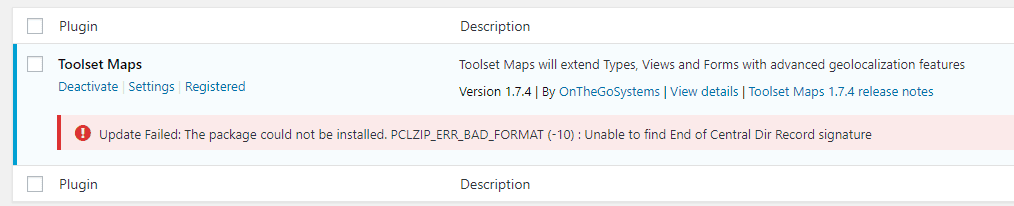
In this tutorial, AZDIGI will help you quickly fix the error “The package could not be installed. PCLZIP_ERR_BAD_FORMAT” on WordPress.
I. Symptoms
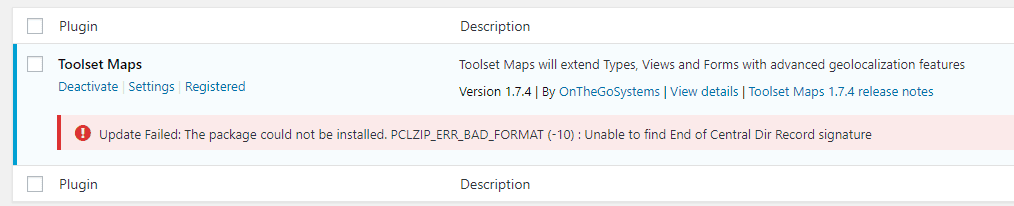
When you use WordPress and install a new plugin or upgrade a plugin, you may get this error:
II. Cause and how to fix
Usually, there are 3 reasons:
- 1: You uploaded a corrupted Plugin.zip file.
- 2: You upload the Plugin file not in zip format.
- 3: Your hosting has not enabled Extension PHP ZIP.
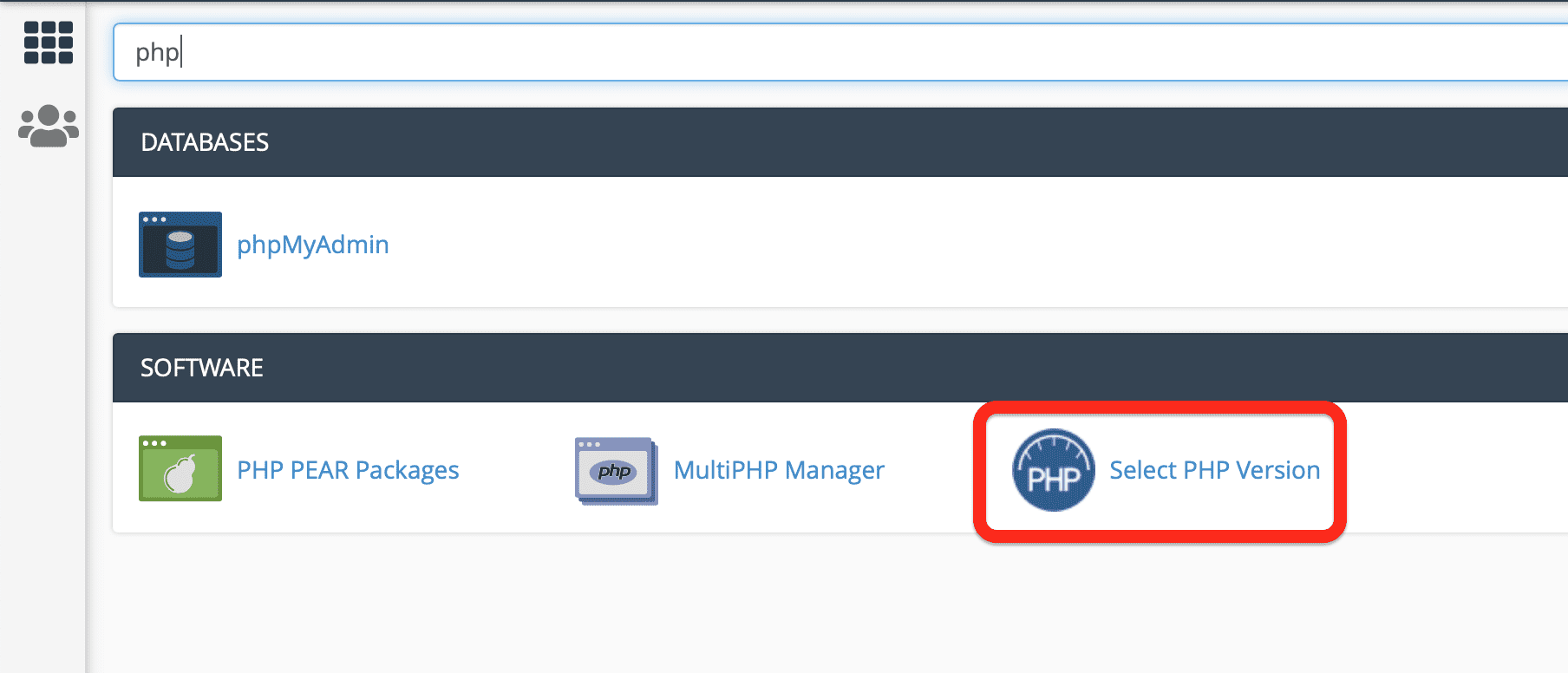
With causes 1 and 2, we just need to check the file to be uploaded. As for cause number 3, you need to access your cPanel interface
=> go to Select PHP Version.
Next, we will select the Extensions tab.

And tick the ZIP option.
You can then retry installing/updating the plugin.
Hope this article will be of help to you. Wishing you success!
If you need assistance, you can contact support in the ways below:
- Hotline 247: 028 888 24768 (Ext 0)
- Ticket/Email: You use the email to register for the service and send it directly to: support@azdigi.com .
- Click on the AZDIGI website to refer to the best hosting/VPS service in Vietnam.
You might also like
- Fixing the 500 Internal Server Error on WordPress
- 401 Unauthorized Error: causes and how to fix
- Processing 403 error when accessing WordPress admin (Forbidden)
- How to fix "Error establishing a database connection" on WordPress
- How to fix the error of not uploading images on WordPress
- How to fix SSL link errors on WordPress
About the author

Thạch Phạm
Đồng sáng lập và Giám đốc điều hành của AZDIGI. Có hơn 15 năm kinh nghiệm trong phổ biến kiến thức liên quan đến WordPress tại thachpham.com, phát triển website và phát triển hệ thống.