With increasingly strong development, cPanel has almost become the most popular Web Hosting management system today. With a simple, beautiful interface and many features to help users manage Hosting and Website easily.
With some simple settings but providing a better user experience is the diversity of languages with hundreds of different languages. In addition, there are many beautiful interface types, making it easy for users to choose. Specifically, you can check out my instructions below to customize that.
CHANGE LANGUAGE
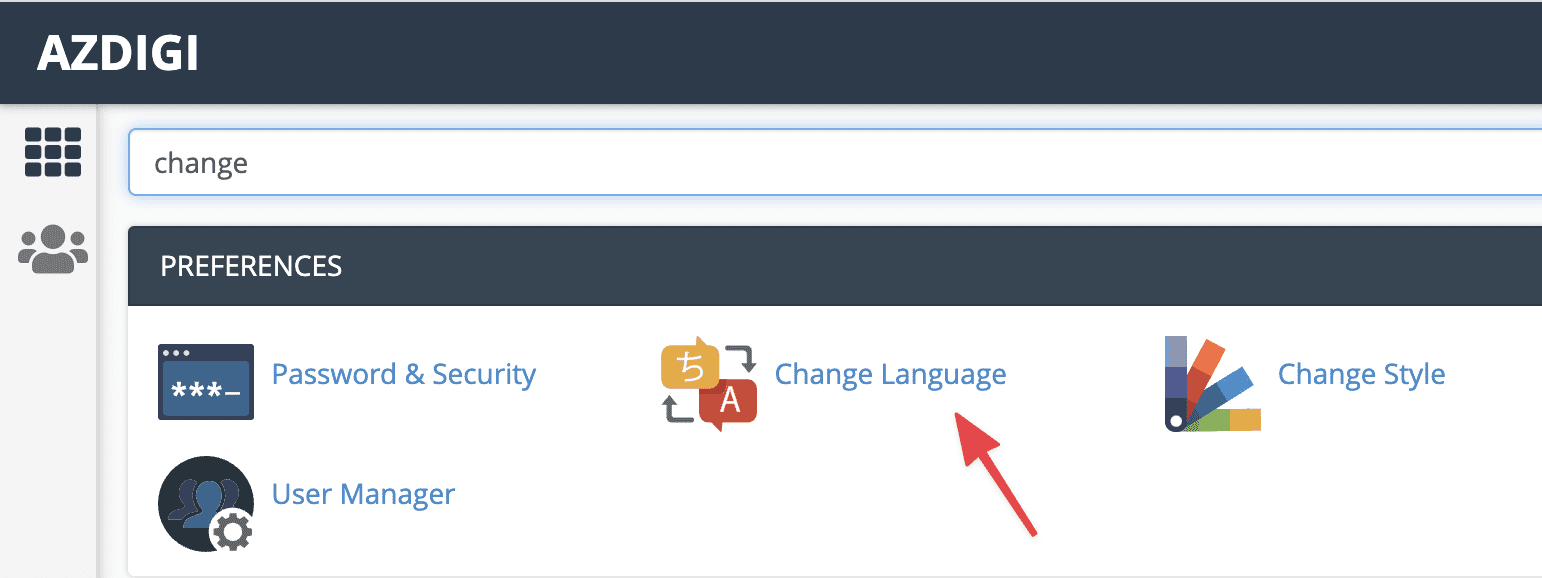
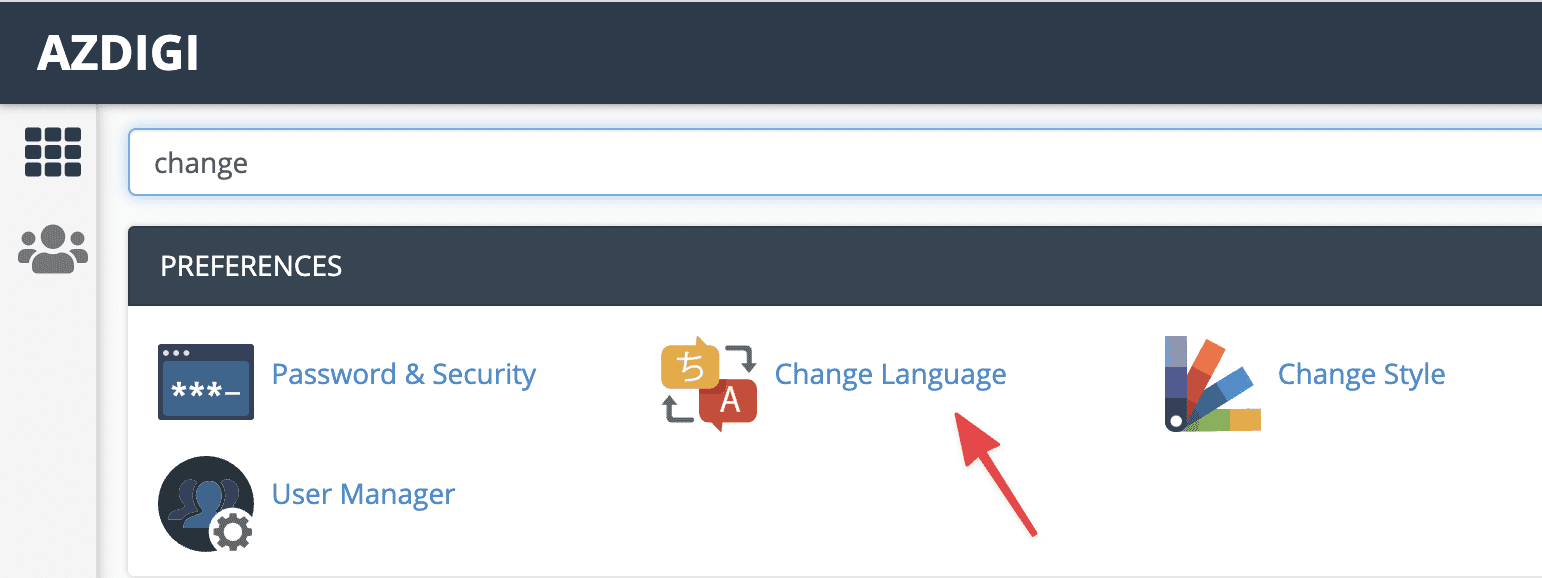
To change cPanel’s language, you need to log in to your cPanel admin. Then you can search for the keyword “Change” or go to PREFERENCES section and you will see the Change Language section.
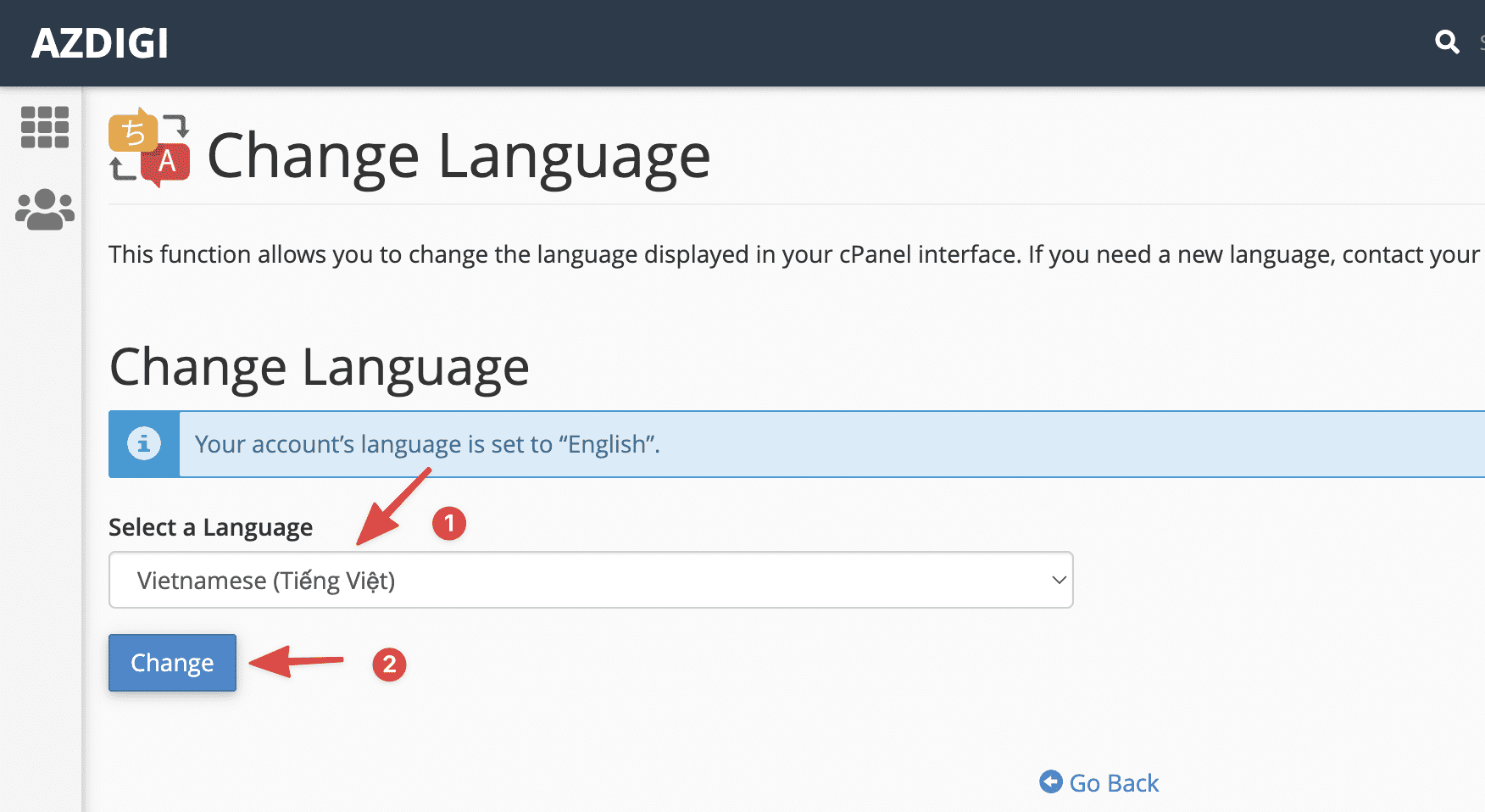
After accessing Change Language, select the language you want to change in the Select a Language section, then click Change to apply.
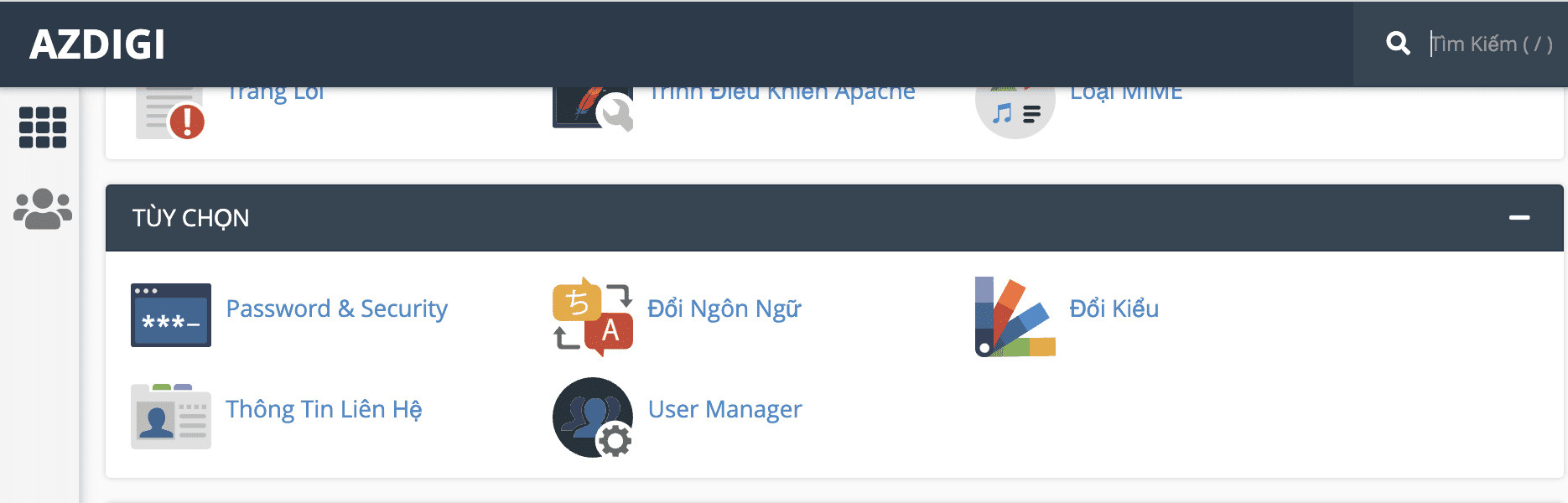
Now reload your browser and see your results. As shown below, I have successfully changed the language to Vietnamese.
CHANGE STYLE
To change cPanel’s language, you need to log in to your cPanel admin. Then you can search for the keyword “Change” or go to PREFERENCES section and you will see the Change Style section.
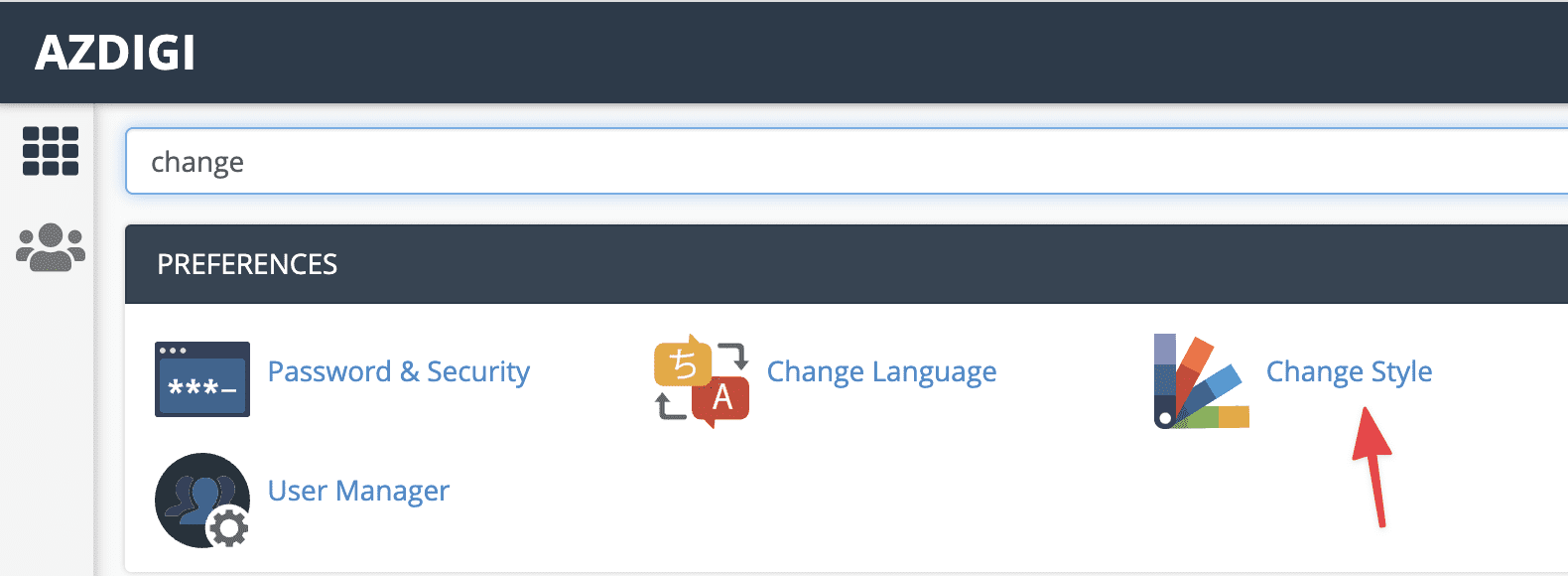
After accessing Change Style, the system will list some other cPanel styles that you can use.
Here, if you see the word Current (1) in any style, it means you are currently using that style. Conversely, if you see the word Apply (2), you can click to change that style.
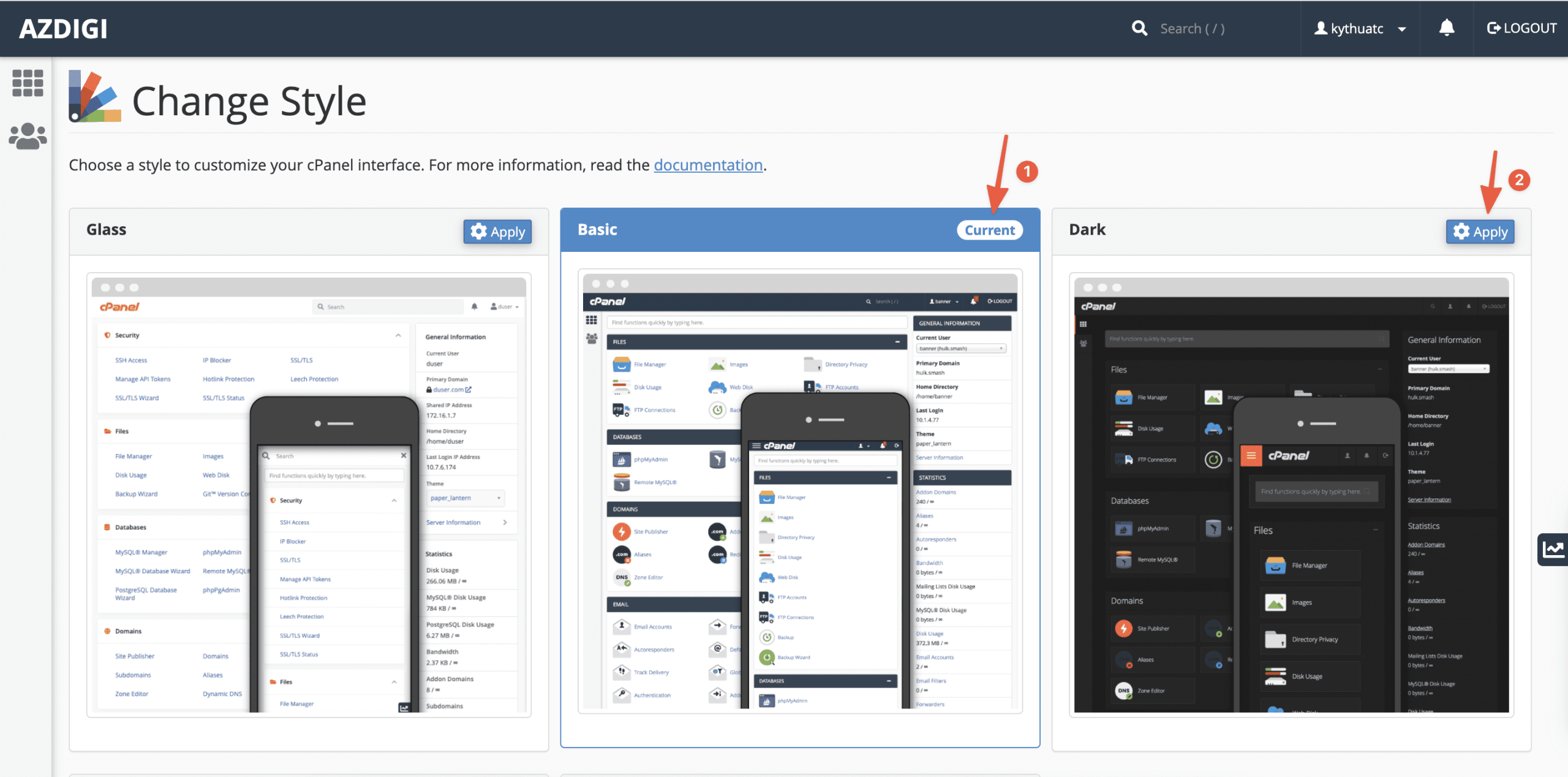
By default, cPanel will use the Basic style, and now I will change to the Dark style. When I click Apply Dark style, my cPanel interface immediately converts to black.
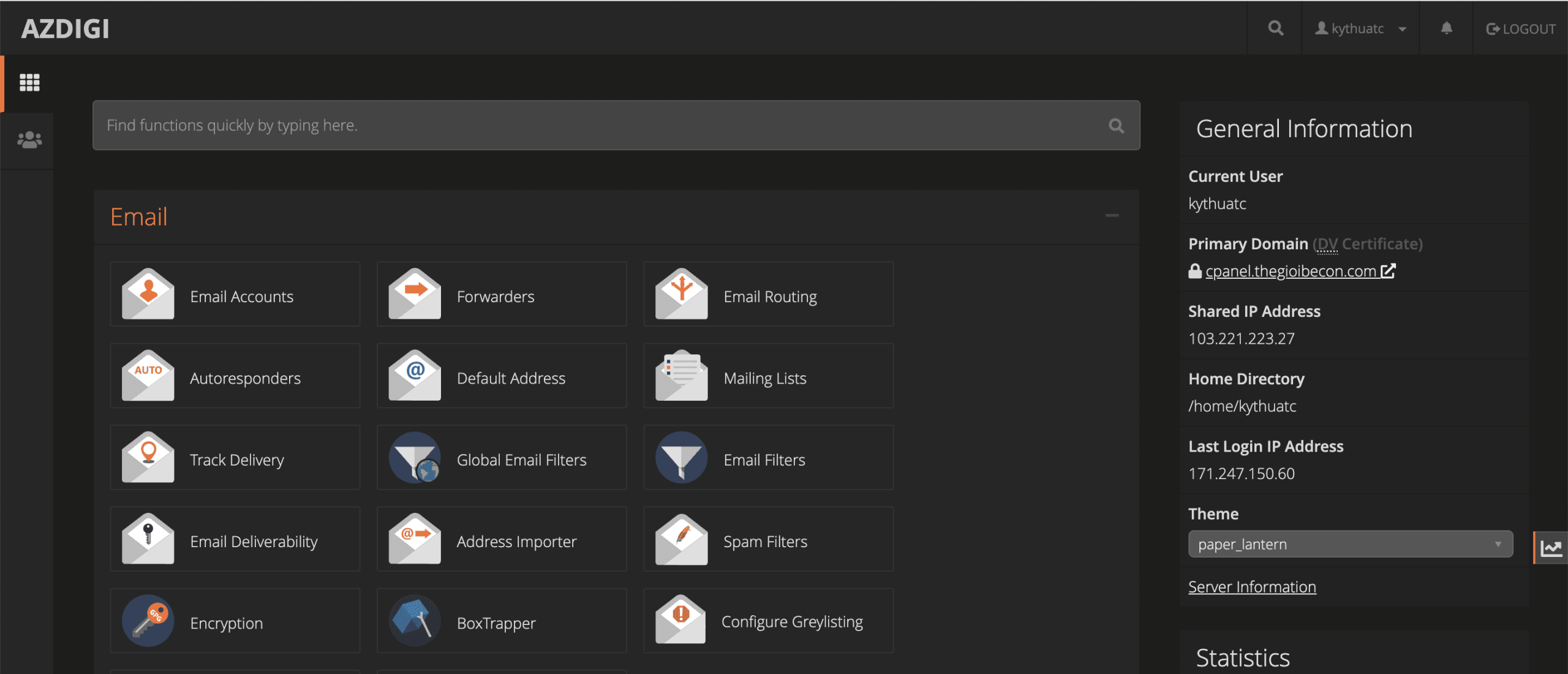
Above, AZDIG has detailed instructions on changing the language and style on cPanel to better suit each user. This helps you feel more excited you use cPanel, helping to increase the actual user experience.
You can refer to other instructions at the link below:
If you need assistance, you can contact support in the ways below:
- Hotline 247: 028 888 24768 (Ext 0)
- Ticket/Email: You use the email to register for the service and send it directly to: support@azdigi.com
You might also like
- Building a News Website with MyThemeShop
- Using AI to troubleshoot, deploy, and vibe code websites on cPanel hosting with hosting_ai_skills
- 4 ways to improve SEO ranking with MonsterInsights
- Change WordPress language with WP-CLI
- How to enable 2-factor security on cPanel
- Some Skills Worth Considering for OpenClaw
About the author

Thạch Phạm
Đồng sáng lập và Giám đốc điều hành của AZDIGI. Có hơn 15 năm kinh nghiệm trong phổ biến kiến thức liên quan đến WordPress tại thachpham.com, phát triển website và phát triển hệ thống.