If you are using cPanel hosting, AI is no longer just for Q&A or writing content. With the hosting_ai_skills toolkit, AI can help operate directly on your hosting account through an API token, from reading error logs, creating databases, and adding domains to deploying a new website or handling small changes on a live site.
This approach fits the kinds of tasks hosting users run into every day. You know you need to fix a website, upload a new source package to hosting, or adjust a small part of a live site, but you do not want to go through a long chain of manual steps. AI does not take over operational responsibility for you, but it can act as a technical assistant to shorten the time needed to get things done.
| Situation | How AI can help | Best way to use it |
|---|---|---|
| A website is having issues | Read logs, narrow down PHP, plugin, database, or PHP version issues | Diagnose first, then fix in a controlled way |
| Deploying a new website | Create a database, add a domain, extract source files, check configuration | Suitable for WordPress, Laravel, static sites, and basic Node projects |
| Vibe coding on a live site | Help with small UI changes, config edits, and impact checks before applying them | Only suitable for small changes with a backup already in place |
what is hosting_ai_skills?
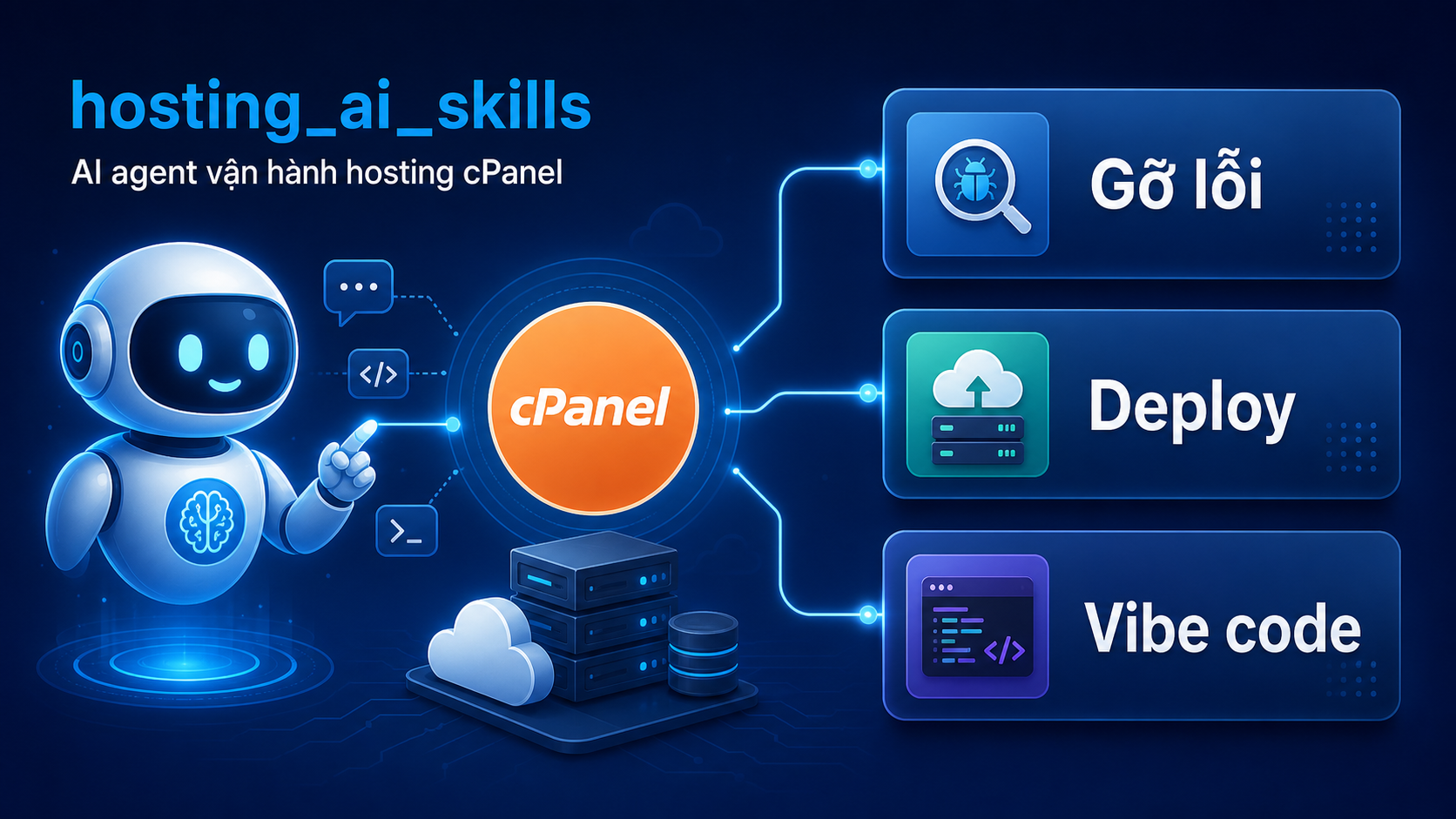
hosting_ai_skills is an open source repo developed by AZDIGI to help AI tools such as Claude Code or Codex operate on cPanel hosting through an API token. Instead of only asking AI what you should do, you can let AI carry out part of the work within the scope of that hosting account.
According to the repo documentation, the toolkit currently supports several familiar groups of tasks:
- database: create databases, users, and assign privileges
- domain: addon domains, subdomains, and DNS
- debug: read logs and diagnose website issues
- deploy: upload source files, extract archives, and deploy WordPress, Laravel, static sites, Node apps, or Git-based projects
- WordPress: basic operations without SSH
- SSL, email, FTP, cron, metrics, and security
On the technical side, this toolkit works with cPanel through UAPI and API2, using an API token for authentication. This matters because AI only operates within the scope of your hosting account, not with root or WHM access.
ℹ️ This article focuses on using AI as a technical assistant on cPanel hosting. If you want to learn more about using AI in a WordPress workflow, you can read Quy trình đơn giản áp dụng Claude Code cho WordPress Developer.
why might cPanel hosting users need this approach?
The hard part of running a website on hosting usually is not one especially difficult step. It is the number of small steps linked together. To put a new website on hosting, you may need to create a database, create a user, assign privileges, upload the source package, extract it, add the domain, edit the config file, check PHP, and then enable SSL. Each step is familiar, but when they are combined it is easy to miss something.
This is where AI works best. It helps you follow the right order, cross-check quickly, and reduce manual work. For beginners, AI feels like a guide that can also perform the steps. For experienced users, it feels more like an assistant that handles repetitive tasks.
scenario 1: using AI to troubleshoot a live website
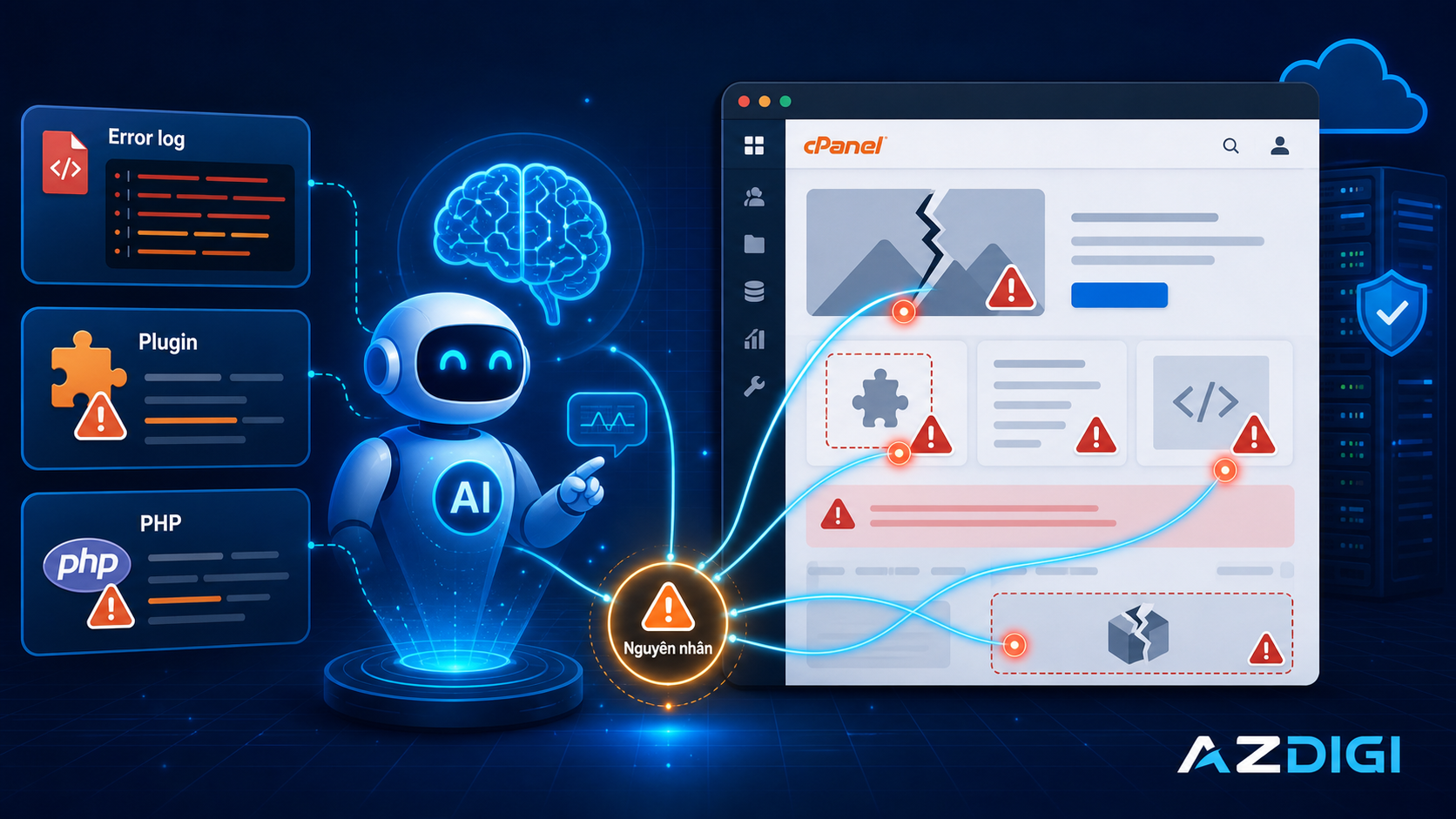
This is the easiest case to picture. A website was running normally, but after a plugin update, a theme change, or a config adjustment, it starts showing a 500 error, a blank page, or unusual slowness. If you do it manually, you would need to open the logs, inspect plugins, check the PHP version, and review config files.
With hosting_ai_skills, AI can help read the error log, summarize the main issue, and suggest the most likely cause. The repo already includes skill groups for debug, WordPress, PHP, metrics, and security, so AI can:
- read the error log to find PHP errors or path issues
- check the PHP version being used for a domain
- review core WordPress components
- check disk usage, bandwidth, quota, or some account-level metrics
- help inspect some security-related factors at the cPanel account level
The most useful part is that it shortens the path from seeing a problem to identifying the right area to fix. If you are debugging WordPress, you can also read WordPress Debug là gì? Cách bật WP_DEBUG trên WordPress to better understand logging and how to enable debug mode safely.
⚠️ For a live production website, it is better to let AI diagnose first. Only apply changes after you understand their impact and have a recent backup.
scenario 2: using AI to deploy a new website to hosting
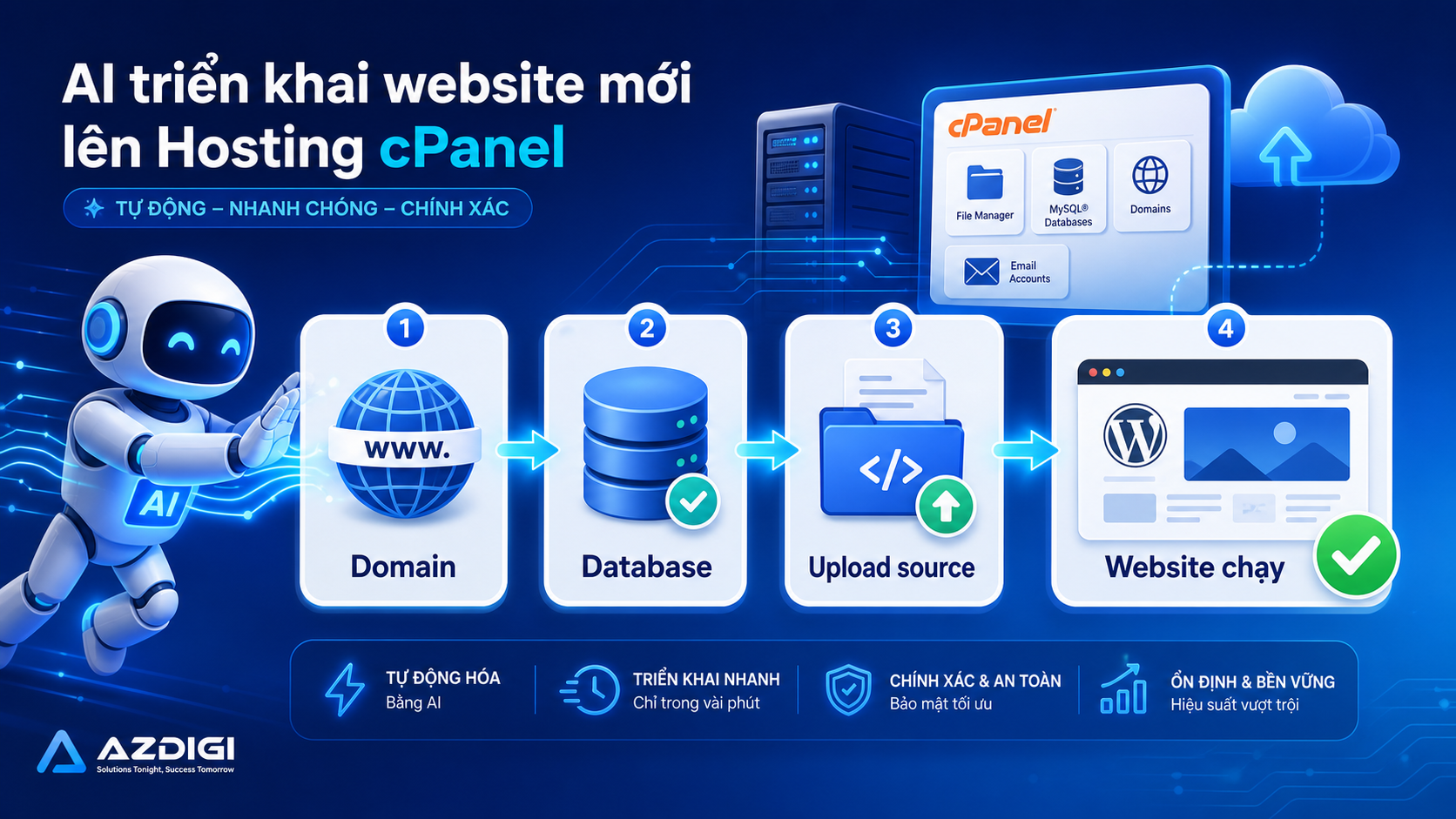
This is a very suitable group of tasks for speeding things up. When you have just purchased a cPanel hosting package such as Pro Hosting, Pro Platinum Hosting, or Premium Business Hosting, getting the first website onto hosting is usually a repeated sequence of steps.
hosting_ai_skills includes skill groups for deploy, database, domain, SSL, and WordPress. In practice, you can use AI to:
- create a database and user
- assign privileges to the database user
- add a domain or subdomain for the new website
- upload source files and extract them
- prepare the database connection config
- deploy WordPress or some common types of applications
- check the status again after deployment
The clearest benefit is consistency. If you often build landing pages, WordPress blogs, company profile sites, or test environments, AI helps reduce repeated steps and lowers the chance of forgetting one. Of course, for projects with their own CI/CD process or more complex architecture, you should still treat this skill set as support for cPanel operations, not a replacement for a full professional deployment workflow.
If you are interested in a different direction for deployment automation, you can also read CI/CD đơn giản – Auto deploy với Webhook + Docker Compose. That article is more suitable for VPS or self-hosted environments, while hosting_ai_skills stays close to the needs of cPanel hosting users.
scenario 3: vibe coding directly on a live website
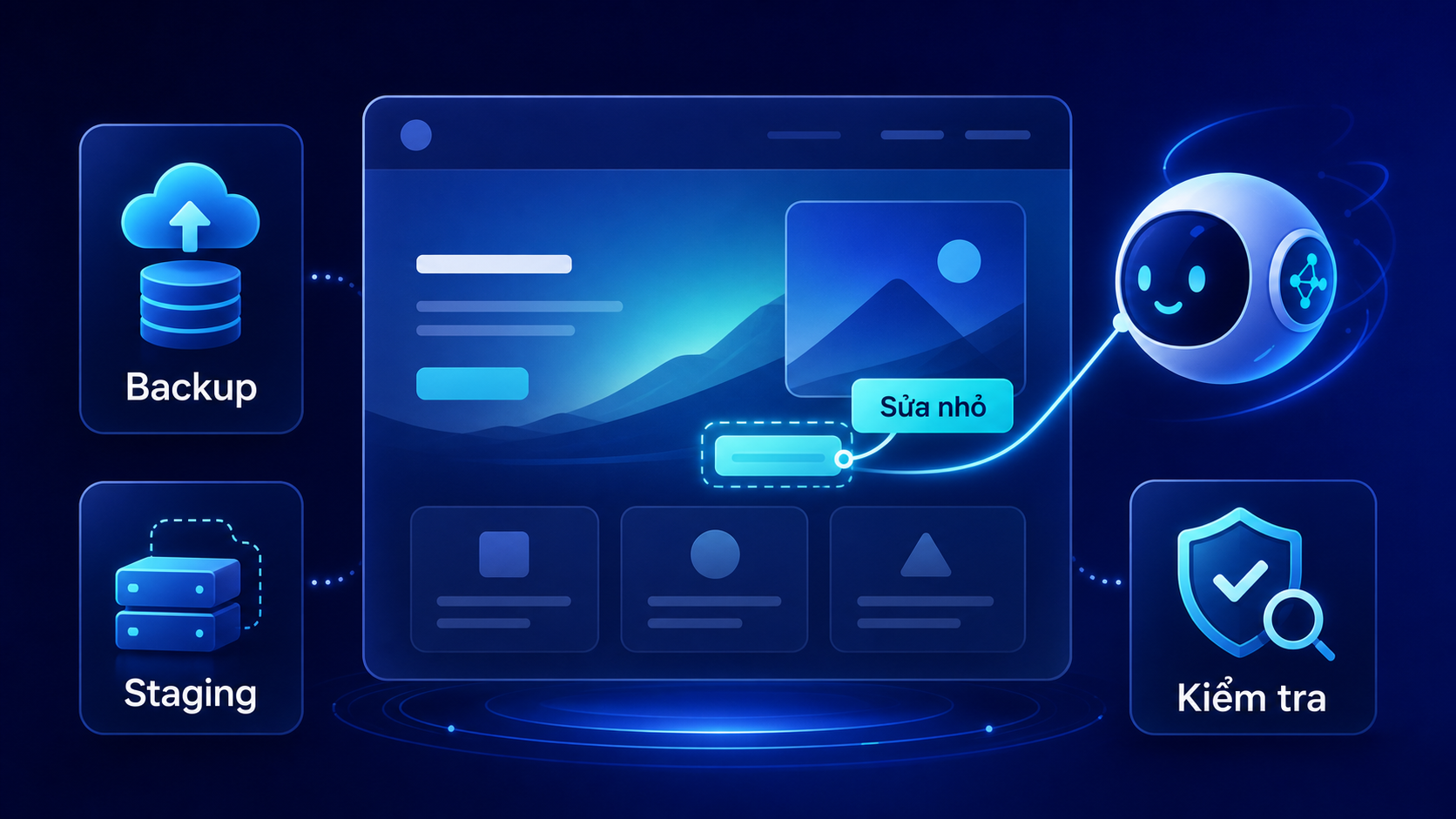
This is the part many people will find the most interesting. Put simply, you describe what you want in natural language, and AI helps change part of the website: adjust a small UI detail, add a piece of content, review a config file, check the impact after a plugin update, or fix a new issue that just appeared.
For a website running on cPanel hosting, this approach makes the most sense in situations such as:
- quickly fixing a small CSS snippet or template section
- adjusting a basic WordPress setting
- adding a simple cron job or small config change
- checking and handling an issue that appears after an update
On the other hand, if you want to do a major refactor, change the theme structure, upgrade a framework, or modify important business logic, working directly on the live site is fairly risky. In that case, a safer process is to test first on a subdomain, a staging environment, or a copy of the site.
💡 If you need to vibe code on a live site, keep it limited to small changes that are easy to control and can be rolled back quickly. For sensitive actions, review them first with --dry-run when the tool supports it.
how to install hosting_ai_skills
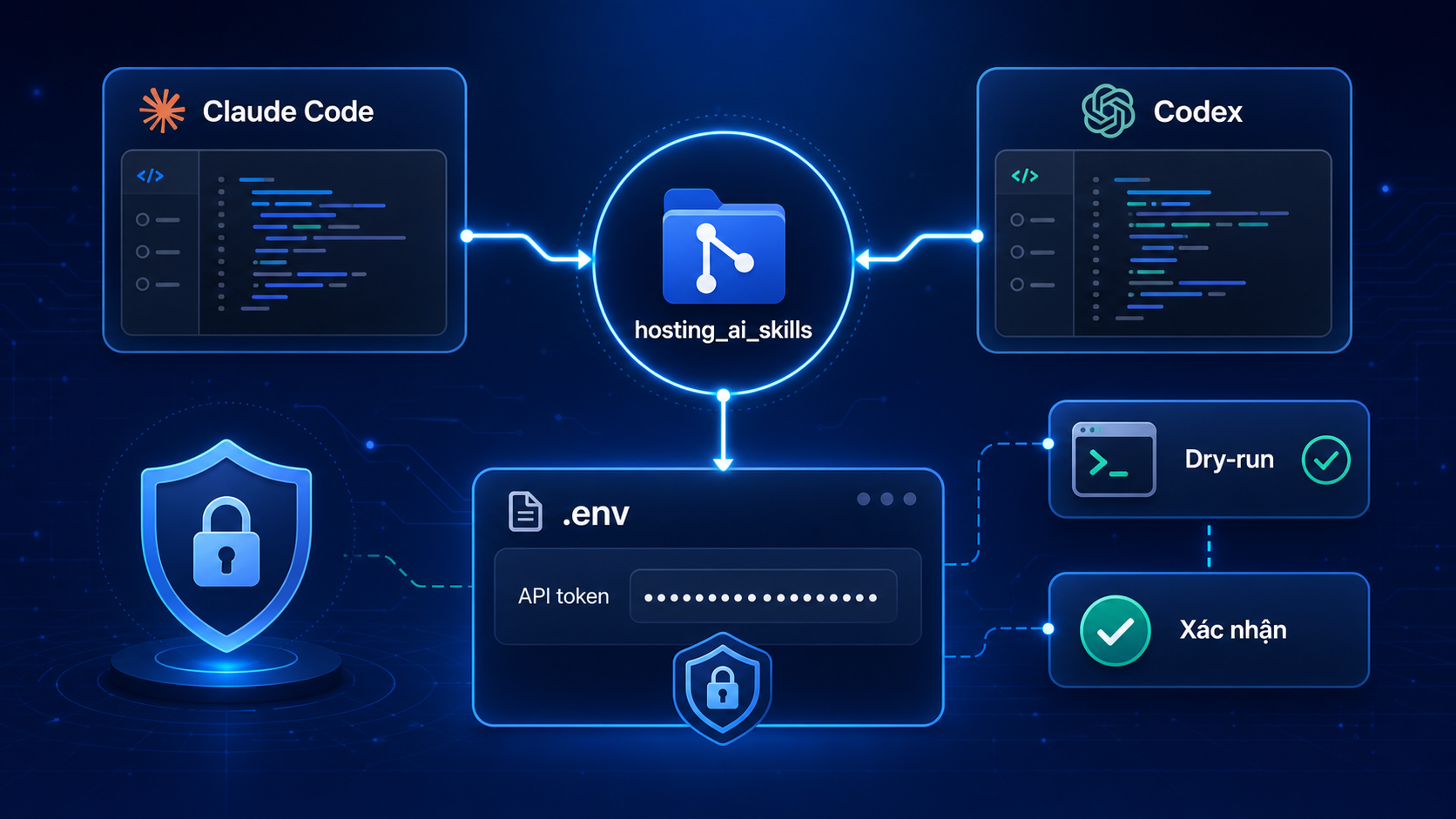
At the moment, the repo supports two main approaches: using it with Claude Code or using it with Codex.
using it with Claude Code
/plugin marketplace add azdigi-official/hosting_ai_skills
/plugin install cpanel@hosting-ai-skills
After installation, the cpanel engine will be available in PATH, and AI can call the right commands based on the working context.
using it with Codex
git clone https://github.com/azdigi-official/hosting_ai_skills.git ~/.config/hosting_ai_skills
ln -sf ~/.config/hosting_ai_skills/AGENTS.md ~/.codex/AGENTS.md
export PATH="$HOME/.config/hosting_ai_skills/bin:$PATH"
The key thing to remember in both cases is that each website should have its own .env file in the correct project directory. This file contains CPANEL_HOST, CPANEL_USER, and CPANEL_API_TOKEN. When AI works inside a given website directory, the engine loads that website’s credentials, which helps avoid mixing accounts across multiple sites or clients.
important safety details
One thing I appreciate about hosting_ai_skills is that the repo does not take the route of granting full access and simply hoping everything goes well. The toolkit already includes several practical safety layers:
- the API token belongs to the hosting account itself, not root
- each website can use its own
.envfile, and it should not be committed - destructive actions require explicit
--yesconfirmation when run non-interactively - you can use
--dry-runto preview which API actions will be called
These details matter a lot if you want to use AI on a real website. The goal is not to make everything faster at any cost. The goal is to work faster within a level of risk that is easier to control.
who should try this skill set?
- people using cPanel hosting who want AI to help with real technical tasks
- freelancers or agencies managing many small client websites
- WordPress users who want to shorten debugging and deployment time
- people who want to try a new way of working with AI while staying in a familiar hosting environment
If you only need a stable environment to run a website and want to keep the familiar cPanel management style, AZDIGI hosting packages are an easy place to start. For small to medium needs, you can start with Pro Hosting or Pro Platinum Hosting. If you need higher resources for a business website or for running more sites, Premium Business Hosting is a better fit.
conclusion
AI will not turn website administration into a one-click job. But for repeated tasks on cPanel hosting such as creating databases, deploying source files, reading logs, checking errors, or handling small changes on a live website, AI can absolutely become a useful technical assistant.
What makes hosting_ai_skills worth noticing is that it goes straight to the real needs of hosting users: working faster, making fewer mistakes, and making technical operations easier to approach than they used to be. If you want to view the repo in detail, you can start here: https://github.com/azdigi-official/hosting_ai_skills.
ℹ️ This draft is focused on introducing the use cases and workflow. If needed, it can be followed by a separate tutorial-style article covering installation, token setup, and the first commands to run with hosting_ai_skills.
You might also like
- What is Claude Code Agent Teams? How to coordinate multiple AI agents in parallel
- What is MCP? How AI agents connect to tools and external data
- What Is Hermes Agent? Installation and Usage Guide
- What’s New in WordPress 7.0? A Detailed Look at the Armstrong Release
- What is Claude Code Channels? Complete Guide to Connecting Claude Code with Telegram and Discord
- OpenClaw hybrid: Gateway on VPS + Node on local Mac
About the author

Trần Thắng
Expert at AZDIGI with years of experience in web hosting and system administration.