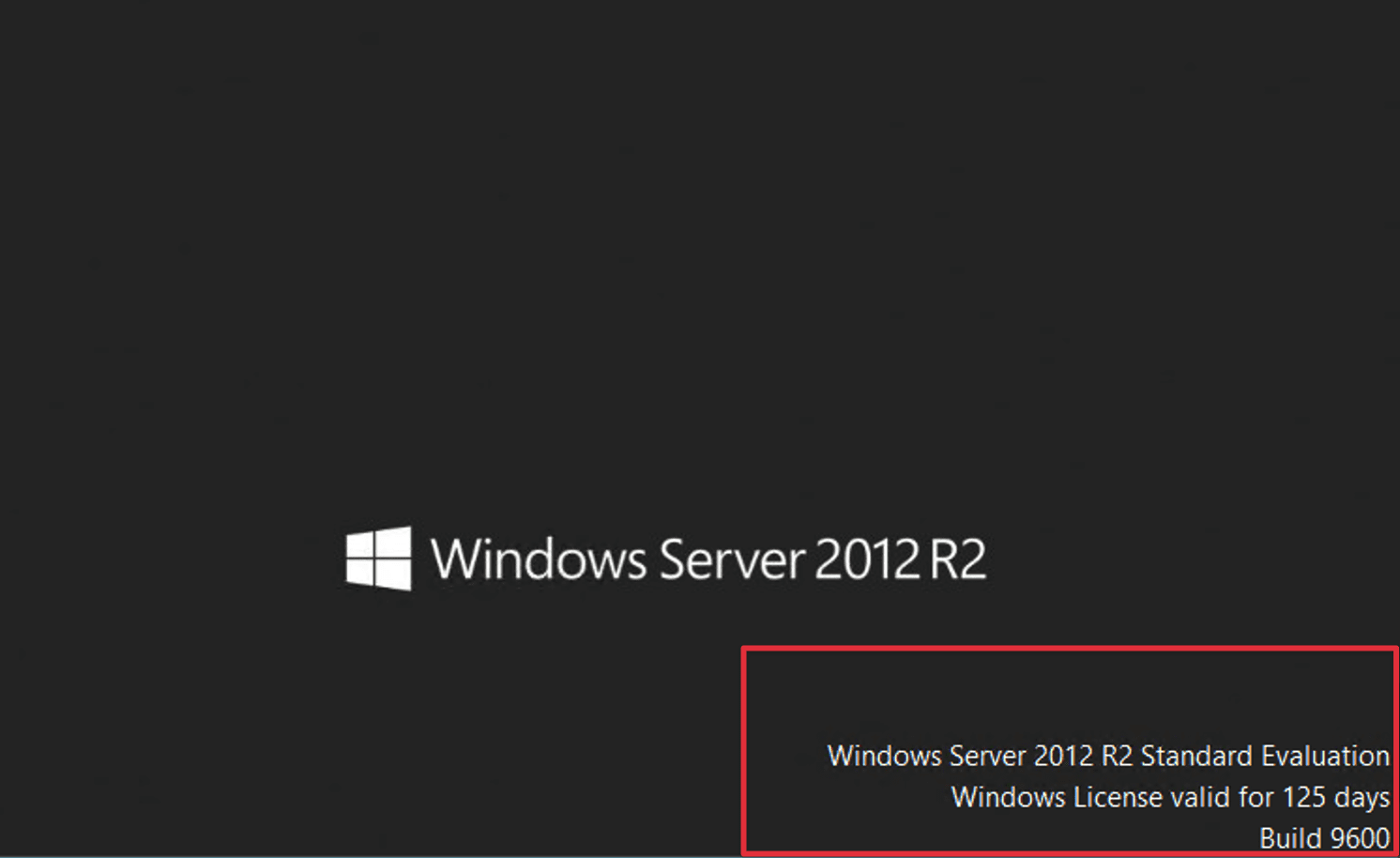
Today, AZDIGI will show you how to activate the trial version of Windows. If you need assistance, don’t hesitate to contact AZDIGI via the hotline at 028 888 24768 or email at support@azdigi.com
Introduction
In the modern world of technology, Microsoft’s Windows operating system has become one of the most popular choices for computer users. However, activating a Windows license can be a challenge for many. In this article, we will explore how to activate and use the trial version of Windows simply and effectively. For VPS users with the Windows operating system without a license, the VPS will automatically shut down after about 15 minutes. Activating the trial version can help resolve this issue on VPS.
Activation Steps
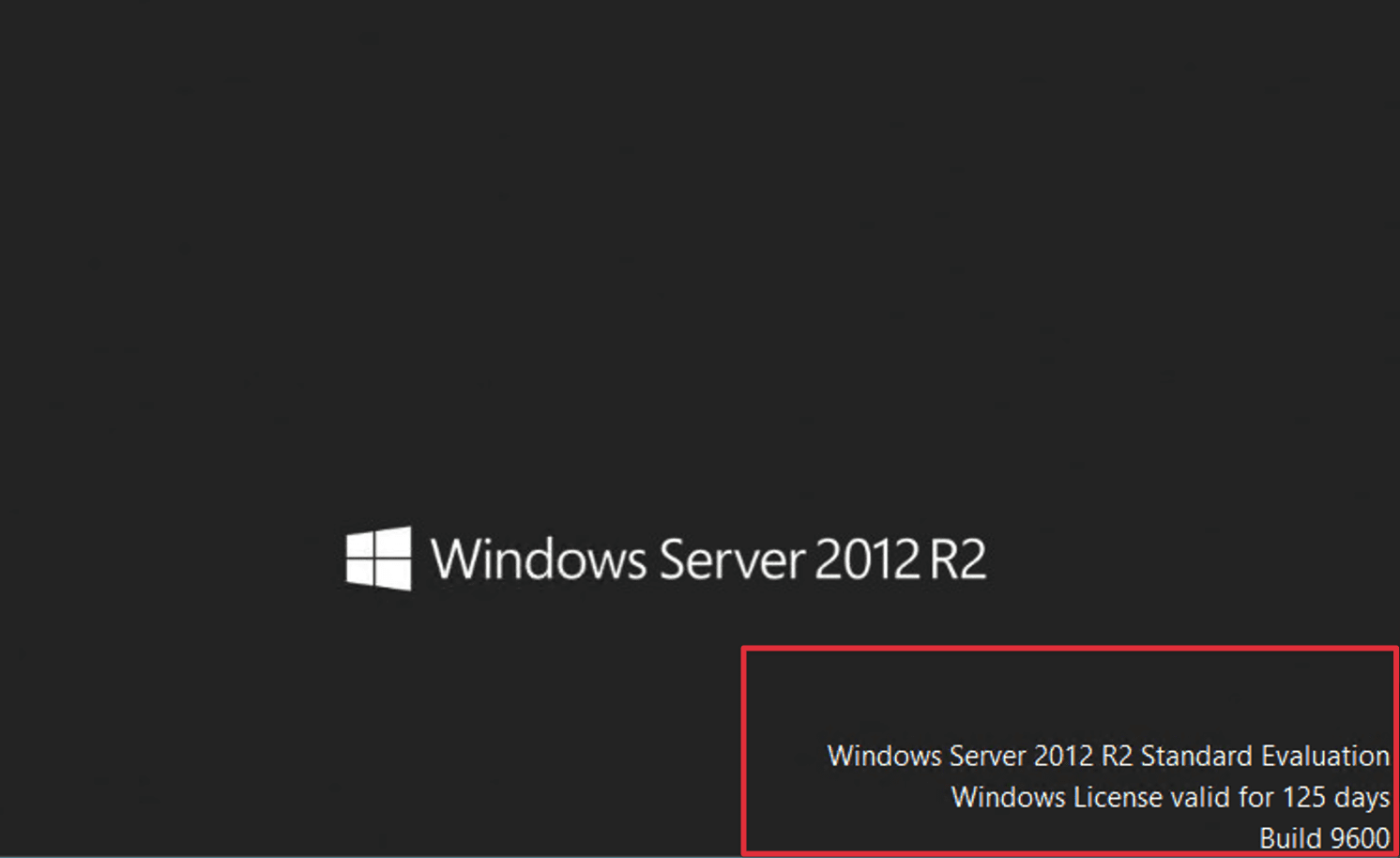
Usually, when you complete the installation of a server with the Windows operating system, you are provided with a 125-day trial. To extend the trial period, follow these steps:
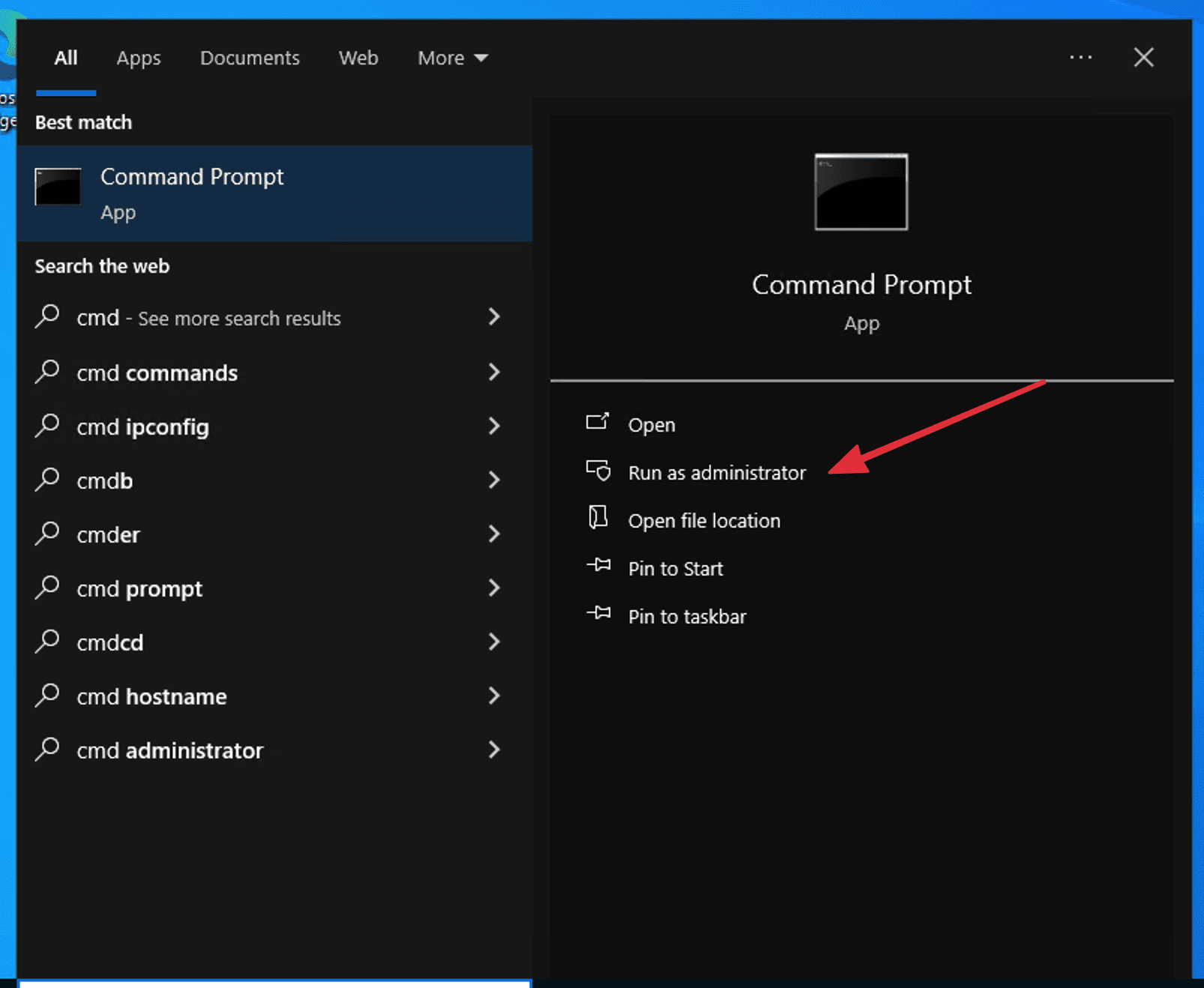
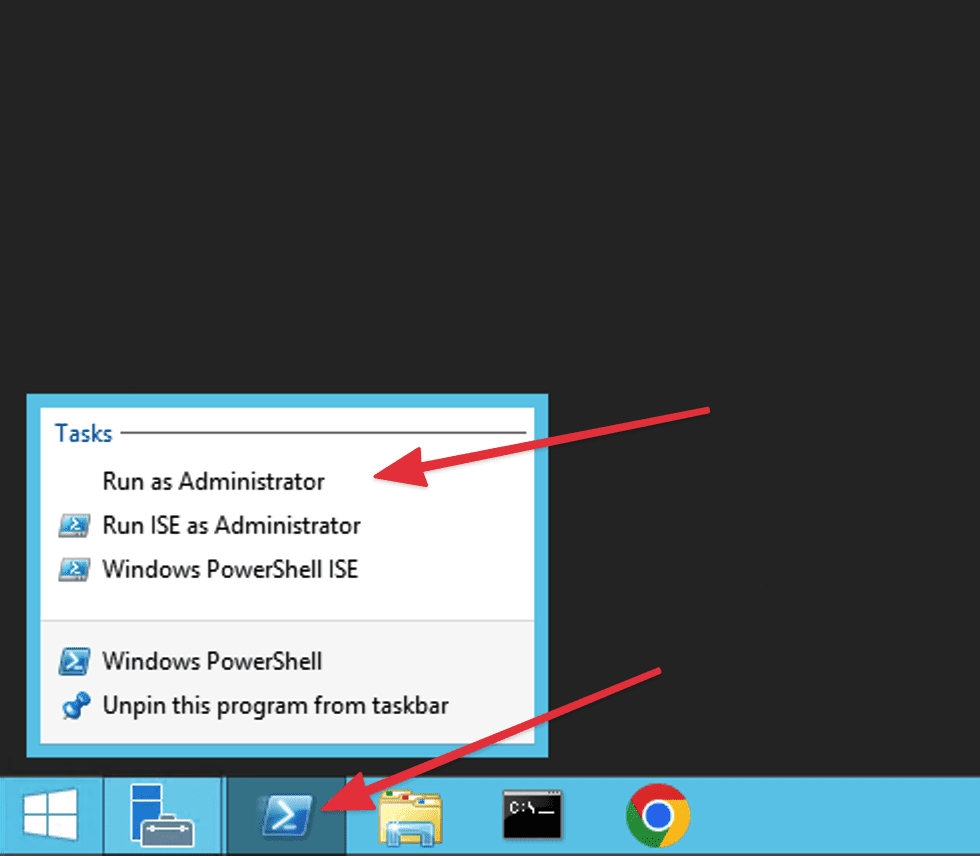
Step 1: Open the Command Prompt
Note: you should open it with administrator rights.
Win 10:
WinServer 2012 :
Step 2: Activation Process
First, check how many trial activations are remaining on the server using the following command:
slmgr /dlv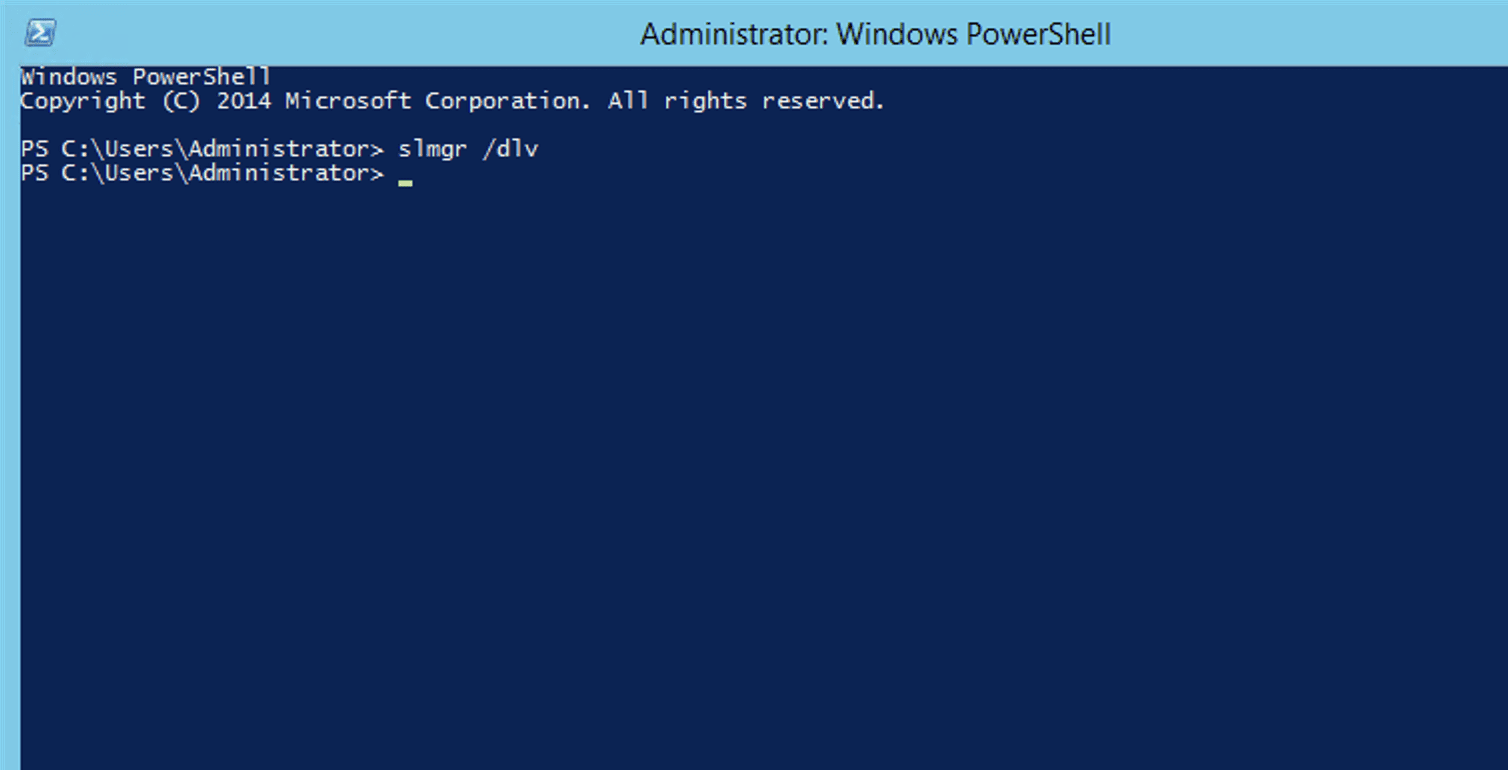
Then the system will display information, and you only need to pay attention to the following two lines:
Timebased activation expiration: This is the remaining trial time.
Remaining windows rearm count: It indicates the remaining rearm count.
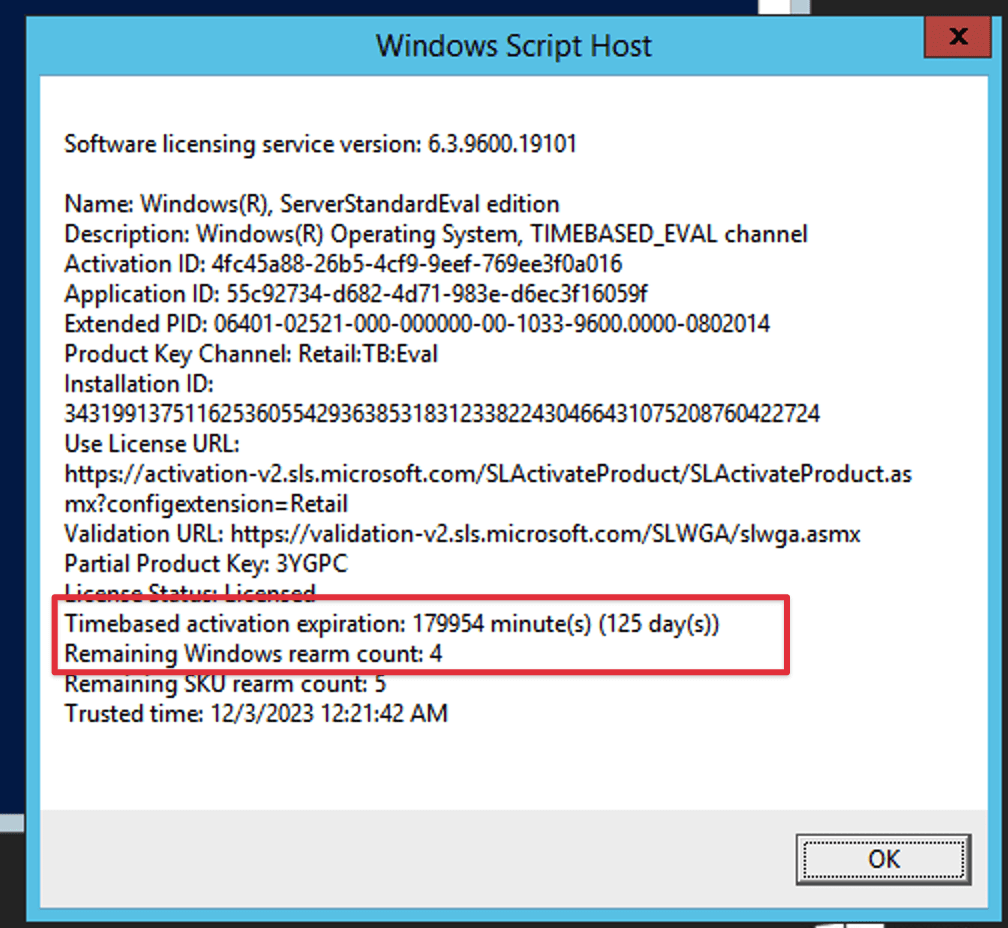
If the check still shows available trial activations, run the following command to activate:
slmgr /rearm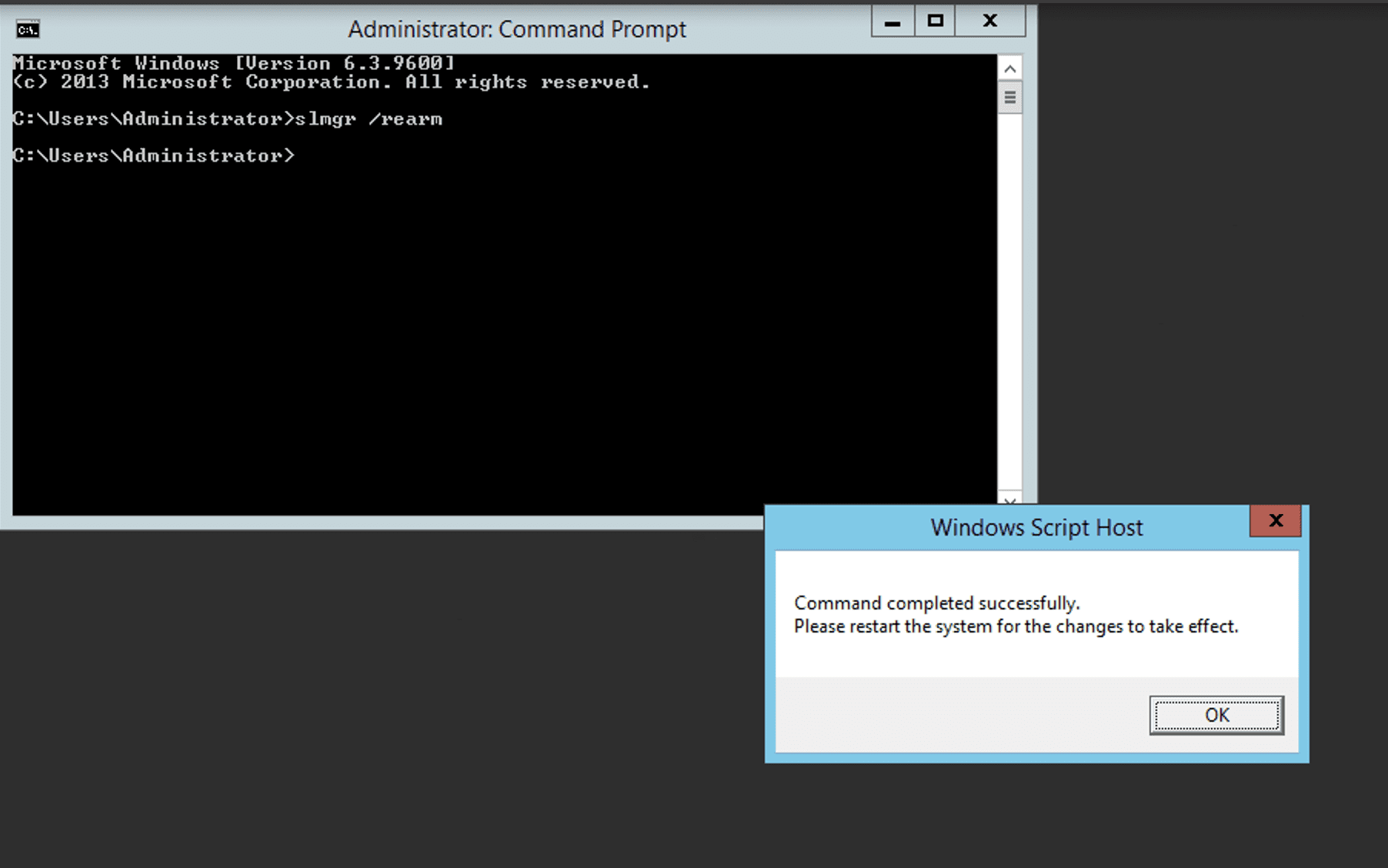
Step 3: Restart
At this point, you need to restart the server and recheck.
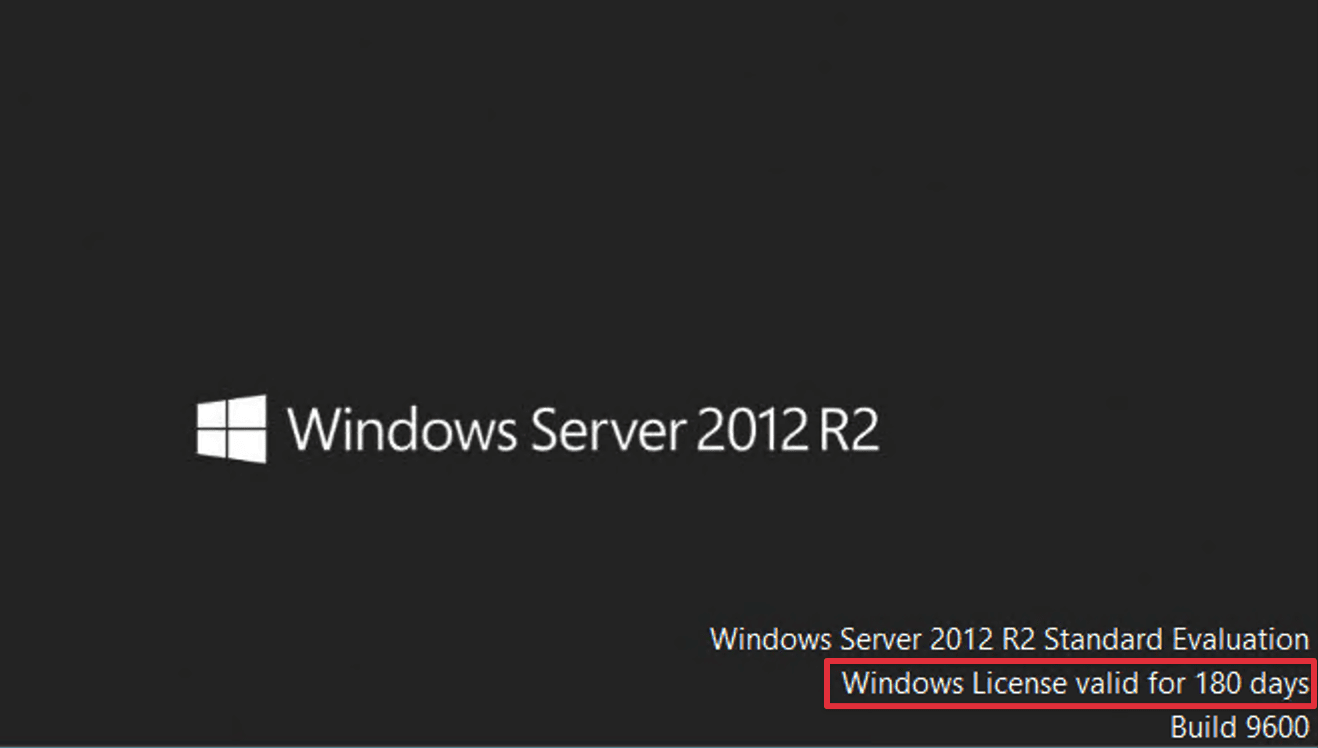
Conclusion
Activating the trial version of Windows is not only simple but also brings many benefits to users. Full experience, compatibility testing, and cost savings are reasons why you should try the Windows trial version before deciding to purchase a license. Hopefully, this article has helped you understand more about how to activate the trial version of Windows and the benefits it brings.
You might also like
- VPS Windows vs Linux: Comparison and How to Choose the Right Type
- How to Rent a VPS: Choose a Configuration and Set It Up Safely
- Convert Cyber Panel to CloudLinux OS and install CageFS
- How to Choose a Budget VPS: Specifications, Costs and Common Traps
- How to install CloudLinux OS for DirectAdmin on CentOS 7
- VPS vs Cloud Server: Which One Should You Choose?
About the author

Thạch Phạm
Đồng sáng lập và Giám đốc điều hành của AZDIGI. Có hơn 15 năm kinh nghiệm trong phổ biến kiến thức liên quan đến WordPress tại thachpham.com, phát triển website và phát triển hệ thống.