CyberPanel is a free control panel that many users highly appreciate, but in the process of using it, you will need to tweak a few parameters so that the usage process is not interrupted. In this article, AZDIGI will guide you to change the upload/import limit parameter on phpMyAdmin.
If you have never used CyberPanel, you can refer to the following installation instructions to experience the use:
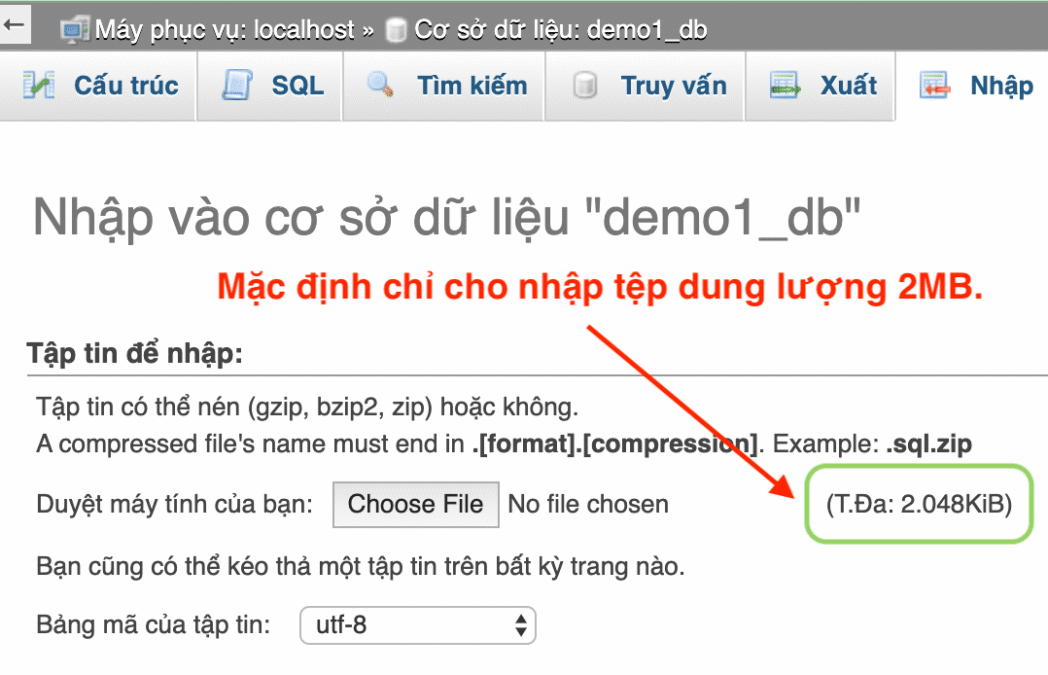
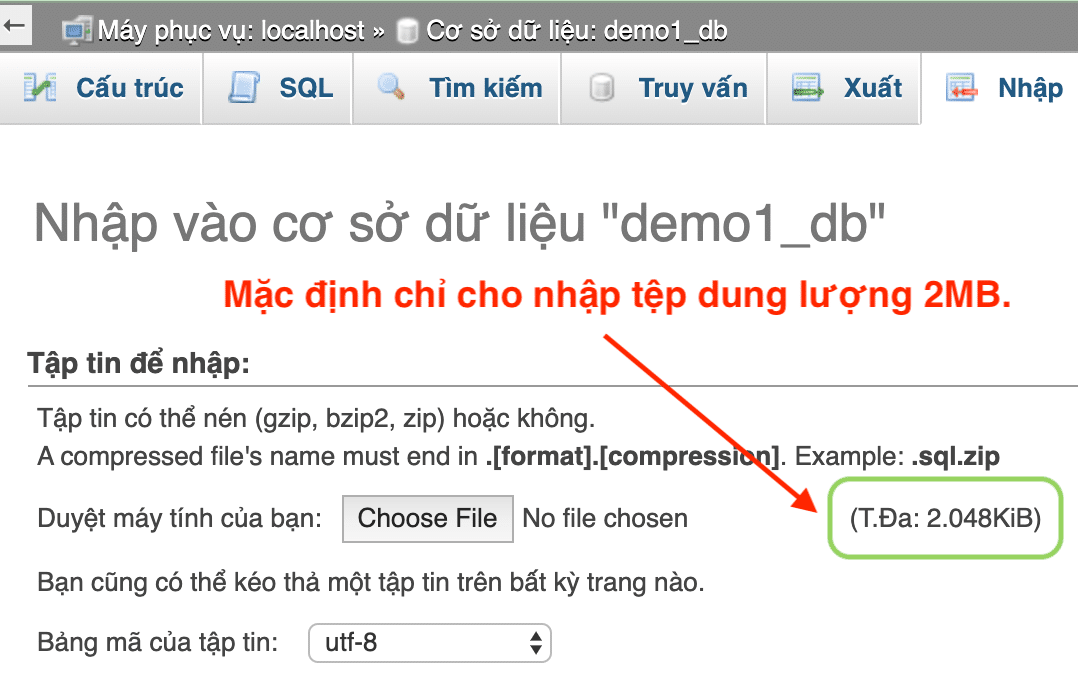
With default parameters, phpMyAdmin on CyberPanel control only allows uploading of 2,048KiB(2MB), as shown below:
Step 1: Increase phpMyAdmin upload/import limit on CyberPanel
Note: You should visit phpMyAdmin to see which PHP version your phpMyAdmin is using. Just look at the Web server section at the main phpMyAdmin interface.
To increase the upload/import limit of phpMyAdmin on CyberPanel, we proceed as follows: Log in to CyberPanel admin (IP:8090 on the browser) → Navigate to PHP → Edit PHP Configs → Advanced and select PHP 7.2.
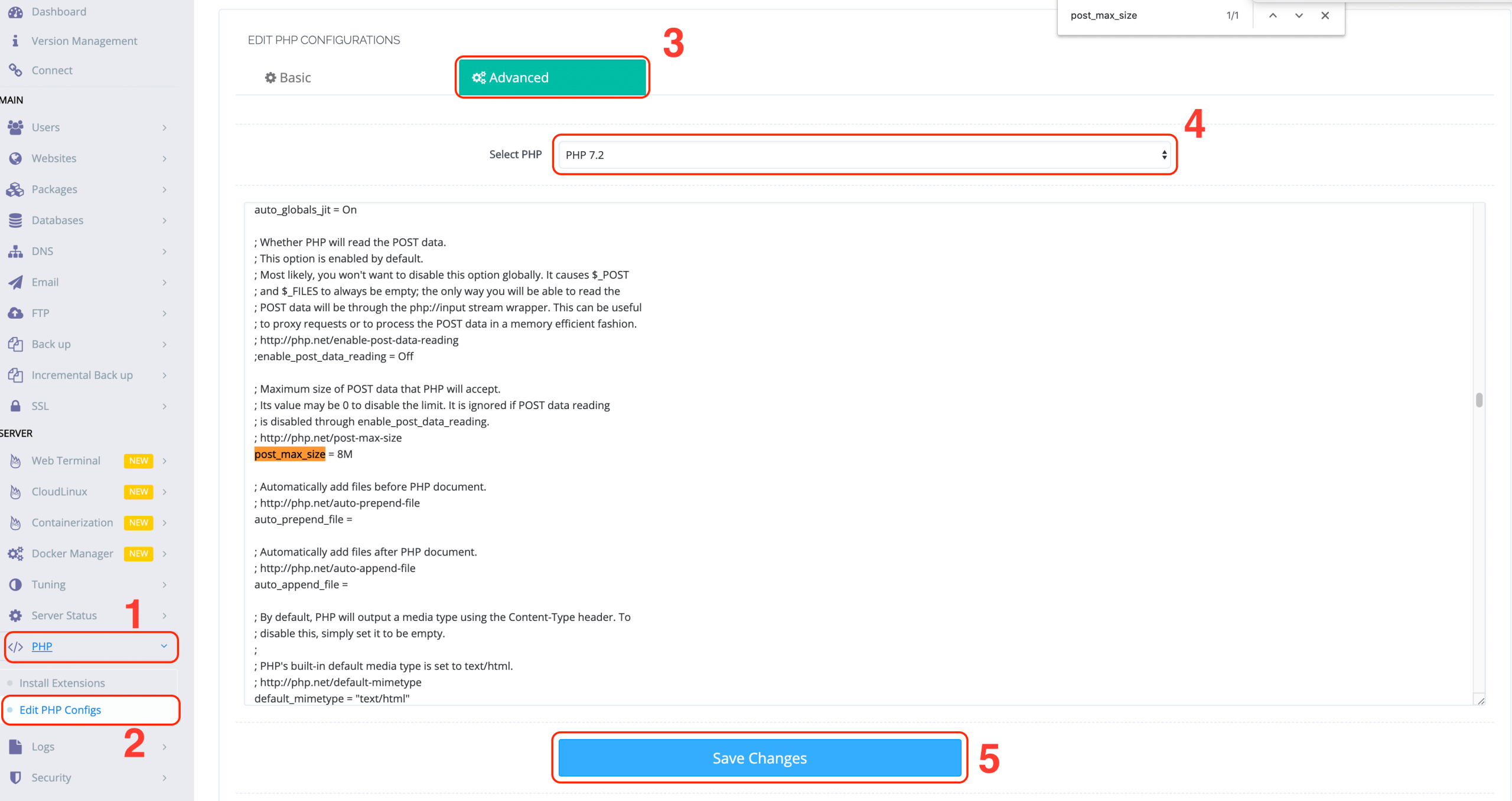
Search “post_max_size” and change the value from the default 8M to the size you want, for example: 100M. Do the same with “upload_max_filesize” you also increase the value from 2M to the size you want. Here I will change it to 100M. Finally, click “Save Changes” to save. Saving will take about 30 seconds.
Step 2: Restart the webservice to get the new configuration
The last step is to restart lscpd. To restart lscpd you need to SSH into your VPS/Server and run the following command:
systemctl restart lscpd
After restarting lscpd, you reaccess phpMyAdmin to see the change.
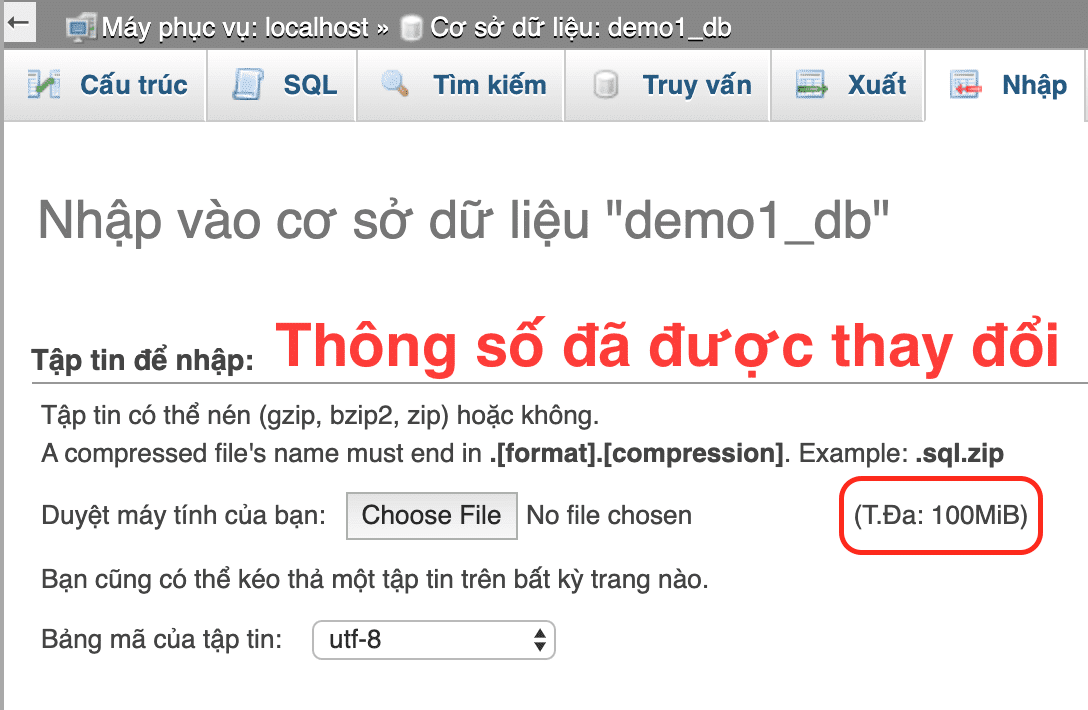
So you can upload a large database file to phpMyadmin on CyberPanel.
Reference articles: Change Upload Limit for phpMyAdmin
- Hotline 247: 028 888 24768 (Ext 0)
- Ticket/Email: You can use your email to register for the service and send it directly to: support@azdigi.com
Có thể bạn cần xem thêm
Về tác giả

Thạch Phạm
Đồng sáng lập và Giám đốc điều hành của AZDIGI. Có hơn 15 năm kinh nghiệm trong phổ biến kiến thức liên quan đến WordPress tại thachpham.com, phát triển website và phát triển hệ thống.