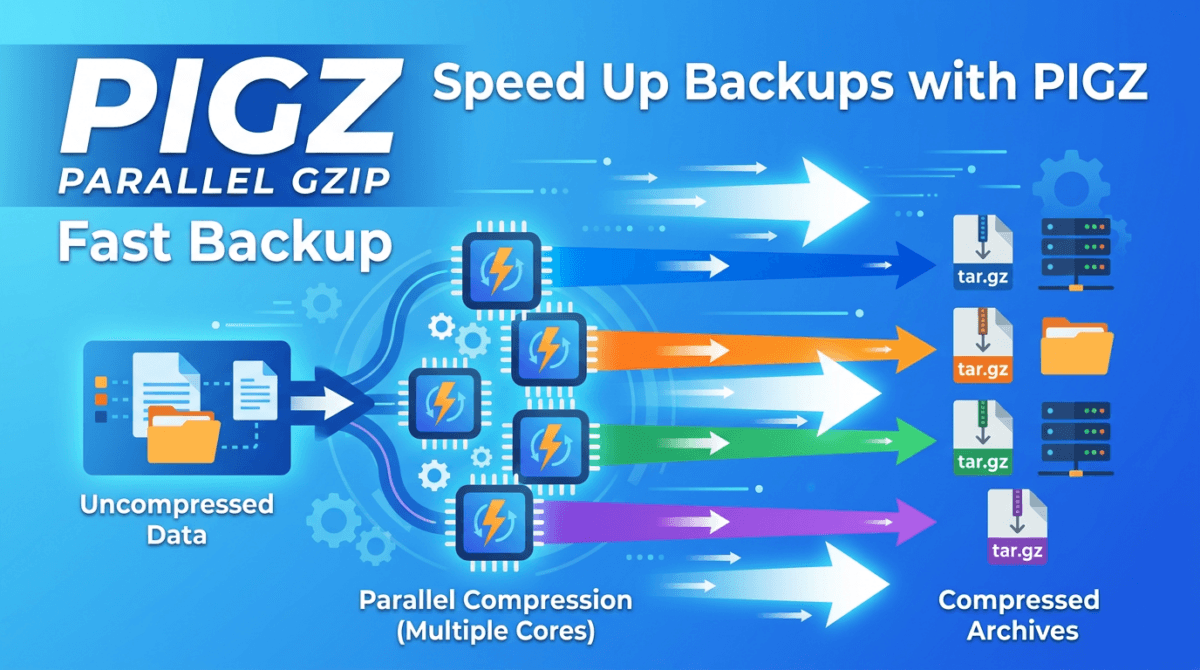
DirectAdmin backup uses gzip (single-threaded compression) by default, which can be slow on servers with large datasets. PIGZ (Parallel Implementation of GZip) compresses data in parallel across all CPU cores, significantly speeding up the backup process.
This guide shows you how to integrate PIGZ into DirectAdmin to speed up backups.
Install PIGZ
# AlmaLinux/Rocky Linux/CentOS
yum install pigz -y
# Ubuntu/Debian
apt install pigz -y
Enable PIGZ in DirectAdmin
cd /usr/local/directadmin/custombuild
./build set pigz yes
./build rewrite_confs
All DirectAdmin backups will now automatically use PIGZ instead of gzip. No further configuration needed.
Performance Comparison
Backup test with 10GB data on an 8-core server:
- gzip (1 core): ~15 minutes
- PIGZ (8 cores): ~3 minutes
Compression ratio is nearly identical, but speed improvement is dramatic.
💡 PIGZ output files are fully compatible with gzip. You can decompress PIGZ files with standard gunzip. Combine PIGZ with zstd compression (./build set compression zstd) for even better results.
Vietnamese version: Tăng tốc backup DirectAdmin với PIGZ
Summary
PIGZ is the simplest upgrade to speed up DirectAdmin backups. One package install, two CustomBuild commands, and backups run several times faster. Especially effective on servers with multiple CPU cores.
Có thể bạn cần xem thêm
- Tăng tốc quá trình backup của DirectAdmin với PIGZ
- Upgrade the MariaDB version on DirectAdmin
- Tích hợp nén zstd vào DirectAdmin do Facebook phát triển
- Backup dữ liệu DirectAdmin lên Google Drive
- Backup toàn bộ database trên DirectAdmin với CustomBuild 2.0
- How to install SSL for Hostname on DirectAdmin
Về tác giả

Thạch Phạm
Đồng sáng lập và Giám đốc điều hành của AZDIGI. Có hơn 15 năm kinh nghiệm trong phổ biến kiến thức liên quan đến WordPress tại thachpham.com, phát triển website và phát triển hệ thống.